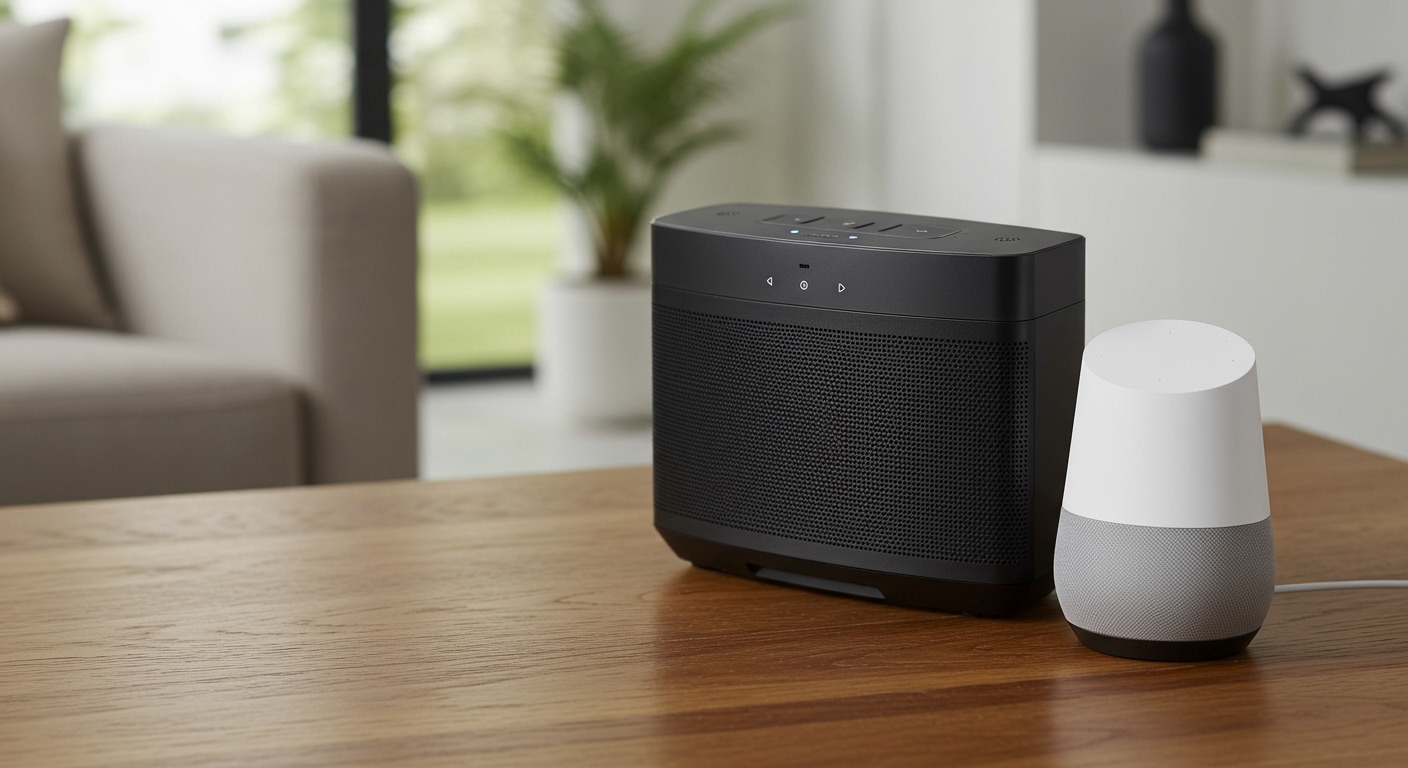
Can You DJ With Bluetooth Speakers? The Direct Answer
Yes, can you dj with bluetooth speakers? Absolutely, but it comes with a massive technical catch: audio latency. If you try to mix tracks using a standard wireless Bluetooth connection, you will experience a noticeable sound delay that makes beatmatching incredibly frustrating.
For a seamless, professional mix, you must physically connect your DJ controller to the Bluetooth speaker using a wired AUX cable. If a wireless setup is absolutely necessary, you will need to bypass standard Bluetooth and rely on specialized ultra-low latency wireless transmitters.
Most modern portable speakers have auxiliary inputs specifically for this reason. Let’s break down exactly how you can make your portable speaker setup work for your next gig or bedroom practice session.
Key Takeaways for Wireless DJing
- Latency is the enemy: Standard Bluetooth has a delay of 150 to 300 milliseconds, making manual beatmatching nearly impossible.
- Use the AUX port: Most high-end Bluetooth speakers feature a 3.5mm AUX input. Using an RCA-to-3.5mm cable eliminates all audio delay.
- Visual mixing is required: If you must use a pure Bluetooth connection, you will have to rely on your DJ software’s Sync button and visual waveforms instead of your ears.
- Pro wireless alternatives exist: Technologies like SKAA or dedicated UHF/RF wireless transmitters offer near-zero latency for professional wireless DJ setups.
The Science Behind the Delay: Why Standard Bluetooth Fails DJs
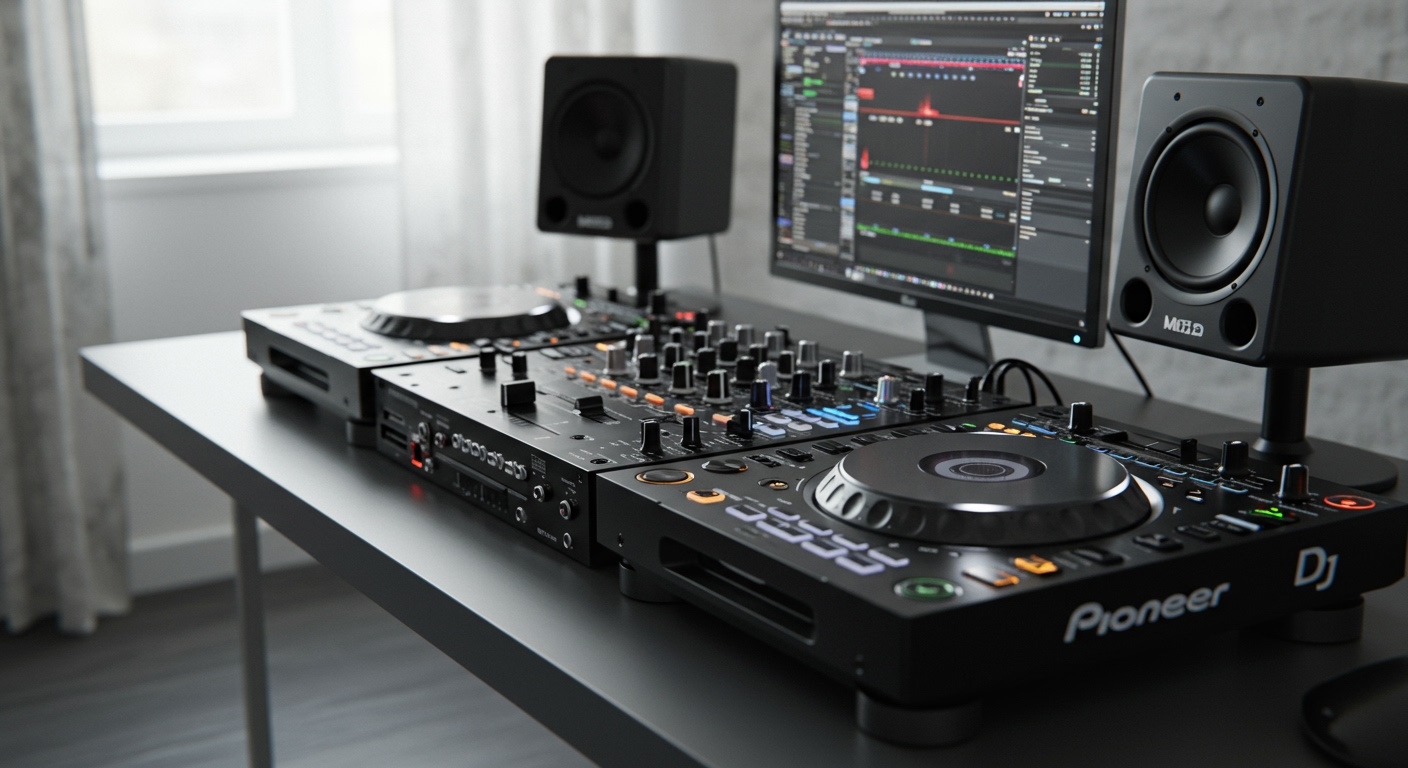
To understand why DJing over wireless Bluetooth is so difficult, we need to look at how audio data travels. When you press “Play” on your Pioneer DJ controller, the audio signal is instantaneous.
However, to send that signal wirelessly, your device must compress the audio file, transmit it over radio waves, and decompress it at the speaker. This digital conversion process takes time.
In the DJ world, we measure this time in milliseconds (ms). A professional DJ setup requires an audio latency of under 20ms to ensure that what you hear in your headphones perfectly matches what the crowd hears from the main speakers.
Standard Bluetooth 5.0 using the default SBC audio codec typically suffers from a delay of 200ms or more. This means you will hear the beat in your headphones a quarter of a second before it plays out loud, resulting in a confusing, overlapping “trainwreck” mix.
How Can You DJ With Bluetooth Speakers Successfully? Step-by-Step
If you are wondering, can I dj using bluetooth speakers without pulling my hair out, the answer is yes—if you use the right workarounds. Here is a step-by-step guide to making portable speakers work for your DJ sets.
Step 1: Locate Your Controller’s Master Output
First, check the back of your DJ controller. Most beginner and mid-tier controllers, such as the Pioneer DDJ-FLX4, Numark Mixtrack Pro, or Hercules Inpulse 300, use RCA outputs (the red and white circular plugs).
Professional controllers might use XLR or 1/4-inch TRS connections. Identify what type of output port you are working with so you can buy the correct cable.
Step 2: Check Your Bluetooth Speaker for an AUX Input
Examine your portable speaker. You are looking for a small, circular port labeled “AUX IN” or “Line In.”
Popular speakers like the JBL PartyBox, Ultimate Ears Hyperboom, and Sony SRS series all include this crucial analog input. If your speaker has this port, you can completely bypass the Bluetooth latency issue.
Step 3: Purchase the Correct Audio Cable
For 90% of beginner DJ setups, you will need an RCA to 3.5mm Stereo Audio Cable. Connect the red and white RCA plugs into the Master Output of your DJ controller.
Then, plug the single 3.5mm headphone jack directly into the AUX port of your Bluetooth speaker. This creates a hardwired, analog connection.
Step 4: Adjust Your Software Audio Routing
Open your DJ software—whether that is Rekordbox, Serato DJ Pro, or Virtual DJ. Navigate to the audio settings or preferences menu.
Ensure that your “Master Output” is routed to your DJ controller, not your laptop speakers. The audio will flow from your laptop, through the controller, down the RCA cable, and instantly out of your Bluetooth speaker with zero delay.
What If My Speaker Doesn’t Have an AUX Port?
If your speaker is strictly