Can You Use Bookshelf Speakers for TV? Yes, and It’s a Game-Changer
Tired of the thin, muddy dialogue and nonexistent bass from your flat-screen TV’s built-in speakers? You’re not alone. The answer to improving your audio experience is a resounding yes, you can use bookshelf speakers for your TV, and it’s arguably the single best audio upgrade you can make. This simple change transforms your viewing from a passive activity into an immersive cinematic experience, revealing details in movies and music you never knew existed.
From my own experience setting up dozens of home audio systems, the difference is night and day. We’re talking about moving from sound that’s just “there” to a rich, detailed, and dynamic soundstage that brings your content to life. This guide will walk you through everything you need to know, step-by-step, whether you’re a complete beginner or just need to fine-tune your setup.
Key Takeaways (TL;DR)
- Massive Upgrade: Bookshelf speakers offer vastly superior sound quality, clarity, and stereo separation compared to any built-in TV speakers.
- Two Speaker Types: You must first identify if your speakers are Active (Powered), which have a built-in amplifier, or Passive, which require an external amplifier or AV receiver.
- Connection is Key: The connection method depends on your TV’s audio outputs. The most common and best options are HDMI ARC and Optical (TOSLINK).
- Active is Simple: Active speakers are the easiest to set up, often connecting directly to the TV with a single cable.
- Passive is Flexible: Passive speakers offer more flexibility for future upgrades and building a full surround sound system but require an AV receiver or stereo amplifier.
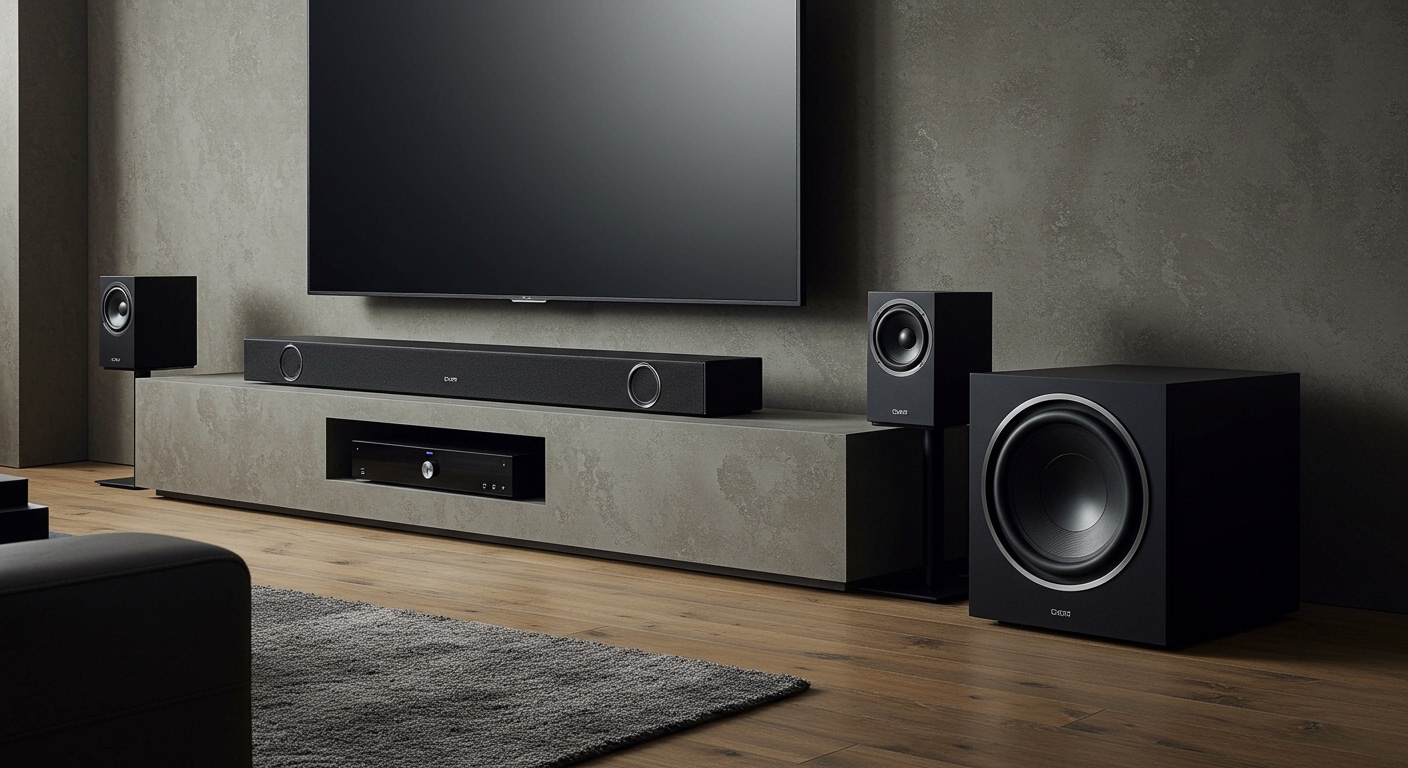
- Placement Matters: For the best sound, place speakers on either side of the TV, forming an equilateral triangle with your listening position.
Why You Should Absolutely Use Bookshelf Speakers for TV
Modern TVs are engineering marvels of visual technology, but their slim profiles leave almost no room for decent speakers. The result is audio that is weak, lacks detail, and often makes dialogue hard to understand.
Here’s why making the switch is so impactful:
- Superior Drivers: Bookshelf speakers use much larger drivers (woofers and tweeters) than the tiny ones crammed into a TV frame. This allows them to move more air, producing a fuller, richer sound with actual bass.
- Proper Cabinet Acoustics: The wooden or composite enclosure of a bookshelf speaker is specifically designed to enhance sound quality, reduce unwanted vibrations, and project audio correctly. TV chassis are designed for visuals, not acoustics.
- True Stereo Separation: Placing two distinct speakers on either side of your TV creates a wide, immersive soundstage. You’ll hear effects move across the screen, from a car driving left-to-right to the sweeping score of a film. This is impossible with speakers that are just inches apart inside the TV.
- Dynamic Range: From the quietest whisper to the loudest explosion, bookshelf speakers handle a much wider range of frequencies and volumes without distortion. This is what makes movie sound effects feel impactful.
In my home theater, I switched from the stock speakers on a high-end OLED TV to a modest pair of Q Acoustics 3020i bookshelf speakers. The improvement wasn’t subtle; it was a fundamental change. Dialogue was instantly clearer, music had depth, and action scenes had a weight and presence the TV speakers could never hope to replicate.
Before You Begin: The Critical Difference Between Active and Passive Speakers
Before you can connect anything, you need to identify what type of bookshelf speakers you have. This is the most important step, as it determines the entire setup process and what equipment you’ll need.
What Are Active (Powered) Bookshelf Speakers?
Active speakers are the simplest all-in-one solution. They have a built-in amplifier, meaning you just need to plug them into a wall outlet for power and then connect them directly to your TV’s audio output.
- How to Identify: One speaker will have a power cord, a volume knob, and various input jacks (like Optical, RCA, or Bluetooth) on the back. The second speaker connects to the first one with a single speaker cable.
- Pros:
* Extremely easy to set up.
* Fewer components and cables.
* Cost-effective, as you don’t need a separate amplifier.
- Cons:
* Less flexibility for future upgrades.
* Fewer inputs compared to a full AV receiver.
- Popular Examples: Kanto YU6, Audioengine A5+, Klipsch The Fives.
What Are Passive Bookshelf Speakers?
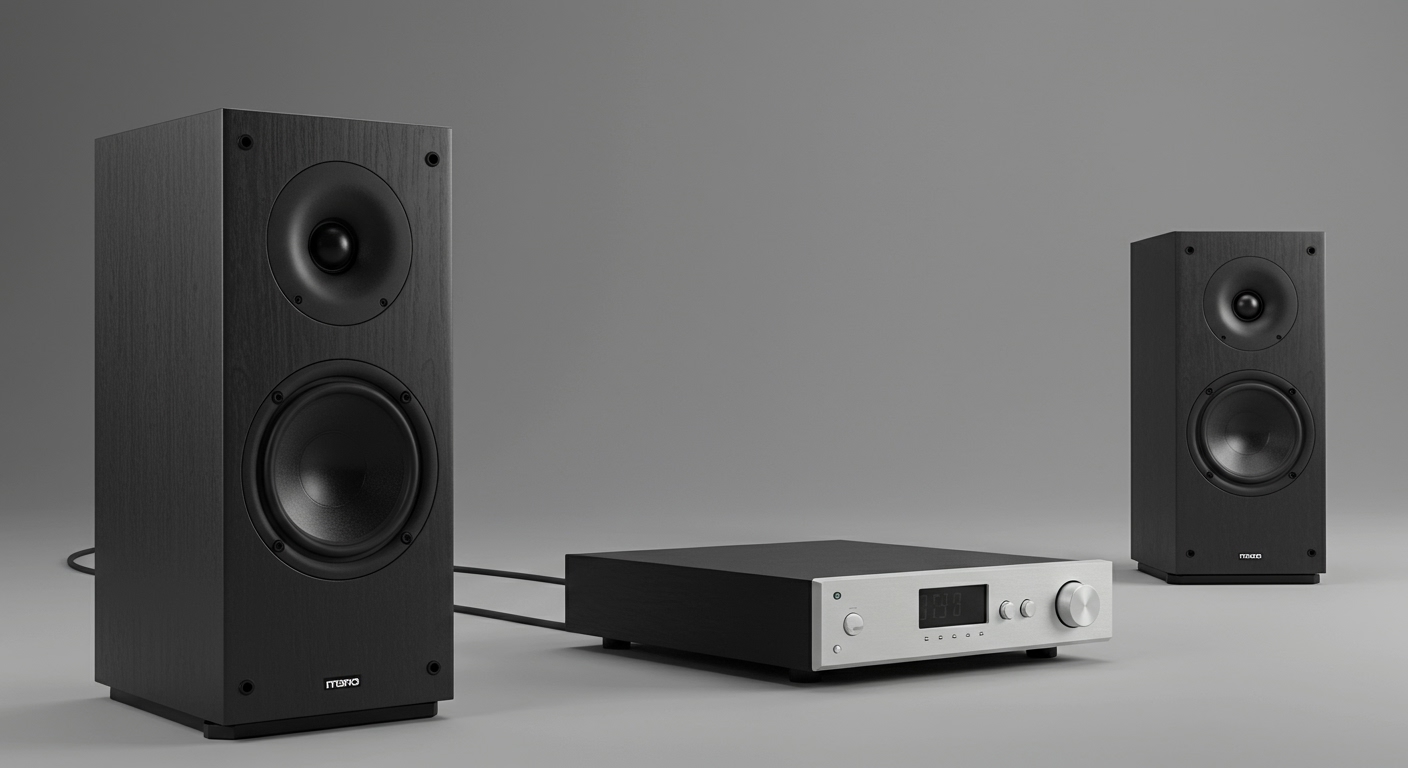
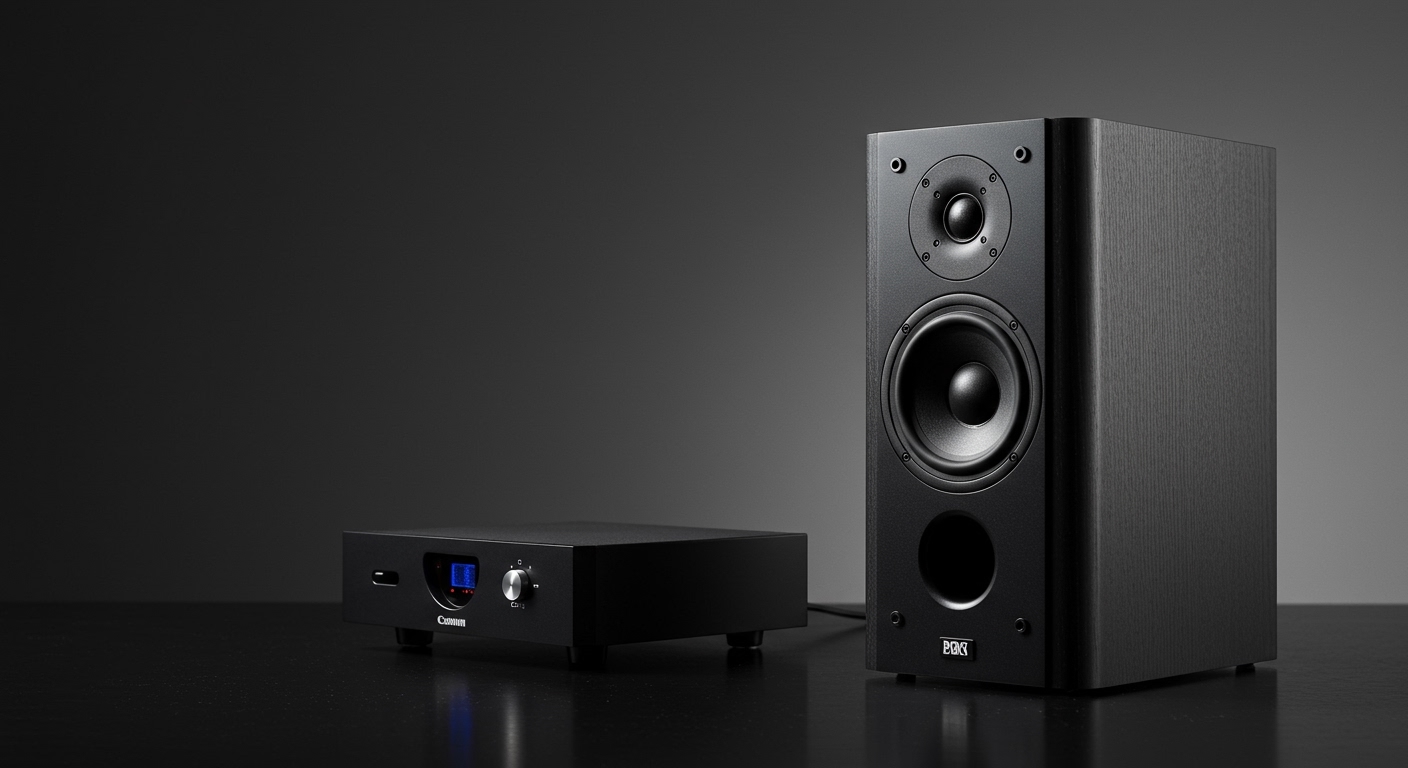
Passive speakers have no built-in amplification. They are just a cabinet with drivers and a crossover. They need to be powered by an external amplifier or, more commonly, an AV (Audio/Video) receiver.
- How to Identify: The back of the speaker will only have two connection posts (binding posts) for speaker wire, usually colored red (+) and black (-). There is no power cord or volume knob.
- Pros:
* Incredible flexibility to mix and match components.
* Can be integrated into a larger surround sound system.
* You can upgrade your amplifier or speakers independently.
- Cons:
* Requires more equipment (an amplifier or receiver).
* More complex setup with more cables.
* Can be more expensive initially.
- Popular Examples: ELAC Debut 2.0 B6.2, KEF Q150, Wharfedale Diamond 12.1.
Comparison: Active vs. Passive Speakers for TV Use
| Feature | Active (Powered) Speakers | Passive Speakers (with Amp/Receiver) |
|---|---|---|
| Setup Simplicity | Excellent (Plug-and-play) | Fair (Requires more connections) |
| Components Needed | Speakers, power cable, audio cable | Speakers, AV Receiver/Amp, speaker wire, audio cable |
| Cost | Often lower upfront cost | Can be higher due to needing a separate amp |
| Footprint | Minimal (no extra black box) | Larger (requires space for the receiver) |
| Upgrade Path | Limited | Excellent (can upgrade any part) |
| Best For | Beginners, minimalists, small spaces | Audio enthusiasts, home theater builders |
How to Connect Bookshelf Speakers to Your TV: A Step-by-Step Guide
Now that you know your speaker type, let’s get them connected. The first step is to check what audio outputs your TV provides.
Step 1: Find Your TV’s Audio Output Ports
Look at the back or side panel of your TV. You will find a cluster of ports. You are looking for one of these audio outputs:
HDMI ARC / eARC: This is the best and most modern connection. It looks like a standard HDMI port but will be clearly labeled “ARC” (Audio Return Channel) or “eARC”. It sends audio from the TV back* to your sound system. Its biggest advantage is allowing you to control the speaker volume with your TV remote.
- Optical (TOSLINK): This is the second-best option