Quick Answer

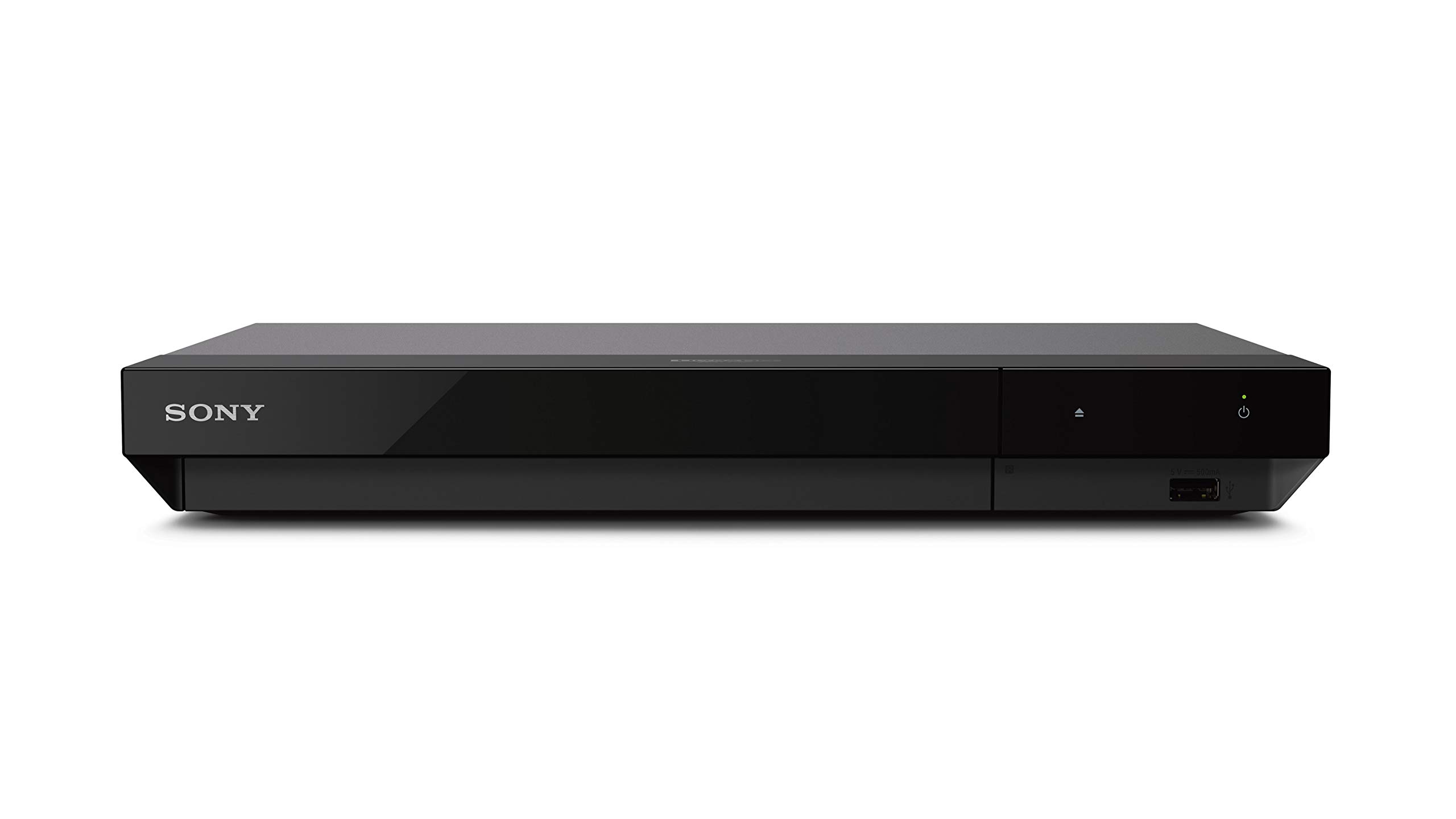
The Sony UBP-X700U is the best blu ray disc home theater system in this comparison for 4K Ultra HD discs. It offers manufacturer-claimed 4K upscaling up to 60p, dual HDMI outputs, Dolby Vision, and HDR10. Choose a 1080p Sony or Wiscent player if you only need standard Blu-rays, DVDs, and CDs.

1

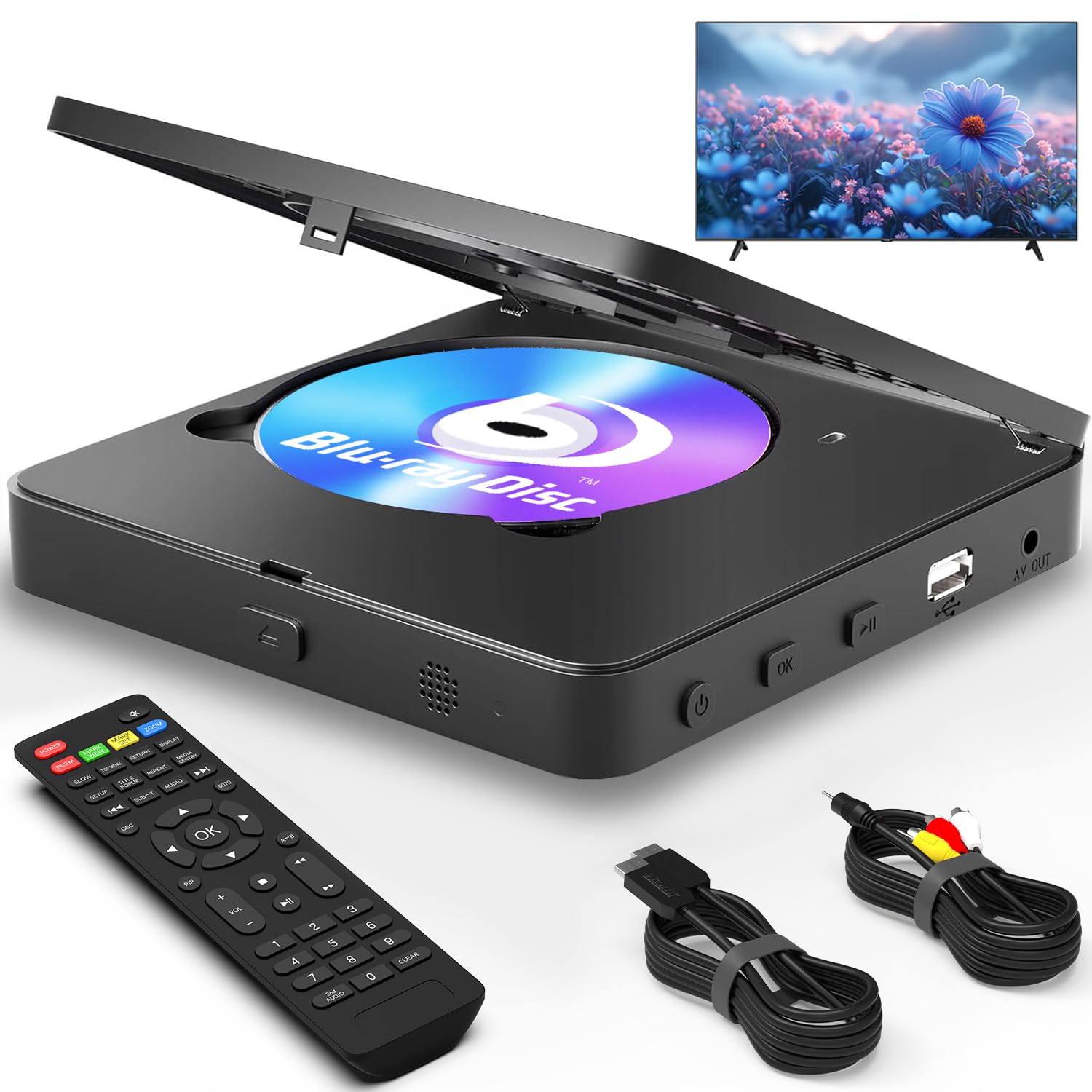
Blu Ray DVD Player 1080P Region A/1

In Stock
9.5 /10
BS Score
BS Score is calculated based on product ratings, reviews, and sales performance to help you make informed purchasing decisions.
Updated: Aug 18, 2026
Last update on Aug 18, 2026 / Affiliate links / Images, Product Titles, and Product Highlights from Amazon Creators API.
Pros & Cons

Pros

  • Plays both Blu-ray and DVD discs, so you don't need separate players for your movie collection.
  • 1080p upscaling improves the look of standard DVDs on high-definition TVs.
  • Supports high-resolution audio formats like Dolby TrueHD and DTS-HD Master Audio for better sound.
  • USB port allows playback of digital media files from flash drives up to 128GB.
  • Multiple outputs (HDMI, AV, coaxial) provide flexible connection options for various setups.

Cons

  • Only supports Region A/1 Blu-rays, so Region B or C discs will not play, limiting international Blu-ray use.
  • USB file format support is limited to MP3, WMA, WAV, JPEG, MPEG2, and AVI, so other common formats like MKV may not work.
  • No built-in Wi-Fi or streaming apps, so it is not a smart player for online content.
Detailed Review

This Blu-ray and DVD player is a practical choice for anyone with a collection of Region A/1 Blu-rays and standard DVDs who wants a single, reliable deck for their home theater. It delivers Full HD 1080p video and supports high-definition audio formats, making it a solid upgrade from an older DVD player.

The player handles a broad range of disc formats, including BD, BD-R, BD-RE, DVD-R/RW, DVD+R, DVD-Video, VCD, and CD, so you can play most of your existing discs without worry. DVD upscaling to 1080p via HDMI helps improve the image quality of standard DVDs on modern TVs. For audio, it supports Dolby Digital, Dolby TrueHD, DTS, and DTS-HD Master Audio, which is a key feature for home theater enthusiasts.

The front panel includes a modern LCD display and a sturdy build. Connectivity is versatile with HDMI, AV, and coaxial outputs, allowing you to connect to a TV, projector, or sound system. The USB port accepts flash drives or external HDDs up to 128GB, and it can play MP3, WMA, WAV, JPEG, MPEG2, and AVI files, turning the player into a basic media hub. The included HDMI and AV cables are a nice bonus.

However, there are important limitations. The player only supports Blu-ray discs from Region A/1, so Region B or C Blu-rays will not play. This is a deal-breaker for collectors of imported or international Blu-rays. Additionally, USB file support is limited to a few formats; many common video files like MKV will not play. There is no smart functionality, so online streaming is not possible.

Overall, this player is best for someone with a predominantly Region A/1 Blu-ray and DVD collection who wants a straightforward, affordable way to enjoy high-definition discs. If you need multi-region Blu-ray playback or smart streaming features, consider other options.

Key Features Explained

Blu-ray and DVD Playback: This player handles both Blu-ray discs (Region A/1) and DVDs, so you can consolidate your movie collection into one device. It also plays CDs and VCDs, making it versatile for music and older formats.

Full HD 1080p Upscaling: The player outputs 1080p resolution via HDMI, and it upscales standard DVDs to near-HD quality. This is a significant improvement over standard DVD players, especially on large HDTVs.

High-Definition Audio Support: It supports Dolby Digital, Dolby TrueHD, DTS, and DTS-HD Master Audio, which are essential for a home theater setup to deliver immersive sound from Blu-ray discs.

USB Media Playback: The USB port accepts flash drives or external hard drives up to 128GB, allowing you to play MP3, WMA, WAV, JPEG, MPEG2, and AVI files. This is convenient for viewing photos or playing music without discs.

Multiple Connectivity Options: With HDMI, AV, and coaxial outputs, you can connect to a variety of TVs, projectors, or audio receivers. The included HDMI and AV cables make setup easy.

Anti-Skip Protection: The advanced drive core and anti-skip protection help reduce interruptions during playback, providing a smoother viewing experience, particularly for scratched or older discs.

Compatibility

Disc Compatibility: This player supports Blu-ray discs from Region A/1 only. It does not support Region B/2 or C/3 Blu-rays. However, non-Blu-ray discs (DVDs, CDs, VCDs) are region-free, so they should play regardless of their region code.

File Formats: The USB port supports MP3, WMA, WAV, JPEG, MPEG2, and AVI files. Other common formats like MKV, MP4, or DivX may not be recognized, so check your files before use.

TV and Audio Connections: The player offers HDMI, AV, and coaxial outputs. HDMI provides the best video and audio quality, while AV is for older TVs, and coaxial can connect to a receiver for audio. It includes both HDMI and AV cables in the box.

USB Device Limits: The USB port supports flash drives or HDDs up to 128GB. Larger drives may not be recognized, and the port is USB 2.0, so transfer speeds are limited.

Buyer's Guide

Best For: This Blu-ray player is ideal for households with a Region A/1 Blu-ray and DVD collection who want a dedicated disc player with high-definition playback and multiple connectivity options. It is also suitable for those who want to play CD and VCD discs and occasionally use USB for digital media.

Consider Alternatives If: If you have Blu-ray discs from Region B or C, this player will not play them. Also, if you rely on streaming services like Netflix or YouTube, this player lacks smart features, so a smart TV or streaming device would be necessary.

Setup and Daily Use: Setup is straightforward: connect the player to your TV via HDMI or AV, plug in the power, and insert a disc. The remote control allows you to navigate menus, adjust settings, and control playback. For USB media, simply plug in your drive and use the on-screen menu to select files.

Maintenance Requirements: Keep the disc tray clean and avoid dusty environments. Use a soft, dry cloth to clean the exterior. There are no user-serviceable parts; if the laser lens becomes dirty, professional cleaning is recommended.

What Sets It Apart: This player offers a balance of disc format support and audio quality at a reasonable price point. Its inclusion of HDMI and AV cables is a convenient extra, and the multiple outputs make it flexible for various setups.

2

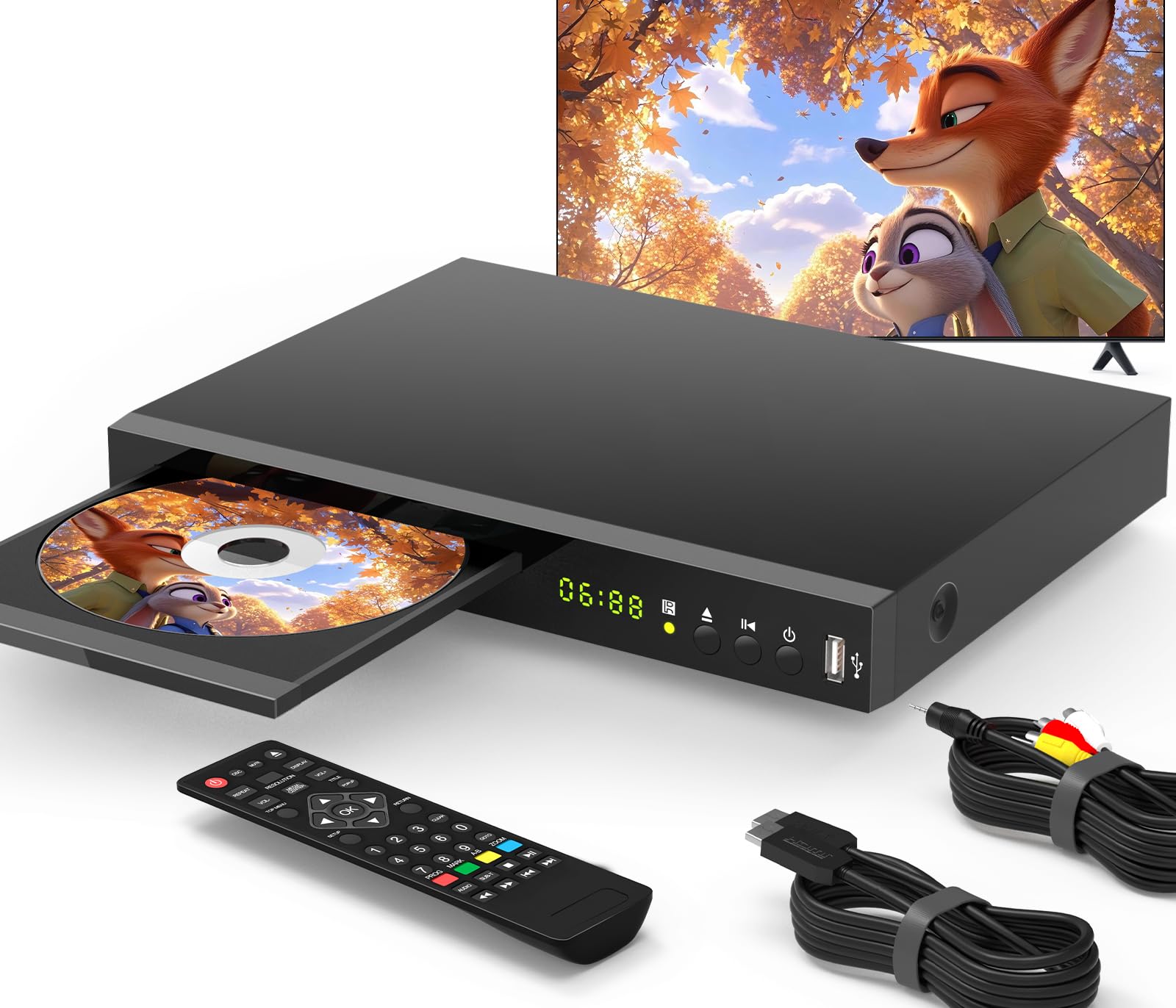
Geoyeao EVP-102 Blu-ray DVD Player

In Stock
9.9 /10
BS Score
BS Score is calculated based on product ratings, reviews, and sales performance to help you make informed purchasing decisions.
Updated: Aug 18, 2026
Last update on Aug 18, 2026 / Affiliate links / Images, Product Titles, and Product Highlights from Amazon Creators API.
Pros & Cons

Pros

  • Region A/1 Blu-ray and all-region DVD playback: ideal for North American users with mixed disc collections.
  • 1080p upscaling via HDMI: enhances older DVDs on HDTVs.
  • USB port up to 128GB: convenient for playing digital media files.
  • PAL/NTSC support: allows viewing of imported DVDs.
  • Compact footprint: saves space in small entertainment setups.

Cons

  • Does not support Region B/2 or C/3 Blu-rays: a limitation for collectors with international Blu-ray discs.
  • No built-in Wi-Fi or smart features: not suitable for streaming services.
  • Limited to 1080p output: not for 4K Ultra HD Blu-ray playback.
Detailed Review

The Geoyeao EVP-102 1080p Blu-ray DVD Player is a compact disc player designed for households that still rely on physical media, particularly those with a mix of Region A/1 Blu-rays and region-free DVDs. It is best for viewers who want an affordable way to upscale their existing DVD collection to near-HD quality on a modern television. The strongest verified reason to consider it is its compatibility with both Region A/1 Blu-ray discs and all-region DVDs, making it a versatile option for North American users. However, it does not support Blu-ray discs from Regions B/2 or C/3, so international Blu-ray collectors may need a different player.

Key features translate into practical benefits: the HDMI output with 1080p upscaling improves the look of standard DVDs on high-definition TVs, while the front USB port allows playback of digital media files from flash drives up to 128GB. The built-in PAL/NTSC support enables viewing of DVDs from various regions, which is helpful for those with imported discs. Additionally, the player supports multichannel surround sound formats like Dolby TrueHD and DTS, enhancing the audio experience when connected to a compatible home theater system.

Setup is straightforward with HDMI or composite AV connections, and the compact size (26 cm wide, 19 cm deep) makes it easy to place in tight spaces. The front USB port is conveniently accessible, and the player handles both discs and digital files without hassle. There is no mention of smart features or streaming apps, so this is strictly for physical media and local USB playback.

Overall, the EVP-102 offers good value for its price, but the main trade-off is its regional Blu-ray limitation: it only plays Region A/1 Blu-rays, not B/2 or C/3. If you have a significant collection of international Blu-rays, you should look for a region-free player. Otherwise, this is a solid choice for upgrading your DVD library and enjoying your Region A Blu-rays.

Buyer Snapshot

Best For: A North American household with a collection of Region A/1 Blu-ray discs and region-free DVDs, seeking a compact, budget-friendly player to upscale DVDs to 1080p on a modern TV.

Why It Fits: The player supports Region A/1 Blu-ray and all-region DVDs, includes a USB port for digital files, and offers 1080p upscaling via HDMI, directly addressing the needs of this user.

Think Twice If: You own Blu-ray discs from Regions B/2 or C/3, as they will not play. Also, if you need 4K Ultra HD playback or smart streaming features, this player is not suitable.

Bottom Line: Choose the Geoyeao EVP-102 for reliable 1080p playback of your Region A Blu-rays and DVD collection, but verify your disc regions before purchase.

Key Features

Region Compatibility: Plays Region A/1 Blu-ray discs and all-region DVDs, but not B/2 or C/3 Blu-rays.

Video Upscaling: Upscales DVD content to 1080p via HDMI, improving picture clarity on HDTVs.

USB Playback: Front USB port supports flash drives up to 128GB for playing media files.

PAL/NTSC Support: Built-in compatibility for both video standards, allowing playback of DVDs from different regions.

Audio Support: Supports multichannel surround sound formats including Dolby Digital, Dolby TrueHD, and DTS.

Compatibility

Disc Formats: Compatible with Blu-ray discs (Region A/1), DVDs (all regions), and CDs.

TV Connections: HDMI output for modern TVs, plus composite AV output for older TVs without HDMI.

USB Devices: Supports USB flash drives up to 128GB for playback of digital media.

Regional Limitations: Does not support Blu-ray discs from Regions B/2 or C/3; verify your discs before purchasing.

3

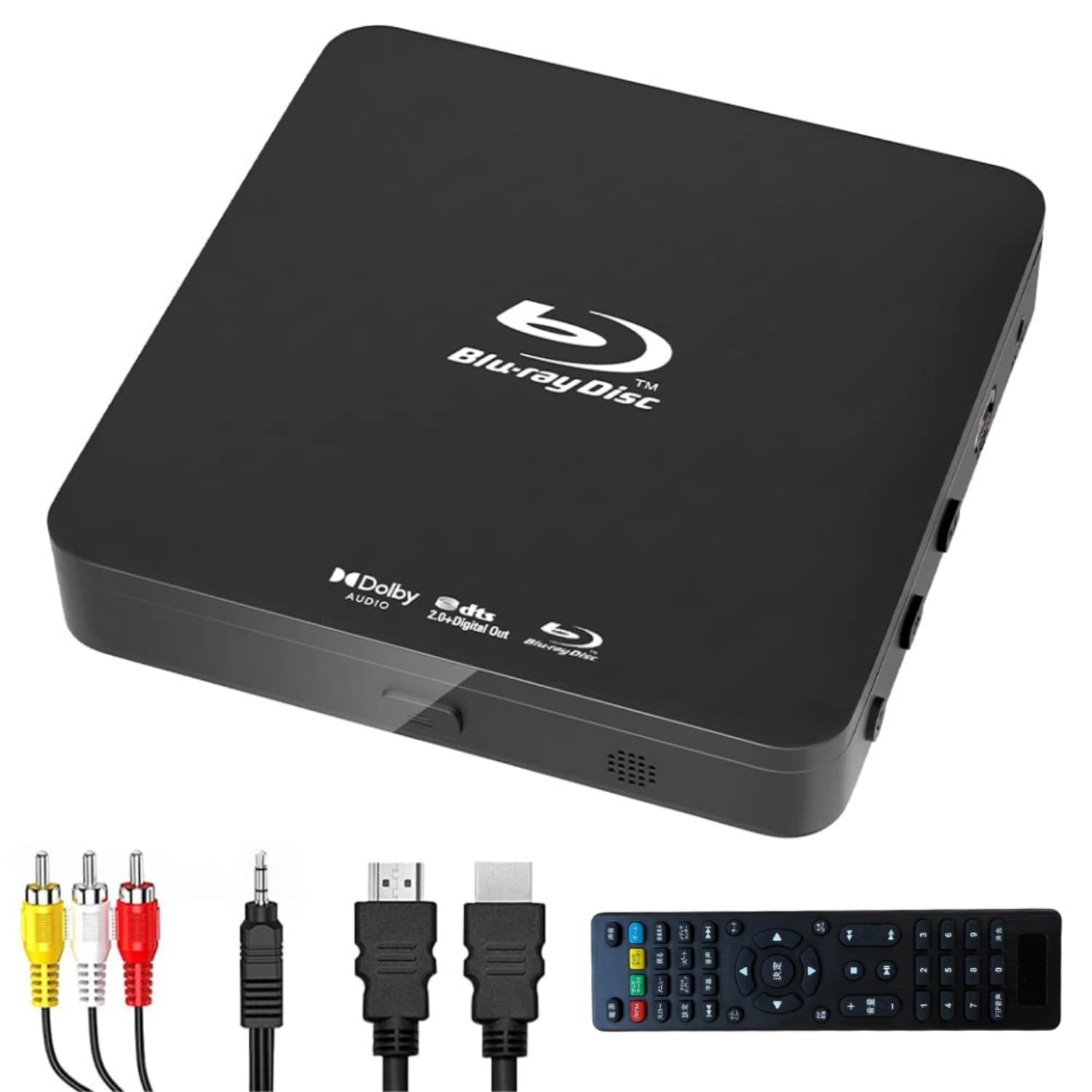
Didar Ultra Mini Blu-ray DVD Player Review

In Stock
9.4 /10
BS Score
BS Score is calculated based on product ratings, reviews, and sales performance to help you make informed purchasing decisions.
Updated: Aug 18, 2026
Last update on Aug 18, 2026 / Affiliate links / Images, Product Titles, and Product Highlights from Amazon Creators API.
Pros & Cons

Pros

  • Dual output options mean it can connect to a current smart TV over HDMI or to an older projector and analog display through the included AV cable, which is useful in mixed-equipment households
  • The compact footprint makes it practical for bedrooms, dorm rooms, RVs, and crowded media cabinets where shelf depth is limited
  • Bundled remote control, HDMI cable, and AV cable reduce the setup friction of hunting down accessories after unboxing
  • 1080p upconversion applies to standard DVDs as well, which helps older discs look cleaner on a high-resolution panel
  • Built-in PAL/NTSC handling avoids the color-standard mismatch that can affect discs and displays from different regions

Cons

  • Region A/1 lock means imported Region B or Region C Blu-rays will not play, which rules it out for collectors of overseas releases
  • 1080p is the ceiling, so buyers with 4K displays and UHD Blu-ray collections will not get native ultra-high-definition playback from this unit
  • Remote batteries are not included and the USB port is capped at 128GB, so shoppers with larger drives or an empty battery drawer need to plan ahead
Detailed Review

The Didar Ultra Mini Blu-ray DVD Player is a compact disc deck built for one clear job: playing Region A/1 Blu-rays and DVDs at up to 1080p on a TV or projector. It suits households that still own physical media and want a small, no-frills player rather than another streaming box. The qualification is straightforward: it is a 1080p, Region A device, not a 4K or all-region machine.

The features that matter most here are the output options and the format support. Full HD 1080p playback covers the resolution most Blu-ray discs were mastered for, and the same processing upconverts standard DVDs so an older collection looks less soft on a modern panel. Dolby Digital audio support means soundtracks pass through in the format most discs use. The USB port accepts flash drives up to 128GB, which turns the player into a simple way to view personal media files on the big screen without connecting a computer.

Physically, the appeal is size. The slim chassis is designed to slide onto narrow racks and shallow shelves where a traditional full-width component will not fit. Connection flexibility is handled in the box: an HDMI cable for current televisions and an AV cable for projectors or older analog displays. A remote control is included, though batteries are not, and built-in PAL/NTSC handling reduces the chance of a color-standard mismatch between disc and display.

The compromises are real. Region A/1 locking shuts out imported Region B and Region C Blu-rays, so international collectors should look elsewhere. There is no 4K or UHD Blu-ray capability, which matters if the goal is to feed a high-resolution television with native detail. The supplied information also does not cover streaming apps or network features, so anyone wanting integrated services will need a separate device.

Buy it if the priority is dependable Region A disc playback in a small package with cables already included. Hesitate if the collection includes imported discs or UHD titles. Shoppers building a 4K home theater or wanting apps built in should choose a UHD player or a smart streaming device instead.

Key Features Explained

Full HD 1080p Playback and DVD Upconversion: This is the resolution ceiling and the main picture benefit. Blu-ray discs play at their native Full HD level, and standard DVDs are upconverted toward 1080p so they appear less soft on a high-resolution television. Viewers with large DVD libraries gain the most, since those discs otherwise display at a much lower resolution on modern panels.

HDMI and AV Dual Output: Two connection paths cover two eras of equipment. HDMI carries video and audio over a single cable to current televisions and receivers, while the AV output serves older projectors, analog TVs, and portable screens that lack HDMI. Households with a mix of newer and legacy displays can move the player between rooms without buying adapters.

Region A/1 Disc Compatibility: The player is coded for Region A/1 Blu-rays and handles DVDs broadly. For buyers in the United States, that covers domestically released Blu-ray titles. It also defines the limit clearly: imported discs from other Blu-ray regions are outside its scope, which is important to check before ordering overseas box sets.

USB Playback up to 128GB: A USB flash drive holding personal videos, photos, or music can be played directly through the player, capped at 128GB. This suits family video nights and travel slideshows without connecting a laptop. Anyone relying on larger external drives or full hard disks will find the capacity limit restrictive.

Built-in PAL/NTSC Support: Color-encoding standards differ across regions, and a mismatch can produce distorted or black-and-white output. Built-in handling of both PAL and NTSC reduces that risk when disc and display do not share the same standard, which helps in mixed-equipment setups and with older televisions still in service.

Slim, Space-Saving Chassis: The compact body is designed for narrow shelves and thin AV racks. That matters in bedrooms, dorm rooms, and crowded media cabinets where a standard-width component deck simply does not fit. The size also makes it easier to relocate the player between a living room television and a projector setup.

Compatibility

Discs It Plays: The short answer is Region A/1 Blu-rays and DVDs. That covers the standard commercial Blu-ray releases sold in the United States along with DVD playback. Before buying, check the region code printed on any Blu-ray discs you already own or plan to import, because titles outside Region A/1 fall outside the stated compatibility.

Displays and Projectors: HDMI is the primary connection for smart TVs and modern televisions, delivering the 1080p signal in one cable. The included AV cable handles projectors and older screens without HDMI inputs. This dual approach means the player is not limited to one generation of display, which helps if it will be shared between a family room television and a portable projector.

USB Media: Flash drives up to 128GB are supported, so files can be loaded onto a thumb drive and played back directly. Buyers who store media on larger drives, network storage, or portable hard disks should treat the 128GB ceiling as a firm planning constraint rather than a soft recommendation.

Video Standards and Audio: Built-in PAL and NTSC support broadens the range of discs and displays the player can work with by handling both major color standards. On the audio side, Dolby Digital support means standard disc soundtracks are handled as intended when routed to a TV or sound system over HDMI.

Where Compatibility Ends: Resolution tops out at 1080p, so 4K UHD Blu-ray discs and native ultra-high-definition playback are outside its capability. The supplied product information also does not describe streaming apps or network connectivity, so plan on a separate streaming device if apps are part of the viewing routine.

Buyer's Guide

Best For: Households with an existing DVD and Region A Blu-ray collection who want to keep watching those discs on a current television. The compact size makes it a good match for bedrooms, dorm rooms, apartments, guest rooms, and RV or camper setups where shelf space is tight. It also fits classrooms and small meeting rooms that pair a projector with disc-based content.

Consider Alternatives If: Your collection includes imported Region B or Region C Blu-rays, or you have moved to 4K UHD discs and want native resolution on a high-end panel. A region-free player or a UHD Blu-ray deck is the better match in those cases. If most of your viewing is app-based, a dedicated streaming device makes more sense than a disc player.

Setup and Daily Use: Expect a simple wired workflow. Connect over HDMI to a modern television or use the included AV cable for a projector or older display, insert batteries into the remote, then load a disc or plug in a USB drive of 128GB or less. There is no account setup or app configuration described in the product information, which keeps the process short.

What to Have Ready: Batteries for the remote are not included, so pick some up in advance to avoid an incomplete first night. Confirm your television or projector has an available HDMI input or working analog AV inputs, and verify the region code on any discs you plan to play.

What Sets It Apart: The combination of a slim footprint, both HDMI and AV outputs, and cables in the box addresses the two things that usually complicate a disc player purchase: fitting the unit somewhere and connecting it to whatever screen you already own. Buyers prioritizing maximum resolution or region flexibility will weigh those factors differently.

4

LONPOO Full HD 1080p Blu-ray Player with Dolby

In Stock
9.5 /10
BS Score
BS Score is calculated based on product ratings, reviews, and sales performance to help you make informed purchasing decisions.
Updated: Aug 18, 2026
Last update on Aug 18, 2026 / Affiliate links / Images, Product Titles, and Product Highlights from Amazon Creators API.
Pros & Cons

Pros

  • Full HD 1080p output: ideal for owners of 1080p HDTVs who want maximum clarity from Blu-rays.
  • DVD upscaling: benefits viewers with large DVD libraries by improving image quality on modern displays.
  • Dolby Vision support: enhances visual depth and color for compatible discs and content.
  • USB and HDD playback: convenient for streaming personal media files without a separate device.
  • DTS Master audio: delivers studio-quality sound for home theater enthusiasts.

Cons

  • No 4K or HDR support: limits future-proofing for those planning to upgrade to 4K TVs.
  • USB playback limited to 64GB: may be restrictive for large media collections.
  • No Wi-Fi or streaming apps: requires a separate device for online content.
Detailed Review

The LONPOO Blu-ray Player is a dedicated disc player designed for households that still enjoy physical media and want to maximize their 1080p HDTV. It is best for viewers who prioritize high-definition picture and sound from Blu-rays and DVDs, and who also want to play personal media from external drives. The strongest verified reason to consider it is its combination of Full HD 1080p playback and DVD upscaling, which ensures older DVDs look better on modern screens. However, it lacks 4K support, so it is not suited for those planning to move to 4K resolution.

Key features translate into everyday benefits: Dolby Vision support enriches color and contrast for compatible content, while DTS Master audio reproduction provides a more immersive soundtrack. The USB and HDD ports allow you to plug in a flash drive or external hard drive and play music, photos, or camcorder videos directly on your TV, which is convenient for sharing memories or enjoying a personal media library without needing a separate media player.

Setup is straightforward: connect the player to your TV via HDMI and power it on. The front USB port accepts drives up to 64GB, and the HDD port supports up to 2TB, giving you ample storage for most personal files. There is no built-in Wi-Fi, so online streaming is not available, but that is not the primary function of this device.

In summary, the LONPOO Blu-ray Player is a solid choice for those who want a reliable, dedicated 1080p disc player with good audio support and external playback. The main trade-off is the lack of 4K and smart features; if you need 4K streaming or a more connected device, a 4K player or streaming box would be better.

Buyer Snapshot

Best For: Households with a 1080p HDTV that still buy or rent Blu-ray discs and want a dedicated player with USB/HDD media playback.

Why It Fits: It delivers Full HD 1080p video, upscales DVDs, supports Dolby Vision and DTS Master audio, and plays external files from drives up to 2TB.

Think Twice If: You plan to upgrade to a 4K TV soon, need built-in streaming apps, or have a USB drive larger than 64GB that you want to use directly.

Bottom Line: If you are happy with 1080p and want a straightforward disc player with extra media playback, this is a solid buy, but not if you need 4K or streaming.

Key Features

Full HD 1080p Playback: Enjoy Blu-ray discs at their native resolution for sharp, detailed video on your HDTV.

DVD Upscaling: Standard DVDs are upscaled to 1080p, improving clarity and detail on larger screens.

Dolby Vision Support: Enhances color and contrast for compatible discs, delivering richer visuals.

DTS Master Audio: Reproduces high-fidelity soundtracks with natural depth for a more immersive audio experience.

USB and HDD Playback: Play music, photos, and videos from USB drives up to 64GB or HDDs up to 2TB.

5

Panasonic DMP-BD84P-K Blu-ray DVD Player with Full

In Stock
9.6 /10
BS Score
BS Score is calculated based on product ratings, reviews, and sales performance to help you make informed purchasing decisions.
Updated: Aug 18, 2026
Last update on Aug 18, 2026 / Affiliate links / Images, Product Titles, and Product Highlights from Amazon Creators API.
Pros & Cons

Pros

  • Space-saving footprint is a boon for small entertainment centers or wall-mounted TVs with minimal clearance
  • USB media playback expands functionality beyond discs, ideal for users with digital media libraries
  • Supports high-resolution audio formats (FLAC, ALAC, DSD) for audiophiles on a budget
  • HDMI-CEC reduces remote clutter for households that already use compatible TVs
  • Panasonic's reputation for reliable disc playback offers peace of mind for movie enthusiasts

Cons

  • No built-in Wi-Fi or streaming apps; requires a separate streaming device for online content
  • Does not support 4K Ultra HD Blu-ray discs, limiting future-proofing for 4K TV owners
  • No HDMI cable included; buyer must supply one, which may be an unexpected extra purchase
Detailed Review

The Panasonic DMP-BD84P-K is a compact Blu-ray player designed for viewers who prioritize physical media playback and have limited shelf space. Its small footprint (9 5/8" W x 1 1/2" H x 6 7/8" D) makes it a practical choice for narrow entertainment centers or under a wall-mounted TV. The primary job is straightforward: play Blu-ray, DVD, and CD discs with reliable full HD 1080p output.

A key convenience is the front USB port, which supports playback of common video (MKV/MP4) and audio (MP3/FLAC/ALAC/DSD/WAV) files from external hard drives or flash drives. This feature is particularly useful for users with large digital media collections who want to view them on a TV without a computer. The HDMI-CEC function allows the player to be controlled by a compatible TV's remote, reducing remote clutter.

In daily use, the player's disc loading tray is manual, and the on-screen interface is straightforward, though not as modern as some competitors. The lack of built-in Wi-Fi or streaming apps means this is a pure disc and USB player; users who want Netflix or other streaming services will need a separate device. The player upscales DVDs to 1080p, which can improve picture quality on HDTVs, but it does not support 4K UHD discs.

Customer reviews highlight consistent disc playback and quiet operation, but some note that the remote is basic and the menu system feels dated. The supplied product data does not specify whether an HDMI cable is included, so buyers should verify this before purchase. Overall, this player is best for those who have a large disc library and need a compact, budget-friendly option, but it is not suitable for 4K enthusiasts or those who rely on streaming apps.

Ownership Snapshot

Best Ownership Fit: This player suits households with a modest disc collection, a TV with HDMI input, and limited shelf space. It's also a good fit for users who want to play high-resolution audio files from USB drives without needing a dedicated media player.

Daily Workflow: Expect to insert a disc or plug in a USB drive, turn on the player, and use the remote or TV remote (via HDMI-CEC) to navigate the simple menu. The player outputs video to the TV and audio to your sound system or TV speakers. There are no smart features to configure, so the routine is straightforward.

Likely Friction: The most significant friction is the lack of streaming capabilities. If you're used to smart TV apps, you'll need to switch inputs to another device. Also, the manual disc tray can be a minor inconvenience compared to slot-loading players, but it's reliable.

Before You Buy: Verify that your TV has an HDMI input and supports HDMI-CEC if you want remote integration. Check if the player includes an HDMI cable; if not, purchase one. Confirm that your external storage devices are formatted in a compatible file system (e.g., FAT32 or NTFS) and that your video/audio file formats are supported. Measure your shelf space to ensure the player's dimensions fit.

Setup & Maintenance

Unboxing and Placement: The player is compact and lightweight. Place it on a stable, flat surface with adequate ventilation. Avoid stacking items on top of it.

Connections: Connect the HDMI output to your TV. If your audio system uses optical or coaxial, note that this model only has HDMI and USB outputs, so you may need to connect via HDMI to a receiver. The manufacturer's manual will provide specific connection details.

Power: The player uses a standard AC power cord. Ensure the outlet is accessible.

Maintenance: Keep the disc tray clean and free of dust. Use a soft, dry cloth to wipe the exterior. Do not use liquid cleaners. For the laser lens, avoid touching it; if playback issues occur, consult the manual or manufacturer.

Firmware Updates: This model does not have network connectivity, so firmware updates, if any, must be done via USB. Check the Panasonic support website for any available updates and instructions.

Consumables: None required beyond discs and USB drives. The remote uses batteries (likely AAA), which are not included and will need periodic replacement.

6

WISCENT Blu Ray DVD Player Full HD 1080p Region

In Stock
9.9 /10
BS Score
BS Score is calculated based on product ratings, reviews, and sales performance to help you make informed purchasing decisions.
Updated: Aug 18, 2026
Last update on Aug 18, 2026 / Affiliate links / Images, Product Titles, and Product Highlights from Amazon Creators API.
Pros & Cons

Pros

  • Full HD 1080p playback: Enjoy Blu-ray movies in high definition on your HDTV or projector.
  • Wide format support: Plays Blu-ray, DVD, CD, VCD, and various disc formats, plus USB media files.
  • Multiple connectivity options: HDMI, AV, and coaxial outputs provide flexibility for different setups.
  • Compact size: Space-saving design fits in narrow spaces or on thin racks.
  • Included accessories: Comes with HDMI and AV cables, remote control, and user manual for easy setup.

Cons

  • No 4K support: This player does not play 4K Ultra HD discs, so it's not for those with 4K collections.
  • Region A/1 only: Blu-ray playback is limited to Region A/1 discs, which may not work for imports or other regions.
  • AV output limited: Composite AV connection does not support Blu-ray video; HDMI is required for full HD Blu-ray playback.
Detailed Review

The WISCENT Blu Ray DVD Player is a budget-friendly option for anyone who still enjoys physical media and wants a dedicated player for their home theater. It is best suited for viewers with a collection of Region A/1 Blu-rays and standard DVDs who want a simple, compact device to play them on their TV or projector. The player supports Full HD 1080p resolution, ensuring crisp, detailed picture quality on compatible displays.

Key features include HDMI, AV, and coaxial audio outputs, allowing flexible connection to a TV, projector, or home audio system. The HDMI connection is essential for Blu-ray playback, as the AV connection does not support Blu-ray discs. It also has a USB input for playing media files from a flash drive, expanding its versatility beyond discs. The player supports a wide range of disc formats, including BD, DVD, CD, and more, making it a multi-functional home theater component.

Design-wise, the WISCENT Blu Ray DVD Player is compact and space-saving, measuring 10.24 inches wide, 1.57 inches high, and 7.56 inches deep. It fits neatly on shelves or entertainment centers without taking up much room. The included remote control adds convenience, though batteries are not included. The package also includes an HDMI cable, AV cable, and user manual, so you can set it up right out of the box.

However, there are important limitations to consider. This player does not support 4K Ultra HD discs, so it is not suitable for those with a growing 4K collection. Additionally, Blu-ray playback is restricted to Region A/1, which means discs from other regions will not play. The AV output does not support Blu-ray video, so you must use HDMI for Blu-ray viewing, which could be a drawback for older TVs without HDMI inputs.

In summary, the WISCENT Blu Ray DVD Player is a reliable choice for budget-conscious viewers who primarily watch Region A/1 Blu-rays and DVDs. Its compact design, multiple connectivity options, and format compatibility make it a practical addition to a home theater setup. However, if you need 4K support or have a multi-region disc collection, you should consider other players that offer those features.

Key Features Explained

Full HD 1080p Playback: This player delivers Full HD 1080p video output, ensuring your Blu-ray and DVD movies look sharp and detailed on an HDTV or projector. It is ideal for anyone who wants to enjoy their existing disc collection in high definition without upgrading to 4K.

HDMI, AV, and Coaxial Outputs: Multiple output options provide flexibility in connecting to various devices. HDMI is required for Blu-ray playback and offers the best quality, while AV and coaxial outputs are useful for older TVs or connecting to a sound system. This makes the player compatible with a wide range of home theater setups.

USB Input: The built-in USB port allows you to play media files such as videos, music, and photos from a USB flash drive. This adds convenience for those who want to view digital content without burning discs, making the player a versatile media hub.

Wide Disc Format Compatibility: The player supports Blu-ray, DVD, CD, VCD, and various recordable formats like BD-R, BD-RE, DVD±R/RW. This ensures you can play almost any disc you own, from commercial movies to home-recorded content.

Compact Design: With its slim profile and small footprint, this player is designed to fit in tight spaces. It is perfect for apartments, bedrooms, or any setup where space is at a premium, without sacrificing performance.

Compatibility

Blu-ray Region: This player is designed for Region A/1 Blu-ray discs, which covers the United States, Canada, and other regions. If you have Blu-ray discs from other regions, they will not play, so it is best for those with a North American collection.

DVD Region: It plays DVDs from all regions, making it versatile for international DVD collections. You can enjoy DVDs from anywhere without worrying about region codes.

TV and Projector Connectivity: The HDMI output allows you to connect to modern TVs and projectors for the best picture quality. For older TVs, the composite AV output is available, but note that Blu-ray video is not supported via AV, so HDMI is necessary for Blu-ray playback.

Audio System Integration: The coaxial audio output lets you connect to a home theater receiver or soundbar for enhanced audio, supporting Dolby Digital and DTS formats. This ensures you can enjoy surround sound when watching movies.

USB Devices: The USB input is compatible with USB 2.0 flash drives, allowing you to play media files directly. This is handy for viewing personal videos or photos on the big screen without needing to burn them to disc.

Setup & Maintenance

Initial Setup: Setting up the WISCENT Blu Ray DVD Player is straightforward. Connect the player to your TV using the included HDMI cable (recommended for Blu-ray playback), plug it into a power outlet, and insert a disc. The remote control (batteries not included) is used for navigation and playback controls.

Connection Tips: For the best experience, use the HDMI connection for video and audio. If your TV lacks HDMI, use the AV cable, but remember that Blu-ray discs will not play through AV. For audio, you can also use the coaxial output to connect to a soundbar or receiver for better sound quality.

Daily Use: To play a disc, simply press the eject button, place the disc on the tray, and close it. The player will automatically start reading the disc. For USB playback, insert a flash drive and select the USB source from the home menu.

Maintenance: Keep the player in a well-ventilated area to prevent overheating. Clean the disc tray and exterior with a soft, dry cloth. Avoid using harsh chemicals. The laser lens may require occasional cleaning, but this is not typically needed for normal use.

Firmware Updates: There is no mention of firmware updates, but it is always a good idea to check the manufacturer's website for any available updates to ensure compatibility with new disc releases.

7

Sony BDP-S1700U Full HD 1080p Blu-ray DVD Player

Sony
In Stock
9.5 /10
BS Score
BS Score is calculated based on product ratings, reviews, and sales performance to help you make informed purchasing decisions.
Updated: Aug 18, 2026
Last update on Aug 18, 2026 / Affiliate links / Images, Product Titles, and Product Highlights from Amazon Creators API.
Pros & Cons

Pros

  • Single-box handling of both Blu-ray and DVD suits collectors consolidating shelves of mixed-format discs onto one input
  • DVD upscaling gives buyers with large legacy DVD libraries a reason to upgrade the player rather than rebuy titles
  • The bundled HDMI cable helps first-time buyers and gift recipients get to a picture without a second shopping trip
  • Sub-second start claim reduces friction for daily or nightly viewers who resent slow disc decks
  • Clearly published region coding, Blu-ray A and DVD 1, lets American buyers confirm compatibility with a domestic disc collection before ordering

Cons

  • Output is Full HD 1080p, so owners of 4K displays or UHD Blu-ray discs will not get native 4K playback from this player
  • Region locking to Blu-ray A and DVD 1 makes the deck a poor fit for import collectors or anyone holding Region B or Region 2 discs
  • The supplied data lists no dimensions, weight, rear panel connections beyond HDMI, audio output options, network or app support, remote control details, warranty terms, or power requirements, all of which affect shelf fit and system integration and remain unverified
Detailed Review

The Sony BDP-S1700U Full HD 1080p Blu-ray DVD Player with HDMI Cable is aimed at a specific and still large group of readers: people who own discs and want them to play. Its core job is straightforward playback of Blu-ray Discs at Full HD along with standard DVDs, and its strongest verified convenience is the combination of an included HDMI cord with a claimed sub-second boot through super quick start mode. The biggest qualification is scope. This is a 1080p deck with stated region coding of Blu-ray A and DVD 1, so it is built for a domestic American disc library rather than a 4K or import-heavy one.

The features that matter here are the ones that shape a nightly routine. A player that wakes in under a second changes viewing from a small chore into a habit, because the disc tray becomes as immediate as an app. The stated user-friendly interface matters less for the primary owner, who learns any menu eventually, and more for everyone else in the house who occasionally has to run the system without help. DVD upscaling is the feature with the longest tail: if most of a collection is standard definition, the upscaler is doing more work on a typical evening than the Blu-ray transport is.

Bundling the HDMI cable is a small thing that removes a real day-one failure. Disc players are frequently gifted or bought as replacements, and a missing cable turns setup night into a return trip. Beyond that cable, the supplied data does not describe the box contents, so a remote, batteries, or mounting details cannot be assumed.

On customer signal, the supplied data shows a favorable rating but no review excerpts at all, which means there is nothing here that qualifies as a recurring owner-reported pattern. Treat the manufacturer claims about boot speed, upscaling quality, and interface simplicity as claims rather than as verified owner experience.

Buy this if you have a Region 1 and Region A collection, a 1080p or 4K TV you are happy to feed a 1080p signal, and no interest in streaming apps from the disc player itself. Avoid it if you want native UHD playback or import compatibility. Before purchase, verify the physical dimensions for your shelf, the full rear panel connection list including any audio outputs, whether a remote is included, and whether any network or app functionality exists, since none of that is established by the supplied data.

Ownership Snapshot

Best Ownership Fit: A household in the United States with an existing physical disc library covering both Blu-ray and DVD, using a single television and wanting a low-complexity secondary source alongside whatever streaming already exists. Skill requirement is low: the supplied claims center on easy setup with the included cord and a simple interface, which suits a mixed-age household or a room where guests and less technical family members will operate the player. Frequency of use can be casual or regular, since the quick start claim favors people who watch often enough to resent slow wake times.

Daily Workflow: Power on, with the manufacturer claiming super quick start mode brings the unit up in under a second, load a Blu-ray or DVD, and navigate a stated user-friendly interface to play. Standard definition discs are upscaled toward near HD quality automatically according to the supplied description. Nothing in the supplied data describes streaming apps, network setup, account logins, or firmware routines, so the expected routine is disc in, watch, disc out.

Likely Friction: Two supported constraints define the ceiling. Playback is Full HD 1080p, so a 4K display will be receiving a 1080p signal and UHD discs are outside this player's stated scope. Region coding is fixed in the supplied data at Blu-ray Region A and DVD Region 1, which rules out imported discs from other regions. Beyond those, the largest practical gap is informational: no dimensions, weight, port list, audio output detail, remote description, power specification, or warranty terms are supplied, so shelf fit and system integration cannot be confirmed from this listing alone.

Before You Buy: Confirm the player's exact width, depth, and height against your shelf or media cabinet opening, since no dimensions are supplied and disc players need front clearance for the tray. Confirm the full rear panel, particularly whether any audio output exists beyond HDMI, if you plan to route sound to a receiver or soundbar that lacks HDMI input. Confirm what ships in the box besides the HDMI cord, including remote and batteries, because only the cable is stated. Confirm that your discs are Blu-ray Region A and DVD Region 1, and confirm the power requirement and warranty terms with the manufacturer, as none of these are established here.

Setup & Maintenance

Initial Setup: The supplied data states easy setup with an included HDMI cord, which means the basic path is player to television over a single cable plus power. Because no dimensions are provided, measure your shelf before the box arrives and leave room in front of the unit for the disc tray to open fully. No wall mounting, rack mounting, or stacking guidance is supplied, so treat this as a shelf-placed component unless the manufacturer documentation says otherwise.

Controls and Interface: Sony describes a new user-friendly interface, and super quick start mode is claimed to bring the unit up in less than a second. Both are manufacturer claims rather than verified owner reports. The supplied data does not describe the remote control, front panel buttons, or any mobile or app-based control, so anyone who needs large buttons, a backlit remote, or app control should verify those details directly before buying.

Format and Region Handling: Playback covers Blu-ray Disc in Full HD and standard DVDs, with DVD upscaling toward near HD quality. Region coding is stated as Blu-ray Region A and DVD Region 1. This is the single most important compatibility check for the buyer, because a region mismatch is not something cleaning, settings, or firmware can resolve. There is no supplied information about CD audio playback, recordable disc formats, or data disc support, so those need confirmation if they matter to your library.

Cleaning and Care: No cleaning instructions, disc lens maintenance guidance, filter, or consumable is described in the supplied data. Do not assume a lens cleaning schedule or approved cleaning discs are recommended by the manufacturer. Check the printed manual or Sony support for approved cleaning methods, especially for the disc tray and any optical assembly, rather than applying generic advice to a sealed component.

Replacement Parts and Consumables: The only accessory established by the supplied data is the included HDMI cord. Remote batteries, spare remotes, replacement cables, and service parts are not described. If long-term serviceability matters to you, verify parts availability and warranty length with the manufacturer before purchase.

Storage and Relocation: Nothing in the supplied data covers weight, portability, or safe transport, so if the player will move between rooms or travel, confirm its weight and whether the manufacturer has any handling guidance for the disc mechanism.

Compatibility & Fit

Established Compatibility: The supplied data confirms Blu-ray Disc playback in Full HD 1080p, standard DVD playback, DVD upscaling toward near HD, and an included HDMI cord for the television connection. Region coding is Blu-ray Region A and DVD Region 1, which aligns with a typical American disc collection.

Display Pairing: Output is described as Full HD 1080p. A 1080p television is a direct match. A 4K television will still accept the signal over HDMI in normal use, but the player is not described as a 4K or UHD Blu-ray device, so buyers expecting native 4K discs or 4K output should look at a different class of product.

Audio System Questions: HDMI is the only connection named in the supplied data. If your sound goes through an AV receiver, soundbar, or older amplifier, confirm before purchase whether the unit offers an optical, coaxial, or analog audio output, and whether HDMI audio return or passthrough through your TV will work in your particular chain. None of this is established here.

Unverified Fit Factors: Physical dimensions, weight, ventilation requirements, front tray clearance, power input specification, network connectivity, streaming app support, remote type, and supported disc formats beyond Blu-ray and DVD are all absent from the supplied data. Treat each as a pre-purchase question for the manufacturer or seller rather than an assumption, particularly the dimensions if the player is going into a tight cabinet and the audio outputs if it is joining an existing home theater system.

8

Sony UBP-X700U 4K Ultra HD Blu-ray Player for Home

Sony
In Stock
9.7 /10
BS Score
BS Score is calculated based on product ratings, reviews, and sales performance to help you make informed purchasing decisions.
Updated: Aug 18, 2026
Last update on Aug 18, 2026 / Affiliate links / Images, Product Titles, and Product Highlights from Amazon Creators API.
Pros & Cons

Pros

  • Native 4K Ultra HD Blu-ray playback is ideal for viewers with 4K TVs and a growing UHD disc library.
  • Dual HDMI outputs benefit users with separate audio receivers, enabling dedicated audio and video paths.
  • 4K upscaling up to 60p improves the look of older DVDs and Blu-rays on 4K displays.
  • Broad disc compatibility (including DVDs) suits households with mixed disc formats.
  • Included HDMI cable simplifies initial setup, saving an extra purchase.

Cons

  • Region code locked to Region A Blu-ray and Region 1 DVD, so it will not play discs from other regions, limiting international collectors.
  • No built-in streaming apps are mentioned, so users relying on built-in smart features may need a separate streaming device.
  • No Wi-Fi or Ethernet connectivity is listed, meaning network features (if any) are not confirmed, potentially limiting online content access.
Detailed Review

The Sony UBP-X700U is a 4K Ultra HD Blu-ray player designed for home theater enthusiasts who prioritize disc-based video quality. It delivers native 4K playback, making it an ideal choice for those with a 4K TV and a collection of UHD discs. The strongest verified reason to consider it is its dual HDMI outputs, which support separate audio and video connections for clearer signal transmission. However, its region lock (Region A for Blu-ray, Region 1 for DVD) is a significant limitation for those who import discs from other regions.

Key features include 4K upscaling up to 60p, which enhances standard DVDs and Blu-rays to near-4K quality, and broad disc format support, including DVDs and various file types. This versatility makes it a practical hub for existing disc libraries. The dual HDMI outputs are particularly beneficial for users with separate audio receivers, as they allow audio and video to be sent via dedicated cables, reducing potential interference.

Setup is straightforward thanks to the included HDMI cable, and the player's compact design should fit into most entertainment centers. The lack of built-in streaming apps or network connectivity may be a consideration, but for pure disc playback, it excels.

Overall, the Sony UBP-X700U offers excellent 4K disc performance and flexible connectivity, but its region lock may deter international disc collectors. If you need multi-region playback or integrated streaming, consider a different model.

Buyer Snapshot

Best For: Home theater enthusiasts with a 4K TV and a substantial Blu-ray or DVD collection who want a dedicated disc player.

Why It Fits: It supports native 4K Ultra HD Blu-ray playback and offers 4K upscaling for older discs, plus dual HDMI outputs for separate audio and video paths, which is ideal for A/V receivers.

Think Twice If: You frequently watch discs from other regions, as this player is locked to Region A Blu-ray and Region 1 DVD, limiting international compatibility.

Bottom Line: If you prioritize disc playback quality and have a 4K setup, this player is a strong choice, but verify your disc regions before buying.

Key Features

Native 4K Ultra HD Blu-ray: Plays UHD discs at full resolution, delivering sharp, detailed images on 4K displays.

4K Upscaling: Enhances standard Blu-ray and DVD content to up to 60p, improving visual clarity on 4K TVs.

Dual HDMI Outputs: Allows separate audio and video connections, reducing interference for clearer sound and picture.

Broad Disc Compatibility: Supports DVDs and various file formats, making it versatile for existing collections.

Included HDMI Cable: Simplifies setup, so you can connect and start watching immediately.

Compatibility

Disc Formats: Plays 4K Ultra HD Blu-ray, standard Blu-ray, and DVD discs, covering most physical media.

Region Code: Blu-ray Region A and DVD Region 1, meaning it plays discs from North America (and compatible regions) but not from other regions.

Video Output: Supports up to 4K resolution, with upscaling for lower-resolution discs.

Audio/Video Separation: Dual HDMI outputs enable connection to both a TV and an A/V receiver for optimized signal routing.

9

Region A Blu-ray & Region 1 DVD Player with 1080p

In Stock
9.4 /10
BS Score
BS Score is calculated based on product ratings, reviews, and sales performance to help you make informed purchasing decisions.
Updated: Aug 18, 2026
Last update on Aug 18, 2026 / Affiliate links / Images, Product Titles, and Product Highlights from Amazon Creators API.
Pros & Cons

Pros

  • Region A and Region 1 support means mainstream U.S. Blu-ray and DVD purchases play without extra configuration
  • HDMI-based DVD upscaling to 1080p helps aging standard-definition discs look less soft on large modern screens
  • Dolby TrieHD and DTS-HD codec support lets a connected receiver decode higher-quality soundtracks instead of settling for basic stereo
  • AV and coaxial outputs give the player a path to older televisions and audio gear that lack HDMI inputs
  • USB playback of video, photo, and music files turns the player into a simple media hub for a family flash drive

Cons

  • Region A and Region 1 locking rules out imported Region B or Region 2 discs, which matters to collectors of foreign releases
  • Video tops out at 1080p, so anyone building a 4K UHD disc library will outgrow this player immediately
  • Manufacturer materials do not confirm streaming apps, Wi-Fi, or network features, making this a disc-and-USB device rather than a smart player
Detailed Review

This Region A Blu-ray and Region 1 DVD player is a straightforward 1080p disc machine aimed at U.S. households that still own shelves of physical media and want them playing on a modern TV without fuss. It handles Blu-rays, DVDs, CDs, and USB files through HDMI, AV, or coaxial outputs. The qualification is that it is region locked and caps out at Full HD, not 4K.

The features that matter most in daily use are the ones that decide whether a disc plays at all. Region A Blu-ray and Region 1 DVD support covers the discs sold through normal U.S. retail channels, so the typical buyer will not run into playback refusals with mainstream titles. HDMI output carries 1080p Full HD, and the player applies upscaling to standard DVDs, which is the difference between a soft, stretched image on a large screen and something noticeably tidier. Audio support extends to Dolby TrueHD and DTS-HD, which only pays off if you route sound to a receiver or soundbar capable of decoding those formats.

Connectivity is where this player earns its keep in mixed-age setups. Alongside HDMI, it provides AV and coaxial outputs, so an older tube TV or a legacy audio component still has a route in, and HDMI plus AV cables are supplied in the box. Built-in PAL and NTSC handling addresses the video standards side of playback. The USB port accepts flash drives up to 128GB and reads video, photo, and music files, which is convenient for home footage or a music collection. Playback controls include fast-forward, zoom, and A-B repeat, and the manufacturer cites a reliable loading mechanism with anti-skip technology.

The compromises are real. Region locking blocks imported Region B and Region 2 discs, which will frustrate anime, British TV, and world cinema collectors. There is no confirmed support for 4K, HDR, Wi-Fi, or streaming apps in the supplied information, so treat this as a disc and USB player rather than a smart hub. USB capacity is capped at 128GB, and no dimensions, warranty terms, or measured performance figures are provided.

The strongest reason to buy is uncomplicated 1080p playback of U.S. discs with useful legacy outputs and codec passthrough. The main reason to hesitate is the region restriction. Buyers with 4K libraries or imported discs should choose a UHD or region-free player instead.

Key Features Explained

Region A Blu-ray and Region 1 DVD Playback: This determines whether a disc plays at all, and the answer here is yes for standard U.S. retail titles. Region A covers Blu-rays sold in North America, and Region 1 covers North American DVDs. Buyers who shop at domestic stores or order U.S. editions online benefit most. Anyone importing Region B or Region 2 discs will be turned away and needs a region-free alternative.

1080p Full HD Output with DVD Upscaling: Upscaling matters because standard DVDs were mastered at far lower resolution than any modern TV displays. The player converts that signal toward 1080p over HDMI, which reduces the soft, blocky look older discs take on when stretched across a large panel. Households with a big DVD collection and a newer television gain the most from this, though upscaling cannot add detail the disc never held.

Dolby TrueHD and DTS-HD Audio Support: These codecs carry higher-quality soundtracks than the compressed audio most players default to. The practical benefit appears only when the player feeds an AV receiver or soundbar that can decode them, typically over HDMI or the coaxial digital output. Home theater owners with capable audio gear get real value; anyone using TV speakers alone will hear little difference.

HDMI, AV, and Coaxial Outputs: Three output types solve compatibility problems across different eras of equipment. HDMI serves current TVs, AV handles older sets without digital inputs, and coaxial routes digital audio to a receiver or separate audio system. HDMI and AV cables are included, which spares most buyers a separate accessory purchase during setup.

USB Media Playback up to 128GB: The USB port reads video, photo, and music files from a flash drive, letting you play home movies, share vacation photos on the TV, or run a music collection without burning discs. Families and anyone digitizing old media benefit here. The 128GB ceiling is a real limit for users with large consolidated media drives.

PAL/NTSC Handling and Playback Controls: Built-in PAL and NTSC support addresses the two major analog video standards, easing output behavior across different display setups. Practical controls include fast-forward, zoom, and A-B repeat. That last one is genuinely useful for language learners, musicians, and anyone rewatching a specific scene, since it loops a defined section without manual rewinding.

Compatibility

Disc Compatibility: Plan on U.S. discs only. The player is specified for Region A Blu-rays and Region 1 DVDs, plus CDs. That covers virtually everything sold through American retail, but it excludes Region B European and Australian Blu-rays and Region 2 DVDs. If a meaningful share of your collection is imported, this is a disqualifying limitation rather than a minor inconvenience.

TV Compatibility: Both modern and older televisions are covered. HDMI carries 1080p Full HD to any current flat panel, and the AV output provides a fallback for sets without HDMI inputs. HDMI and AV cables are included. Note that 1080p is the stated ceiling, so a 4K TV will display upscaled content from the TV's own processing rather than native UHD from the player.

Audio System Compatibility: Dolby TrueHD and DTS-HD support is only meaningful with gear that can decode it. Buyers with an AV receiver or capable soundbar can pass those soundtracks through HDMI, while the coaxial digital output offers a route to receivers and older audio components that lack HDMI. Anyone relying solely on built-in TV speakers will not access the benefit of those codecs.

USB Drive Compatibility: Flash drives are supported up to a stated maximum of 128GB, covering video, photo, and music files. That is enough for home videos, a photo archive, or a music library, but users who keep everything on a single large drive will need to move files to a smaller stick. The supplied information does not confirm support for external hard drives or specific file system formats.

What Is Not Supported: The available product information makes no mention of Wi-Fi, Ethernet, streaming apps, 4K UHD discs, HDR, or 3D playback. Treat those as absent rather than assuming they are simply unlisted. Buyers who want built-in streaming should keep a separate streaming stick or smart TV in the setup.

Buyer's Guide

Best For: Households with an existing U.S. Blu-ray and DVD collection who want reliable playback on a current TV without paying for 4K hardware. It also fits families with mixed-age equipment, since AV and coaxial outputs reach older televisions and legacy audio gear. Secondary rooms, guest bedrooms, RVs, and homes where physical media still gets regular use are natural fits.

Consider Alternatives If: You own or plan to buy 4K UHD Blu-rays, since this player is limited to 1080p. Skip it as well if your collection includes imported Region B or Region 2 discs, which region locking blocks. Buyers who mainly stream and only occasionally play a disc may prefer a smart TV or streaming device, and audiophiles chasing specialized disc formats should verify support elsewhere.

Setup and Daily Use: Expect a conventional connection process. Choose HDMI for a modern TV, AV for an older set, or coaxial to send digital audio to a receiver, using the included HDMI and AV cables. Once connected, operation is disc-in, play, with fast-forward, zoom, and A-B repeat available during playback. USB media plays by inserting a flash drive of up to 128GB and browsing to the file.

What Sets It Apart: The combination of three output types on one 1080p player is the practical differentiator. Many current players lean entirely on HDMI, leaving owners of older televisions and pre-HDMI audio equipment without a clean connection. Pairing that flexibility with Dolby TrueHD and DTS-HD passthrough and USB file playback makes this a sensible bridge device for homes that have not fully replaced older gear.

10

Blu Ray DVD Player 1080P Full HD for TV with HDMI

In Stock
9.5 /10
BS Score
BS Score is calculated based on product ratings, reviews, and sales performance to help you make informed purchasing decisions.
Updated: Aug 18, 2026
Last update on Aug 18, 2026 / Affiliate links / Images, Product Titles, and Product Highlights from Amazon Creators API.
Pros & Cons

Pros

  • Movie enthusiasts with large disc collections get a single player for all formats
  • Cord-cutters can play digital media from external drives without streaming
  • Versatile connectivity fits both new HDTVs and older CRT displays
  • Quick-start firmware gets movies playing fast
  • Quiet operation and stable playback with high-precision laser

Cons

  • No built-in storage; external drive required for digital media
  • High-capacity HDDs may need external power supply (not included)
  • AV output limited to standard definition; HD requires HDMI
Detailed Review

The Blu Ray DVD Player 1080P Full HD for TV with HDMI AV Output is designed for households that still rely on physical media and want a single device to handle Blu-ray, DVD, CD, and VCD discs. Its strongest convenience is the ability to also read media from external USB drives, expanding your library without needing to burn discs. The dual HDMI and AV outputs provide flexibility for connecting to both modern TVs and older analog displays, though HD content requires the HDMI connection.

In daily use, the player's compatibility with a wide range of disc formats means you can consolidate multiple players into one. The 8TB external HDD support is a standout feature for those with large digital media collections, but note that high-capacity drives may require their own power source, which is not included. The USB 2.0 interface may be slower for transferring files, but playback should be fine for most formats.

Ownership friction arises from the lack of built-in storage and the need to manage external drives separately. The AV output is limited to standard definition, so if you have an older TV, you won't get HD quality. Also, the region lock (Region A for Blu-ray, Region 1 for DVD) means you can only play discs from those regions, which is a consideration for imported media.

Customer reviews are not yet available, so the claims about quiet operation and reliability are based on manufacturer specifications, not independent verification. It's wise to check return policies and warranty details before purchase.

This player is best for families or collectors who have a substantial disc library and want to incorporate digital files. It may not be ideal for those who primarily stream or have only a handful of discs. Before buying, verify the exact dimensions, included accessories, and whether the player supports your specific TV's HDMI version.

Ownership Snapshot

Best Ownership Fit: This player suits households with a large collection of Blu-ray and DVD discs, especially those who also have digital media files on external drives. It's ideal for movie enthusiasts who want a single device to play everything without relying on streaming.

Daily Workflow: You'll insert a disc or connect an external drive via USB, then use the remote to navigate menus. The player upscales DVDs to near-1080p via HDMI, and you can switch between HDMI and AV outputs depending on your TV. The quick-start firmware aims to get movies playing quickly.

Likely Friction: The most significant inconvenience is that high-capacity HDDs may require external power, adding cables and clutter. Also, the AV output only supports standard definition, so older TVs won't benefit from HD quality.

Before You Buy: Verify the player's physical dimensions to ensure it fits your entertainment center. Confirm that your TV has an available HDMI input, and check if the included HDMI cable length (1.5 meters) is sufficient. Ask the manufacturer about power requirements for 8TB HDDs and whether a USB power adapter is needed. Also, clarify the warranty and return policy.

Setup & Maintenance

Setup: Connect the player to your TV using the included HDMI cable for HD playback, or use the AV cable (not mentioned if included) for older TVs. Plug in the power cord and turn on the player. The quick-start firmware should allow fast boot times.

External Drive Connection: For USB drives, simply plug them into the USB port. For high-capacity HDDs, you may need to connect an external power supply to the drive itself, as the player's USB port may not provide enough power. Confirm this with the manufacturer.

Disc Handling: The player supports a variety of disc formats, but always use clean, unscratched discs to avoid playback issues. The laser lens may require occasional cleaning, but the manual should provide instructions.

Maintenance: Keep the player in a well-ventilated area to prevent overheating. Dust the exterior regularly. There are no user-replaceable parts mentioned, so if the laser fails, professional service may be needed.

Firmware Updates: The product mentions optimized firmware, but it's unclear if updates are available. Check the manufacturer's website for any updates that might improve compatibility.

Comparison Table

Product Key Spec Best For Price Tier
Sony UBP-X700U Native 4K UHD, dual HDMI, Dolby Vision and HDR10, manufacturer-claimed 4K upscaling up to 60p Dedicated 4K home theaters that also keep older DVDs in rotation Premium ($180–$350+)
Sony BDP-S1700U 1080p output, proprietary DVD upscaling, Dolby TrueHD and DTS-HD Master Audio Brand-name 1080p playback without a 4K disc budget Mid-range ($100–$180)
Panasonic DMP-BD84P-K Compact chassis, complex-codec audio decoding, clean signal path Small racks and audio-first stereo or multi-channel setups Premium (audiophile pick)
Wiscent Full HD 1080p Region-free DVD drive, PAL/NTSC conversion, USB media up to 128GB Mixed-region DVDs, home-burned discs, and USB file libraries Entry-level ($80–$100)
Didar 1080p 1080p class player with basic Dolby Digital/DTS and DVD upscaling Secondary rooms and smaller displays Entry-level ($80–$100)

The Differences Explained

Physical discs still matter because a blu ray disc home theater system can deliver up to 128 Mbps of uncompressed video bandwidth and lossless soundtracks such as Dolby TrueHD and DTS-HD Master Audio. Streaming 4K typically lands in a much lower 15–25 Mbps video range and often uses lossy Dolby Digital Plus. The players below are not interchangeable. The gaps that actually change what you see and hear are resolution, audio routing, and disc-region rules.

Native 4K UHD versus 1080p upscaling

Only the Sony UBP-X700U in this group is a native 4K Ultra HD player. It outputs 3840×2160, reads 4K UHD discs, and is specified with HDR10 and Dolby Vision. The manufacturer also claims 4K upscaling up to 60p, which matters when you mix UHD titles with older 1080p Blu-rays and DVDs on a 4K TV. 4K players in this class also bring higher color depth (10-bit or 12-bit) and the BT.2020 gamut, so contrast and color can be substantially richer than on a standard 1080p deck.

The Sony BDP-S1700U, Wiscent Full HD, Didar 1080p, and the Panasonic compact player sit in the 1080p world. Maximum output is 1920×1080. They cannot read 4K Ultra HD discs. What they can do is upscale DVDs and Blu-rays so a modern display looks less muddy. That is useful, but it is not the same as a UHD disc. If your TV is OLED or QLED and you buy 4K discs, a 1080p spinner is the wrong box. If your library is DVD and standard Blu-ray only, paying the premium 4K tier is optional.

Audio outputs, lossless codecs, and bitstream

Audio is where these decks diverge as much as video. Premium 4K players in the $180–$350+ band are built to decode or pass lossless Dolby Atmos and DTS:X. The Sony UBP-X700U is the clear example: dual HDMI outputs let you send 4K HDR video to the TV and route uncompressed audio to an AV receiver that may not pass 4K. That bypasses TV eARC limits and is the practical reason to buy this model if you already own a surround rack.

The Sony BDP-S1700U does not do native 4K, but it does support Dolby TrueHD and DTS-HD Master Audio, so you are not forced into lossy tracks just because you skipped the UHD drive. Entry-level $80–$100 players (Wiscent and Didar in this roundup) are specified around basic Dolby Digital and DTS, which is enough for a soundbar or a simple 5.1 receiver. Mid-range decks add more robust optical and coaxial outputs for older receivers. If your soundbar or AVR expects bitstream, the player must be able to send the raw track rather than decoding it internally. Cable bandwidth is part of the same decision: 4K HDR at 60Hz needs about 18 Gbps, so a decade-old HDMI lead can drop you back to non-HDR 1080p.

Region locks, USB files, and disc mix

The Sony UBP-X700U is region-locked: Blu-ray Disc region A and DVD region 1 only. That is the North American code set. If every disc on your shelf is US retail, this is a non-issue. If you import European or Asian titles, it is a hard stop. Wiscent is the opposite utility tool: a region-free DVD drive, built-in PAL/NTSC conversion, and USB flash drives up to 128GB. That combination is aimed at mixed libraries, home-burned DVDs, and digital files, not at reference 4K cinema.

Format checklist from this category still applies across the board: Blu-ray, DVD, CD, plus USB files such as MKV, MP4, and FLAC where the player supports them. All Blu-ray decks here are backward compatible in principle, using a dual-laser pickup (blue laser for Blu-ray, red laser for DVD and CD). Region rules and USB limits are what actually differ, not the basic ability to spin a DVD.

Price tiers and what the money buys

Entry-level ($80–$100) is 1080p, basic surround, and DVD upscaling. That is Wiscent, Didar, and similar secondary-room decks. Mid-range ($100–$180) adds stronger 1080p upscaling, better digital audio outputs, and often dual-band Wi-Fi for apps and updates. Premium ($180–$350+) is native 4K UHD, HDR10, Dolby Vision, dual HDMI, and lossless Atmos/DTS:X. The Sony UBP-X700U is the only player in this comparison that clearly sits in that 4K premium spec set. Panasonic’s DMP-BD84P-K is ranked here as the audiophile/compact pick for a clean audio path, not as a 4K HDR flagship.

Individual Reviews

Sony UBP-X700U

This is the 4K anchor of the group. It plays 4K Ultra HD Blu-ray, upscales to 4K at up to 60p per the manufacturer, and supports HDR10 plus Dolby Vision. Dual HDMI outputs split video and audio so a 4K TV and an older AVR can work together. It also reads DVDs and a wide range of disc and file formats, which makes it a realistic daily driver if your shelf is a mix of new UHD titles and older DVD box sets.

Strengths are the ones home theater owners actually pay for: native UHD discs, high-dynamic-range formats, and a dedicated audio HDMI path for uncompressed Dolby Atmos. It is the player to pair with an OLED or QLED if you want the disc, not a streamed 15–25 Mbps encode. Among the models compared here, it is the only one that meets the premium 4K checklist.

The limitation is region coding. Playback is fixed to Blu-ray region A and DVD region 1. Import discs from other regions will not play. It is also the premium-priced choice ($180–$350+ in this roundup), so it is the wrong buy if you do not own 4K discs and do not plan to.

Sony BDP-S1700U

The BDP-S1700U is Sony’s 1080p answer for people who want a known brand, solid upscaling, and lossless audio without a UHD drive. Maximum output is 1080p. It will not open a 4K Ultra HD disc. What it does well is DVD upscaling through Sony’s proprietary engine, which is the point of this model if your collection is still mostly DVD and standard Blu-ray sitting under a 4K TV.

On the plus side, it supports Dolby TrueHD and DTS-HD Master Audio. That is a meaningful gap versus entry-level decks that stop at Dolby Digital and DTS. You keep high-resolution soundtracks even though the video path is 1080p. Build and support follow Sony’s mainstream player line, which is the reason it is the “buy if you want brand-name reliability” pick in this comparison.

The trade-off is resolution headroom. There is no native 4K, no Dolby Vision disc path, and no dual-HDMI 4K-plus-audio split like the UBP-X700U. If your display is a current OLED and you buy UHD discs, this player cannot use them. It is the right Sony if the budget is mid-range and the library is 1080p.

Panasonic DMP-BD84P-K

Panasonic’s DMP-BD84P-K is the compact, audio-first deck in this roundup. It is not sold here as a 4K HDR flagship. The case for it is a clean signal path, competent decoding of complex audio codecs, and a small footprint that fits a stereo rack or a tight AV shelf. Panasonic as a brand is grouped with 1080p legacy players in this category, so treat this as a disc spinner for music and movies, not as a UHD replacement for the Sony X700U.

The advantage is integration. If you already have a strong receiver or a high-quality stereo chain, a compact player that stays out of the way and feeds a balanced soundstage is the job. It is the pick when drive noise, clutter, and a short analog or digital run to the amp matter more than Dolby Vision posters.

The limitation is the same as every non-UHD player: it is not the box for 4K Ultra HD discs, HDR10/Dolby Vision disc playback, or dual-HDMI 4K routing. Buyers who need region-free DVD tricks or large USB libraries will also find more of those features on the Wiscent than on this Panasonic.

Wiscent Full HD 1080p

Wiscent is the utility player. It is a Full HD 1080p deck aimed at people whose shelves are messy: multiple DVD regions, PAL and NTSC titles, home-burned discs, and files on a USB stick. The region-free DVD drive and built-in PAL/NTSC converters are the features that separate it from the region-locked Sony UBP-X700U. USB support is listed up to 128GB.

That makes it the best multi-format value in this comparison, not the best picture engine. It is a plug-and-play 1080p solution for casual viewing, secondary TVs, and mixed media. In the $80–$100 entry band it offers more format flexibility than a locked Sony 4K player, which is the correct trade if you import DVDs and do not own UHD discs.

It is not a 4K UHD player. It will not deliver native 3840×2160 from a UHD disc, and it is not the dual-HDMI Atmos router. Audio in this tier is basic Dolby Digital/DTS rather than the lossless TrueHD/DTS-HD MA path on the Sony BDP-S1700U. Buy it for compatibility, not as a reference cinema hub.

Didar 1080p

Didar sits with Wiscent in the specialized entry-level 1080p group. The role is a simple disc spinner for a smaller display, a guest room, or a standard 5.1 setup. Expect 1080p output, DVD upscaling, and basic Dolby Digital/DTS rather than a 4K HDR feature list. Price lands in the $80–$100 entry tier.

The reason to consider it is cost and a second room. You get a dedicated blu ray disc home theater system without spending premium-4K money. It is not the model to build a Dolby Atmos screening room around.

Do not expect native 4K discs, Dolby Vision, dual HDMI audio splits, or the region-free DVD toolkit Wiscent advertises. If those items are on your list, step up to the Sony UBP-X700U or switch to the Wiscent, depending on whether the missing piece is UHD or region flexibility.

Which One Should You Buy?

If you have a 4K TV, buy 4K Ultra HD discs, and own an AV receiver or Atmos soundbar, take the Sony UBP-X700U. It is the only player in this comparison that combines native UHD playback, HDR10, Dolby Vision, manufacturer-claimed 4K upscaling up to 60p, and dual HDMI so video can go to the display while lossless audio goes to the sound system. Confirm your discs are region A / DVD region 1 before you order. If they are not, this Sony will not unlock them.

If you want a name-brand 1080p player and care about soundtrack quality more than UHD discs, the Sony BDP-S1700U is the cleaner fit. You keep Dolby TrueHD and DTS-HD Master Audio, and the DVD upscaling engine is the reason to choose it over a generic $80 deck. If audio quality in a small rack is the priority and you do not need 4K discs, the Panasonic DMP-BD84P-K is the compact audiophile alternative.

If the collection is the problem—imported DVDs, PAL and NTSC, USB files up to 128GB—buy the Wiscent Full HD 1080p. It is the multi-format value play, not the cinema play. For a bedroom or a smaller LED set where you only need basic 1080p and Dolby Digital/DTS, a Didar-class entry player at $80–$100 is enough. Match the player to the TV and the discs you already own; a 1080p unit cannot be upgraded into a 4K UHD reader later.

FAQ

What is the difference between a 1080p Blu-ray player and a 4K UHD Blu-ray player?

A 1080p player maxes out at 1920×1080 and cannot read 4K Ultra HD discs. A 4K UHD player outputs 3840×2160, supports HDR10 and Dolby Vision, and plays both 4K discs and standard 1080p Blu-rays. 4K models also offer higher color depth (10-bit or 12-bit) and wider color (BT.2020). The picture is four times the pixel count of 1080p, with higher contrast when the disc and display both support HDR.

Do I need a special HDMI cable for a blu ray disc home theater system?

For 1080p players, a standard High-Speed HDMI cable is enough. For 4K UHD with HDR and Dolby Vision, use a Premium High-Speed HDMI cable rated for 18 Gbps, or an Ultra High-Speed cable rated for 48 Gbps. Older cables lack the 18 Gbps needed for 4K HDR at 60Hz. The usual symptoms are dropouts, flicker, or the player falling back to non-HDR 1080p.

Can I play standard DVDs and CDs on a Blu-ray player?

Yes. Blu-ray players are backward compatible. They use a dual-laser pickup: a blue laser for Blu-ray discs and a red laser for DVDs and CDs. DVD and CD playback is not the differentiator in this group. Region locks, 4K disc support, and USB file handling are.

Why does region coding matter?

The Sony UBP-X700U is locked to Blu-ray region A and DVD region 1 (North America). Discs from other Blu-ray or DVD regions will not play. Wiscent addresses part of that problem with a region-free DVD drive and PAL/NTSC conversion, which helps imported and home-burned DVDs. If you import foreign Blu-rays, verify region support before you buy; a 4K player that is region-locked will still refuse those discs.

What is bitstream output, and who needs dual HDMI?

Bitstream sends the raw soundtrack to your AVR or soundbar so that unit, not the player, performs Dolby Atmos or DTS:X processing. Dual HDMI, as on the Sony UBP-X700U, sends 4K HDR video to the TV and high-resolution audio to a receiver that may not pass 4K. That is the setup to use when eARC on the TV is a bottleneck or the AVR is older than the display.

Affiliate Disclosure

This article contains affiliate links, including Amazon Associate links. If you buy through those links, we may earn a commission at no extra cost to you. Product details above are taken from manufacturer-stated features and the comparison notes in this roundup (including 4K upscaling up to 60p on the Sony UBP-X700U, dual HDMI, HDR format support, region coding, and published price tiers). Specs, regions, and prices can change; confirm the current listing, region code, and HDMI requirements before you purchase.