

Understanding How Many Bluetooth Speakers at Once You Can Link
Most modern smartphones and computers allow you to connect two speakers simultaneously for basic stereo sound, but with specialized brand ecosystems, you can link over 100 speakers at once. The exact number of how many bluetooth speakers at once you can use depends entirely on your device’s Bluetooth version, the manufacturer’s software (like JBL PartyBoost), and whether you are using third-party apps.
Whether you are trying to fill a large backyard with sound or create a cinema-like experience in your living room, knowing how many bluetooth speakers can you connect is the first step toward an immersive audio setup. While standard Bluetooth 5.0 supports two devices, proprietary technologies from brands like Sony, Bose, and JBL have pushed these limits to nearly infinite possibilities.
Key Takeaways: Quick Summary
Standard Smartphones: Most support 2 speakers (Dual Audio on Samsung, limited on iPhone).
JBL Speakers: Using PartyBoost, you can connect 100+ speakers together.
Bose Speakers: Usually limited to 2 speakers in Stereo or Party Mode via the Bose Connect App.
Sony Speakers: Support up to 100 speakers via Party Connect technology.
Technical Requirement: Bluetooth 5.0 or higher is essential for stable multi-device streaming.
Technical Factors: How Many Bluetooth Speakers Can I Connect?
The hardware inside your phone or laptop dictates the baseline for how many bluetooth speakers can i connect at once. Older devices using Bluetooth 4.2 are generally limited to a one-to-one connection. However, the introduction of Bluetooth 5.0 and subsequent versions (5.1, 5.2, 5.3) revolutionized “point-to-multipoint” communication.
Bluetooth Version Capabilities
| Bluetooth Version | Simultaneous Connections | Audio Quality | Range |
|---|---|---|---|
| Bluetooth 4.2 | 1 Device | Standard | ~10-30 meters |
| Bluetooth 5.0 | 2 Devices (Dual Audio) | High | ~100-200 meters |
| Bluetooth 5.2+ | Multiple (Auracast) | Ultra-High | ~240 meters |
When asking how many wireless speakers can i connect, you must check if your source device supports A2DP (Advanced Audio Distribution Profile). This profile is what allows high-quality audio to be “pushed” to multiple receivers.
The Role of Auracast
The newest frontier in audio is Auracast. This allows a single transmitter (like a TV in a gym or a phone) to broadcast audio to an unlimited number of nearby Bluetooth receivers. While still emerging, this is the definitive answer to how many bluetooth speakers can you connect together without signal degradation.
Brand-Specific Limits: JBL, Bose, and Sony
If you are invested in a specific brand, the answer to how many bluetooth speakers can be linked changes drastically. Manufacturers create “walled gardens” using proprietary software to sync audio across multiple units.
How Many JBL Bluetooth Speakers Can You Connect Together?
JBL is the industry leader in multi-speaker connectivity. Their technology has evolved through three main stages:
- JBL Connect: Linked 2 speakers.
- JBL Connect+: Linked up to 100 speakers (e.g., JBL Flip 4, Charge 3).
- JBL PartyBoost: Current standard for 100+ speakers (e.g., JBL Flip 6, Charge 5, Boombox 3).
Expert Tip: Note that PartyBoost is not backward compatible with Connect+. You cannot link a Flip 4 with a Flip 6 using these native protocols.
How Many Bose Bluetooth Speakers Can You Link?
Bose focuses more on audio fidelity than massive quantity. Using the Bose Connect App, you can typically link two speakers.
Party Mode: Both speakers play the same mono audio.
Stereo Mode: One speaker acts as the left channel and the other as the right.
SimpleSync: Allows you to link a Bose Smart Soundbar to one pair of Bose Headphones or a Bose Bluetooth Speaker.
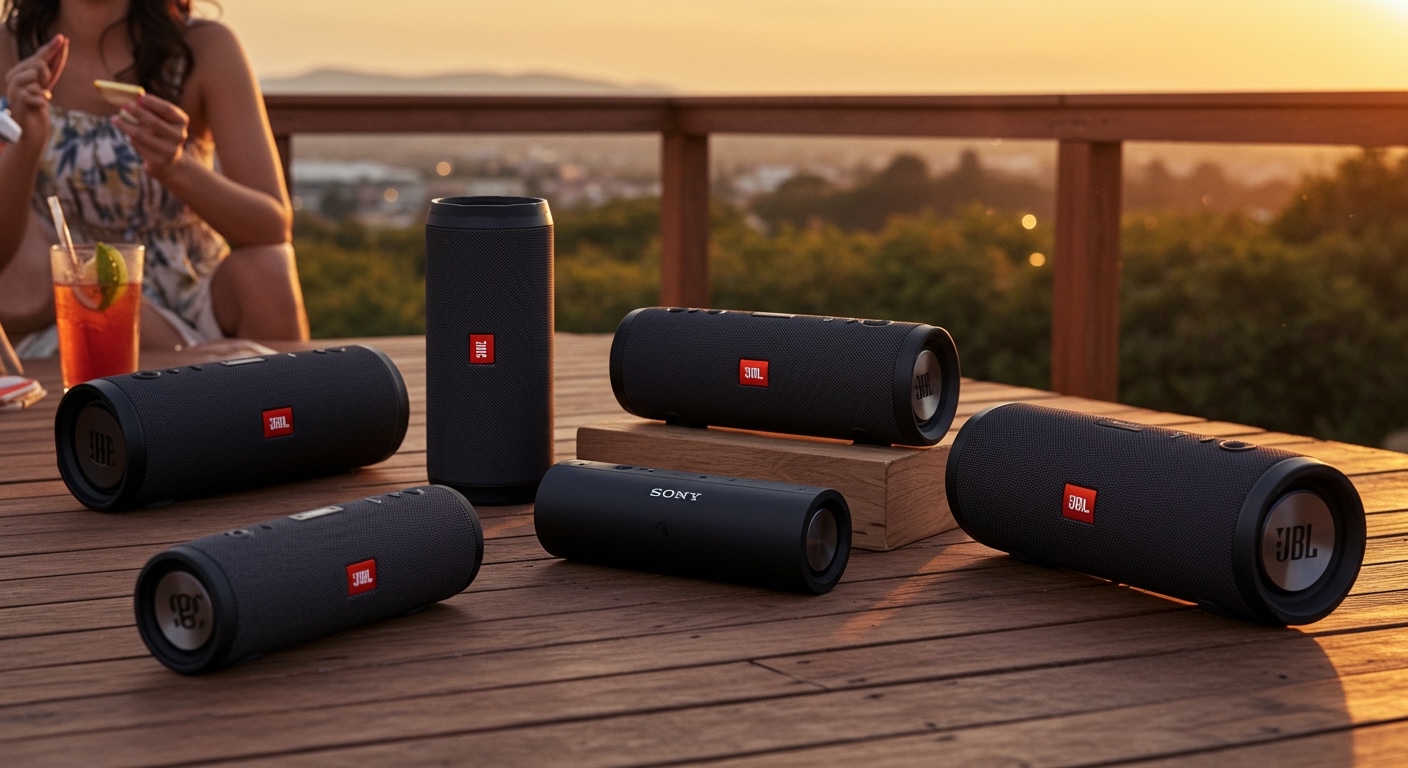
Sony Party Connect
Sony’s Party Connect is their answer to JBL. It allows for up to 100 compatible speakers to sync music and lights. Models like the SRS-XE300 or the SRS-XG300 are designed specifically for this high-capacity linkage.
Step-by-Step: How to Connect Multiple Bluetooth Speakers
Connecting multiple devices requires a specific sequence to avoid “pairing loops” or lag. Follow these steps based on your device type.
Step 1: Enable Dual Audio on Samsung Galaxy
Samsung’s Dual Audio feature is the most reliable way to answer how many bluetooth speakers can i connect to my phone (Answer: 2).
- Pair both Bluetooth speakers individually to your Samsung phone.
- Swipe down from the top of your screen to open the Quick Panel.
- Tap on Media.
- Select both speakers under the audio output list.
- Adjust volume sliders independently for each speaker to balance the sound.
Step 2: Use the JBL PartyBoost Button
If you have multiple JBL units, the process is hardware-based.
- Connect your phone to the “Master” speaker via Bluetooth settings.
- Play music on the Master speaker.
- Press the PartyBoost button (looks like an infinity symbol or a flame) on all speakers you wish to link.
- Wait 3-5 seconds for the speakers to handshake and sync.
Step 3: Link Bose Speakers via the App
- Power on both Bose speakers.
- Open the Bose Connect App on your mobile device.
- Drag and drop the icon of the second speaker onto the first.
- Choose between Party Mode or Stereo Mode once linked.
Tools & Requirements for Multi-Speaker Setup
To successfully manage how many bluetooth speakers at once you can run, you may need more than just the speakers themselves.
| Tool/Item | Purpose | Recommended For |
|---|---|---|
| Bluetooth 5.0 Transmitter | Adds multi-device support to PCs/TVs | Desktop setups, Home theaters |
| AmpMe App | Syncs phones and speakers via the cloud | Mixed brand speakers (JBL + Bose) |
| Bose Connect / JBL Portable App | Firmware updates and pairing control | Brand-specific ecosystems |
| AirPlay 2 Compatible Device | Syncs speakers over Wi-Fi | Apple users (HomePods, Sonos) |
Expert Advice: Avoiding Common Pitfalls
Even if you know how many bluetooth speakers can you connect, technical hurdles can ruin the experience. Here is how to maintain a professional-grade setup.
Watch for Latency (Audio Lag): When linking multiple brands using third-party apps like AmpMe, you may experience a “reverb” effect. Always try to stick to the same brand and the same protocol (e.g., all PartyBoost speakers).
Check Battery Levels: Linking multiple speakers drains battery faster on the “Master” speaker because it acts as the hub for the others.
Distance Matters: Keep the speakers within 10-15 meters of each other. While Bluetooth 5.0 has a long range, physical obstacles like walls significantly degrade the sync signal between linked speakers.
Update Firmware: Always use the manufacturer’s app to check for updates. Software patches often improve the stability of how many bluetooth speakers can be linked simultaneously.
FAQ: Bluetooth Multi-Speaker Connections
Can I connect a JBL speaker to a Bose speaker?
Directly? No. Native protocols like PartyBoost and Bose Party Mode are incompatible. However, you can use a 3.5mm splitter or a third-party app like AmpMe or Airfoil to bridge different brands, though this often introduces lag.
How many bluetooth speakers can I connect to my iPhone?
Natively, an iPhone can only output audio to one Bluetooth device at a time. However, if you use AirPlay 2 compatible speakers (like Sonos or HomePod), you can connect multiple speakers over Wi-Fi. For standard Bluetooth speakers, you are generally limited to one unless the speakers have their own “linking” button.
Why does the audio stutter when I link 3 or more speakers?
This is usually due to signal interference or bandwidth limitations. Bluetooth operates on the 2.4GHz frequency, which is crowded by Wi-Fi and microwaves. To fix this, move your phone closer to the “Master” speaker and ensure the other speakers have a clear line of sight.
Does “Dual Audio” work on all Android phones?
No, Dual Audio is a specific feature found primarily on Samsung Galaxy devices (S8 and newer). Other Android manufacturers like Google (Pixel) or OnePlus usually limit Bluetooth output to one device at a time unless using specialized hardware.
How many wireless speakers can I connect to a Mac or PC?
On a Mac, you can use Audio MIDI Setup to create a “Multi-Output Device,” allowing you to play audio through multiple Bluetooth speakers simultaneously. On Windows, you typically need a third-party Bluetooth transmitter or specialized software like Voicemeeter to achieve this.
Conclusion: Maximizing Your Audio Experience
The answer to how many bluetooth speakers at once you can use depends on your willingness to stay within a single brand’s ecosystem. For the casual user, two speakers via Samsung’s Dual Audio or Bose’s Stereo Mode provides a rich, wide soundstage. For those hosting large events, JBL’s PartyBoost or Sony’s Party Connect are the gold standards, allowing you to link over 100 speakers for a massive wall of sound.
Ready to build your wall of sound? Start by checking your speaker’s compatibility in the official app, and always ensure your source device is running the latest version of Bluetooth 5.0 or higher for the best stability.









