What is Optical Input for Speakers? A Complete Guide
Have you ever unboxed a new TV, soundbar, or gaming console, only to find a strange, square-shaped port with a tiny flap, often glowing with a faint red light? This is the optical audio input, and understanding what it is and how to use it can be the key to unlocking clear, high-quality sound. If you’ve been confused by terms like TOSLINK or S/PDIF, you’re in the right place. This guide will demystify the optical input, explaining exactly what it does, why it’s a fantastic choice for many setups, and how to connect it perfectly every time.
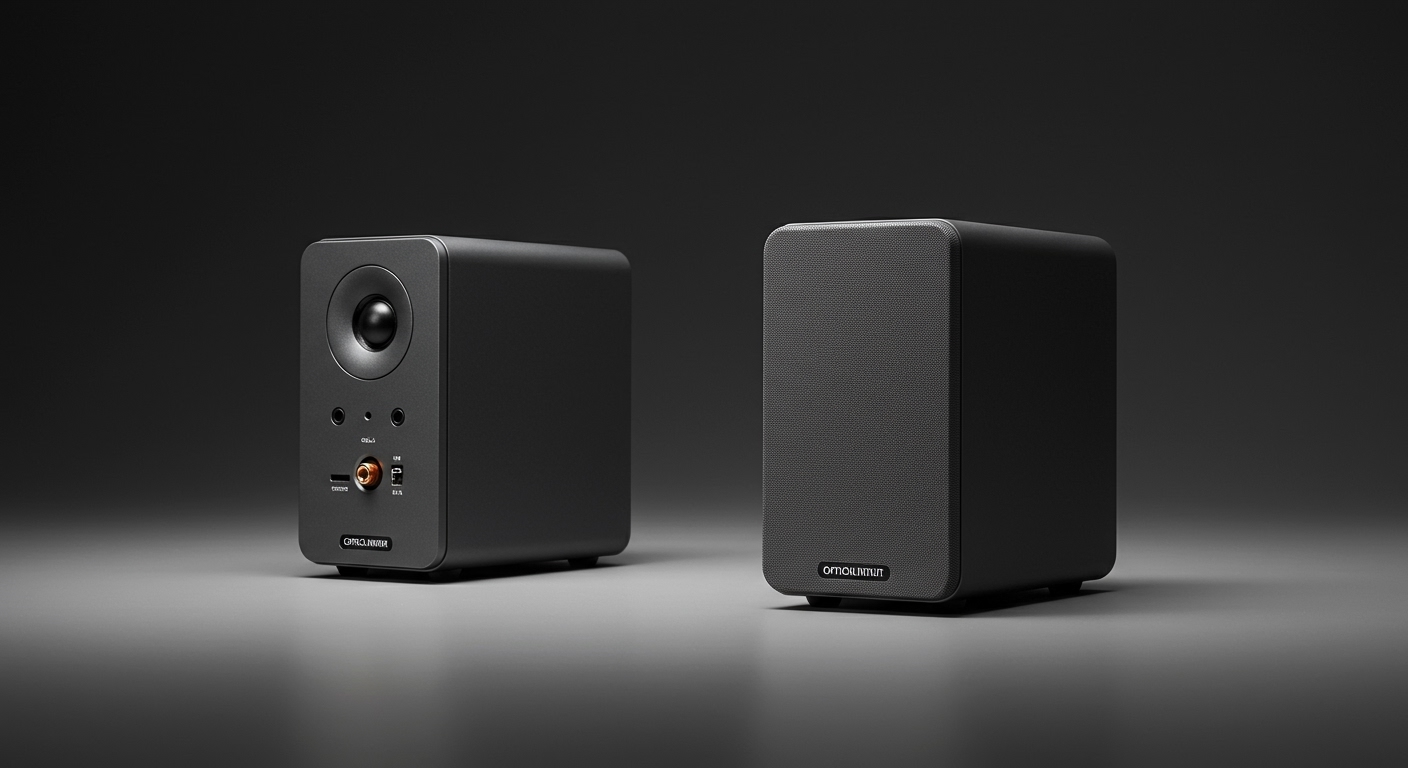
An optical input for speakers is a connection that uses a fiber-optic cable (TOSLINK) to transmit digital audio signals as pulses of light. This method provides a high-fidelity, interference-free connection from a source device like a TV, PlayStation, or Xbox to a soundbar, AV receiver, or powered speakers. It’s a reliable and simple way to get multi-channel surround sound.
Key Takeaways
- What It Is: An optical input uses a fiber-optic cable to send digital audio signals using light.
- Primary Benefit: It is completely immune to electrical and radio frequency interference (EMI/RFI), preventing annoying hums or static for a cleaner sound.
- Best Use Cases: Ideal for connecting TVs, gaming consoles, and Blu-ray players to soundbars, AV receivers, and some powered speakers.
- Supported Audio: It can carry uncompressed stereo audio (PCM) and compressed 5.1 surround sound formats like Dolby Digital and DTS.
- Key Limitation: Optical connections do not have the bandwidth to support high-resolution audio formats like Dolby Atmos, DTS:X, or Dolby TrueHD. For those, you need to use HDMI eARC.
Understanding What Optical Input for Speakers Really Is
To truly grasp the value of an optical connection, we need to look at the technology behind it. Unlike traditional copper wires that transmit audio as electrical signals, an optical connection uses light, which has some significant advantages.
The Technology: Light, Not Electricity
The formal name for the optical cable is TOSLINK, which stands for “Toshiba Link.” It was developed by Toshiba in 1983. This cable is essentially a thin strand of optical fiber designed to guide light from one end to the other.
- Source Device: Your TV or gaming console converts the digital audio data (the 1s and 0s) into pulses of red light using a small LED.
- TOSLINK Cable: The fiber-optic cable transmits these light pulses with minimal loss.
- Receiving Device: Your soundbar or speaker’s optical input has a sensor that detects the light pulses and converts them back into digital audio data.
This entire process happens within the S/PDIF (Sony/Philips Digital Interface) protocol, which is a standard for transmitting digital audio. S/PDIF can be sent over two types of cables: optical (TOSLINK) or coaxial (an RCA-style connector). The optical version is far more common on consumer devices today.
Digital vs. Analog: Why It Matters
Older connections like the red and white RCA cables or a 3.5mm headphone jack are analog. They send a continuous electrical wave