Unlocking TV Audio: Where Are TV Speakers Located?
Struggling to hear dialogue from your brand-new, paper-thin TV? You’re not alone. The push for razor-thin bezels has forced manufacturers to compromise on sound, leaving many wondering where are TV speakers located and why they sound so muffled. The answer is almost always a compromise: they are typically small, underpowered drivers hidden on the bottom edge firing downwards, or on the back of the TV firing directly into your wall.
This placement is a recipe for indirect, reflected sound that lacks clarity and impact. But don’t worry, you’re not stuck with bad audio. This guide will not only show you exactly where to find your TV’s speakers but will also provide a step-by-step walkthrough for dramatically improving your sound, from simple tweaks to a full home theater setup. We’ll turn your cinematic experience from flat to fantastic.
Key Takeaways: Improving TV Speaker Placement
- Location: Most modern TV speakers are located on the bottom edge (down-firing) or the back panel (rear-firing) to accommodate ultra-thin screen designs.
- The Problem: This placement causes sound to reflect off furniture and walls before reaching you, resulting in muffled dialogue and a weak soundstage.
- Quick Fixes: You can slightly improve built-in speaker performance by adjusting your TV’s audio settings (use “Voice” or “Clear Dialogue” modes) and ensuring the TV isn’t placed inside a deep cabinet that traps sound.
- The Real Solution: The best way to get great audio is with external speakers. A soundbar is the easiest upgrade, while a component system (e.g., 5.1 surround sound) offers the most immersive experience.
- Placement is Key: For any external speaker system, proper placement—such as placing front speakers at ear level and creating an equilateral triangle with your listening position—is more important than the cost of the speakers themselves.
The Big Question: Where Are TV Speakers Located and Why?
Modern televisions are marvels of visual engineering, but their audio capabilities have taken a backseat. To understand how to fix the problem, we first need to pinpoint the source.
Most TV speakers are located in one of two places:
- Down-Firing (Bottom Edge): This is the most common placement. Small speaker drivers are embedded along the bottom frame of the TV, pointing directly downwards. The sound is intended to bounce off your media stand or console and then travel toward you.
- Rear-Firing (Back Panel): Less common but still prevalent, these speakers are on the back of the TV, firing sound backward at the wall. The idea is for the sound to reflect off the wall and fill the room.
Why Are TV Speakers in the Back or Bottom?
The simple answer is design aesthetics. As consumers demanded thinner TVs with virtually non-existent bezels, there was literally no space left on the front of the television to mount a traditional, forward-facing speaker.
- Physics vs. Design: Good sound requires moving air. To move air effectively, speaker drivers (the cones that vibrate to create sound) need space. A tiny, front-facing grille would require a thicker bezel, which is considered an outdated design.
- Cost-Cutting: High-quality, compact speakers are expensive. Manufacturers assume, often correctly, that users who care deeply about audio will buy a separate sound system. They install basic speakers that are “good enough” for casual viewing.
The result? The sound you hear is indirect and distorted. It’s like having a conversation with someone facing the opposite direction—you get the gist, but all the clarity and detail are lost.
Step 1: Optimize Your TV’s Built-In Speakers
Before you spend any money, let’s try to get the most out of what you already have. While you can’t change the physical location of the speakers, you can make some adjustments that provide a noticeable improvement. From my experience, these small tweaks can make dialogue much easier to understand.
Actionable Steps for Built-in Speakers:
- Check Your TV Placement: Is your TV inside a large, deep entertainment center or cabinet? The cabinet walls can block and muffle the sound from down-firing or rear-firing speakers. If possible, pull the TV forward to the edge of its stand to give the sound a clearer path.
- Explore Audio Settings: Grab your remote and dive into the TV’s settings menu. Look for the “Audio” or “Sound” section.
* Sound Mode: Switch from “Standard” or “Movie” to a mode called “Clear Voice,” “Dialogue Enhance,” or something similar. This mode uses an equalizer (EQ) to boost the frequencies associated with human speech.
* Equalizer (EQ): If your TV has a manual EQ, try boosting the frequencies between 1 kHz and 5 kHz. This is the core range for dialogue clarity. Don’t go crazy—a small bump is all you need.
* Disable “Surround” Effects: Many TVs have virtual surround sound processing. In my testing, these often make the audio sound thin and add artificial echo. Turn these off for a more direct, clear sound from the built-in speakers.
Step 2: The Ultimate Fix – External TV Speaker Placement
To truly transform your audio experience, you need to bypass your TV’s speakers entirely. An external speaker system is the single best upgrade you can make to your home entertainment setup.
Here’s a breakdown of the most common systems and exactly how to place them for optimal performance, from simple to complex.
Speaker System Comparison
| System Type | Best For | Complexity | Cost | Immersion Level |
|---|---|---|---|---|
| Soundbar | Simplicity, small rooms, dialogue | Very Low | $-$$ | Low-Medium |
| 2.1 System | Music, general TV, small-medium rooms | Low | $$ | Medium |
| 3.1 System | Dialogue-heavy movies & TV shows | Low-Medium | $$-$$$ | Medium-High |
| 5.1 System | Immersive movies & gaming | Medium | $$$ | High |
| 7.1 / Atmos | Dedicated home theaters, ultimate immersion | High | $$$$ | Very High |
### Placement Guide for a Soundbar
A soundbar is a long bar containing multiple speakers. It’s the simplest and most popular TV audio upgrade.
- Step 1: Position the Bar. Place the soundbar on your media console, directly below the front of your TV. Crucially, ensure it’s not blocking the TV’s IR sensor for your remote.
- Step 2: Maintain a Clear Path. Do not place it on a shelf below the TV or inside a cabinet. The soundbar’s drivers are designed to fire directly at you.
- Step 3: Wall Mounting. If your TV is wall-mounted, mount your soundbar on the wall directly beneath it. Many soundbars come with a mounting template to make this easy.
- Step 4 (If you have a subwoofer): Most soundbars come with a wireless subwoofer. Place the subwoofer on the floor somewhere near the TV. We’ll cover fine-tuning subwoofer placement later in the “Subwoofer Crawl” section.
### Placement Guide for a 2.1 System (Stereo + Subwoofer)
A 2.1 system consists of two main speakers (left and right) and a subwoofer. This is a fantastic setup for both music and movies.
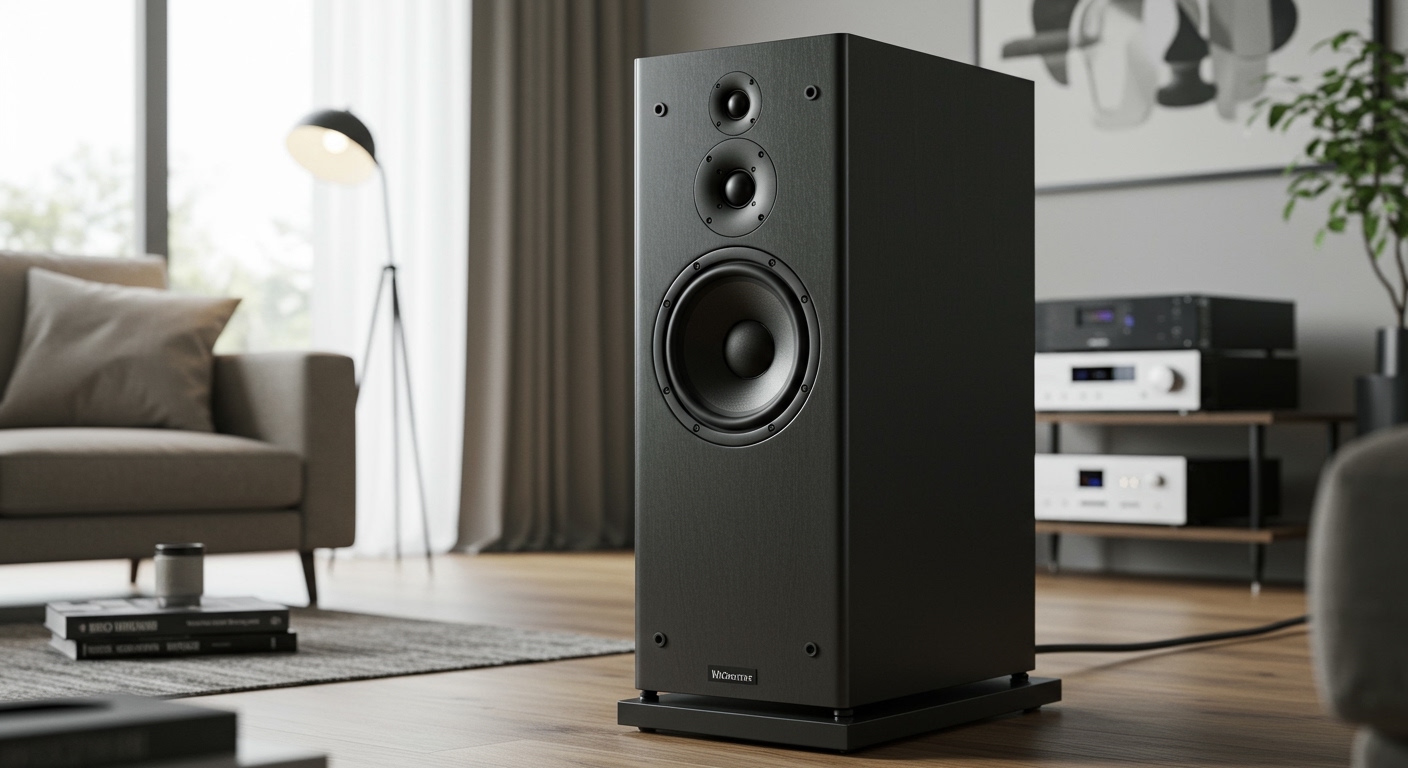
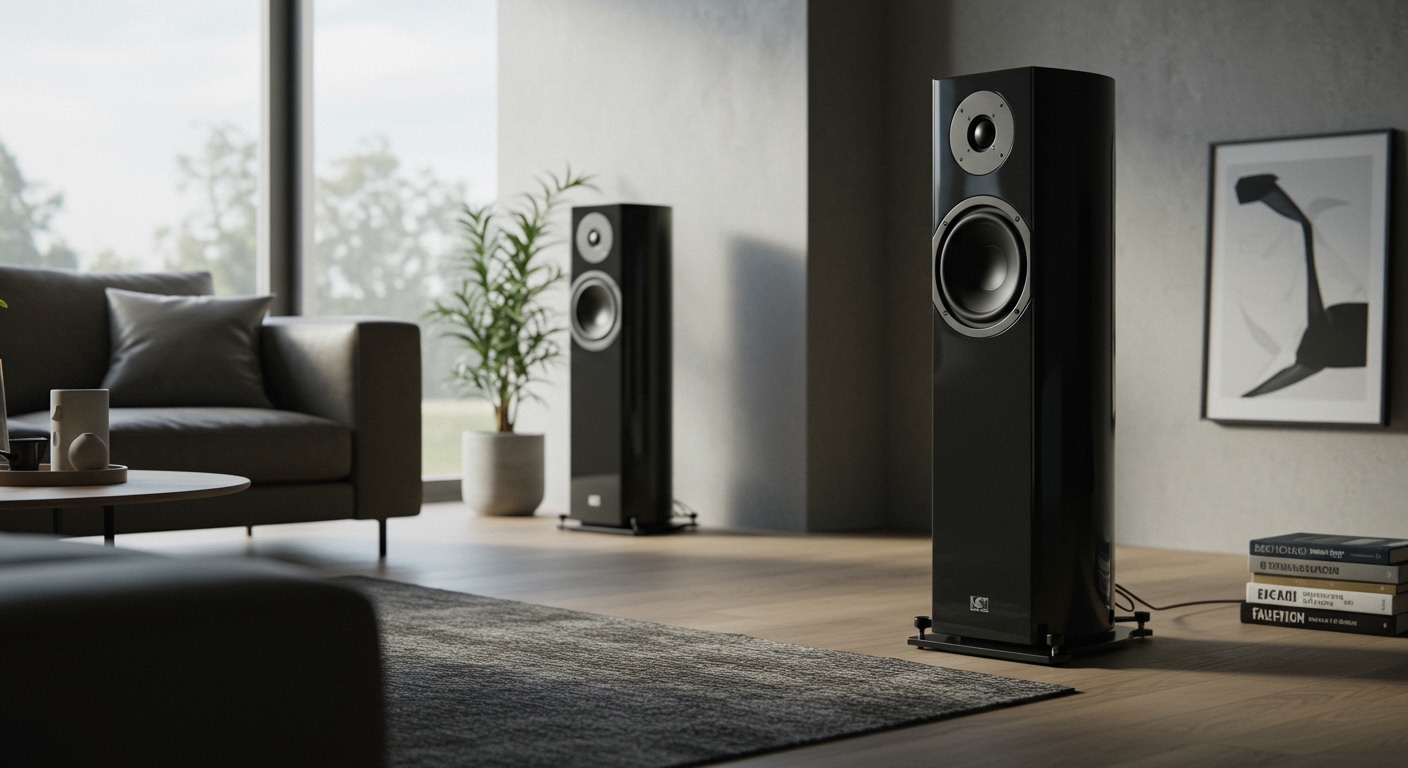
- Step 1: Create an Equilateral Triangle. The most critical rule in stereo placement is the “stereo triangle.” Your two front speakers and your head (at the main listening position) should form the three points of an equilateral triangle.
- Step 2: Set Speaker Height. The tweeters (the smallest drivers in your speakers, which handle high frequencies) should be at the same height as your ears when you are seated.
- Step 3: Adjust the “Toe-In.” Angle the speakers slightly inward so they are pointing directly at your listening position. This “toe-in” focuses the soundstage and improves clarity. Start by pointing them directly at your ears and adjust from there.
### Placement Guide for a 3.1 System (Adding a Center Channel)
A 3.1 system adds a dedicated center channel speaker. This is a game-changer for movies, as over 70% of a film’s audio (primarily dialogue) is directed to this speaker.
- Step 1: Place the Center Channel. Position the center channel speaker directly below your TV, aligned with the center of the screen. If necessary, you can place it just above the TV. The key is to anchor the dialogue to the screen.
- Step 2: Position the Fronts. Place your left and right speakers according to the same “stereo triangle” rule as the 2.1 setup. They should be equidistant from the TV and from your listening position.
- Step 3: Match the Height. Try to keep the tweeters of all three front speakers (left, center, and right) at roughly the same height—ear level while seated. This creates a seamless sound field across the front of your room.
### Placement Guide for a 5.1 System (True Surround Sound)
This is the standard for home theater. A 5.1 system adds two surround speakers to a 3.1 setup for an immersive experience.
- Step 1: Place Your Front Three Speakers. Follow the exact 3.1 placement guide above.
- Step 2: Position the Surround Speakers. Your two surround speakers are for ambient noise and effects. According to Dolby standards, they should be placed to the sides of your listening position, or slightly behind it.
- Step 3: Set Surround Speaker Height. The ideal height for surround speakers is slightly above ear level—about 1-2 feet. This helps create a more diffuse, ambient sound field so you can’t pinpoint exactly where the sound is coming from.
- Step 4: Angle the Surrounds. Aim the surround speakers directly at your main seating area.
Diagrammatic View (Top-Down):
- TV
- C (Center Speaker)
- L…………………….R (Front Left/Right)
- SL………..YOU………..SR (Surround Left/Right)
Advanced Technique: The Subwoofer Crawl
You can’t just place a subwoofer in a corner and expect it to sound good. Low-frequency sound waves are long and interact with your room’s dimensions, creating “nodes” (spots with no bass) and “anti-nodes” (spots with booming, overwhelming bass).
I’ve used this “subwoofer crawl” technique for years to find the perfect spot. It seems silly, but it works every time.
- Place the Subwoofer at Your Seat: Disconnect your subwoofer and move it to the exact spot where you normally sit (your main listening position). Yes, put it right on the couch.
- Play a Bass-Heavy Track: Put on a song or movie scene with a consistent, repeating bass line. A simple bass test track from YouTube works perfectly.
- Get on Your Hands and Knees: Now, crawl around the perimeter of your room where you might potentially place the subwoofer (front corners, along the walls, etc.).
- Listen Carefully: As you crawl, listen for the spot where the bass sounds the most even, tight, and clear. You will be amazed at the differences you hear. One spot will be