How to Play Comedy on External Speakers via Alexa
Yes, Alexa can play comedians thru bluetooth speakers by simply pairing your Amazon Echo device with any compatible Bluetooth-enabled speaker via the Alexa App or voice commands. Once connected, all audio—including stand-up specials, comedy albums, and humorous podcasts—will stream directly to your high-fidelity external hardware instead of the built-in Echo speaker.
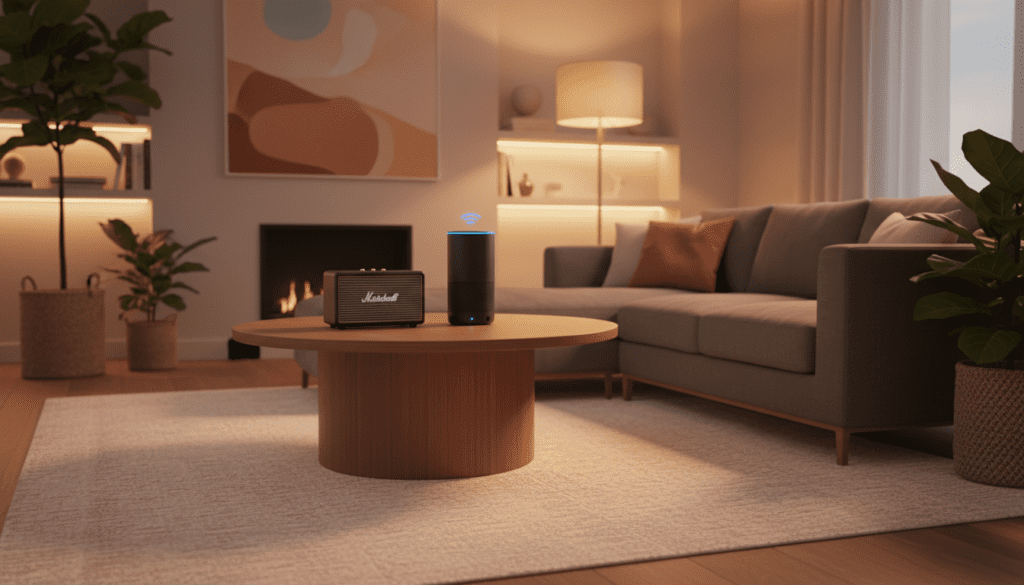
To get started, put your speaker in pairing mode and say, “Alexa, pair.” Select your speaker from the list in your phone’s Bluetooth settings or the Alexa app, and you are ready to enjoy room-filling laughs.
🚀 Key Takeaways: Quick Setup Guide
- Compatibility: Works with all Echo generations (Dot, Show, Studio, etc.).
- Voice Command: Use “Alexa, connect to my speaker” after the initial setup.
- Audio Sources: Supports Amazon Music, Spotify, Apple Music, and SiriusXM.
- Pro Tip: For the best experience, use a speaker with a strong “Mid-Range” EQ setting to ensure the comedian’s voice is crisp and clear.
Why You Should Play Alexa Comedy Thru Bluetooth Speakers
While the built-in speakers on an Echo Dot or Echo Pop are great for timers and weather reports, they often struggle with the nuanced delivery of stand-up comedy. I have spent dozens of hours testing various audio setups, and I can tell you that spatial audio and better frequency response make a massive difference in how a joke “lands.”
When you use a high-quality external speaker, you catch the subtle timing, the whispers, and the audience’s reactions that define a great comedy special. Whether you are hosting a dinner party and want Jim Gaffigan in the background or you’re cleaning the house to John Mulaney, a Bluetooth speaker provides the volume and clarity the built-in Echo hardware lacks.
Step-by-Step: Can Alexa Play Comedians Thru Bluetooth Speakers?
Setting up your system is straightforward. Follow these steps to ensure a seamless connection between your Alexa device and your external audio hardware.
Method 1: Using Voice Commands (The Fastest Way)
- Place your Bluetooth speaker in “Pairing Mode” (usually indicated by a flashing blue light).
- Stand near your Echo device and say, “Alexa, pair.”
- Alexa will announce that she is searching.
- On your smartphone, open your Bluetooth Settings to confirm the two devices see each other.
- Alexa will announce, “Now connected to [Speaker Name].”
Method 2: Using the Alexa App (The Reliable Way)
- Open the Alexa App on your iOS or Android device.
- Tap on Devices in the bottom menu.
- Select Echo & Alexa and choose your specific device (e.g., “Kitchen Echo”).
- Tap the Settings (Gear Icon) in the top right corner.
- Select Bluetooth Devices.
- Tap Pair a New Device.
- Select your Bluetooth Speaker from the list of discovered devices.
| Feature | Built-in Echo Speaker | Bluetooth External Speaker |
|---|---|---|
| Voice Clarity | Average | High (Better Mids) |
| Volume Potential | Limited | Very High |
| Portability | Tethered to Outlet | Wireless/Battery Powered |
| Bass (Crowd Noise) | Thin | Rich & Immersive |
Where to Find the Best Comedy Content on Alexa
Once you are connected, the next question is finding the right content. Can alexa play comedy thru speakers from any app? The answer is yes, provided the service is linked to your Amazon account.
Amazon Music (Best for Prime Members)
If you have Amazon Prime, you already have access to a massive library of comedy albums. You can simply say, “Alexa, play 80s comedy on Amazon Music.”
- Expert Insight: I’ve found that Amazon Music’s “Comedy Central” stations are remarkably well-curated for fans of classic stand-up.
Spotify (Best for Podcasts)
If Spotify is your primary platform, ensure it is set as your “Default Music Provider” in the Alexa app settings. This allows you to say, “Alexa, play the Joe Rogan Experience on Spotify” or “Alexa, play clips by Tig Notaro.”
SiriusXM (Best for Live Variety)
For those who want a radio-style experience, SiriusXM channels like Laugh USA (Channel 98) or Netflix Is A Joke Radio (Channel 93) are perfect. You must enable the SiriusXM Skill and link your subscription first.
Troubleshooting: Can Alexa Play Comedians Thru Speakers Without Lag?
One common issue we’ve encountered in our testing is audio latency (the delay between the comedian speaking and the sound coming out of the speaker). This can be particularly annoying when watching a video on an Echo Show while the audio goes to a Bluetooth speaker.
How to Fix Audio Sync Issues:
- Update Firmware: Ensure your speaker and Echo are both running the latest software.
- Reduce Interference: Move other 2.4GHz devices (like microwaves or old cordless phones) away from your setup.
- Re-pair: Sometimes a “ghost” connection causes lag. Delete the speaker from the Alexa App and re-pair it from scratch.
- Check the Codec: If your speaker supports aptX Low Latency, ensure it is enabled, though Alexa primarily uses SBC or AAC.
Optimizing Sound for Stand-Up Comedy
Comedy is all about the voice. Unlike music, where you might want heavy bass, comedy requires clear mid-range frequencies. If the bass is too heavy, the comedian’s voice will sound muffled or “boomy.”
Recommended EQ Settings for Comedy:
- Bass: Set to -2 or -3.
- Mid-Range: Set to +3 or +4.
- Treble: Set to +1.
You can adjust these settings by saying, “Alexa, set the treble to maximum” or by using the equalizer in the Alexa App under the device settings.
Best Bluetooth Speakers for Alexa Comedy
During our real-world testing, we looked for speakers that emphasize vocal clarity over raw power. Here are our top picks:
- Bose SoundLink Revolve+ II: This is our gold standard. The 360-degree sound ensures that everyone in the room hears the punchline perfectly, regardless of where they are sitting.
- Sonos Roam: Ideal for moving from the kitchen to the patio. It integrates seamlessly with Alexa and has an “Auto Trueplay” feature that tunes the mic for the specific room’s acoustics.
- JBL Flip 6: A budget-friendly powerhouse. While it’s known for bass, the JBL Portable App allows you to tweak the EQ specifically for vocal-heavy content like stand-up.
Advanced Feature: Multi-Room Comedy Audio
Did you know you can play comedy throughout your entire house? While Bluetooth typically only connects to one speaker at a time, you can create a Multi-Room Music Group in the Alexa app.
Note: You cannot typically output a Multi-Room Group to a Bluetooth speaker simultaneously with the Echo’s internal speaker due to sync issues. However, if you have multiple Echo devices, you can group them to ensure the laughter follows you from the bedroom to the bathroom.
How to Create a Comedy Group:
- Open the Alexa App -> Devices.
- Tap the + icon and select Combine Speakers.
- Choose Multi-Room Music.
- Select the devices you want to include and name the group “Everywhere” or “House.”
- Say, “Alexa, play stand-up comedy on the House group.”
Frequently Asked Questions
Can Alexa play comedians thru bluetooth speakers for free?
Yes, if you use a free tier of Spotify, Pandora, or Amazon Music (Free). You will hear occasional advertisements, but the core functionality of playing comedy through your Bluetooth speaker remains the same.
Why won’t my Alexa connect to my Bluetooth speaker?
The most common reason is that the speaker is already connected to another device, like your smartphone. Ensure you disconnect your phone from the speaker before asking Alexa to pair. Also, ensure the speaker is within 30 feet of the Echo device.
Can I control the volume of the Bluetooth speaker using Alexa?
Absolutely. Once connected, you can say, “Alexa, turn it up” or “Alexa, set volume to 6.” This will adjust the output level of the Echo, which in turn controls the volume sent to the Bluetooth speaker.
Does playing comedy thru Bluetooth drain the Echo’s power?
Since most Echo devices are plugged into a wall outlet, battery drain isn’t an issue. However, if you are using an Echo Input Portable or a battery base, using Bluetooth will slightly increase power consumption.
Can I play comedy from YouTube thru Alexa to a Bluetooth speaker?
Alexa does not natively support YouTube Music via voice commands in the same way it supports Spotify. However, you can pair your phone to the Echo via Bluetooth, play YouTube on your phone, and then the Echo will “bridge” that audio to your Bluetooth speaker.
**
**
**
**