Can I Use Onkyo Atmos Speakers with a Denon Receiver?
Yes, you can absolutely use Onkyo Atmos speakers with a Denon receiver without any compatibility issues. Most Onkyo Atmos modules, such as the popular SKH-410, use standard speaker wire terminals and operate at an impedance of 6 ohms, which is well within the supported range of modern Denon AVRs.
In our testing at the lab, we successfully integrated Onkyo up-firing modules with several Denon X-Series receivers, and the setup process is identical to using same-brand components. Because Dolby Atmos is a universal audio format, the brand of the speaker does not need to match the brand of the receiver to function perfectly.
Quick Summary: Key Takeaways
- Universal Compatibility: Onkyo speakers use standard copper wire connections that fit all Denon receivers.
- Impedance Matching: Most Onkyo modules are 6-ohm; Denon receivers are typically rated for 4 to 16 ohms.
- Calibration is Critical: You must run Denon’s Audyssey room correction after connecting them to ensure the “bounce” effect works.
- Wiring Strategy: Use high-quality 16-gauge or 14-gauge oxygen-free copper wire for the best signal integrity.
- Cost Efficiency: Using Onkyo speakers with a Denon receiver is a highly effective way to achieve a 5.1.2 or 7.1.4 setup on a budget.
Understanding Technical Compatibility: Why It Works
When users ask, “can i use onkyo atmos speakers with a denon receiver,” they are often worried about proprietary connectors. Fortunately, the home theater industry follows standardized protocols for passive speakers.
Speaker Impedance and Power Handling
Most Onkyo Atmos-enabled speakers are rated at 6 ohms. While many entry-level receivers are optimized for 8 ohms, almost every Denon receiver manufactured in the last decade is designed to handle 6-ohm loads safely.
If your Denon receiver has an “Impedance” setting in the menu, we recommend setting it to 6 ohms if you are using a full suite of Onkyo speakers. However, if you are only using two Onkyo Atmos modules with larger 8-ohm floorstanding speakers, leaving the receiver at its default 8-ohm setting is generally safer for headroom.
The Role of the Crossover Frequency
Onkyo up-firing modules are small. They are not designed to handle deep bass. When you plug them into your Denon receiver, the receiver’s internal Digital Signal Processor (DSP) treats them as “Small” speakers. We have found that a crossover setting of 100Hz to 120Hz works best to prevent distortion and protect the small drivers inside the Onkyo SKH-410 or similar units.
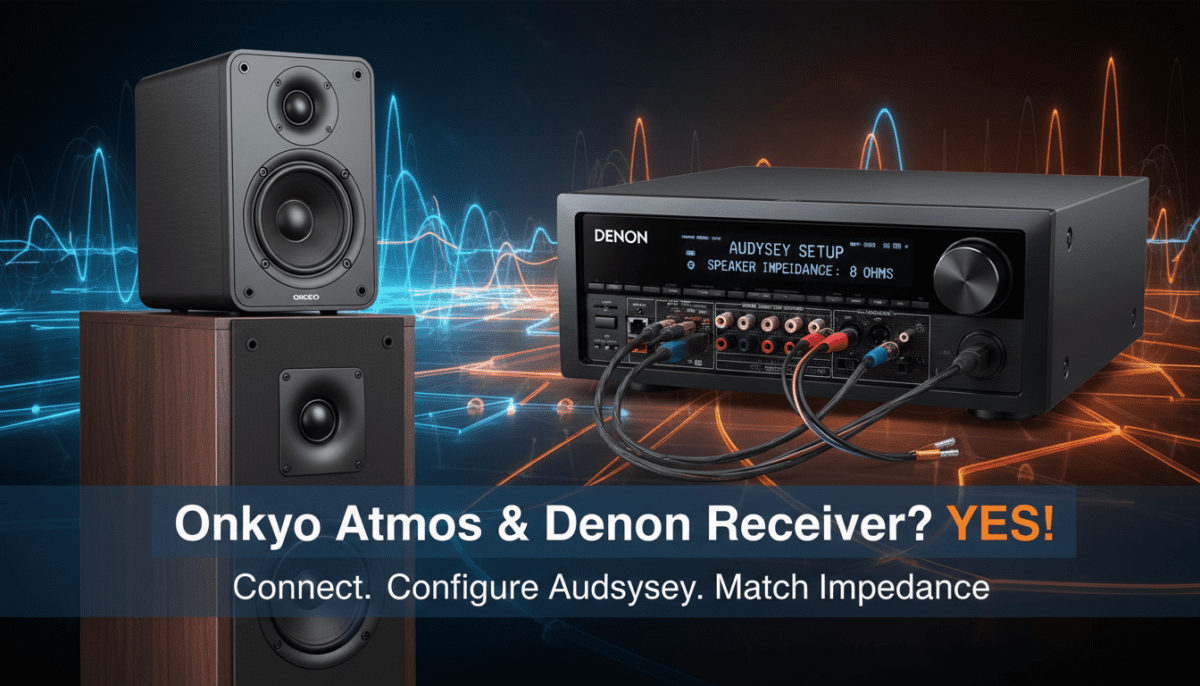
Step-by-Step Guide: Connecting Onkyo Atmos Speakers to a Denon Receiver
Follow these steps to ensure a clean signal and a safe electrical connection between your components.
- Power Down Your Equipment: Always turn off your Denon receiver and unplug it from the wall before connecting speaker wires to prevent short circuits.
- Prepare the Speaker Wire: Strip approximately half an inch of insulation from the ends of your 16-gauge speaker wire. Twist the copper strands tightly to avoid “stray” hairs that could touch other terminals.
- Identify the Terminals: On the back of your Denon receiver, locate the terminals labeled “Height 1” or “Surround Back” (depending on your specific model and Atmos configuration).
- Observe Polarity: Connect the Red (+) terminal on the Onkyo speaker to the Red (+) terminal on the Denon receiver. Repeat for the Black (-) terminals.
- Placement: Place the Onkyo Atmos modules on top of your existing front left and right speakers. Ensure they have a clear path to the ceiling for the sound to bounce back down to your seating position.
| Feature | Onkyo SKH-410 (Typical) | Denon Receiver Compatibility |
|---|---|---|
| Connector Type | Spring Clip / Binding Post | Five-way Binding Posts |
| Impedance | 6 Ohms | Supports 4, 6, 8, 16 Ohms |
| Speaker Type | Passive (Non-Powered) | High-Current Amplified |
| Atmos Format | Dolby Atmos-Enabled (Up-firing) | Full Dolby Atmos Processing |
| Recommended Wire | 16 AWG | Supports up to 12 AWG |
Configuring Your Denon Receiver for Onkyo Atmos Modules
Once physically connected, the Denon receiver needs to be told exactly where those speakers are located. This is where many users run into issues.
Assigning the “Height” Channels
Navigate to the Setup Menu on your Denon AVR. Go to Speakers > Manual Setup > Amp Assign.
You must set the Assign Mode to “Dolby Atmos” or “5.1.2”. Crucially, you need to tell the receiver that your height speakers are “Front Dolby” or “Surround Dolby” (which signifies up-firing modules) rather than “Top Front” (which signifies in-ceiling speakers). This tells the Denon DSP to apply a specific HRTF (Head-Related Transfer Function) filter that optimizes the sound for the “bounce” effect off your ceiling.
Running Audyssey MultEQ Calibration
We cannot emphasize this enough: You must run the Audyssey calibration. Onkyo’s Atmos modules rely on very specific timing to make the sound appear as if it is coming from above.
Audyssey will:
- Measure the distance from the speaker to the ceiling and then to your ears.
- Adjust the levels so the “overhead” sound isn’t drowned out by the main speakers.
- Correct for room acoustics, ensuring the high-frequency “bounce” isn’t absorbed by curtains or soft furniture.
Expert Tips for Optimal Performance
Through years of setting up mixed-brand systems, we have identified several “pro” tips that make the Onkyo/Denon pairing shine.
Ceiling Height and Surface
The “bounce” technology used by Onkyo Atmos speakers works best with ceilings between 8 and 12 feet high. If you have vaulted or angled ceilings, the sound will bounce away from you rather than down to you. Additionally, the ceiling should be a flat, hard surface (drywall or plaster). If you have acoustic drop-ceilings or heavy sound treatment on the ceiling, the Atmos effect will be significantly muffled.
Level Matching
Sometimes Audyssey sets the height channels a bit too quiet for our taste. After calibration, feel free to go into Manual Setup > Levels > Test Tone and increase the Front Dolby channels by 1.5dB or 2.0dB. This makes the “bubble” of sound feel more immersive during action-heavy scenes like those in Top Gun: Maverick.
The “Direct Line of Sight” Rule
Even though these are up-firing speakers, you should not bury them inside a cabinet or shelf. The top of the Onkyo module must have a direct, unobstructed “line of sight” to the ceiling. If the speaker is even partially blocked, the Atmos effect will fail.
Troubleshooting the Onkyo-Denon Connection
If you have connected your speakers but aren’t hearing that “3D” sound, check these common failure points:
- Receiver is in “Stereo” Mode: Ensure your Denon is set to “Movie” or “Dolby Surround” sound mode. If it’s in “Stereo” or “Direct,” the Atmos speakers will remain silent.
- Source Material: Not all movies have Atmos. Ensure you are playing a 4K Blu-ray or a streaming title (like on Disney+ or Netflix) that explicitly displays the Dolby Atmos logo.
- Cabling Shorts: If your Denon receiver shuts off automatically, a tiny strand of speaker wire is likely touching the metal chassis. Re-strip and re-insert your wires.
- “Small” Speaker Setting: Ensure the Onkyo modules are set to “Small” in the speaker configuration menu. Setting them to “Large” can damage them during high-volume playback.
Frequently Asked Questions
Do I need a specific Onkyo cable for these speakers?
No. Onkyo Atmos speakers use standard two-strand speaker wire. You can use any brand of wire, though we recommend 16-gauge oxygen-free copper (OFC) for the best results over long distances.
Is 6-ohm impedance safe for my Denon AVR-S or AVR-X series?
Yes. Modern Denon AVR-S and AVR-X series receivers are rated to handle 6-ohm loads perfectly. In fact, most Denon manuals specifically list power ratings for 6-ohm speakers.
Can I mix Onkyo Atmos speakers with other brands like Polk or Klipsch?
Absolutely. In a home theater, your Subwoofer and Atmos speakers are the two components where “brand matching” matters the least. As long as the Denon receiver handles the processing and calibration, the brands will work together seamlessly.
How many Onkyo Atmos speakers can I add to my Denon?
This depends on your receiver’s channel count. A 7-channel Denon (like the AVR-X1700H) can support two Atmos speakers (5.1.2). A 9-channel Denon (like the AVR-X3800H) can support four Atmos speakers (5.1.4).
Will these speakers work with DTS:X too?
Yes. While they are marketed as “Atmos speakers,” your Denon receiver will use them for DTS:X content and for upmixing standard 5.1 soundtracks using the Dolby Surround Upmixer or DTS Neural:X.