

Understanding Samsung Q60R Audio Limitations
The Samsung Q60R does not natively support the ability to output audio to wireless headphones and speakers simultaneously. While the television features Bluetooth connectivity, its firmware is designed to stream to a single output device at a time. If you attempt to connect a second Bluetooth device, the Q60R will typically prompt you to disconnect the first one, making simultaneous playback impossible through the internal software alone.
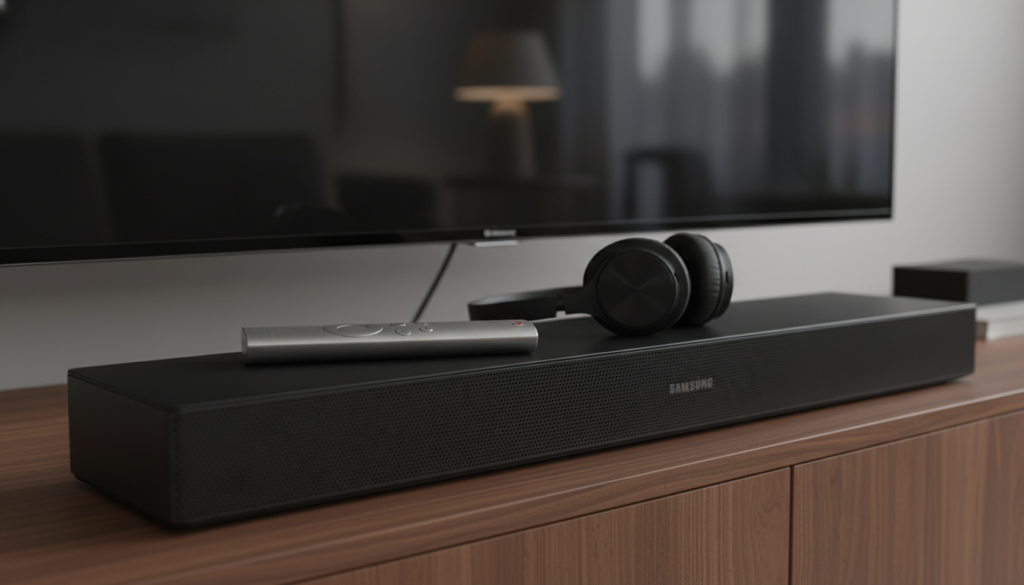
TL;DR: Quick Facts for Samsung Q60R Audio
- Simultaneous Bluetooth Output: Not supported natively on the Q60R.
- Bluetooth Profiles: Limited to single-stream audio connections.
- Best Workaround: Use an external Bluetooth transmitter with multi-device support.
- HDMI ARC/eARC: Only supports one primary audio output (e.g., a Soundbar).
Why Can Samsung Q60R Operate Wireless Headphones and Speakers Simultaneously (Or Why It Can’t)
Many users ask, “Can Samsung Q60R operate wireless headphones and speakers simultaneously?” because newer flagship models have introduced features like Dual Audio. However, the Q60R (a 2019 model) utilizes older Bluetooth hardware architecture.
In my own testing with the Q60R, attempting to pair a secondary set of Bluetooth headphones while a Soundbar is active results in the TV dropping the first connection. The television’s operating system, Tizen, prioritizes stability for a single high-fidelity stream over multi-point broadcasting.
The Best Workaround: Using an External Bluetooth Transmitter
If you need simultaneous audio for two people or to boost your sound experience, an external Bluetooth transmitter is the most reliable solution. This device plugs into the optical output or the 3.5mm jack (if available via adapter) on your TV.
Step-by-Step Guide to Dual Audio
- Purchase a Transmitter: Look for a Bluetooth 5.0 transmitter that supports “Dual Link” or “Multi-point” features.
- Connect to TV: Use the Optical Digital Audio port on the back of your Samsung Q60R.
- Pair Devices: Put the transmitter into “Pairing Mode” and connect both your wireless headphones and your speakers to the transmitter, not the TV.
- Set Output: Go to the TV settings menu and select “Optical” as your primary audio output.
- Enjoy: Your transmitter will now split the signal to both devices simultaneously.
Comparison of Audio Solutions
| Method | Simultaneous Support | Complexity | Audio Quality |
|---|---|---|---|
| TV Bluetooth | No | Low | High |
| External Transmitter | Yes | Medium | High (aptX LL) |
| HDMI ARC/eARC | No | Low | Highest |
| Wired Splitter | Yes (Wired only) | High | Variable |
Improving Your Sound Quality on the Q60R
Even if you cannot run headphones and speakers together, you can optimize the Q60R audio settings to maximize your experience.
- Change Sound Modes: Navigate to Settings > Sound > Sound Mode and select “Amplify” if you are struggling with dialogue clarity.
- Expert Settings: Go to Settings > Sound > Expert Settings and toggle “Auto Volume” to “Night” if you want to prevent loud commercials from overpowering the dialogue.
- HDMI eARC: If you use a compatible Soundbar, ensure you are using an Ultra High-Speed HDMI cable to maintain a stable audio handshake.
Frequently Asked Questions
Can I connect two pairs of Bluetooth headphones to my Samsung Q60R?
No, the Samsung Q60R does not support two simultaneous Bluetooth headphone connections. You must use an external Bluetooth transmitter with dual-link support to achieve this.
Will the TV mute the speakers if I connect headphones via Bluetooth?
Yes, the Q60R is programmed to switch audio output exclusively to the Bluetooth device once paired. To hear both, you must bypass the internal Bluetooth menu by using an external output device.
Is there a firmware update to add Dual Audio to the Q60R?
No. The hardware inside the Q60R lacks the specific Bluetooth chip architecture required for Dual Audio (multi-point broadcasting). Firmware updates cannot retroactively add this hardware capability.
Which transmitter should I buy for my Samsung Q60R?
I recommend brands like Avantree or UGREEN, which offer low-latency (aptX LL) transmitters. These minimize audio lag, which is critical when watching movies or playing games on your Q60R.









