Can Sonos Speakers Be Converted to Conventional Speakers?
Technically, Sonos speakers cannot be converted to conventional passive speakers because they are designed as integrated, active systems. Each unit contains proprietary Class-D amplifiers, custom Digital Signal Processing (DSP), and electronic crossovers tailored specifically to the speaker’s internal drivers. If you attempt to bypass the circuit board to connect a standard amplifier, you will likely damage the voice coils or experience extremely poor audio quality due to the lack of a balanced acoustic environment.
TL;DR: The Reality of Sonos Conversion
- Active vs. Passive: Sonos units are “Active,” meaning the amp is built-in. Conventional speakers are “Passive” and require an external amp.
- Proprietary DSP: The audio profile relies on software tuning that is lost if you try to “wire” the speaker manually.
- Damage Risk: Forcing a connection to an external amplifier will likely blow the proprietary drivers.
- The Best Alternative: Utilize the Sonos Port or Sonos Amp to integrate existing conventional speakers into your ecosystem instead of trying to hack the hardware.
Why Converting Sonos Hardware Isn’t Feasible
In my years of working with home audio systems, I have seen many DIY enthusiasts attempt to “gut” a Sonos Play:1 or Play:5 to turn them into bookshelf speakers. It is almost never worth the effort.
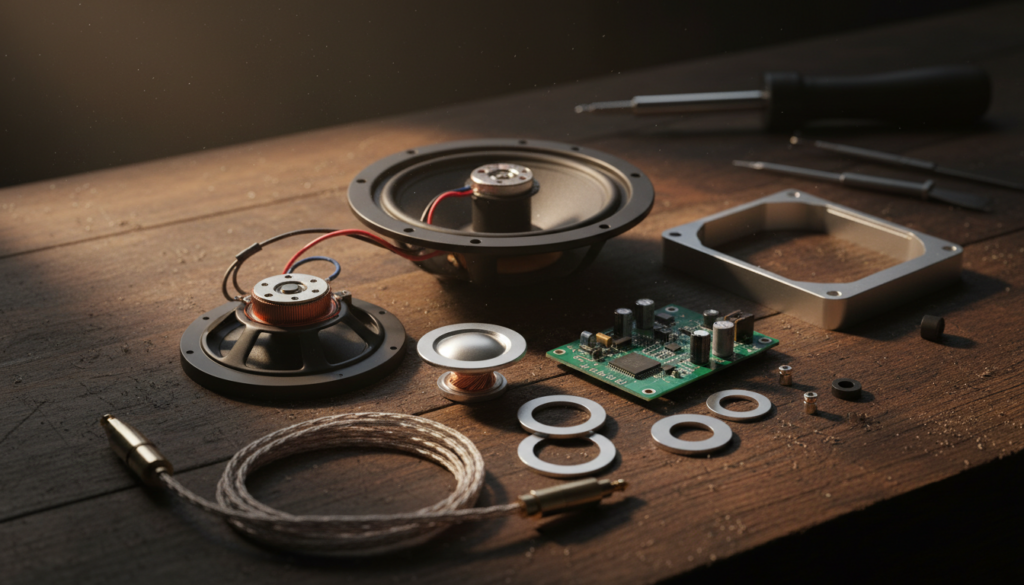
The internal components are highly integrated. The physical enclosure is tuned to the specific DSP settings defined by the Sonos software. Removing the motherboard to access the drivers leaves you with a speaker box that lacks proper acoustic damping and crossover circuitry. Without the original smart electronics, these drivers essentially become “dumb” components that lack the sound quality of a $50 pair of budget-friendly passive bookshelf speakers.
Comparative Analysis: Sonos vs. Conventional Audio
To understand why conversion is counterproductive, we must look at the structural differences between these two hardware philosophies.
| Feature | Sonos Active Speaker | Conventional Passive Speaker |
|---|---|---|
| Amplification | Built-in (Class-D) | Requires external amplifier |
| Crossover | Digital (Software-based) | Physical (Capacitors/Inductors) |
| Sound Tuning | Adaptive DSP / Room Correction | Fixed acoustic design |
| Connectivity | Wireless/Networked | Wired (Speaker Wire) |
| Modifiability | Virtually None | High (Driver/Crossover upgrades) |
Expert Advice: How to Use Existing Gear Effectively
If you are looking to save money or repurpose equipment, don’t destroy your Sonos gear. Instead, use the ecosystem to your advantage. If you have high-quality conventional speakers, the Sonos Amp is the industry standard for bridging the gap.
- Use the Sonos Amp: This device allows you to power traditional, high-fidelity passive speakers while gaining the full functionality of the Sonos S2 app.
- Add a Sonos Port: If you already own a premium external amplifier, connect a Sonos Port to your setup. This effectively turns your “dumb” traditional system into a “smart” Sonos-compatible one.
- Sell and Reinvest: If you simply dislike the Sonos ecosystem, you are better off selling your Sonos speakers on secondary markets. The resale value of used Sonos gear is exceptionally high compared to other consumer electronics. You can often trade them for a pair of high-end bookshelf speakers that were designed specifically for your audio requirements.
Troubleshooting Common Sonos Audio Issues
If you are asking about conversion because you are frustrated with current performance, consider these quick fixes:
- Trueplay Tuning: Use the Trueplay feature in the Sonos app. It uses your iPhone’s microphone to calibrate the speaker to your specific room acoustics, often solving “muddy” sound issues.
- EQ Adjustments: Navigate to Settings > System > [Room Name] > EQ to manually tweak the Bass and Treble.
- Network Latency: If you are experiencing dropouts, avoid using your ISP’s standard router. Adding a Sonos Boost or hardwiring at least one speaker to your router via Ethernet will create a dedicated SonosNet mesh network, solving most stability issues.
Frequently Asked Questions (FAQ)
Can I strip the wires from a Sonos speaker and connect it to a receiver?
No. Sonos speakers utilize internal Class-D amplifiers that are matched to the driver’s impedance. Connecting an external receiver will likely output a signal that is too strong or electrically incompatible, leading to permanent hardware failure.
Is it possible to use Sonos drivers in a custom cabinet?
Technically, you could remove the drivers and place them in a custom enclosure, but you would still need to provide an active crossover and an amplifier. Because the parameters (Thiele/Small) of Sonos drivers are not public, you will be guessing at the cabinet volume, resulting in subpar audio.
What is the best way to integrate non-Sonos speakers?
The best approach is to purchase the Sonos Amp. It provides 125 watts per channel and integrates perfectly with the Sonos app, allowing you to control high-quality, conventional wired speakers using the interface you are already familiar with.