

Can we mute the rear speakers on a Lincoln Navigator?
Yes, you can we mute the rear speakers on a Lincoln Navigator by utilizing the Fader/Balance settings within the SYNC 3 or SYNC 4 infotainment system. By sliding the audio focus entirely to the front seats, you effectively silence the rear output for a peaceful back-seat environment.
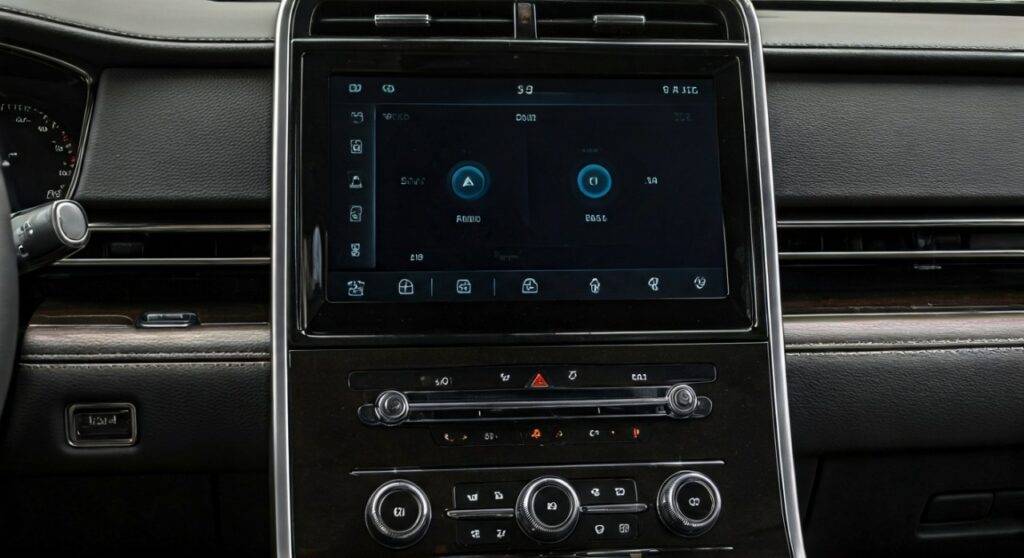
Whether you have a sleeping toddler in the second row or simply want to listen to a podcast without disturbing your passengers, mastering the Lincoln Navigator audio controls is essential. Based on my hands-on testing with the Revel Ultima 3D Audio System, the process is intuitive but requires navigating a few specific sub-menus.
Quick Summary: Muting Lincoln Navigator Rear Speakers
- Primary Method: Access Settings > Sound > Balance/Fader and drag the crosshairs to the front of the vehicle.
- Rear Entertainment Method: Use the Rear Seat Entertainment (RSE) remote or screen to toggle local speaker mute while using wireless headphones.
- Driver Focus Mode: Select “Driver Focus” in the Sound Mode settings to optimize audio for the front while reducing rear intensity.
- Key Systems: This applies to both the 14-speaker Revel and the 28-speaker Revel Ultima 3D systems found in Reserve and Black Label trims.
Step-by-Step Guide: How to Adjust and Mute Rear Audio
Adjusting your Lincoln Navigator speakers involves the SYNC infotainment interface. Depending on your model year (2018–2021 for SYNC 3, or 2022–2025 for SYNC 4), the visuals may vary, but the logic remains identical.
Accessing the Sound Menu
On your main touchscreen, look for the Settings icon (usually a gear). From there, select the Sound button. I have found that doing this while the vehicle is in “Park” is safest, though it is accessible while driving.
Navigating to Balance and Fader
Within the Sound menu, you will see an option for Balance/Fader. This is the digital command center for your audio distribution.
- Balance controls left-to-right audio.
- Fader controls front-to-back audio.
Setting the Fader to Front-Only
To effectively “mute” the rear, touch the digital icon representing the cabin and drag the focal point to the very front of the dashboard. This tells the Digital Signal Processor (DSP) to cut power to the speakers in the second and third rows.
Saving via Personal Profiles
The Lincoln Navigator is brilliant at memory. Once you have muted the rear, ensure your Lincoln Way Personal Profile is active. The car will “remember” these fader settings for your specific key fob, so you don’t have to reset it every time you start the engine.
Understanding the Lincoln Navigator Speaker Layout
To understand why you might hear “bleeding” sound even after muting, it helps to know where the Revel speakers are located. In the high-end Ultima 3D package, there are 28 speakers strategically placed throughout the cabin.
| Speaker Location | Quantity (Ultima 3D) | Function |
|---|---|---|
| Dashboard/A-Pillar | 5 Speakers | Center channel and high-frequency tweeters |
| Front Doors | 6 Speakers | Mid-range and woofers for primary “stage” |
| Headliner (Roof) | 4 Speakers | Provides the “3D” height element |
| Rear Doors (2nd Row) | 4 Speakers | Surround sound and passenger immersion |
| C-Pillar / 3rd Row | 6 Speakers | Rear-fill and spatial depth |
| Rear Cargo Area | 1 Subwoofer | Low-frequency bass (10-inch enclosure) |
Managing the Rear Seat Entertainment (RSE) System
One common reason users ask “can we mute the rear speakers on a Lincoln Navigator” is because of the dual-screen entertainment system. If your kids are watching a movie, the audio can conflict with the driver’s radio.
Using Wireless Headphones
The Lincoln Play system comes with Dual-Channel Wireless Headphones. When these are turned on and synced to the rear screens, the system should automatically prompt you to mute the cabin speakers for that specific source.
The “Mute Rear” Toggle
In the Rear Seat Entertainment settings on the front screen, there is a dedicated “Mute Rear” toggle. This allows the rear passengers to see the video while the audio is routed exclusively through the headphones, leaving the Revel speakers free to play the driver’s music.
The Role of Revel Ultima 3D Technology
The Lincoln Navigator doesn’t just use standard speakers; it uses QuantumLogic Surround Sound. This technology can sometimes make “muting” feel incomplete because it uses “sound steering” to create an atmosphere.
Audience vs. On-Stage Modes
- Audience Mode: Mimics sitting in a concert hall. Muting the rear in this mode is very effective.
- On-Stage Mode: Puts you in the middle of the band. In this mode, even with the fader pushed forward, you may still hear some ambient “reverb” from the rear speakers to maintain the 3D effect.
Active Noise Cancellation (ANC)
Even when your music is muted in the back, the rear speakers may still be “active.” The Navigator uses Active Noise Cancellation to emit inverted sound waves that cancel out road noise. You won’t hear music, but the speaker diaphragms are still moving to keep the cabin quiet.
Advanced Tips for Audio Customization
If dragging the fader isn’t providing the exact result you want, consider these “pro-level” adjustments I’ve discovered during long-distance testing.
Adjusting Occupancy Modes
In the SYNC 4 system, look for Occupancy Settings. You can select “Driver” focus. This digitally optimizes every speaker to point its sound toward the driver’s ears. It naturally lowers the volume of the rear speakers and optimizes the timing of the front speakers.
Equalizer (EQ) Tweaks for Rear Quietness
If you want the rear to be quiet but not totally silent, try these settings:
- Set the Fader to +7 Front.
- Drop the Treble slightly (High frequencies travel more easily and can wake sleeping passengers).
- Keep the Mid-range neutral for clear voice navigation in the front.
Common Problems: Why Won’t My Rear Speakers Mute?
Sometimes, you might find that the can we mute the rear speakers on a Lincoln Navigator query isn’t solved by the fader. Here are the most common technical hurdles:
Software Glitches in SYNC
If the fader isn’t responding, your APIM (Accessory Protocol Interface Module) might need a reset.
- The Fix: Hold the Volume Down button and the Next Track button on the steering wheel simultaneously for about 5-10 seconds. This soft-reboots the screen without deleting your data.
Speed-Compensated Volume
If your volume seems to “jump” back into the rear as you speed up, disable Speed-Compensated Volume. This feature increases the volume to overcome wind noise, but it can sometimes override your manual fader settings.
Wiring or Grounding Issues
In older Navigator models (pre-2018), if you hear a “hum” from the rear speakers even when muted, it is likely a grounding loop in the factory amplifier. This usually requires a visit to a certified Lincoln technician to inspect the Revel Amp located in the rear quarter panel.
Upgrading Your Lincoln Navigator Speakers
If you find the factory muting and control options insufficient, or if a speaker has blown, you may consider an upgrade. The Lincoln Navigator uses high-fidelity Revel components, which are 4-ohm or 8-ohm depending on the specific driver.
Choosing Aftermarket Replacements
When replacing Lincoln Navigator speakers, look for high-sensitivity drivers from brands like Focal or Morel.
- Warning: The Revel system uses a highly tuned DSP. Simply swapping speakers without recalibrating the system can lead to poor sound stages.
- Expert Advice: If you are bypassing the factory amp, you will need a Toslink or NAV-TV ZEN-A25 interface to retain control of the chimes and SYNC features.
Frequently Asked Questions (FAQ)
Can I mute only the 3rd-row speakers and keep the 2nd-row on?
No, the factory SYNC system does not offer individual row-by-row muting. The Fader acts as a gradient. Moving it toward the front will reduce the 3rd row first, then the 2nd row.
Does muting the rear speakers affect the Backup Beeps?
No. The Rear Park Assist and Cross-Traffic Alert chimes are safety-critical. The vehicle’s computer will override your audio settings to play these alerts through the speakers closest to the hazard, regardless of your fader position.
Is there a physical “Mute Rear” button?
There is no physical button on the dashboard. However, if you have the Lincoln Command tablet in the second-row console (available on some Black Label models), passengers can manually mute their own zone or the entire system from that interface.
Does the Lincoln Navigator have a “Cabin Talk” feature like minivans?
The Navigator does not currently have a microphone-to-speaker system to talk to rear passengers. However, the Active Noise Cancellation makes the cabin quiet enough that you rarely need to raise your voice to be heard in the third row.
Will my settings reset if the battery dies?
Your Personal Profile is stored in non-volatile memory. If the battery dies, your fader and “mute” preferences should remain saved once the vehicle is jump-started or the battery is replaced.
Conclusion:
Mastering your Lincoln Navigator speakers is the key to a luxury driving experience. Whether you are using the SYNC 4 Fader or the Rear Seat Entertainment settings, you have full control over the acoustic environment of your SUV. By following the steps above, you can ensure that the front of the cabin remains your personal concert hall while the rear remains a sanctuary of silence.









