Can You Get Stereo From 2 Mono Speakers? The Direct Answer
Yes, you can absolutely get stereo sound from two mono speakers. To achieve this, you must feed each speaker a separate audio channel—the Left (L) signal to one speaker and the Right (R) signal to the other. By physically separating these two mono units and using a splitter cable, audio interface, or mixer, you create a wide soundstage that mimics a traditional stereo pair.
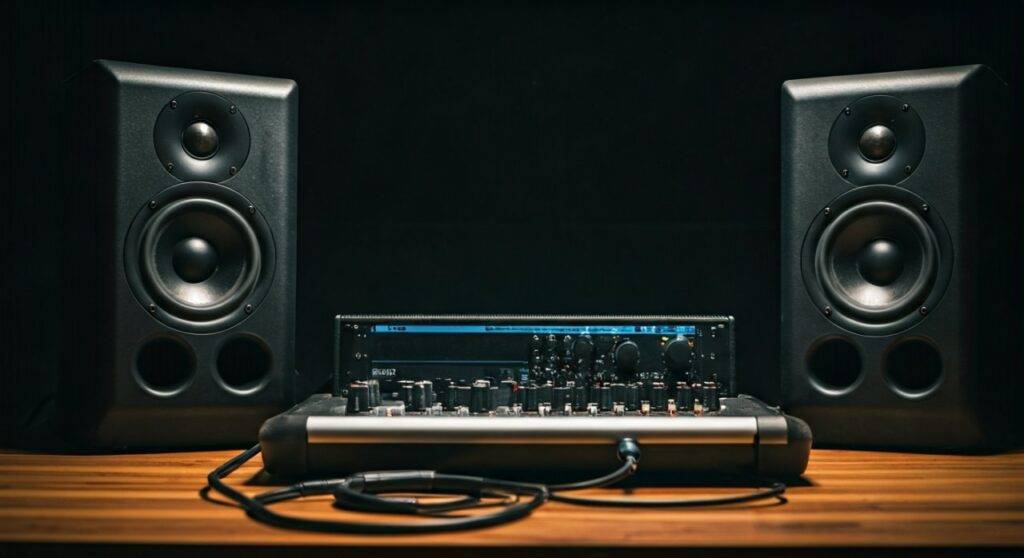
In my years as a live sound engineer, I have frequently used this trick when a venue only provided two disparate PA speakers. The key isn’t the speaker’s internal circuitry; it’s the signal routing and placement you choose. If you send the same combined signal to both, you get “Dual Mono.” If you split the signal, you get true Stereo Separation.
TL;DR: Key Takeaways for Stereo Conversion
- The Golden Rule: You need a Stereo Source (like a phone, PC, or record player) and a way to split the L/R channels.
- Wired Method: Use a Y-splitter cable (3.5mm to dual 1/4 inch or RCA) to send one channel to each speaker.
- Wireless Method: Many modern Bluetooth speakers support TWS (True Wireless Stereo) to pair as a stereo set.
- Placement Matters: For the best imaging, place speakers at the same height, forming an equilateral triangle with your listening position.
- Volume Matching: Since mono speakers may differ in output, you must manually level-match them to keep the “phantom center” balanced.
Why You Might Want to Use 2 Mono Speakers for Stereo
Often, we find ourselves with two high-quality mono Bluetooth speakers or two active PA speakers and wonder why the sound feels “flat.” When you play music through a single speaker, the Left and Right channels are summed together. This results in a loss of spatial depth.
By asking can you get stereo from 2 mono speakers, you are looking to unlock the immersion intended by the recording engineer. Stereo sound allows you to hear the guitar on the left, the drums in the center, and the vocals floating in the middle.
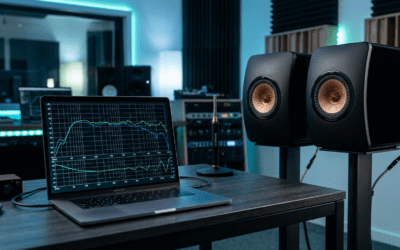
We have tested this setup in various environments, from backyard movie nights to professional studio monitoring. The difference in audio fidelity is immediate. Converting two mono sources into a stereo pair significantly reduces frequency masking and makes the audio feel “larger” than the physical speakers themselves.
How Can You Get Stereo From 2 Mono Speakers? (3 Proven Methods)
The Wired Splitter Method (Most Reliable)
This is the most common way to handle active speakers (speakers with their own power plug). You need a cable that terminates in two separate plugs.
If you are using a laptop or phone, you likely need a 3.5mm TRS to Dual 1/4″ TS cable. One 1/4″ plug goes into the “Left” speaker, and the other goes into the “Right” speaker. Because each speaker only receives one half of the signal, they function together as a stereo system.
The Audio Interface or Mixer Method (Professional)
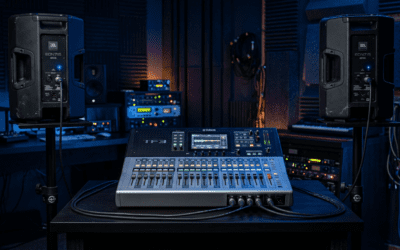
If you are a musician or a podcaster, you likely own a USB Audio Interface like a Focusrite Scarlett or a PreSonus AudioBox. These devices have dedicated Left and Right outputs on the back.
I prefer this method because it provides a balanced signal. Using XLR or TRS cables prevents the annoying “hum” or “buzz” that often plagues cheap splitter cables. You simply connect Output 1 to Speaker A and Output 2 to Speaker B.
The TWS (True Wireless Stereo) Method
Many consumer brands like JBL, Ultimate Ears, and Sony have built-in software for this. If you have two identical mono speakers, you can often “link” them via an app.
The app designates one speaker as the Master (Left) and the other as the Slave (Right). While convenient, keep in mind that latency (audio delay) can sometimes occur, making this less ideal for watching movies than a wired connection.
Technical Comparison: Splitters vs. Mixers vs. TWS
| Feature | Y-Splitter Cable | Audio Mixer/Interface | TWS (Wireless) |
|---|---|---|---|
| Complexity | Very Low | Moderate | Low |
| Audio Quality | Good (Analog) | Excellent (High-Res) | Variable (Compression) |
| Cost | $10 – $20 | $50 – $200+ | Free (if supported) |
| Best For | Casual listening/PC | Home Studio/Live Sound | Outdoor/Portability |
| Reliability | High | Highest | Moderate (Drops out) |
Step-by-Step Guide: Setting Up Your Stereo Soundstage
Step 1: Identify Your Speaker Type
Are your speakers Passive or Active?
- Active speakers have a power cord and a volume knob. You can plug a signal directly into them.
- Passive speakers require an external Amplifier. To get stereo, you connect the Left speaker to the Left terminal of the amp and the Right speaker to the Right terminal.
Step 2: Acquire the Correct Cabling
To answer the question can you get stereo from 2 mono speakers, you must ensure your cables aren’t just “doubling” the signal. You do not want a “Mono-to-Dual-Mono” adapter. You need a Stereo Breakout Cable.
- Look for a TRS connector (two black rings on the jack) on the source end.
- Ensure the output ends are two separate TS connectors (one black ring).
Step 3: Physical Placement (The 60-Degree Rule)
For stereo imaging to work, the speakers must be positioned correctly. Place them at an equal distance from your ears.
If the speakers are 6 feet apart, you should be sitting exactly 6 feet away from each. This creates the Equilateral Triangle. Point the speakers slightly inward (this is called Toe-in) so they aim directly at your shoulders.
Step 4: Level Matching
Since you are using two independent mono units, one might naturally be louder than the other due to component tolerances. Play a track with a strong center vocal. Adjust the individual volume knobs on the back of each speaker until the voice sounds like it is coming from a “ghost” speaker directly in front of your face.
Critical Factors for Success: Impedance and Phase
When people ask can you get stereo from 2 mono speakers, they often forget about the physics of sound. Two different speakers might have different frequency responses.
If you use a Bose speaker for the left and a JBL for the right, the stereo image will feel “lopsided.” For the best results, use two identical models. If you must mix and match, use an Equalizer (EQ) to match their tones.
Avoiding Phase Cancellation
If your speakers are “out of phase,” the bass will disappear. This happens if the positive and negative wires are swapped on one speaker.
- The Test: Play a song with heavy bass. If the bass sounds weak, swap the wires on one speaker. If the bass returns, you’ve fixed the phase.
Software Solutions for PC and Mac Users
Sometimes the hardware isn’t enough. You can use software to force a stereo split to different outputs.
Using OBS Studio
If you are streaming, you can use OBS to route audio. By using the Advanced Audio Properties, you can pan one mono source 100% Left and another 100% Right. This is incredibly useful for streamers using two separate mono microphones or inputs.
Audio MIDI Setup (macOS)
Mac users have a hidden gem called Audio MIDI Setup.
- Open the app.
- Click the “+” and create an Aggregate Device.
- Select your two mono output devices.
- Click “Configure Speakers” to assign one to the Left channel and one to the Right.
Expert Tips for Optimizing Mono Speakers
In my experience, the biggest mistake people make is placing mono speakers too close together. This creates comb filtering, which makes the audio sound thin and “hollow.”
Pro Tip: If you are using two mono speakers in a large room, try to elevate them to ear level. Placing speakers on the floor or too high near the ceiling causes early reflections, which muddle the stereo separation. Using isolation pads or even a couple of thick books under the speakers can drastically improve the clarity of the high frequencies.
Also, consider the Room Acoustics. If one speaker is in a corner and the other is in an open space, the corner speaker will sound much bassier. Try to keep the environment around both speakers symmetrical to maintain a balanced Stereo Image.
Frequently Asked Questions
Can I use two different brands of mono speakers for stereo?
Yes, but it is not ideal. Since every speaker has a unique sound signature, the stereo field may feel inconsistent. You will need to use an EQ to balance the brightness and bass between the two units so the “center” doesn’t shift.
Does “Dual Mono” mean the same thing as Stereo?
No. Dual Mono is the same identical signal coming out of two speakers. Stereo consists of two different signals (Left and Right). Stereo provides spatial information, while Dual Mono just makes the sound louder without adding depth.
Can you get stereo from 2 mono speakers using just Bluetooth?
Only if the speakers support TWS (True Wireless Stereo) or “Party Mode” with stereo grouping. If they do not, your phone will typically only connect to one speaker at a time. Some Android phones have a “Dual Audio” feature, but this usually outputs Dual Mono rather than a split stereo signal.
What cable do I need to connect my phone to two mono PA speakers?
You need a 3.5mm TRS to Dual 1/4″ TS Breakout Cable. This takes the stereo signal from your headphone jack (or dongle) and splits it into two separate mono plugs that can go into the inputs of your PA speakers.