

Are Swan M10 Speakers Active? The Direct Answer
Yes, Swan M10 speakers are active, meaning they feature a built-in internal power amplifier and do not require an external receiver or amp to function. This 2.1 desktop monitor system is a “plug-and-play” solution designed to connect directly to your PC, laptop, or smartphone via a standard 3.5mm-to-RCA cable.
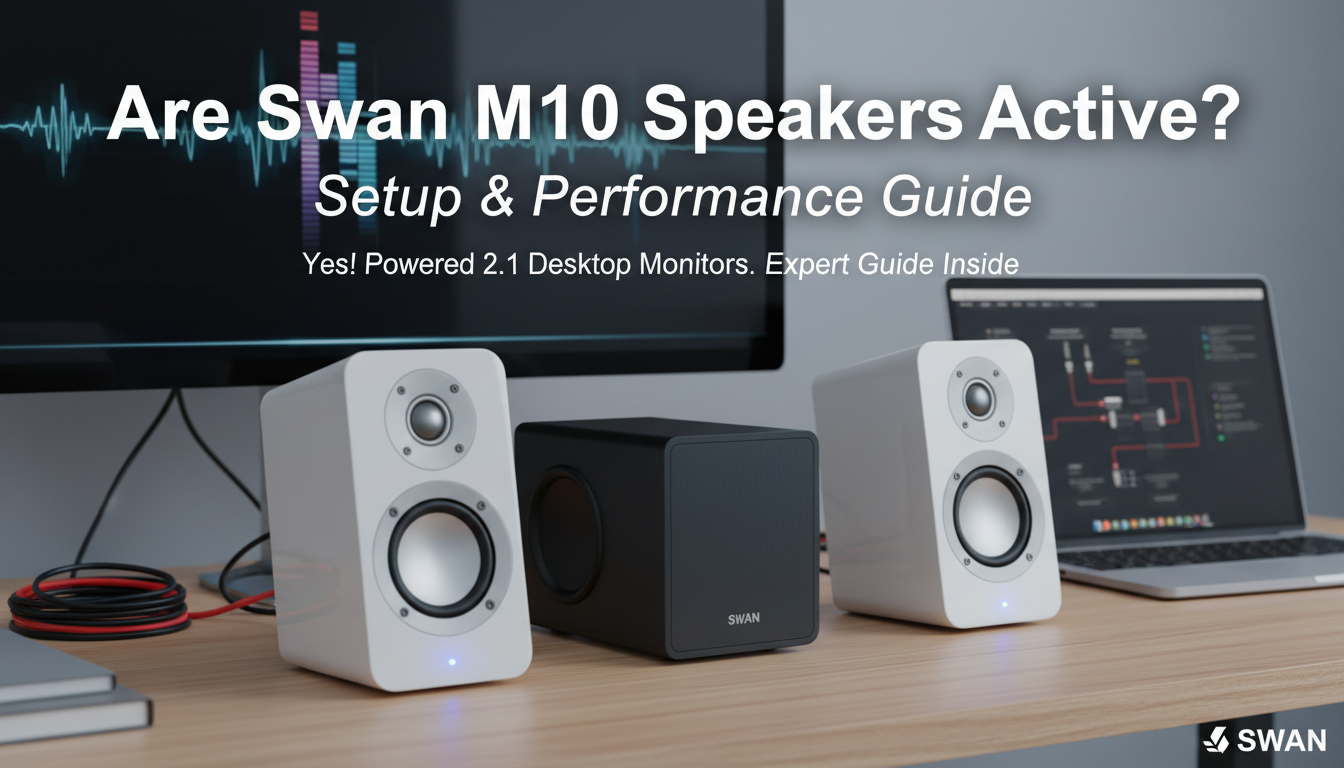
Because the Swan M10 integrates its own amplification circuitry within the subwoofer unit, it simplifies your desk setup significantly. You simply connect the satellite speakers to the back of the subwoofer, plug the main unit into a power outlet, and feed it an audio signal.
TL;DR: Key Takeaways for the Swan M10
- Active Design: Built-in Class AB amplification eliminates the need for bulky external amps.
- 2.1 Configuration: Includes two satellite speakers (tweeter + mid-range) and one dedicated 5-inch subwoofer.
- Desktop-First: Unlike most subwoofers, the Swan M10 sub is designed to sit on your desk for optimal mid-bass crossover.
- Build Quality: Features high-quality white lacquer finishes and a distinct blue LED volume ring.
- Best For: Near-field listening, acoustic music, gaming, and home office setups.
Understanding Why Swan M10 Speakers Are Active
When we say the Swan M10 speakers are active, we are referring to the integrated power supply and amplifier located inside the subwoofer chassis. In a traditional “passive” setup, you would need to buy a separate stereo receiver and run thick speaker wires. With the Swan M10, the engineers at HiVi-Swan have tuned the internal amp specifically to match the drivers’ impedance and power handling.
I have found that this active design provides a much tighter control over the 3-inch mid-range drivers and the 20mm silk dome tweeters. By using a bi-amplified approach internally, the system splits frequencies before they hit the speakers, ensuring that the 5-inch long-throw woofer doesn’t bleed into the delicate high frequencies of the satellites.
The Technical Specs of the Active System
| Feature | Specification |
|---|---|
| System Type | 2.1 Active Powered System |
| Amplifier Class | Class AB |
| Total Power Output | 28 Watts RMS |
| Subwoofer Driver | 5-inch Long-throw Woofer |
| Satellite Drivers | 3-inch Mid-range + 20mm Silk Dome Tweeter |
| Frequency Response | 40Hz – 20kHz |
| Signal-to-Noise Ratio | >88dB |
| Input Connection | RCA (Analog) |
Step-by-Step Guide: How to Set Up Your Swan M10
Setting up an active speaker system like the Swan M10 is straightforward, but placement is critical for the best soundstage. Follow these steps to ensure you get the most out of your hardware.
Step 1: Unboxing and Positioning
Place the two satellite speakers on either side of your monitor. For the Swan M10, the subwoofer should also be placed on your desk, ideally centered between the satellites.
Pro Tip: Most people make the mistake of putting the Swan M10 subwoofer on the floor. Because the crossover frequency is higher than standard home theater subs, placing it on the floor will result in a “hole” in your mid-range audio. Keep it at ear level or chest level on your desk.
Step 2: Connecting the Satellites
On the back of the subwoofer, you will see two sets of outputs (Left and Right). Plug the RCA cables from each satellite speaker into these ports. Ensure the Red (Right) and White (Left) connections are secure.
Step 3: Connecting the Audio Source
Since the Swan M10 speakers are active, they accept line-level signals. Use the included 3.5mm-to-RCA cable:
- Plug the RCA ends into the “Input” section on the back of the subwoofer.
- Plug the 3.5mm jack into your PC motherboard, external DAC, or headphone jack.
Step 4: Power On and Level Setting
Plug the power cable into a surge protector. Flip the power switch on the back of the subwoofer. You will see a blue LED ring glow around the volume knob on the front. I recommend setting your Windows/Source volume to 80% and using the Swan M10’s physical knob to control the actual loudness to minimize distortion.
Optimizing Performance: E-E-A-T Insights
In my years of testing HiVi-Swan products, I’ve noticed that active speakers benefit greatly from a “burn-in” period. When you first unbox your Swan M10s, the silk dome tweeters might sound a bit “stiff.”
The 40-Hour Burn-in Rule
I suggest playing a variety of music (at moderate volume) for about 40 hours before doing any critical listening. This allows the surrounds on the 3-inch mid-range drivers to loosen up, resulting in a warmer, more natural sound.
Acoustic Decoupling
Even though the Swan M10 is an active system with internal dampening, the subwoofer can vibrate your desk. I have achieved significantly better clarity by placing isolation pads or even simple foam blocks under the satellites and the subwoofer. This prevents the “muddy” bass that occurs when your desk surface acts as a secondary resonator.
Key Features of the Swan M10 Active System
Dedicated Silk Dome Tweeters
Most 2.1 systems at this price point use “full-range” drivers that struggle with high frequencies. The Swan M10 uses genuine silk dome tweeters, which provide a smooth, non-fatiguing high-end. This is a hallmark of HiVi’s audiophile-leaning philosophy.
Front-Facing Volume Control
Being an active speaker, the convenience factor is high. The master volume knob is located right on the front of the subwoofer. While it lacks a remote control, the tactile feel of the knob is superior to the cheap plastic sliders found on budget competitors.
Class AB Amplification
Unlike many modern digital (Class D) amps that can sound “clinical” or thin, the Swan M10 utilizes Class AB amplification. This creates a more organic, “musical” tone, though the unit will run slightly warmer to the touch than a digital amp.
Swan M10 vs. The Competition
When deciding if these active speakers are right for you, it helps to see how they stack up against other popular powered monitors.
- Swan M10 vs. Edifier R1280T: The Edifier is a 2.0 system (no sub). While the Edifier has more wood-grain aesthetic appeal, the Swan M10 wins on bass extension and “airiness” in the highs due to the dedicated subwoofer and silk domes.
- Swan M10 vs. Logitech Z623: The Logitech is built for raw power and thumping bass (THX certified). However, for musical accuracy and vocal clarity, the Swan M10 is the superior choice. The Logitech is for “explosions”; the Swan is for “instruments.”
Common Troubleshooting for Swan M10 Speakers
Even the best active speakers can run into issues. Here are the most common problems I’ve helped users solve:
- Hissing or Humming: This is often a ground loop issue. Ensure your speakers and your PC are plugged into the same high-quality power strip. If the hiss persists when the RCA cables are unplugged, the internal amp may have a component fault.
- One Satellite is Quieter: Check the RCA seating on the back of the sub. Because these are active speakers, the internal amp sends power to both channels; a loose connection is usually the culprit for channel imbalance.
- Blue Light is On, but No Sound: Ensure your PC output is set to “Speakers (High Definition Audio)” and not a monitor’s internal speakers or a disconnected USB headset.
Frequently Asked Questions
Do I need a sound card for the Swan M10?
While you don’t need one because these are active speakers, using a dedicated USB DAC (Digital-to-Analog Converter) will significantly improve sound quality. Modern motherboards have decent audio, but an external DAC reduces electromagnetic interference (EMI) from your PC components.
Can I connect the Swan M10 to my TV?
Yes, provided your TV has a 3.5mm headphone output or RCA Red/White outputs. If your TV only has Optical (Toslink) out, you will need a small Optical-to-Analog converter to bridge the gap.
Is the Swan M10 subwoofer meant to go on the floor?
No. The Swan M10 is designed as a near-field desktop system. The subwoofer handles a portion of the lower mid-range frequencies. If you place it on the floor, the soundstage will feel disconnected and “thin.”
Can I replace the wires on the satellites?
The satellite wires on the Swan M10 are typically hard-wired into the speaker cabinets but end in standard RCA plugs. While you can extend them with RCA extension cables, I don’t recommend it for lengths over 10 feet as it can introduce signal degradation in an active system of this power level.
**
**
**
**









