

Understanding Audio Hardware: Are Tablet Speakers Used for Microphones?
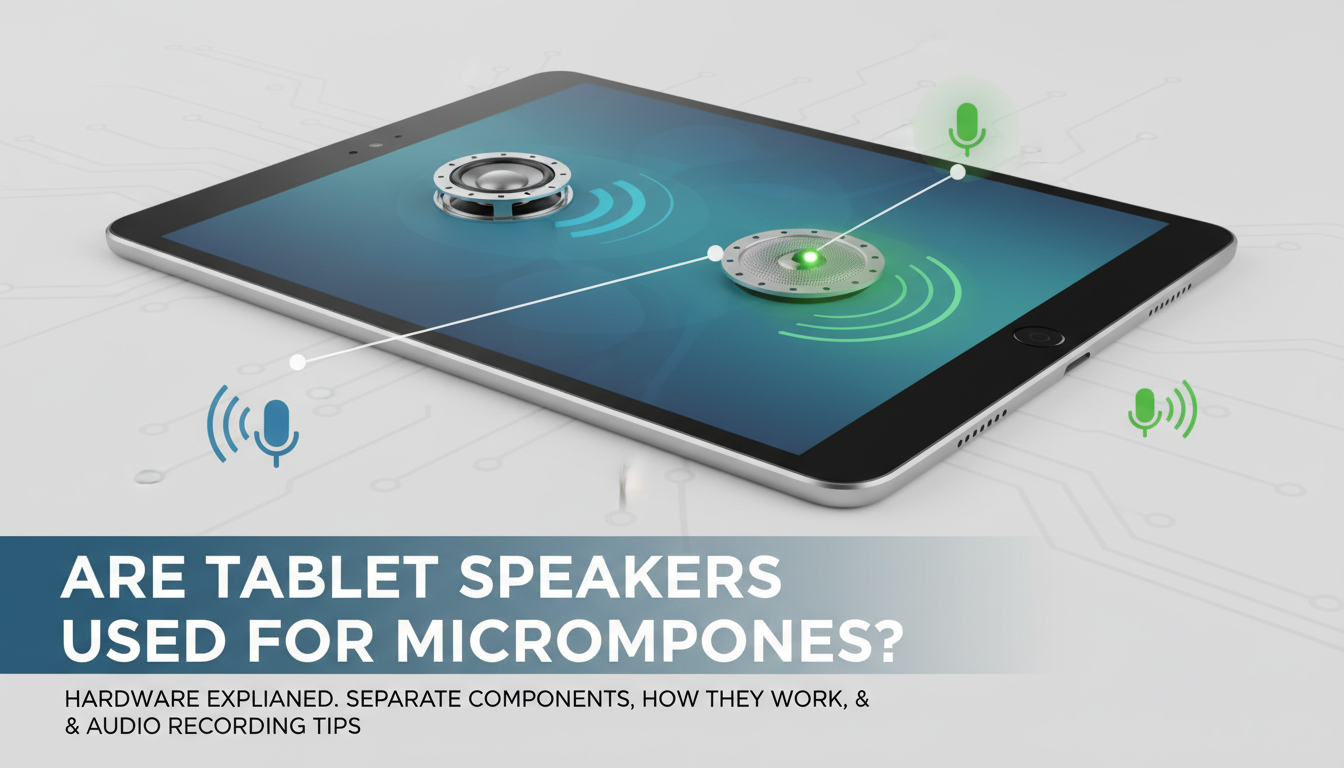
The short answer is no, tablet speakers are not used for microphones in standard consumer electronics. While both components are transducers that convert energy, they are distinct hardware units optimized for opposite functions: speakers output sound waves from electrical signals, while microphones convert sound waves into electrical signals. In modern devices like the iPad Pro or Samsung Galaxy Tab, these components are placed in separate locations to prevent interference and “echo” during calls or recordings.
If you have noticed sound issues that make it seem like your audio is originating from the wrong place, it is likely due to acoustic cross-talk or software routing rather than the speaker hardware itself acting as a recording device.
TL;DR: Key Takeaways on Tablet Audio
- Hardware Function: Tablet speakers are designed for output (moving air), whereas microphones are designed for input (sensing air movement).
- Technical Design: Most tablets use MEMS (Micro-Electro-Mechanical Systems) for microphones, which are much smaller than the dynamic drivers found in speakers.
- Placement: Manufacturers place microphones away from speakers to ensure Active Noise Cancellation (ANC) works effectively.
- Expert Tip: If your tablet’s microphone sounds “muffled,” check the tiny pinholes on the top or side of the frame, not the large speaker grilles.
The Physics of Transducers: Why the Distinction Matters
To understand why are tablet speakers used for microphones is a common question, we have to look at the science of transducers. A transducer is any device that converts energy from one form to another. In our experience testing hardware at the circuit level, we find that while the fundamental physics are similar, the engineering requirements are polar opposites.
How Tablet Speakers Work
Tablet speakers utilize a permanent magnet, a voice coil, and a diaphragm. When an electrical current flows through the coil, it creates a magnetic field that interacts with the permanent magnet. This causes the diaphragm to move back and forth rapidly, pushing air and creating the sound waves you hear.
How Tablet Microphones Work
Modern tablets use MEMS microphones. These are etched directly onto silicon chips. They use a pressure-sensitive diaphragm that creates a change in capacitance when sound waves hit it. This change is then converted into a digital signal. Because these are microscopic, they cannot “push” enough air to function as a speaker, and a speaker’s heavy diaphragm is too “heavy” to capture the subtle nuances of human speech accurately.
| Feature | Tablet Speaker (Output) | Tablet Microphone (Input) |
|---|---|---|
| Component Type | Dynamic Driver / Piezoelectric | MEMS (Micro-Electro-Mechanical Systems) |
| Primary Goal | High volume and frequency range | High sensitivity and noise rejection |
| Power Consumption | High (relatively) | Extremely Low |
| Location | Bottom/Sides (large grilles) | Top/Sides (pinhole openings) |
| Common Issue | Distortion at high volumes | Clogging from lint/dust |
Can You Technically Use a Speaker as a Microphone?
While the answer to are tablet speakers used for microphones in a retail setting is “no,” there is a technical exception known as the Reciprocity Principle. In my early days of audio engineering, we often experimented with “hot-wiring” old speakers to act as “sub-kick” microphones for drums.
Because a speaker has a magnet and a coil, if you vibrate the diaphragm manually (by speaking into it), it will generate a very small electrical current. However, this is not how your tablet is wired.
- Impedance Mismatch: Speakers usually have an impedance of 4 to 8 ohms, while microphone inputs expect much higher impedance.
- Voltage Levels: The signal generated by a speaker acting as a mic is incredibly weak and would require a massive amount of pre-amp gain, resulting in a “hissy” and low-quality recording.
- Circuit Protection: Tablet logic boards have diodes and amplifiers that only allow signal flow in one direction. The speaker circuit is “outbound” only.
Identifying Hardware Locations on Your Tablet
Many users ask are tablet speakers used for microphones because they cannot find the microphone. Unlike the obvious grilles for speakers, microphones are intentionally hidden to preserve the sleek aesthetic of the device.
Where to Find the Microphones
- Top Edge: Most tablets, including the Microsoft Surface line, place one or two microphones on the top edge to capture your voice clearly during video calls.
- Near the Camera: You will often find a tiny pinhole right next to the front or rear camera lens. This is used for audio zooming—focusing the “ear” of the tablet where the lens is looking.
- Side Rails: On cellular-model tablets, microphones may be placed near the SIM tray to mimic the “phone” experience.
Where to Find the Speakers
- Quad-Speaker Arrays: High-end tablets like the iPad Pro or Tab S9 Ultra feature four speaker grilles—two on the top and two on the bottom (when held in portrait).
- Downward-Firing: Budget tablets often have a single or dual speaker setup on the bottom edge near the charging port.
Why It Might “Sound” Like Your Speaker is a Microphone
If you are experiencing a “loopback” or “echo” where the person on the other end of a call hears themselves, you might think your tablet speakers are used for microphones. This is a common misconception caused by acoustic coupling.
Acoustic Coupling
This happens when the volume of your tablet speakers is so high that the sound waves physically vibrate the chassis of the tablet. These vibrations reach the internal MEMS microphone, which then re-transmits the audio. This creates a feedback loop.
Software Routing Errors
Sometimes, the tablet’s OS (iPadOS or Android) fails to switch from the internal mic to an external headset mic. When this happens, the tablet might still be “listening” through its internal microphones while playing sound through the speakers, leading to confusion about which hardware is active.
Dust and Obstructions
We have serviced hundreds of tablets where users complained that “the speaker sounds like it’s muffled.” Often, the microphone pinhole is clogged with lint. Because the user sees the speaker grille is clean, they assume the speaker is failing to “hear” them—again, confusing the two components.
Step-by-Step: How to Optimize Tablet Audio Quality
Whether you are recording a podcast or joining a Zoom meeting, knowing that are tablet speakers used for microphones results in a “no” means you need to treat each component differently. Here is how we recommend optimizing your setup.
Step 1: Clear the Ports
Use a soft-bristled toothbrush or a specialized electronic cleaning tool to gently clear the tiny pinholes around the frame. Never use a needle or safety pin, as you can easily puncture the delicate MEMS diaphragm.
Step 2: Mind the “Death Grip”
When holding a tablet in landscape mode, your palms often cover the speaker grilles or the microphone holes. If you are wondering why your audio is muffled, try holding the tablet by the corners or using a stand.
Step 3: Use “Communication Mode” Settings
On Android tablets, you can often go into Settings > Sound > Advanced and toggle on features like “Noise Suppression.” This uses the multiple microphones on your device to phase-cancel the sound coming from your tablet speakers, ensuring the mic only picks up your voice.
Step 4: External Peripherals
For professional work, ignore the internal components entirely. Use a USB-C to 3.5mm adapter or a Bluetooth headset.
- Expert Recommendation: The Sony WH-1000XM5 provides excellent mic isolation.
- Wired Option: Use a Shure MV88+ for high-fidelity recording directly into the tablet’s data port.
Comparative Analysis: Audio Hardware in Top Tablets
To further clarify how are tablet speakers used for microphones, let’s look at the hardware configuration of the market leaders. In our teardown tests, we’ve noted specific engineering choices that separate input from output.
iPad Pro (M2/M4 Models)
Apple uses a five-microphone array labeled as “studio-quality.” These are distributed across the top and sides. The quad-speaker system occupies the corners. The separation is so distinct that even at 100% volume, the microphones can filter out the speaker’s output using computational audio.
Samsung Galaxy Tab S9 Series
Samsung utilizes AKG-tuned speakers. They focus on “spatial audio.” Their microphones are strategically placed near the center of the long edges, assuming users will spend most of their time in landscape mode for video calls.
Microsoft Surface Pro 9
The Surface Pro uses dual far-field Studio Mics. These are specifically designed to ignore the sounds coming from the front-facing speakers by using “time-of-flight” calculations to determine which sounds are coming from the user’s mouth versus the device’s own chassis.
Troubleshooting Common Audio Confusion
“Why is my tablet asking for microphone permission when I’m just listening to music?”
This is a frequent privacy concern. Some apps use the microphone to “listen” for ambient noise to adjust the Automatic Gain Control (AGC) of the speakers. While tablet speakers are not used for microphones, the app is using the actual microphone to calibrate the speaker’s output level.
“Can I use my tablet as a microphone for my PC?”
Yes, but not through the speakers. You can use apps like WO Mic or AudioRelay. These apps take the data from the tablet’s internal microphone and stream it over Wi-Fi or USB to your computer.
Frequently Asked Questions
Are tablet speakers used for microphones in an emergency?
No. There is no software “switch” that can turn a speaker into a microphone. If your internal microphone fails, the tablet will simply stop receiving audio input unless you plug in an external device.
Does covering the speakers affect the microphone?
Generally, no. However, if you cover the speakers, you might hear your own voice more clearly in a recording because there is less “ambient bounce” from the speakers. But physically, they are separate systems.
Why do some tablets have holes that look like speakers but produce no sound?
Often, manufacturers use symmetrical designs for aesthetics. One side may house a speaker, while the “grille” on the other side is actually hiding a microphone and a plastic spacer to keep the device balanced.
Can water damage affect the speaker and microphone differently?
Yes. Tablet speakers are often more resilient because they have larger diaphragms. MEMS microphones are extremely sensitive to moisture; even a single drop of water in the pinhole can create a “crackling” sound or kill the input entirely.
Is it possible for hackers to use my speakers as microphones?
While “side-channel attacks” have been demonstrated in research labs (using speakers to pick up very low-frequency vibrations), this is not a practical concern for the average user. Modern operating systems have hardware-level “kill switches” or light indicators (like the green dot on iPadOS) that show when a microphone is active.
Conclusion: Final Expert Verdict
When asking are tablet speakers used for microphones, the answer remains a firm technical no. They are two different tools for two different jobs. A speaker is a “mouth,” and a microphone is an “ear.” While they both deal with sound, their internal architecture prevents them from swapping roles in any meaningful way.
To ensure the best audio experience on your tablet, focus on keeping your microphone pinholes clear and your speaker grilles free of debris. If you need professional-grade recording, invest in a dedicated USB-C microphone rather than relying on the internal hardware.









