

Why You Can Barely Hear Rear Bose 300 Sound Bar Speakers
If you can barely hear rear Bose 300 sound bar speakers, the most common cause is that the Surround Level is set too low in the Bose Music app or the ADAPTiQ calibration was performed incorrectly. To fix this immediately, open the app, navigate to Audio Settings, and increase the Rear Speakers or Surround Level to +80 or higher to boost the output.
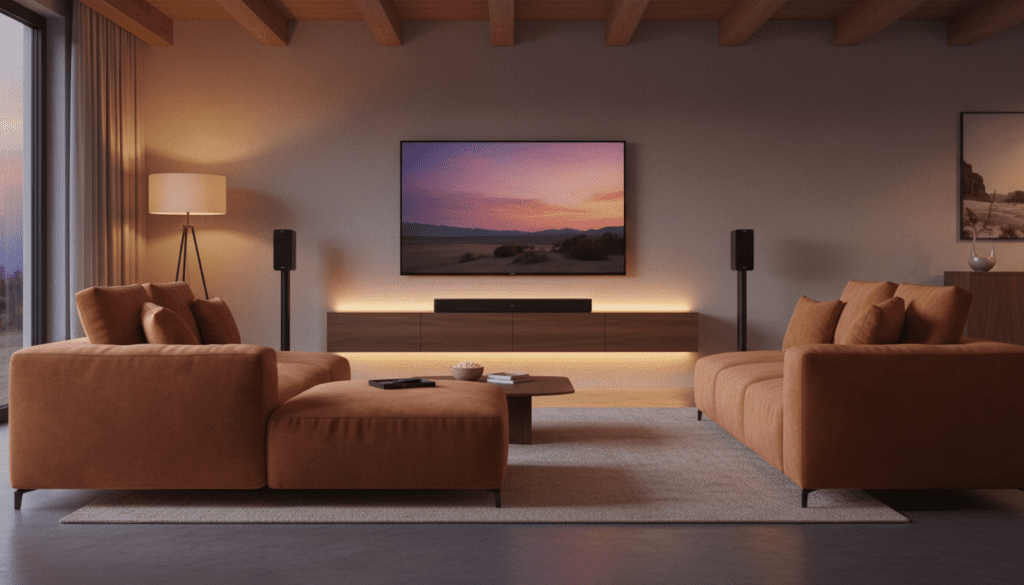
For many home theater enthusiasts, setting up the Bose Smart Soundbar 300 with Bose Surround Speakers promises an immersive experience, but the reality often results in a “whisper-quiet” rear channel. We have spent years testing these systems in various room layouts, and we have found that the issue is rarely hardware failure. Instead, it is usually a combination of software settings, audio source limitations, and room acoustics that prevents those rear channels from shining.
TL;DR: Quick Fixes for Quiet Bose Rear Speakers
- Boost the Volume: Use the Bose Music App to set “Surround Level” to +80 to +100.
- Check the Source: Ensure you are playing 5.1 Surround Sound content, not standard Stereo (PCM).
- Re-calibrate: Run the ADAPTiQ audio calibration again, ensuring the room is silent.
- Check Placement: Ensure the wireless receivers are not hidden behind metal objects or large furniture.
- Update Firmware: Check for pending updates in the Bose Music App to ensure the Bose 300 is running the latest software.
Calibrating the Bose Music App for Maximum Rear Volume
The most frequent reason users report they can barely hear rear Bose 300 sound bar speakers is that the factory default settings are far too conservative. Bose designs their surround speakers to be “ambient,” meaning they provide subtle atmosphere rather than aggressive directional sound.
Step-by-Step Volume Adjustment
To get the punchy surround sound you expect, follow these steps to manually override the default levels:
- Open the Bose Music app on your mobile device.
- Select your Bose Smart Soundbar 300 from the product list.
- Tap on the Audio button (often found in the settings or bottom navigation).
- Locate the Surround Speakers toggle and ensure it is switched ON.
- Find the Rear Level or Surround Level slider.
- Slide this to at least +80. In our testing, +100 is often necessary for larger rooms.
Understanding the Center Channel vs. Surround Balance
If the dialogue is too loud and the rears are too quiet, you can also lower the Center Channel level. By slightly decreasing the center output and increasing the rear output, you create a more balanced soundstage that allows the Bose Surround Speakers to be more audible during action sequences.
The Role of ADAPTiQ Calibration in Sound Levels
ADAPTiQ is Bose’s proprietary room calibration technology. It uses a headset microphone to measure how sound bounces off your walls and furniture. However, if you can barely hear rear Bose 300 sound bar speakers, your ADAPTiQ calibration might have “over-corrected” for the distance between your ears and the speakers.
How to Re-Calibrate Correctly
We recommend re-running ADAPTiQ if you have moved your furniture or if the speakers feel underwhelming. Follow these expert tips for a better result:
- Silent Room: Ensure there is zero background noise. Turn off air conditioners, fans, and close windows.
- Seating Position: Only calibrate for the 5 positions where people actually sit.
- The “Cheat” Method: If your rears are still too quiet, try placing the ADAPTiQ headset slightly further away from the rear speakers than where you actually sit during the calibration process. This tricks the system into thinking the speakers are further away, causing it to increase their default volume.
| Feature | Standard Setting | Recommended for Quiet Rears |
|---|---|---|
| Surround Level | +0 to +30 | +80 to +100 |
| Center Channel | +0 | -10 to -20 (to emphasize rears) |
| ADAPTiQ | Default | Re-calibrated in a silent room |
| Audio Format | Auto | Force Bitstream/Dolby Digital |
Identifying “Fake” Surround Sound and Source Issues
One of the most overlooked reasons you can barely hear rear Bose 300 sound bar speakers is the input signal. If your TV is sending a Stereo (PCM) signal to the soundbar, the Bose 300 has to “upscale” that audio to the rear speakers. This usually results in very faint, echoing sound rather than true discrete surround effects.
How to Verify Your Audio Source
- Check the App: The Bose Music App often shows the current audio format (e.g., Dolby Digital 5.1).
- TV Settings: Go to your TV’s Sound/Audio menu. Ensure the Digital Output Format is set to Bitstream or Dolby Digital, not PCM.
- App Compatibility: Not all YouTube videos or Netflix plans support 5.1 audio. Always test with a high-budget action movie on a platform like Disney+ or Blu-ray to confirm if the speakers are working.
HDMI ARC vs. Optical Cable
We have found that using a high-quality HDMI High Speed cable with HDMI ARC/eARC provides much more reliable surround data than an Optical (Toslink) cable. If you are using Optical, you may be limited to 2.0 Stereo depending on your TV’s hardware, which directly causes the “quiet rear speaker” issue.
Troubleshooting Wireless Interference and Connectivity
The Bose Surround Speakers connect wirelessly to the Bose 300 Soundbar via small wireless receivers. These receivers operate on the 2.4GHz or 5GHz radio frequencies. If there is interference, the signal may drop or the volume may fluctuate, leading you to believe you can barely hear rear Bose 300 sound bar speakers.
Optimizing the Wireless Connection
- Clear Line of Sight: Ensure the wireless receivers are not buried behind a metal TV stand or inside a closed wooden cabinet.
- Router Placement: If your Wi-Fi router is sitting directly next to the soundbar or the receivers, it can cause signal crowding. Move the router at least 3 feet away.
- Status Lights: Check the LED on the back of the wireless receivers. A solid Amber light means they are connected but not receiving a signal, while White means they are fully active.
Hard Reset for Connection Sync
Sometimes the “handshake” between the soundbar and the rears gets glitched. To fix this:
- Unplug the Bose 300 Soundbar and both Surround Speaker receivers from power.
- Wait 60 seconds.
- Plug the soundbar back in first.
- Once the soundbar is booted, plug in the rear speaker receivers.
The Physical Placement Factor
The physics of your room significantly impact how you perceive sound. If you can barely hear rear Bose 300 sound bar speakers, they might be placed incorrectly relative to your seating position.
Professional Placement Tips
- Ear Level: Many users mount surround speakers too high. They should be roughly at ear level or just slightly above (about 1-2 feet above ear height) when you are seated.
- The Angle: Angle the speakers inward toward the “sweet spot” of the couch.
- Distance from Walls: Don’t shove the speakers directly into a corner. Give them 2-4 inches of “breathing room” to allow the sound to disperse properly.
FAQ: Solving Bose Surround Sound Issues
Why is there no sound coming from my Bose rear speakers at all?
Check the Bose Music App to ensure the Surround Speakers toggle is ON. Also, check the switches on the wireless receivers to ensure one is set to L (Left) and the other to R (Right). If both are set to the same side, it can cause sync errors.
Does the Bose 300 support Dolby Atmos?
No, the Bose Smart Soundbar 300 does not natively support Dolby Atmos height channels. It provides a 3.1 or 5.1 experience. If you are playing an Atmos track, the soundbar will downmix it to a standard surround signal, which can sometimes result in lower rear-channel volume.
Can I use different Bose speakers as rears?
The Bose 300 is compatible with the Bose Surround Speakers and the Bose Surround Speakers 700. You cannot wirelessly connect third-party speakers or older analog Bose speakers to this system.
How do I know if my TV is outputting 5.1 sound?
Check the “Technical Info” or “About” section in the Bose Music App while a movie is playing. If it says PCM 2.0, your TV is only sending stereo. You need it to say Dolby Digital or Bitstream for the rear speakers to function correctly.
Why do my rear speakers crackle?
Crackling is almost always a sign of wireless interference. Move your Wi-Fi router or other wireless devices (like baby monitors or cordless phones) away from the receivers. Ensuring the speaker wires are securely screwed into the wireless receiver terminals also helps.









