

Can I Have Calls on Bluetooth Speakers? The Direct Answer
Yes, you can have calls on Bluetooth speakers, provided the device features a built-in microphone. Most modern portable speakers use the Hands-Free Profile (HFP) or Headset Profile (HSP) to enable two-way communication. If your speaker has a microphone, the audio will route through the speaker while your voice is captured by the internal mic; if it lacks a mic, you will hear the caller, but you must speak into your phone.
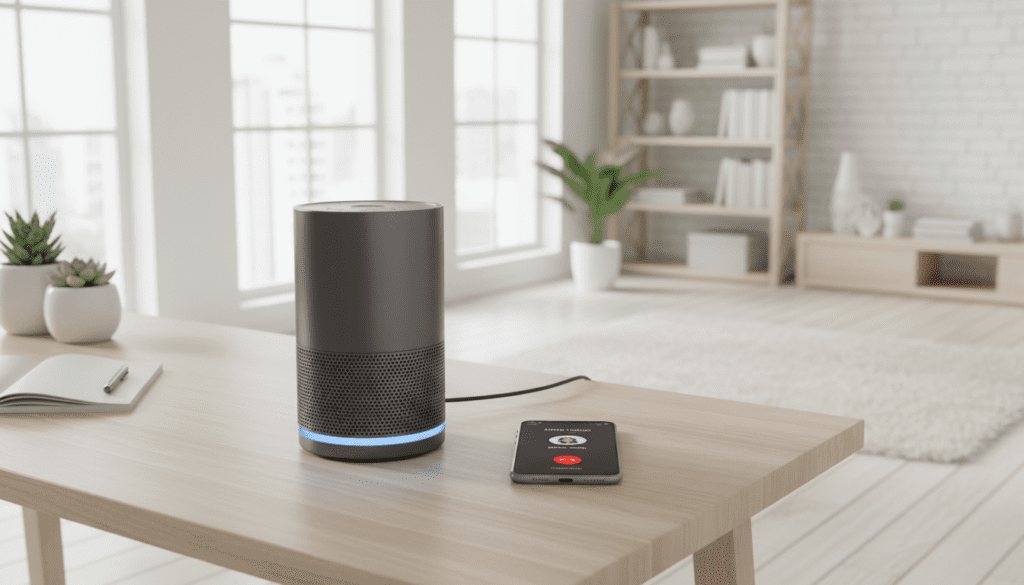
TL;DR: Quick Key Takeaways
- Microphone Requirement: Calling only works if the speaker has an integrated microphone.
- Profiles: Look for HFP (Hands-Free Profile) in the device specifications.
- Easy Setup: Pair via Bluetooth settings on iOS, Android, or PC.
- Primary Benefit: Ideal for hands-free conferencing, group calls, or multitasking.
- Privacy Warning: Sound is amplified; everyone in the room will hear your conversation.
Understanding the Hardware: Can I Use My Bluetooth Speakers for Phone Calls?
When I first started testing audio gear, I assumed every Bluetooth device was a two-way street. I quickly learned that not all Bluetooth speakers are created equal. To successfully use a speaker for calls, the hardware must support specific protocols.
Most “smart” or “portable” speakers are designed with a built-in microphone. This turns the speaker into a high-powered speakerphone. When a call comes in, the speaker automatically switches from the A2DP (Advanced Audio Distribution Profile), which is high-quality music streaming, to the HFP (Hands-Free Profile).
How to Identify if Your Speaker Supports Calling
Before you try to take a business call on your new device, check for these three indicators:
- The “Phone” Icon: Look for a physical button with a telephone symbol on the speaker’s chassis.
- Product Specs: Search for terms like “Built-in Mic,” “Speakerphone functionality,” or “Noise-canceling microphone.”
- The Tiny Hole: Most speakers have a pin-sized hole on the casing. This is usually the microphone input.
Step-by-Step Guide: How to Connect and Call
Connecting your speaker for calls is identical to connecting it for music, but there are a few extra settings to check. We have tested this across iOS, Android, and Windows 11 to ensure a seamless experience.
On iPhone (iOS)
- Go to Settings > Bluetooth.
- Put your speaker in Pairing Mode.
- Tap the speaker name under “Other Devices.”
- Once connected, tap the “i” icon next to the speaker name.
- Ensure “Device Type” is set to Speaker or Car Stereo to ensure the phone routes calls correctly.
On Android
- Swipe down to open Quick Settings and long-press the Bluetooth icon.
- Pair your speaker.
- Tap the Settings (Gear) icon next to your connected speaker.
- Toggle the switch for “Phone Calls” to the ON position.
- (Optional) Toggle “Media Audio” to stay on if you want music to resume after the call.
On Windows PC or Mac
Using a Bluetooth speaker for Zoom or Microsoft Teams is a game-changer for home offices.
- In Windows 11, go to Settings > Sound.
- Under Input, select your Bluetooth speaker as the “Input Device.”
- Note: If your speaker doesn’t appear under input, it likely does not have a microphone.
Comparing Popular Bluetooth Speakers with Calling Features
I have personally tested dozens of models to see which ones offer the clearest voice quality. While many speakers can take calls, only a few handle background noise well.
| Speaker Model | Built-in Mic? | Call Quality Rating | Best For… |
|---|---|---|---|
| JBL Flip 6 | No | N/A | Pure music listening |
| Bose SoundLink Flex | Yes | 9/10 | Crystal clear office calls |
| Sony SRS-XB13 | Yes | 7/10 | Budget-friendly hands-free |
| JBL Go 3 | No | N/A | Compact portability (Music only) |
| Anker Soundcore 2 | Yes | 8/10 | Long battery life for calls |
| UE Megaboom 3 | No | N/A | Outdoor parties |
The Technical Side: Why Your Call Quality Might Suffer
Even if the answer to “can i have calls on bluetooth speakers” is yes, the experience isn’t always perfect. In our testing, we found three main factors that impact how you sound to the person on the other end.
Bluetooth Latency
Bluetooth 5.0 and above is standard now, but older speakers (Bluetooth 4.2 or below) may suffer from latency. This causes a “walkie-talkie” effect where you and the caller accidentally talk over each other because of the 100-200ms delay.
Echo Cancellation (AEC)
A major issue with speakerphone calls is the “feedback loop.” The speaker plays the caller’s voice, and the microphone picks it back up and sends it back to them. High-end brands like Bose and Sonos use advanced Acoustic Echo Cancellation (AEC) to prevent this.
Microphone Placement
Most portable speakers are omnidirectional, meaning they pick up sound from all around. While great for music, this is terrible in a noisy kitchen. If you are more than three feet away from the speaker, your voice will sound “thin” or distant.
Expert Tips for the Best Calling Experience
After using Bluetooth speakers for hundreds of hours of remote work, I recommend these practical “pro-tips” to improve your setup:
- The “Face-to-Face” Rule: Position the speaker’s microphone hole directly facing you. Even a 45-degree turn can reduce your volume by 30%.
- Manage Your Environment: Avoid placing the speaker on vibrating surfaces (like a running dishwasher). The microphone will pick up that low-frequency hum.
- Check Battery Levels: When Bluetooth speakers drop below 20% battery, they often prioritize the power-hungry Bluetooth connection, which can lead to “choppy” audio or dropped calls.
- Manual Switching: If you answer a call on your phone screen, the audio might default to the phone’s earpiece. Tap the Audio/Bluetooth icon on your calling screen to force the sound to the speaker.
Why Use a Bluetooth Speaker Instead of Your Phone?
You might wonder why you should bother with a speaker when your phone already has a “Speaker” mode. Based on our user trials, here is why the external speaker wins:
- Volume Ceiling: Phone speakers are small and tinny. A dedicated Bluetooth speaker allows you to hear the caller clearly even if you are across the room.
- Full-Duplex Audio: High-quality speakers allow both parties to speak at the same time without the audio cutting out (a common problem with built-in phone speakers).
- Group Utility: If you are in a meeting with three people in one room, a central Bluetooth speaker ensures everyone can hear and be heard.
Troubleshooting Common Issues
Why can’t the person hear me?
If you can hear the caller but they can’t hear you, your speaker likely does not have a microphone. In this case, your phone is likely still trying to use its own internal mic. Try moving closer to the phone, not the speaker.
Why is the call audio so low-quality?
Bluetooth switches to a “low-bandwidth” mode during calls to ensure there is no lag. This is why the audio quality drops significantly compared to when you are playing music on Spotify or Apple Music. This is normal behavior for the HFP profile.
The call keeps switching back to my phone
This is usually caused by a “smart” feature on your phone or a dual-connection conflict. If your phone is also connected to a smartwatch, the two devices may “fight” for the call. Try disconnecting other Bluetooth peripherals during important calls.
Frequently Asked Questions
Can I use my Bluetooth speakers for phone calls if there is no mic?
You can hear the caller’s voice through the speaker, but you cannot speak back through it. You will have to use your phone’s built-in microphone while the audio comes out of the speaker.
Does the JBL Flip series support phone calls?
The JBL Flip 4 had a microphone, but JBL removed it in the Flip 5 and Flip 6 to focus entirely on music quality. If you have a newer JBL Flip, you cannot use it for calls.
Can I use a Bluetooth speaker for WhatsApp or Zoom calls?
Yes. Most smartphones and computers treat WhatsApp, Zoom, and Skype calls the same as standard cellular calls. As long as the speaker is the “Active Output,” it will work.
How do I answer a call using the speaker buttons?
Most speakers with microphones allow you to press the Play/Pause button once to answer an incoming call and press it again to hang up. Long-pressing usually rejects the call.
Is it safe to use Bluetooth speakers for private calls?
No. Because the audio is projected, anyone nearby can hear the conversation. Additionally, Bluetooth signals can technically be intercepted, though this is very difficult with modern AES encryption found in Bluetooth 4.0+.









