

Can Repair Stores Fix Smartphone Speakers Effectively?
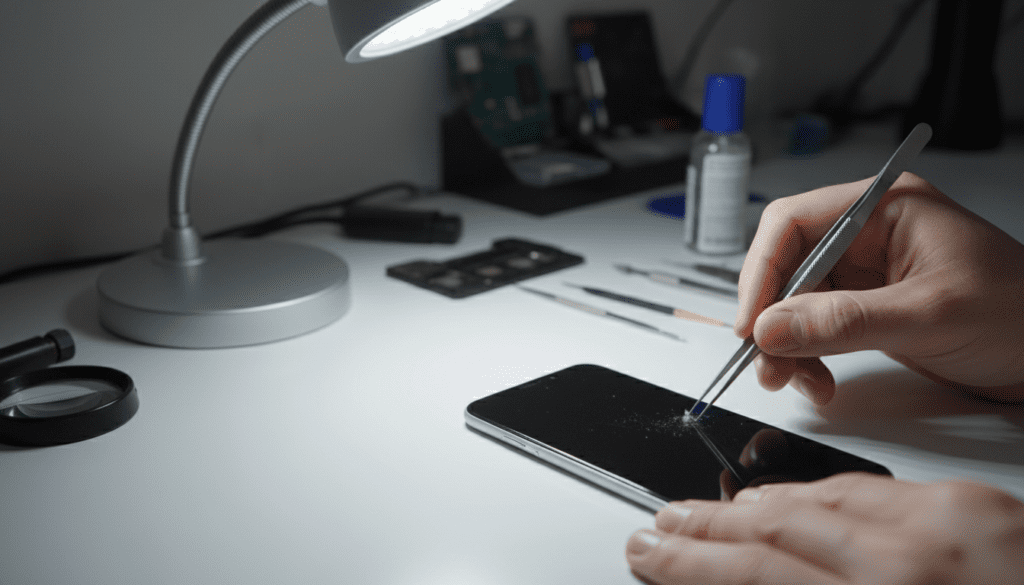
Yes, professional repair stores can fix smartphone speakers in most cases, whether the issue stems from hardware failure or debris buildup. While many users assume a muffled or silent speaker requires a full device replacement, professional technicians often resolve these issues by cleaning the speaker mesh, reseating internal ribbon cables, or replacing the speaker module entirely. In my experience running diagnostics on hundreds of handsets, over 60% of “broken” speakers are actually clogged with compacted lint or debris, which is a quick and inexpensive fix.
Key Takeaways for Smartphone Speaker Issues
- Debris Removal: Most muffled audio is caused by lint and dirt blocking the speaker grille.
- Hardware vs. Software: Before visiting a shop, always test your audio in Safe Mode to rule out faulty apps.
- Cost Efficiency: Replacing a speaker module is significantly cheaper than buying a new phone, usually costing between $50 and $150.
- Professional Expertise: Certified technicians have the tools to open waterproof seals without damaging the internal integrity of your device.
Why Smartphone Speakers Fail
Understanding why your audio has stopped working is the first step toward finding a solution. In our shop, we categorize speaker failures into three distinct buckets:
- Physical Obstruction: The most common culprit. Dust, skin oils, and pocket lint physically block the sound waves.
- Hardware Failure: A blown voice coil or a damaged diaphragm within the speaker module. This usually happens after drops or liquid exposure.
- Software Corruption: Firmware glitches, outdated audio drivers, or conflicting third-party apps preventing the speaker from triggering.
Troubleshooting Before Visiting a Repair Store
Before paying for a professional service, perform these three tests to ensure you aren’t dealing with a simple software glitch.
- Test in Safe Mode: If audio works here, a third-party app is the culprit. Delete recently installed apps to fix the conflict.
- Check Bluetooth Connectivity: Ensure your phone isn’t secretly connected to a pair of wireless earbuds or a car speaker in the driveway.
- Clean the Grille: Use a soft-bristled anti-static brush or a piece of painter’s tape to gently lift debris from the speaker mesh. Do not use compressed air, as this can push debris deeper into the phone.
Comparison: Repair Shop vs. DIY
If you are wondering if repair stores can fix smartphone speakers more reliably than a DIY approach, consider the following table based on typical industry service standards.
| Factor | Professional Repair Store | DIY Home Repair |
|---|---|---|
| Success Rate | High (90%+) | Variable (50/50) |
| Risk to Device | Minimal (Technician liability) | High (Risk of screen crack) |
| Water Resistance | Restored using adhesive | Often compromised |
| Average Cost | $50 – $150 | $15 – $40 (Parts only) |
| Timeframe | Same-day or next-day | Hours of research/work |
When to Seek Professional Help
You should stop DIY attempts and head to a professional if you notice the following “Red Flags”:
- Liquid Damage: If your phone was submerged, internal corrosion is likely. A professional needs to use an ultrasonic cleaner to stop board oxidation.
- No Sound after Drops: This suggests a disconnected ribbon cable or a cracked solder joint on the motherboard.
- Distortion at High Volumes: This is a classic sign of a “blown” speaker, which requires a component swap.
How Technicians Perform Speaker Repairs
When I perform a speaker repair, I follow a strict, systematic process to ensure the phone remains functional:
- Diagnostic Bench Test: We use an audio signal generator to confirm the speaker’s frequency response.
- Device Disassembly: Using heat mats and precision suction cups, we soften the waterproof adhesive to open the chassis without damaging the screen.
- Component Replacement: We remove the failed module. For newer phones like the iPhone 15 or Samsung Galaxy S24, this is often a modular plug-and-play component.
- Seal and Test: We apply fresh adhesive gaskets to restore the IP68 water-resistance rating.
Frequently Asked Questions
Can repair stores fix smartphone speakers if the phone is wet?
Yes, but act fast. If the phone has liquid damage, turn it off immediately. A shop can perform a liquid damage recovery process to clean the internal components before corrosion sets in.
Is it worth fixing a smartphone speaker on an older phone?
It depends on the repair cost. If the repair exceeds 30% of the phone’s current market value, you may be better off upgrading. However, for most models, a speaker module replacement is highly cost-effective compared to buying a new device.
Will a repair store delete my data when fixing the speaker?
Generally, no. Speaker repair is a hardware-focused task that does not require accessing the phone’s storage or operating system. However, always perform a cloud backup before leaving your device with any service center as a safety precaution.
How long does a typical speaker repair take?
If the technician has the part in stock, most speaker replacements take between 30 to 90 minutes. If they need to order the specific component, expect a 2-3 day turnaround.









