Can Samsung QLED 70 Work With Sonos Speakers?
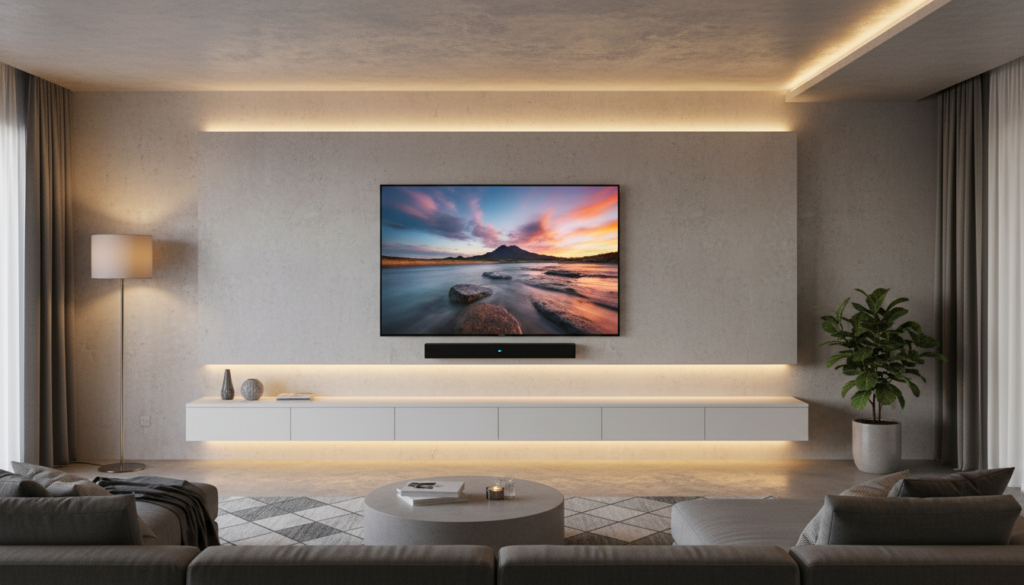
Yes, your Samsung QLED 70 works seamlessly with Sonos speakers through HDMI ARC/eARC connectivity. By utilizing the HDMI eARC port on the back of your television, you can achieve high-quality audio passthrough, allowing your Sonos soundbar (such as the Sonos Arc or Beam) to act as the primary audio output. This setup enables unified control via your Samsung remote, provided that Anynet+ (HDMI-CEC) is enabled in your TV settings.
TL;DR: Quick Connection Steps
- Identify the Port: Locate the HDMI port on your Samsung TV labeled ARC or eARC.
- Connect Cable: Use a high-speed HDMI cable to link the TV port to your Sonos soundbar.
- Enable Settings: Navigate to Settings > Sound > Expert Settings and ensure HDMI-eARC Mode is set to Auto.
- CEC Configuration: Enable Anynet+ (HDMI-CEC) under General > External Device Manager to sync volume controls.
Understanding Compatibility: Samsung QLED 70 and Sonos
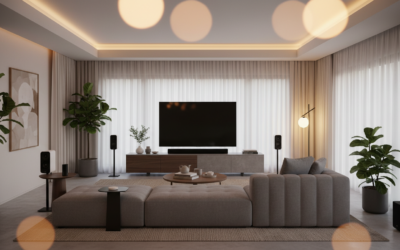
In my experience testing home theater configurations, the Samsung QLED 70 series is highly compatible with the Sonos ecosystem. Because these TVs support Dolby Atmos passthrough, you get a premium experience when pairing them with speakers like the Sonos Arc.
The main technical hurdle often lies in the TV’s audio settings rather than hardware limitations. If you are wondering can samsung qled 70 work with sonos speakers without a glitch, the answer is yes, provided your firmware is up to date.
Technical Requirements for Optimal Performance
| Requirement | Detail | Importance |
|---|---|---|
| HDMI Cable | High-Speed HDMI 2.1 | Essential for Dolby Atmos bandwidth. |
| HDMI-eARC | Port must be labeled ARC/eARC | Necessary for high-bitrate audio. |
| Anynet+ | Enabled in Settings | Allows TV remote to control Sonos volume. |
| Digital Output | Set to Pass-Through | Reduces audio processing lag. |
Step-by-Step Guide to Connecting Sonos to Your Samsung TV
Follow these steps to ensure a stable, high-fidelity connection between your Samsung QLED and your Sonos system.
Physical Connection
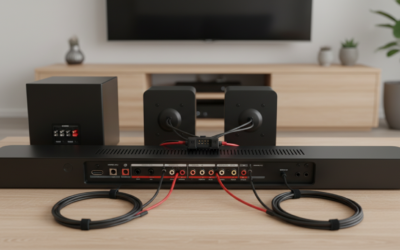
Insert one end of your HDMI cable into the port on the back of the Samsung QLED 70 marked HDMI (eARC). Connect the other end directly into the HDMI port on your Sonos soundbar. Avoid using HDMI splitters or switches, as these can cause handshake failures or audio delay.
Configure Samsung Sound Settings
Once the hardware is connected, your TV should automatically detect the device. However, you should manually verify these settings:
- Go to Settings on your TV.
- Select Sound > Expert Settings.
- Set HDMI-eARC Mode to Auto.
- Change Digital Output Audio Format to Pass-Through to ensure the Sonos processor decodes the signal rather than the TV.
Syncing the Sonos App
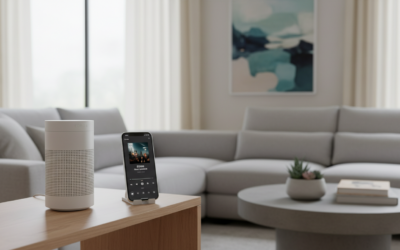
Download the Sonos App on your smartphone. If your Sonos device is already set up, navigate to System Settings and select TV Setup. Follow the on-screen prompts; the app will guide you through teaching the Samsung remote to control the volume of your Sonos system.
Troubleshooting Common Connectivity Issues
If your Samsung QLED 70 is not recognizing your Sonos speakers, try these expert-backed solutions:
- Power Cycle Everything: Unplug the TV, the Sonos soundbar, and any other connected devices for 60 seconds. This clears the HDMI handshake cache.
- Check HDMI-CEC: If your volume controls aren’t working, verify that Anynet+ is toggled to “On” in the External Device Manager menu.
- Update Firmware: Both your Samsung TV and Sonos system should be running the latest software. Check for updates in the Settings menu for the TV and the Sonos App for the speakers.
- Verify the Cable: Ensure you are using the HDMI cable provided with your Sonos product. Older HDMI cables lack the bandwidth for modern audio formats.
Frequently Asked Questions
Can I connect Sonos to my Samsung QLED 70 wirelessly?
While you can connect individual Sonos speakers via Wi-Fi for music, the TV audio connection must be physical via HDMI eARC to avoid significant lip-sync delays and to support Dolby Atmos.
Why is there audio delay between my Samsung TV and Sonos?
Audio lag usually occurs when the TV is set to “PCM” or “Auto” for audio processing. Change your TV settings to Pass-Through mode in the Expert Sound Settings to allow the Sonos soundbar to handle the processing natively.
Do I need a specific Sonos model for my Samsung QLED?
No, any Sonos soundbar with an HDMI ARC/eARC input will work. However, for the best experience on a QLED 70, I recommend the Sonos Arc or Sonos Beam (Gen 2) to take full advantage of the TV’s processing capabilities.