Understanding Sonos Amp Speaker Partitioning
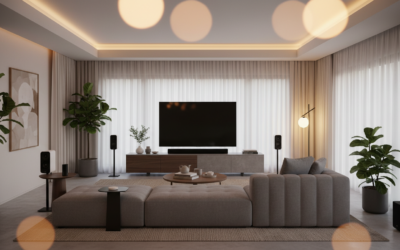
You cannot digitally partition a single Sonos Amp to play different audio streams to individual speakers simultaneously. The Sonos Amp is designed as a two-channel stereo amplifier; whatever audio source you select will play through all connected speakers at the same volume and sync. If your goal is to “partition” your audio into independent zones, you would need multiple Sonos Amps or a combination of Sonos Ports and third-party amplification.
Key Takeaways for Sonos Audio Zones
- Single Stream: A single Sonos Amp acts as one logical zone in the Sonos App.
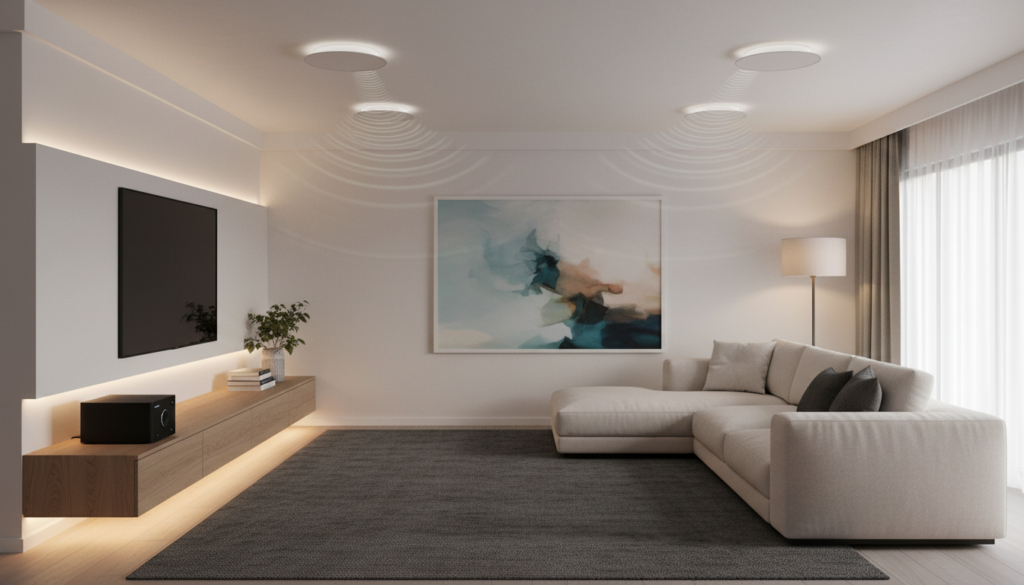
- Impedance Limits: You can connect up to four passive speakers (8 ohms each) to a single Sonos Amp wired in parallel, provided they share the same audio source.
- Multi-Zone Necessity: To achieve independent volume or source control in different rooms, you must invest in separate Sonos Amps.
- Groupability: You can “Group” different Sonos Amps in the app to play the same music across multiple zones synchronously.
Technical Constraints: Why You Can’t Partition
When users ask, “can sonos amp partition speakers,” they are often hoping for a single-unit solution to power separate areas. From my experience installing these systems for residential clients, the hardware limitation is absolute.
The Sonos Amp utilizes a Class-D digital amplifier rated at 125 watts per channel into 8 ohms. Because it lacks independent output processing, the left and right channels are locked to the same input signal.
The Math of Speaker Loads
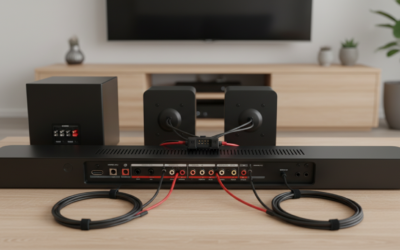
While you cannot partition the audio, you can increase the speaker count using proper wiring configurations. According to Sonos technical specifications, you can connect:
- Two Speakers: Wired normally (left and right).
- Four Speakers: Wired in parallel (left pair and right pair).
- Warning: If you connect more than four speakers without an impedance-matching volume control, you risk tripping the Sonos Amp’s protection circuitry, which will cause the unit to shut down to prevent hardware damage.
How to Effectively Manage Multi-Room Audio
If you need to partition your audio—meaning you want the kitchen to play jazz while the patio plays rock—you must move toward a distributed audio architecture.
Recommended Hardware Configurations
| Setup Type | Capability | Equipment Needed |
|---|---|---|
| Basic Stereo | 1 Room, 2 Speakers | 1 Sonos Amp |
| Parallel Stereo | 1 Room, 4 Speakers | 1 Sonos Amp |
| Multi-Zone | 2-4 Independent Zones | 2-4 Sonos Amps |
| Custom Install | Multi-Source/Zone | Sonos Port + Third-party Multi-channel Amp |
Practical Steps to Expand Your Sonos System
If you find that one Sonos Amp isn’t enough to partition your space, follow these steps to scale your system properly:
- Assess Your Wiring: Ensure all speaker wires terminate in a centralized location, such as a media closet or rack.
- Stack Your Amps: Use a Sonos Amp Shelf to rack-mount multiple units safely. This keeps heat dissipation within safe margins.
- Use the Sonos App: Once installed, name each Sonos Amp by location (e.g., “Patio,” “Living Room”). This allows you to treat them as independent “partitions” of your home’s total audio.
- Group for Parties: Use the Group feature in the Sonos App to temporarily link the zones if you want the same music playing throughout the entire house.
Expert Advice on Impedance Matching
If you insist on running four speakers from one Sonos Amp, I strongly recommend using an impedance-matching speaker selector with volume control. This allows you to manually “partition” the volume level in each room.
While the source remains the same, you can physically turn the volume down to zero in the kitchen while keeping the volume high on the deck. This is the closest you can get to “partitioning” a single Sonos Amp without adding more hardware.
Frequently Asked Questions
Can I run two different music sources on one Sonos Amp?
No. A Sonos Amp can only process one audio stream at a time. To listen to different sources, you must have separate Sonos Amps or Sonos Connect/Port units connected to different amplifiers.
Will connecting 6 speakers to my Sonos Amp break it?
Most likely, yes. The Sonos Amp is optimized for a 4-ohm to 8-ohm load. Connecting six 8-ohm speakers in parallel creates a 1.33-ohm load, which is far too low and will likely trigger the thermal protection or blow the internal output stage.
Does the Sonos Amp support stereo separation for different rooms?
No. The Sonos Amp outputs a stereo signal (Left/Right). If you place the left speaker in the kitchen and the right speaker in the hallway, you will lose the stereo image of the music and hear an incomplete sound mix. Always keep the L/R pair within the same listening environment.
Can I add a sub to my Sonos Amp?
Yes, you can connect a Sonos Sub wirelessly, or use the RCA Sub output on the back of the Sonos Amp to connect a third-party powered subwoofer. This does not count as a “partition,” but it does enhance the low-frequency performance of your zone.