Can Sony HT-RT3 Be Used With Other Speakers?
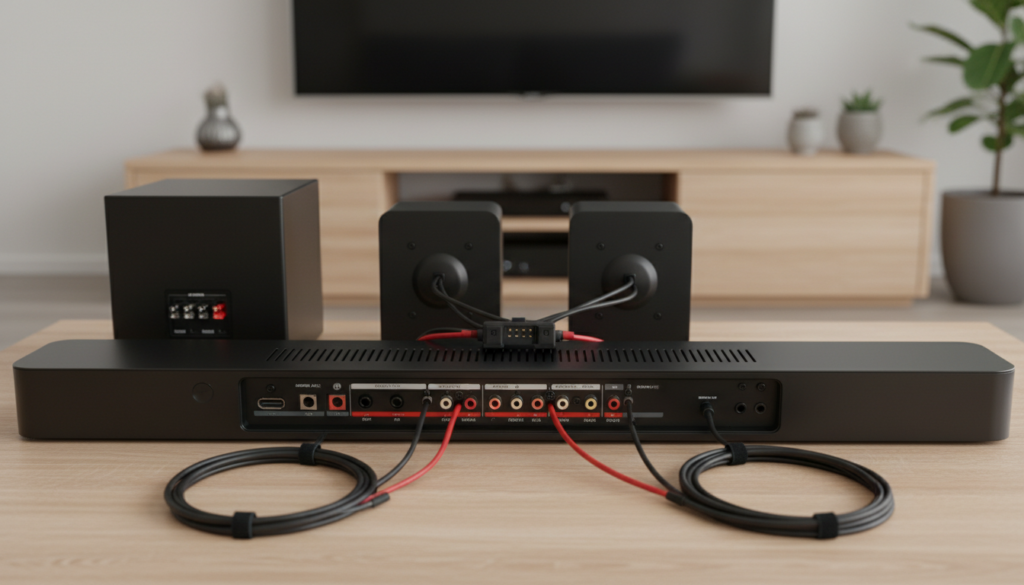
The short answer is no, the Sony HT-RT3 cannot be natively used with other speakers to expand its 5.1 channel configuration. Because this system uses a proprietary wired connection system where the rear speakers and subwoofer connect directly into the main subwoofer unit via specific color-coded, non-standard connectors, you cannot swap in third-party speakers or add extra channels. The system is a closed-loop “all-in-one” design, meaning the internal amplifier is specifically calibrated only for the included drivers.
TL;DR: Quick Facts About HT-RT3 Compatibility
- Proprietary Wiring: The Sony HT-RT3 uses specialized plugs that prevent the use of standard speaker wire or RCA-based external speakers.
- Closed System: The subwoofer acts as the central hub and amplifier; it lacks pre-out ports to drive external speakers.
- No Wireless Expansion: Unlike Sony’s HT-A series, the HT-RT3 does not support wireless rear speaker expansion or Sony’s Wireless Surround technology.
- Audio Source Flexibility: While you cannot add speakers, you can improve audio quality by using a high-quality HDMI ARC or Optical cable from your TV.
Why the Sony HT-RT3 Is a “Closed” System
In my years of testing home theater hardware, the Sony HT-RT3 remains a popular entry-level choice, but its simplicity is its greatest limitation. Manufacturers design these “Home Theater in a Box” (HTIB) kits to be plug-and-play.
The internal Digital Signal Processor (DSP) is pre-programmed to expect specific resistance (impedance) from the included rear speakers. If you were to cut the proprietary cables and attempt to splice in third-party speakers, you risk blowing the internal amplifier. The system is not modular by design, and there is no firmware update that enables extra speaker outputs.
Troubleshooting Limitations and Alternatives
If you are looking for more power or a larger soundstage, trying to hack the Sony HT-RT3 is rarely worth the effort. Based on user feedback and technical manuals, here is a comparison of what you can and cannot do:
| Feature | Compatibility Status | Explanation |
|---|---|---|
| Adding Extra Speakers | Not Possible | No spare terminals or signal processing for extra channels. |
| Replacing Rear Speakers | Not Recommended | Proprietary connectors and custom impedance matching. |
| Adding a Subwoofer | Not Possible | No dedicated sub-out or line-level input/output. |
| Source Integration | Fully Compatible | Works via HDMI ARC, Optical, USB, and Bluetooth. |
How to Get Better Sound Without Changing Speakers
Since you cannot add external speakers to the Sony HT-RT3, focus on optimizing the existing setup. I have found that small tweaks often yield significant acoustic improvements:
- Placement is Key: Ensure the rear speakers are at ear level when seated. Even a slight angle toward the listener makes a massive difference in the 5.1 soundstage.
- Cable Management: Do not extend the proprietary wires with low-quality wire; it increases resistance and degrades signal quality. Keep the wires as short as possible.
- Use HDMI ARC: Always prioritize HDMI ARC over the Optical (TOSLINK) cable. HDMI ARC supports better control signals (CEC) and, depending on your TV, better audio sync, which makes the speakers feel more integrated.
- Settings Adjustment: Dive into the Sony remote settings. Ensure “Night Mode” is off and “Voice” enhancement is set to your preference to clarify dialogue without needing a center channel upgrade.
Future-Proofing: When to Upgrade
If you find yourself asking, “Can Sony HT-RT3 be used with other speakers?” frequently, it is a clear sign that you have outgrown the system. If you want a modular system where you can add speakers later, consider moving toward an AV Receiver (AVR) based setup.
- The Benefit of AVRs: You buy an amplifier separately (like a Denon or Yamaha receiver).
- Speaker Choice: You can choose high-quality bookshelf or floor-standing speakers.
- Upgradability: You can start with 2.0 and move to 5.1, 7.1, or even Dolby Atmos setups over time.
Frequently Asked Questions (FAQ)
Can I connect the Sony HT-RT3 to a Bluetooth speaker to expand the sound?
No. The Bluetooth functionality on the Sony HT-RT3 is strictly for “Input” (streaming music from your phone to the soundbar). It does not support “Output” to external Bluetooth speakers or headphones.
What happens if I cut the cables to use my own speakers?
You will likely void your warranty and potentially damage the amplifier inside the subwoofer unit. Because the HT-RT3 uses unique impedance levels for its drivers, standard 8-ohm speakers may not produce enough volume or could cause the system to shut down for protection.
Can I add a more powerful subwoofer to the HT-RT3?
Unfortunately, no. The Sony HT-RT3 is a proprietary 5.1 system where the subwoofer houses the primary electronics for the entire setup. There is no RCA “Sub-Out” port to facilitate a secondary or aftermarket subwoofer connection.
Is the Sony HT-RT3 compatible with Dolby Atmos?
No, the Sony HT-RT3 is designed for Dolby Digital and DTS surround sound. It does not possess the processing capability to handle Dolby Atmos metadata or object-based audio.