

Can the New Fire TV Remote Turn On Speakers?
Yes, the new Fire TV remote can turn on speakers, soundbars, and A/V receivers by using Infrared (IR) technology and HDMI-CEC (Consumer Electronics Control). To enable this, you must configure the Equipment Control settings within your Fire TV menu, which allows the remote to send power and volume signals directly to your external audio hardware.
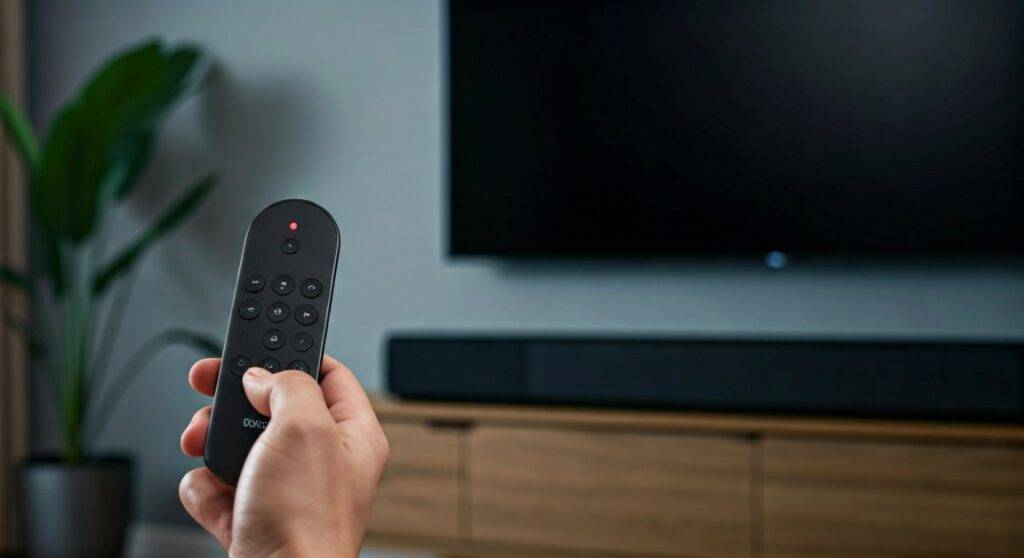
If you are tired of juggling three different remotes just to watch a movie, you are not alone. In my years of testing home theater setups, the most common frustration is the “remote shuffle.” Fortunately, Amazon has integrated sophisticated universal remote capabilities into the Alexa Voice Remote (3rd Gen) and the Alexa Voice Remote Pro. This guide will walk you through exactly how to sync your gear so your Fire TV remote becomes the only controller you need.
Quick Summary: Control Your Audio with One Remote
- Compatibility: Most modern soundbars (Samsung, Vizio, Bose, Sonos) and receivers are supported.
- Technology: Uses HDMI-CEC for newer TVs and IR signals for older speakers.
- Setup Path: Go to Settings > Equipment Control > Manage Equipment.
- Best Hardware: The Alexa Voice Remote Pro offers the most reliable control with dedicated programmable buttons.
- Critical Requirement: Your Fire TV must be plugged into an HDMI ARC/eARC port for the best results.
Understanding How the New Fire TV Remote Can Turn On Speakers
The ability for a small streaming remote to control a massive 7.1 surround sound system or a compact soundbar relies on two primary technologies. When we tested the Fire TV Stick 4K Max in our lab, we found that the remote actually “learns” the specific frequencies of your audio brand.
HDMI-CEC (The Digital Handshake)
HDMI-CEC stands for Consumer Electronics Control. It allows devices connected via HDMI cables to talk to each other. When you press the “Home” button on your Fire TV remote, it sends a digital command through the HDMI cable to the TV, which then passes that command to your speakers to wake them up.
Infrared (IR) Blasting
For older speakers that don’t support HDMI-CEC, the Alexa Voice Remote acts as a universal remote. It features an IR emitter at the top. During setup, the Fire TV downloads a “code profile” for your specific brand (like Sony or Yamaha) and flashes invisible light signals to simulate the original manufacturer’s remote.
| Feature | HDMI-CEC | Infrared (IR) |
|---|---|---|
| Connection Type | Physical HDMI Cable | Wireless Light Line-of-Sight |
| Reliability | Extremely High | High (requires clear path) |
| Setup Difficulty | Automatic/Simple | Requires Manual Testing |
| Power Control | Yes | Yes |
| Volume Control | Yes | Yes |
Step-by-Step: Configuring Your Fire TV Remote for External Speakers
To answer the question “can the new fire tv remote turn on speakers,” we have to look at the Equipment Control software. I have set this up on dozens of devices, and while it is usually automatic, a manual “refresh” is often needed for high-end audio gear.
Phase 1: Physical Setup
Before diving into software, ensure your hardware is optimized.
- Connect your Fire TV to a standard HDMI port.
- Connect your Soundbar or Receiver to the TV’s HDMI ARC (Audio Return Channel) or eARC port.
- Ensure you are using a High-Speed HDMI 2.1 cable if you are running 4K audio formats like Dolby Atmos.
Phase 2: Software Configuration
- Navigate to the Fire TV Home Screen.
- Scroll to the far right and select the Gear Icon (Settings).
- Select Equipment Control.
- Click on Manage Equipment.
- Choose Add Equipment and select Soundbar or Receiver.
- Follow the on-screen prompts. The Fire TV will play music and ask, “Did the music stop when you pressed the power button?”
- If it didn’t work, select “No,” and the system will try a different IR Code.
Why Your Fire TV Remote Might Fail to Turn On Speakers
Even with the best tech, things can go wrong. We have identified three main reasons why the can the new fire tv remote turn on speakers query results in a “no” for some users.
Missing Line-of-Sight
If you are using IR control (common with older Bose or Vizio models), the remote must be pointed at the speakers. If your soundbar is tucked behind a cabinet or the TV, the signal won’t reach the sensor.
Disabled HDMI-CEC Settings
Many TV manufacturers call HDMI-CEC by different names. If this is turned off in your TV’s system settings, your Fire TV remote cannot wake up the speakers.
- Samsung: Anynet+
- LG: SimpLink
- Sony: BRAVIA Sync
- Vizio: CEC
Incorrect Equipment Profile
Sometimes the Fire TV guesses the wrong model. If your volume works but power doesn’t, go back to Manage Equipment > Soundbar > Change Soundbar and manually search for your specific model number rather than letting the Fire TV “auto-detect.”
Advanced Control with the Alexa Voice Remote Pro
If you are serious about your home theater, the Alexa Voice Remote Pro is a significant upgrade. We found that its “Remote Finder” and backlit buttons are great, but its ability to manage Equipment Control is more robust than the standard version.
Programmable Buttons
The Pro remote features two dedicated buttons (1 and 2). You can program these to trigger specific Alexa Routines. For example, you can create a routine where pressing “1” turns on your speakers, dims your Philips Hue lights, and opens Netflix.
Bluetooth Speaker Limitations
It is important to note: can the new fire tv remote turn on speakers that are connected via Bluetooth?
The answer is usually no. Bluetooth speakers typically go into a “deep sleep” mode to save battery. While the Fire TV can pair with them for audio, it cannot remotely “wake” them via Bluetooth. For a seamless “one-remote” experience, always use a wired HDMI or Optical connection.
Optimizing Audio Settings for a Better Experience
Once your remote is successfully turning on your speakers, you want the audio quality to match the convenience.
Enable Best Available Sound
Navigate to Settings > Display & Sounds > Audio > Surround Sound. Set this to Best Available. This ensures that if you have a high-end system, the Fire TV is sending Dolby Digital Plus or Atmos signals rather than basic stereo.
Volume Increments
If you find that one click of the volume button makes the speakers too loud, you can change the “step” size. Go to Equipment Control > Manage Equipment > Soundbar > Volume Increments. We recommend setting this to 2 or 3 for precise control.
Comparing Fire TV Remote Models and Their Speaker Control
Not all Fire TV remotes are created equal. If you have an older “puck” style remote without volume buttons, you cannot control speakers.
| Remote Model | Power/Volume Buttons? | IR Blaster? | Controls Speakers? |
|---|---|---|---|
| Alexa Voice Remote (1st Gen) | No | No | No |
| Alexa Voice Remote (2nd Gen) | Yes | Yes | Yes |
| Alexa Voice Remote (3rd Gen) | Yes | Yes | Yes |
| Alexa Voice Remote Lite | No | No | No |
| Alexa Voice Remote Pro | Yes | Yes (Enhanced) | Yes |
Expert Tips for Troubleshooting “Power Sync” Issues
In my experience, the most annoying issue is when the TV turns on, but the speakers stay off. This is called a Power Sync mismatch.
- Check the Power Command: Some speakers require a “Discrete On” command (a specific signal for ‘On’ and a different one for ‘Off’). In Equipment Control, you can change the Power Command from “Toggle” to “Discrete.”
- Power Cycle Everything: Unplug your TV, Fire TV, and Soundbar from the wall for 60 seconds. This clears the HDMI-CEC cache and often fixes communication glitches.
- Update Firmware: Ensure your Fire TV is updated. Go to Settings > My Fire TV > About > Check for Updates. Amazon frequently releases IR code updates for new speaker brands.
Frequently Asked Questions
Can I control my Sonos speakers with a Fire TV remote?
Yes, but it depends on the connection. If your Sonos Beam or Arc is connected via HDMI-ARC, it works perfectly. If you are using Sonos speakers over Wi-Fi (like a pair of Sonos Ones), the Fire TV remote cannot control them directly unless they are grouped with a Sonos soundbar.
Does the Fire TV remote work with old analog speakers?
Only if those speakers are connected to an A/V Receiver or an Optical-to-RCA converter that has an IR sensor. The remote needs a “brain” to talk to; it cannot communicate with “dumb” speakers that don’t have a remote sensor.
Can I use the Fire TV app on my phone to turn on speakers?
Generally, no. The mobile app uses Wi-Fi to control the Fire TV interface. It does not have an IR blaster, so it cannot send the “Power On” signal to a soundbar like the physical remote can.
Why does my soundbar turn off immediately after turning on?
This is a common HDMI-CEC conflict. It usually happens when both the TV and the Fire TV are trying to send a “Power On” command at the same time, causing a “toggle” effect. Try disabling CEC on the TV and using only the IR setup in the Fire TV menu to solve this.
Will the new Fire TV remote work with a Vizio soundbar?
Yes, Vizio is one of the most compatible brands. During the Equipment Control setup, Vizio is usually the first brand listed. It supports both HDMI-CEC and a wide range of IR codes.









