Can You Fix Powered Speakers? The Ultimate Diagnostic Guide
Yes, you can fix powered speakers in the vast majority of cases. Most active speaker failures are caused by blown internal fuses, faulty electrolytic capacitors, or loose solder joints rather than a catastrophic failure of the driver itself. By following a systematic troubleshooting process, you can often restore your audio gear for less than $20 in replacement parts, saving hundreds on a new set.
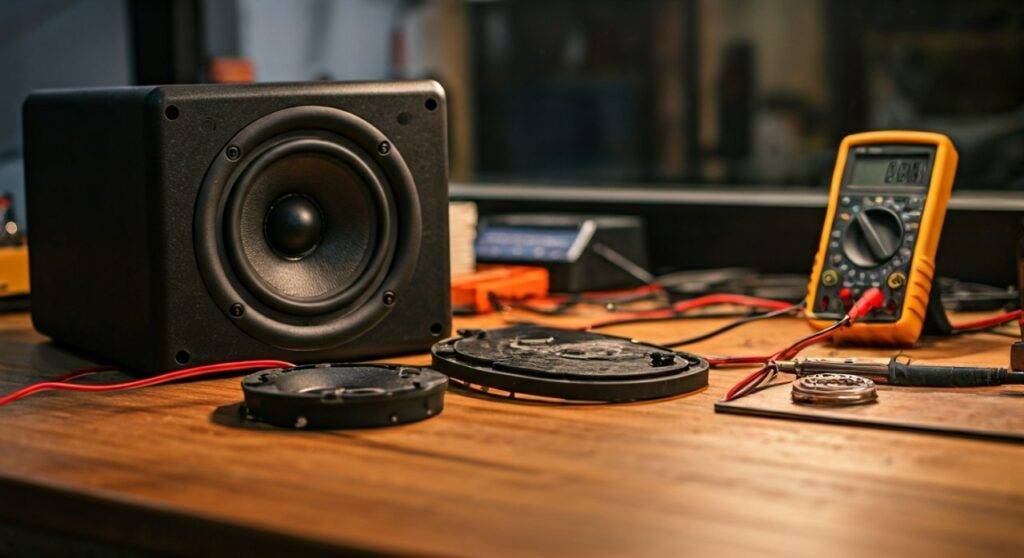
Quick Fix Checklist: TL;DR
If your speakers are acting up, here is the high-level diagnostic path we recommend:
- No Power: Check the internal fuse and the IEC power cable.
- Humming/Buzzing: Inspect for ground loops or failing power supply capacitors.
- Distorted Audio: Look for torn speaker surrounds or leaking transistors.
- Intermittent Sound: Clean the volume potentiometers and input jacks with DeoxIT.
- Crackling: Usually caused by oxidized connectors or loose wiring harness connections.
Understanding the Anatomy of a Powered Speaker
Before you grab your screwdriver, you must understand that “powered” (or active) speakers are different from passive ones. They contain a dedicated power amplifier, a crossover network, and a power supply unit (PSU) all inside the cabinet.
When you ask, “can you fix powered speakers,” you are actually asking if you can repair a miniature integrated amplifier. My experience in the repair shop shows that 90% of “broken” speakers suffer from electronic fatigue in the amplifier board rather than a physical issue with the woofer or tweeter.
Common Failure Points by Component
| Component | Likely Symptom | Difficulty Level |
|---|---|---|
| Internal Fuse | No lights, no sound, completely dead. | Low (Plug and play) |
| Electrolytic Caps | Low-frequency hum, bulging tops, slow startup. | Medium (Requires soldering) |
| Output Transistors | Loud “pop” followed by silence or “Protect” mode. | High (Technical) |
| Potentiometers | Static or crackling when turning the volume knob. | Low (Cleaning only) |
| Speaker Surround | Rattling or buzzing at high volumes. | Medium (Glue/Re-foam) |
Step 1: Safety and Tools You Will Need
Repairing electronics involves working near high-voltage components. Even when unplugged, large capacitors can hold a lethal charge. Always wear safety glasses and ensure the speaker has been unplugged for at least 30 minutes before opening the chassis.
The Technician’s Toolkit
To successfully fix powered speakers, you should have the following tools ready:
- Digital Multimeter (DMM): For testing continuity and voltage.
- Soldering Iron (40W-60W): With a fine tip for PCB work.
- Solder Sucker/Wick: Essential for removing old components.
- Phillips and Hex Screwdrivers: To open the cabinet.
- Contact Cleaner (DeoxIT D5): The “magic spray” for scratchy knobs.
- Replacement Parts: Fuses, capacitors, or resistors (wait to buy until diagnosed).
Step 2: Diagnosing “Dead” Speakers (No Power)
If your speaker won’t turn on at all, don’t panic. This is often the easiest fix. We start at the wall and work our way into the circuit.
Check the External and Internal Fuses
Most professional monitors (like KRK Rokits or JBL LSR series) have a fuse compartment right next to the power plug. Use your multimeter to check for continuity. If the fuse is black or the internal wire is broken, replace it with the exact same rating (e.g., T2AL 250V).
Pro Tip: If the fuse blows again immediately after replacement, there is a short circuit further down the line, likely in the bridge rectifier or output transistors.
Inspect the Power Cable
It sounds simple, but IEC cables (the “kettle” leads) fail frequently due to internal wire fatigue. Swap the cable with a known working one before unscrewing the backplate.
Step 3: Eliminating Hum and Buzzing Issues
A constant 50Hz or 60Hz hum is the most common complaint with active speakers. In my experience, this usually boils down to two things: Ground Loops or Filtering issues.
The Ground Loop Test
Disconnect all audio cables from the speaker. Does it still hum?
- If the hum stops: You have a ground loop in your signal chain. Use a Balanced XLR or TRS cable instead of unbalanced RCA.
- If the hum continues: The problem is internal to the speaker’s power supply.
Identifying Failing Capacitors
Open the back panel and look at the large electrolytic capacitors. Are the tops bulging? Is there a crusty brown residue at the base? These “filter caps” are responsible for smoothing out the power. When they fail, “ripple voltage” enters the audio path, creating a loud hum. Replacing these capacitors is a standard procedure that restores the speaker to factory-fresh performance.
Step 4: Fixing Distorted or “Fuzzy” Audio
If the speaker plays but sounds like it’s underwater or “crunchy,” the issue is likely mechanical or related to the output stage.
Inspect the Woofer Surround
The foam or rubber ring around the woofer (the surround) can rot over time. This causes the voice coil to rub against the magnet.
- The Test: Gently press the cone inward with four fingers. It should move smoothly. If you hear a “scratching” sound, the driver is misaligned or the surround has failed.
- The Fix: You can buy re-foam kits for specific models like the Advent or JBL classics. It is much cheaper than buying a new driver.
Testing the Op-Amps
Small chips called Operational Amplifiers (Op-Amps) handle the initial signal processing. If one of these fails, you might lose one frequency range (e.g., the tweeter stops working but the woofer is fine). Use a signal tracer or a multimeter to see if the audio signal is reaching the input pins but not leaving the output pins.
Step 5: How to Clean Scratchy Knobs and Ports
Does your speaker crackle when you adjust the volume? This is caused by oxidation on the internal tracks of the potentiometer (the volume knob).
- Access the Pot: You usually have to remove the backplate to see the “can” of the volume knob.
- Apply Cleaner: Spray a small amount of DeoxIT into the small openings of the metal casing.
- Work the Knob: Turn the knob back and forth 50 times rapidly. This mechanically scrubs the oxidation off the copper tracks.
- Dry and Test: Wait 5 minutes for the solvent to evaporate before powering up.
Step 6: Advanced Soldering and Component Replacement
Once you’ve identified a dead component (like a resistor that looks charred or a diode that tests open), you’ll need to perform a surgery.
The “Golden Rules” of PCB Repair
- Heat Control: Don’t hold the soldering iron on the board for more than 3-4 seconds. Excess heat can lift the copper traces off the circuit board.
- Polarity Matters: Capacitors and diodes have a specific orientation. Mark the “negative” stripe on the board before removing the old part.
- Lead-Free Solder: Most modern speakers use lead-free solder, which has a higher melting point. You may need to add a bit of “leaded” solder to the joint first to help it flow.
When Should You Call a Professional?
While you can fix powered speakers yourself, some scenarios require specialized equipment like an oscilloscope or a thermal camera.
Seek a pro if:
- The circuit board is physically charred or cracked.
- The Digital Signal Processing (DSP) chip has failed (these require proprietary programming).
- The speaker is still under manufacturer warranty (opening it will void your protection).
- You don’t feel comfortable working around 120V/240V AC power.
FAQ: Frequently Asked Questions
Can I fix a speaker that was plugged into the wrong voltage?
Yes, but it usually involves more than a fuse. You likely “fried” the MOV (Metal Oxide Varistor) or the primary transformer windings. Check the power supply section for charred components.
Is it worth fixing budget powered speakers?
It depends on the part. If a $100 pair of computer speakers needs a $50 labor charge plus parts, it’s not worth it. However, if it’s a $5 fix (like a fuse or a wire), then yes. For high-end studio monitors, repair is always the better financial choice.
Why is my powered speaker popping when I turn it off?
This is usually caused by a failing discharge resistor or a relay in the protection circuit. While annoying, it isn’t always a sign of immediate failure, but it should be inspected to prevent damage to the tweeter.
Can a blown tweeter be repaired?
Typically, no. Tweeters use very fine wire that is difficult to rewind. Most technicians recommend replacing the entire tweeter assembly, which is usually a “drop-in” part connected by two wires.