

Can You Get a Remote for Old Sony Speakers? Yes, Here’s How.
If you have lost or broken your controller, you might be wondering: can you get as remote for old sony speakers? The short answer is yes, you can absolutely find replacements for almost any Sony audio system, ranging from 1990s shelf systems to early 2010s soundbars. You have three primary paths: sourcing an Original Equipment Manufacturer (OEM) replacement, using a Universal Remote, or utilizing a Smartphone App with an IR blaster.
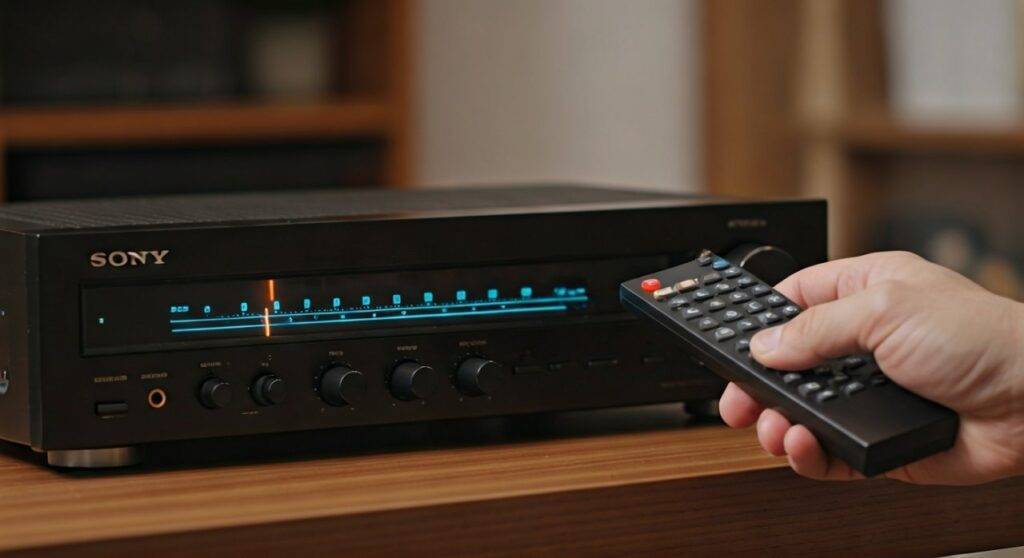
In my experience restoring vintage audio gear, Sony is one of the easiest brands to support because they have used consistent Infrared (IR) protocols for decades. Even if you cannot find the exact model number, many Sony remotes are “backwards compatible” with basic functions like volume and input switching.
Key Takeaways for Sony Speaker Remotes
- Identify Your Model: Check the back or bottom of your speakers or receiver for a model number starting with STR, MHC, SA, or HT.
- OEM vs. Universal: Original remotes provide “Function” and “Menu” access, while universal remotes are best for simple volume and power control.
- The “Sony Code”: Most Sony audio products respond to the universal remote code 30158 or 40158.
- Digital Solutions: If your phone has an IR Blaster, you can download free apps that turn your phone into a legacy Sony controller.
Identifying Your Sony Speaker System
Before you buy a replacement, you must know exactly what you are controlling. Sony produces a massive range of audio equipment, and the remote you need depends on the “brain” of the system.
Check the Model Number
Look for a small sticker on the back of the main unit. You are looking for specific prefixes:
- STR-Series: These are Audio/Video Receivers. They require complex remotes with many input buttons.
- HT-Series: These are Soundbars. They usually require compact remotes with “Subwoofer Volume” buttons.
- MHC / LBT / CMT Series: These are Shelf Systems or “Hi-Fi” towers. These often need specific “Function” buttons to switch between CD, Tape, and Radio.
Finding the Remote Part Number
If you can still see the model number of the remote itself (usually printed on the bottom front of the controller), that is even better. Common old Sony remote models include the RM-AAU013, RM-ADP001, and RM-AMU001.
Option 1: Sourcing an Original (OEM) Sony Remote
If you want 100% functionality, including the ability to change EQ settings or program radio presets, an original remote is the best choice. Can you get as remote for old sony speakers that is original? Yes, but you have to know where to look.
Where to Buy OEM Remotes
- Specialized Parts Sites: Websites like RemoteControls.com or ReplacementRemotes.com stock “New Old Stock” (NOS) for legacy Sony systems.
- eBay and Mercari: These are goldmines for “Tested and Working” original Sony controllers. Use the search term “Sony [Model Number] Remote.”
- Thrift Stores: Sony sold millions of units; I often find RM-series remotes in the “junk bin” at Goodwill for under $5.
Why OEM Matters for Older Systems
Legacy Sony systems (like the Sony Genezi or LBT series) have specific “Function” buttons. A universal remote might change the volume, but it often struggles to toggle between “Game,” “MD,” or “Video” inputs. If your system has a built-in 5-disc changer, an original remote is almost mandatory.
Option 2: Using a Universal Remote
If you need a quick fix today, a universal remote is your best bet. Most modern universal remotes (like GE, RCA, or Logitech Harmony) have Sony’s IR codes pre-programmed into their database.
Recommended Universal Remotes for Sony
| Remote Brand | Best For | Compatibility Level |
|---|---|---|
| Logitech Harmony | Whole Home Theater | High (Cloud Database) |
| GE Universal Remote | Budget Replacement | Medium (Basic Functions) |
| SofaBaton | Modern Tech Setup | High (Bluetooth + IR) |
| Broadlink RM4 | Smart Home Users | High (App-Based) |
How to Program a Universal Remote for Sony
- Turn on your Sony Speakers.
- Press and hold the DEVICE button (e.g., “AUD” or “AUX”) on your universal remote until the light stays on.
- Enter the Sony code. Common codes include 30158, 30189, or 31758.
- If the light turns off, the code is accepted. Point the remote and press POWER.
Option 3: Smartphone Apps and IR Technology
If you have an Android phone with an Infrared (IR) Blaster (common on Xiaomi or older Samsung phones), you don’t need to buy anything. You can download an app like Mi Remote or AnyMote.
Using an IR Blaster App
- Open the app and select “Add Remote.”
- Choose “Speaker” or “AV Receiver.”
- Select Sony from the brand list.
- The app will ask you to “Test Power.” If the speakers turn off, you’ve found the right signal.
What if my phone doesn’t have an IR Blaster?
If you have a newer iPhone or Android, you can purchase a small Lightning or USB-C IR Dongle. These plug into your charging port and allow your phone to control old Sony speakers just like an original remote.
Step-by-Step Guide: Resetting Your Sony Audio System
Sometimes, the issue isn’t the remote; it’s the receiver’s “Control for HDMI” or “IR Lock” setting. If you can you get as remote for old sony speakers but it still won’t work, try a hard reset.
How to Perform a Cold Reset
- Unplug the Sony unit from the wall outlet.
- Press and hold the POWER button on the main unit (not the remote) for 30 seconds.
- Plug the unit back in.
- On many Sony receivers, you can hold POWER and INPUT SELECTOR simultaneously to clear all internal settings (Note: This will erase your radio presets).
Expert Tips for Legacy Sony Audio
In my years of troubleshooting Sony Bravia Sync and S-Master digital systems, I have discovered a few “hacks” for lost remotes:
- Bravia Sync (HDMI-CEC): If your old Sony speakers are connected to a TV via HDMI, you might not need a speaker remote. Enable Bravia Sync (or HDMI-CEC) in the TV settings. Your TV remote will now control the speaker volume automatically.
- The “Sony Standard”: If you find any old Sony remote from a different system, try it! Volume Up/Down and Power have used the same signal since the late 80s.
- Clean the Sensor: Old speakers often collect dust inside the IR receiver window. A quick wipe with a microfiber cloth can “fix” a remote that seems broken.
Frequently Asked Questions
Can I use a Sony TV remote to control my Sony speakers?
Yes, most Sony Bravia TV remotes have built-in codes to control Sony Soundbars and Receivers. Check the bottom of your TV remote for an “Audio” button or “Theater” mode. If the speakers are connected via Optical or HDMI, they often respond to the TV’s volume commands.
What is the most common universal remote code for Sony?
The most successful 5-digit code for Sony audio systems is 30158. For older 4-digit remotes, try 0158 or 1058. These codes cover nearly 90% of Sony’s “Power” and “Volume” IR frequencies.
Are there “replacement” remotes that aren’t universal?
Yes, companies like Andoer or Greatep make “Fixed Code” replacements. These are not universal remotes; they are pre-programmed specifically for Sony. They look like the original and require no setup—just add batteries.
Why won’t my universal remote access the “Menu” on my Sony receiver?
Many universal remotes only map the “Primary” buttons (Power, Volume, Channel). To access deep menus on an old Sony STR receiver, you need a “Learning Remote” or an original OEM controller, as the menu navigation codes are often proprietary.









