Why Speaker Balancing is the Key to Audio Perfection
Learning how to balance amplifier and speakers is the difference between hearing “just noise” and experiencing a “live performance” in your living room or vehicle. When your system is unbalanced, the soundstage collapses, vocals drift to one side, and certain frequencies may disappear entirely due to phase cancellation.
To achieve a perfect balance, you must ensure that every speaker reaches your ears at the same Sound Pressure Level (SPL) and at the exact same time. This guide provides a professional roadmap to calibrating your audio system for maximum clarity and depth.
🚀 Key Takeaways: Expert Summary
The Golden Rule: Use a Sound Pressure Level (SPL) meter (or a high-quality smartphone app) to ensure all speakers output 75dB at the primary listening position.
Physical Symmetry: Before touching the dials, ensure your speakers are equidistant from your seat to minimize timing delays.
Gain vs. Volume: Balancing starts at the amplifier’s Gain stage to prevent clipping while maximizing the signal-to-noise ratio.
The “Phantom Center”: A perfectly balanced stereo pair should make it sound like the singer is standing directly in front of you, even if there is no center speaker.
Essential Tools for Precision Balancing
Before you begin, gather these items to move beyond “guessing” and into “measuring.”
| Tool | Purpose | Recommended Type |
|---|---|---|
| SPL Meter | Measures decibel (dB) levels accurately. | Dedicated digital meter or NIOSH SLM app. |
| Measuring Tape | Ensures physical distance symmetry. | Standard 25ft tape or laser measure. |
| Pink Noise Source | Provides a flat frequency spectrum for testing. | Calibration Blu-ray or high-quality FLAC file. |
| Screwdriver/Pick | Adjusts gain pots on car amplifiers. | Non-conductive (plastic) preferred for safety. |
| Your Ears | Final subjective quality check. | Familiar, high-quality vocal recordings. |
Step 1: Optimize Physical Placement and Environment
You cannot fix a poor room layout with an amplifier knob alone. The first step in how to balance amplifier and speakers is physical alignment.
Establish the Listening Triangle
For stereo speakers, you, the left speaker, and the right speaker should form an equilateral triangle.
Measure the distance between the two speakers.
Ensure your seat is the same distance from each speaker.
Pro Tip: Angle (toe-in) the speakers slightly toward your ears to improve high-frequency clarity.
Clear the Path
Sound waves, especially high frequencies, are directional. Ensure there are no coffee tables, plants, or furniture directly blocking the “line of sight” between the speaker tweeters and your ears.
Step 2: Calibrate Your Amplifier Gain
A common mistake is using the Gain control as a volume knob. Gain is meant to match the output of your source (CD player, DAC, Head Unit) to the input sensitivity of the amplifier.
Set Source Volume
- Turn your amplifier gain all the way down.
- Play a clean, high-quality track.
- Set your source volume (or receiver volume) to about 75% to 80% of its maximum range. This prevents the source itself from distorting.
Increase Gain Gradually
- Slowly turn up the amplifier gain until you hear the slightest hint of distortion or “thinness” in the sound.
- Back the gain off slightly (about 5-10 degrees) from that point.
- This creates a “ceiling” that protects your stereo speakers from blowing out while maintaining a clean signal.
Step 3: How to Balance Stereo Speakers
In a home Hi-Fi setup, the goal of learning how to balance stereo speakers is to create a “Phantom Center.”
Using the Balance Control
Most integrated amplifiers have a “Balance” knob.
- Play a Pink Noise track. It should sound like a steady “shhh” sound.
- Close your eyes. If the “shhh” seems to lean toward the left or right, adjust the balance knob until the sound originates from a single point directly in front of your nose.
Level Matching with an SPL Meter
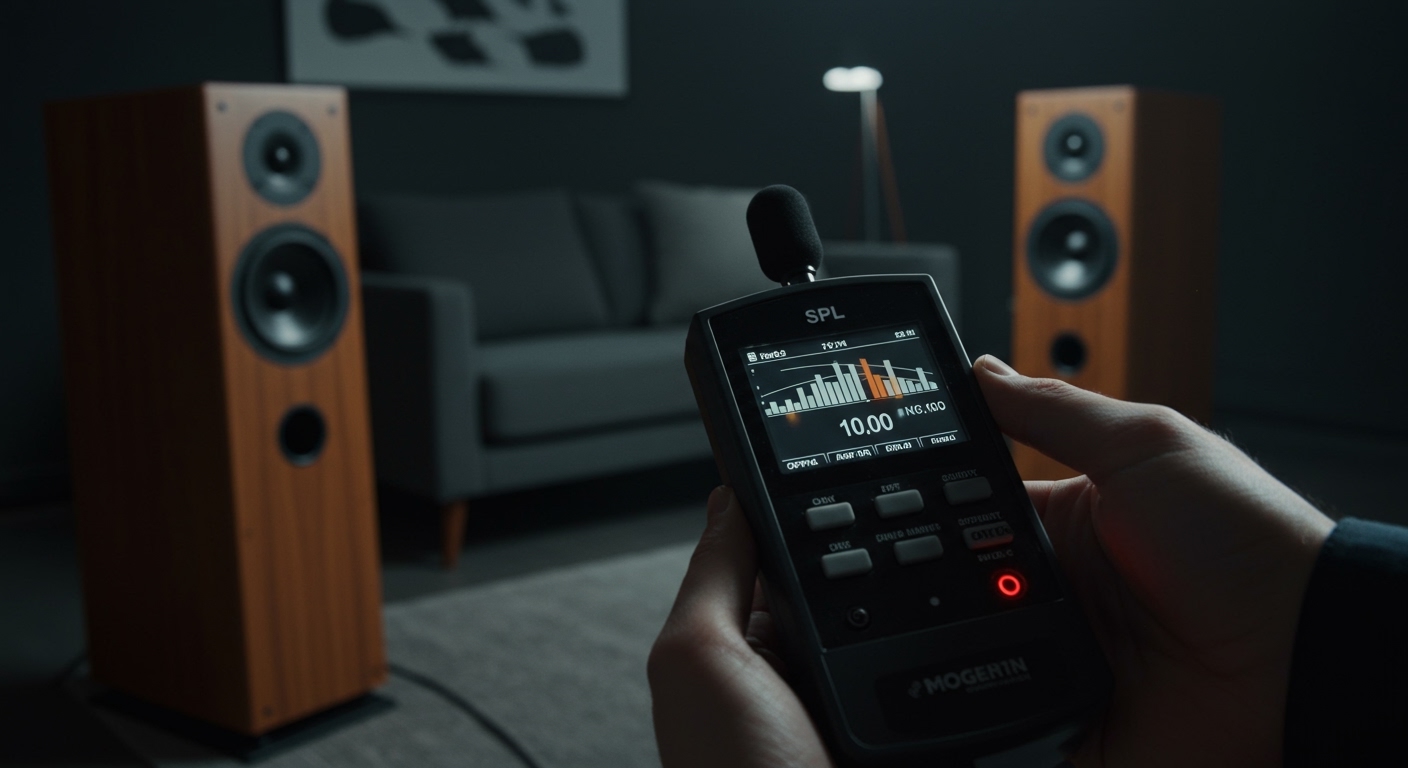
- Hold your SPL meter at ear level at your listening position.
- Play a test tone through the left speaker only. Note the dB reading (e.g., 75dB).
- Play the same tone through the right speaker. Adjust the amplifier settings until the meter reads exactly the same for both.
Step 4: How to Balance Surround Sound Speakers
Balancing a home theater is more complex because of the varying distances of rear and ceiling speakers.
Use Auto-Calibration (Audyssey/Dirac)
If your receiver includes a calibration microphone, use it. These systems use Digital Signal Processing (DSP) to:
Calculate the distance (delay) of each speaker.
Adjust the “Trim” (volume) of the surround sound speakers so they don’t overpower the front stage.
Manual Override
Even with auto-cal, you should double-check the levels.
Center Channel: Often needs to be 1-2dB higher than the others to ensure dialogue is clear during loud action scenes.
Subwoofer: Use the “C-weighting” and “Slow” setting on your SPL meter. The bass should feel integrated, not like a separate vibrating box.
Step 5: How to Balance Car Speakers
Learning how to balance speakers in car environments is the ultimate challenge due to the “off-axis” seating position (you sit closer to the left speaker).
Address the Driver-Side Bias
Since you sit closer to the left speaker, it will naturally sound louder and arrive at your ears sooner.
- Fader/Balance: Use the head unit’s “Balance” to shift sound slightly to the right (usually +2 or +3).
- Time Alignment: If your head unit supports it, input the distance (in inches or cm) from your head to each speaker. This delays the closer speakers so the sound from all car speakers hits your ears at the exact same millisecond.
Balancing Amplifier Channels
When learning how to balance car speakers powered by an external 4-channel amp:
- Disconnect the rear speakers first.
- Balance the front Left/Right gain.
- Reconnect the rears and use the Fader to bring them in as “rear fill”—they should support the front, not dominate them.
Expert Tips for Fine-Tuning
Phase Check: If your speakers are balanced but the bass sounds “weak” or “hollow,” your wires might be swapped. Ensure the Positive (+) and Negative (-) terminals match on both the amp and the speaker.
Acoustic Treatment: If one side of your room has a large window and the other has a curtain, the window side will sound “brighter.” Use the balance control to compensate for room reflections.
Crossover Matching: Ensure your amplifier and speakers are sharing the workload correctly. Set your speakers to “Small” in receiver settings and let the subwoofer handle everything below 80Hz.
Common Mistakes to Avoid
- Balancing by Ear Alone: Human ears are easily fooled by room echoes. Always use a meter for the initial setup.
- Ignoring the Center Channel: In surround setups, 80% of the dialogue comes from the center. If it’s not balanced with the towers, you’ll constantly be reaching for the remote.
- Maxing Out Gain: This leads to clipping, which produces heat and can melt the voice coils in your speakers.
Frequently Asked Questions
(FAQs)
Why is one speaker louder than the other?
This is usually caused by room acoustics (reflections), incorrect wiring, or potentiometer wear in older amplifiers. Check your connections first, then use the balance knob to compensate.
Can I balance speakers using a smartphone app?
Yes. Apps like Decibel X or NIOSH SLM are surprisingly accurate for home use. While not as precise as a $500 professional meter, they are perfect for getting your stereo speakers within 1dB of each other.
Does cable length affect speaker balance?
Technically, yes, but practically, no. Unless one cable is 5 feet and the other is 100 feet, the electrical resistance difference is negligible. Focus on how to balance amplifier and speakers through level settings rather than worrying about wire length.
How do I balance a subwoofer with my main speakers?
Play a frequency sweep. The transition from your speakers to the subwoofer should be seamless. If you can “point” to where the subwoofer is located by sound alone, the volume is too high or the crossover point is too high.
Conclusion
Mastering how to balance amplifier and speakers is a blend of science and art. By starting with physical symmetry, using an SPL meter for objective level matching, and fine-tuning for your specific environment—whether it’s balancing car speakers or a high-end home theater—you unlock the true potential of your hardware.
Ready to upgrade your sound? Start by measuring your speaker distances today and download an SPL app to see just how balanced your system really is.