

How to Connect to Niles Speakers: The Expert Integration Guide
To how to connect to niles speakers correctly, you must run high-quality speaker wire (14 or 16 AWG) from your AV receiver or amplifier to the speaker terminals, ensuring the positive (+) and negative (-) polarities match perfectly on both ends. For Niles outdoor rock speakers or in-ceiling models, the process involves stripping approximately half an inch of insulation, inserting the bare wire into the gold-plated binding posts or spring-loaded clips, and securing the connection. If you are integrating into a multi-room system, you may also need to route through a Niles impedance-matching volume control or a Niles SI-series power amplifier.
Quick Summary: Key Takeaways for Niles Setup
- Wire Gauge: Use 16 AWG for runs under 50 feet and 14 AWG for longer distances to prevent signal loss.
- Polarity Matters: Always connect Red to Red (+) and Black to Black (-) to avoid “out-of-phase” audio which kills bass response.
- Outdoor Safety: For Niles Rock Speakers (RS series), use UL-rated direct burial cable and waterproof wire nuts (grease caps).
- Amplifier Matching: Ensure your amplifier is stable at 8 ohms (standard for most Niles) or 4 ohms if running multiple pairs in parallel.
- Termination: Use banana plugs for the cleanest and most secure connection at the amplifier end.
Understanding Your Niles Speaker Hardware
Before we dive into the physical wiring, it is essential to identify which Niles speaker model you are handling. In my years of custom AV integration, I’ve found that Niles builds their terminals to higher standards than “big-box” brands, but they can vary by series.
Common Niles Terminal Types
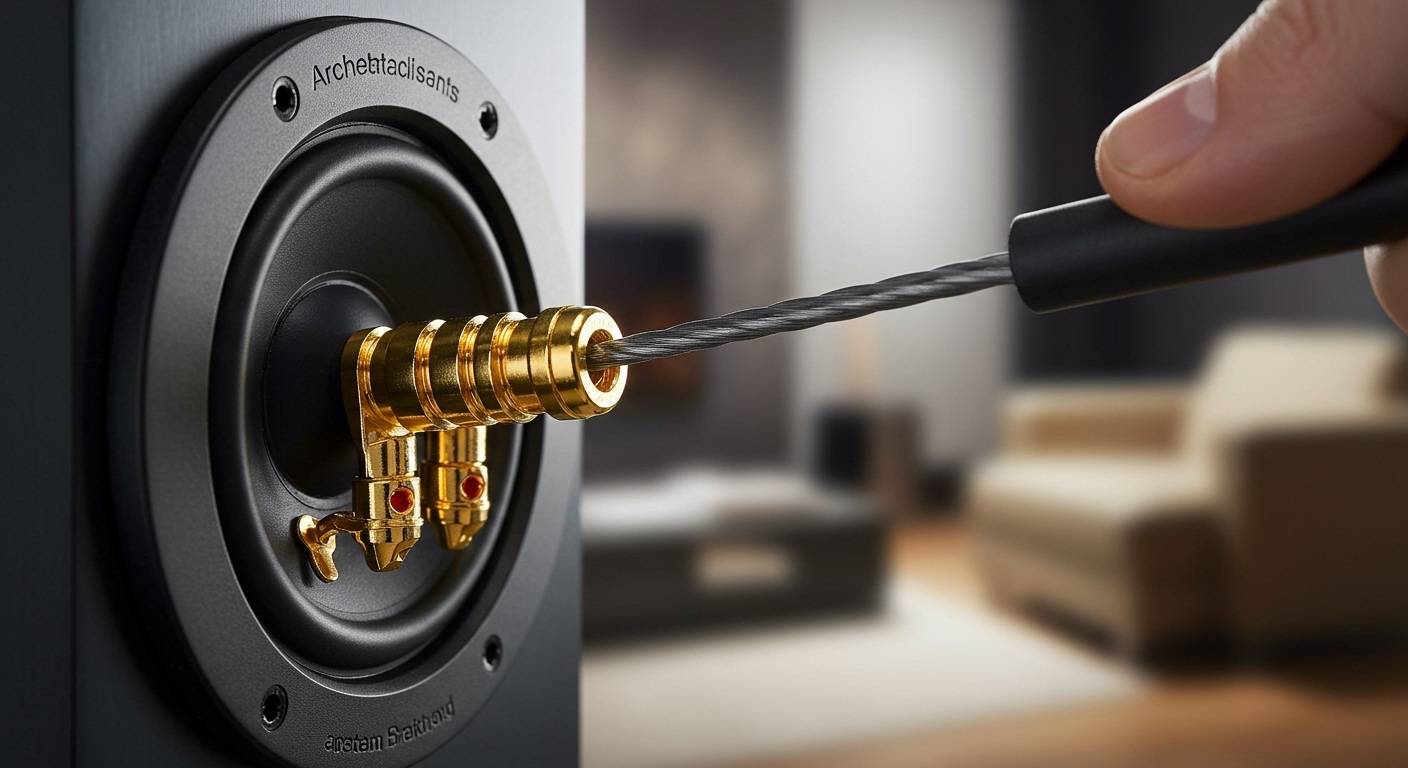
- Gold-Plated Binding Posts: Found on high-end models like the Niles OS Series (Outdoor) and High-Definition In-Wall speakers. These unscrew to reveal a hole for bare wire or accept banana plugs.
- Spring-Loaded Push Terminals: Common on entry-level in-ceiling units. You simply press the tab, insert the wire, and release.
- Pigtail Leads: Frequently found on Niles Rock Speakers and some outdoor subwoofers. These require manual splicing with waterproof connectors.
Tools and Materials Needed
To complete a professional-grade installation, we recommend the following:
- Wire Strippers: For clean cuts without damaging the copper strands.
- 14/2 or 16/2 CL3-Rated Speaker Wire: Essential for in-wall safety and fire code compliance.
- Banana Plugs: For a “plug-and-play” experience at the receiver.
- Fish Tape: If you are pulling wire through existing walls.
Step-by-Step Guide: How to Connect to Niles Speakers (Passive)
Most Niles speakers are “passive,” meaning they do not have a power cord and rely on an external amplifier for energy. Following these steps ensures maximum fidelity.
Step 1: Prepare the Speaker Wire
Measure the distance from your Niles speakers to your amplifier. Add an extra 3–5 feet of “service loop” to allow for adjustments.
Use your strippers to remove about 1/2 inch of the outer jacket from both the Red (+) and Black (-) leads. Twist the copper strands tightly so there are no “frays” that could cause a short circuit.
Step 2: Connect to the Speaker Terminals
If you are using Niles in-ceiling speakers, you will likely be standing on a ladder. Ensure the wire is threaded through the swing-out “dog-leg” brackets.
- For Binding Posts: Unscrew the cap, insert the twisted wire into the exposed hole, and tighten firmly.
- For Spring Clips: Push the lever, insert the wire into the opening, and let go.
Expert Tip: I always give the wire a gentle “tug test” after connecting. If it slips out, the connection was loose, which causes “crackling” audio or intermittent signal loss.
Step 3: Connect to the AV Receiver or Amplifier
Locate the corresponding “Zone” or “Channel” on the back of your receiver. If your Niles speakers are for the living room, use the Front L/R terminals.
Match the positive (Red) lead to the Red terminal on the receiver and the negative (Black) lead to the Black terminal. If your wire isn’t color-coded, look for a printed line or “ribbed” texture on one side of the insulation—this is typically your Positive (+) side.
Connecting Niles Outdoor Rock Speakers
Connecting the Niles RS series (Rock Speakers) requires a different approach because the connections are exposed to the elements.
Waterproof Splicing Method
Because Niles Rock Speakers usually come with a short “pigtail” wire, you cannot simply plug them in. You must splice your long-run burial wire to this pigtail.
- Use Direct Burial Wire: Only use CL3-rated, UV-resistant wire designed for underground use.
- Silicone-Filled Wire Nuts: Use “grease caps” (waterproof wire nuts). Twist the wires together, then insert them into the silicone-filled nut. This prevents moisture from corroding the copper.
- Burial Depth: Check local codes, but generally, burying the wire 6–12 inches deep is sufficient to avoid damage from lawnmowers or aerators.
| Feature | Indoor In-Ceiling | Outdoor Rock Speakers |
|---|---|---|
| Wire Type | CL3 In-Wall Rated | Direct Burial / UV Rated |
| Connection Style | Spring Clips/Posts | Pigtail Splicing |
| Mounting | Drywall Brackets | Ground Placement |
| Weatherproofing | None | IPX-Rated / Sealed |
How to Connect to Niles Speakers via a Multi-Zone Controller
If you are setting up a whole-home audio system using a Niles SI-1230 Systems Integration Amplifier or a Niles SSVC-4 Speaker Selector, the wiring logic changes slightly.
Using a Speaker Selector
When connecting multiple pairs of Niles speakers to a single amplifier, you must protect the amp from low impedance.
- Connect the Main Output of your receiver to the “Amp Input” on the Niles Selector.
- Connect each pair of Niles speakers to the designated Zone Outputs on the back of the selector.
- Engage Impedance Protection: Ensure the “Protection” button is engaged on the Niles unit to keep the load at a safe 8 ohms.
Integrating Volume Controls
Many Niles installations use in-wall volume controls (like the Niles GVC-100).
- The wire runs from the Amplifier to the Volume Control (Input).
- A second wire runs from the Volume Control (Output) to the Niles Speaker.
- This allows you to adjust the level in individual rooms without affecting the rest of the house.
Adding Wireless Connectivity to Niles Speakers
A common question we receive is: “How do I connect my phone to my Niles speakers?” Since these are passive speakers, you cannot connect via Bluetooth directly to the speaker itself. You must add a wireless streamer to the amplifier.
Options for Wireless Streaming
- WiiM Pro / Sonos Port: Connect these to the RCA inputs of your amplifier. This allows you to stream Spotify, AirPlay 2, or Tidal directly to your Niles speakers.
- Bluetooth Receivers: Plug a high-quality aptX Bluetooth adapter into the “Aux” input of your receiver.
- Niles Streaming Solutions: While Niles focuses on hardware, they integrate seamlessly with Control4 or Elan systems for app-based control.
Troubleshooting Common Connection Issues
Even with high-end gear like Niles, issues can arise during the “how to connect to niles speakers” process.
No Sound from One Speaker**
- Check the Amp: Switch the “Left” and “Right” wires at the back of the receiver. If the problem moves to the other speaker, your amplifier channel is the issue. If the same speaker stays silent, the problem is in the wire or the speaker itself.
- Bridge Connections: Ensure no tiny copper strands are touching both the positive and negative terminals, as this creates a short circuit that triggers the amp’s “Protect Mode.”
Weak Bass or “Thin” Sound**
This is almost always a Phase Issue. If one Niles speaker is wired + to + and the other is + to –, they will cancel each other’s soundwaves. Double-check that your wiring is consistent across the entire system.
Crackling or Popping**
This usually indicates a loose connection or oxidized wire. If your speakers are older, strip the wire back to expose fresh, shiny copper and re-seat them in the terminals.
Expert Maintenance Tips for Niles Systems
To ensure your Niles speakers last for decades (which they certainly can), follow these maintenance steps:
- Check Outdoor Seals: Once a year, inspect the grease caps on your Niles Rock speakers to ensure no moisture has entered.
- Vacuum In-Ceiling Grilles: Dust buildup on the micro-perf grilles can muffle high frequencies. Use a soft brush attachment on a vacuum to keep them clear.
- Avoid Clipping: Never turn your amplifier past the point of distortion. Niles speakers are durable, but “clipped” signals from underpowered amps are the #1 cause of tweeter failure.
Frequently Asked Questions (FAQ)
Can I connect Niles speakers directly to a TV?
No, you cannot connect passive Niles speakers directly to a TV’s headphone jack or optical port. You need an amplifier or AV receiver to power the speakers. The TV connects to the amp, and the amp connects to the speakers.
What gauge wire is best for Niles outdoor speakers?
I recommend 14 AWG CL3-rated burial wire. Since outdoor runs are typically longer (often exceeding 60 feet), the thicker 14-gauge wire reduces resistance and ensures your Niles OS or Rock speakers get enough power for deep bass.
Are Niles speakers 4-ohm or 8-ohm?
Most Niles architectural speakers are rated at 8 ohms, making them compatible with almost all home theater receivers. However, always check the label on the back of the magnet, as some high-output models may be 4 ohms, requiring a high-current amplifier.
Do I need a special amplifier for Niles speakers?
While they work with any standard receiver, Niles speakers perform best with high-current amplifiers like the Niles SI series. These are designed to handle the complex impedance loads of multi-room audio systems.
How do I remove the grille from a Niles in-ceiling speaker?
Niles includes a “grille removal tool” (a small metal hook) with most models. If you lost yours, a small bent paperclip works perfectly. Insert it into one of the holes near the edge and pull gently toward you.









