Does C920 Have Speakers? Everything You Need to Know
Frustrated because you can’t hear your colleagues during a Zoom call despite your new webcam being plugged in? You are not alone. Many users assume that high-end peripherals are all-in-one solutions, leading to the common question: does c920 have speakers?
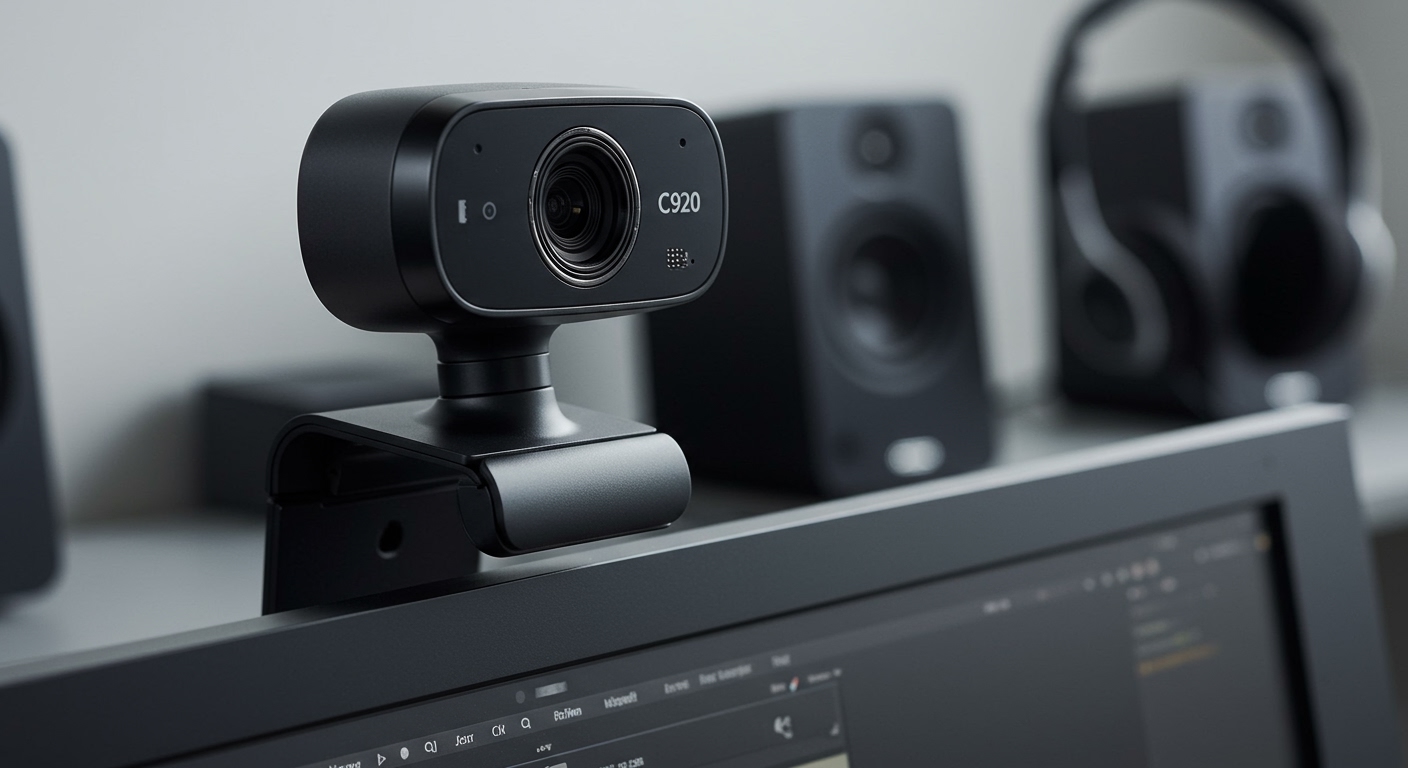
The short answer is no, the Logitech C920 does not have built-in speakers. While it is world-renowned for its 1080p video quality and dual integrated microphones, it lacks the hardware to output audio. You will always need an external audio source, such as computer speakers, headphones, or a dedicated headset, to hear sound from your PC.
🚀 Key Takeaways: Logitech Webcam Audio Summary
Audio Output: The Logitech C920, C922, and C930e do NOT have built-in speakers.
Audio Input: These models feature dual omni-directional microphones for capturing high-quality stereo audio.
Requirement: You must use your laptop’s internal speakers or external peripherals (headphones/speakers) for sound output.
Best Practice: For the best professional experience, pair your Logitech C920 with a dedicated USB headset to avoid echo and feedback.
Does C920 Have Speakers? Everything You Need to Know
Frustrated because you can’t hear your colleagues during a Zoom call despite your new webcam being plugged in? You are not alone. Many users assume that high-end peripherals are all-in-one solutions, leading to the common question: does c920 have speakers?
The short answer is no, the Logitech C920 does not have built-in speakers. While it is world-renowned for its 1080p video quality and dual integrated microphones, it lacks the hardware to output audio. You will always need an external audio source, such as computer speakers, headphones, or a dedicated headset, to hear sound from your PC.
🚀 Key Takeaways: Logitech Webcam Audio Summary
Audio Output: The Logitech C920, C922, and C930e do NOT have built-in speakers.
Audio Input: These models feature dual omni-directional microphones for capturing high-quality stereo audio.
Requirement: You must use your laptop’s internal speakers or external peripherals (headphones/speakers) for sound output.
Best Practice: For the best professional experience, pair your Logitech C920 with a dedicated USB headset to avoid echo and feedback.
Does Logitech C920 Have Speakers? The Technical Reality
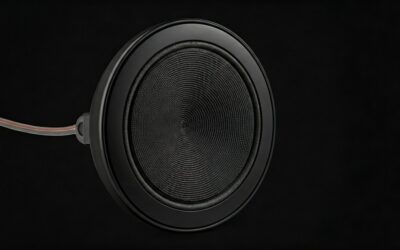
When you unbox a Logitech HD Pro Webcam C920, you will notice two mesh-covered circles on either side of the lens. It is a common mistake to think these are small speakers. In reality, these are dual stereo microphones designed to capture your voice clearly from various angles.
The Logitech C920 was engineered specifically as an input device. It converts light into a digital video signal and sound into a digital audio signal to send to your computer. It does not have the internal drivers or amplifiers necessary to convert digital signals back into audible sound waves.
Why people think the Logitech C920 has speakers
- Visual Design: The dual-mic grills look remarkably similar to micro-speakers found on some monitors.
- All-in-One Confusion: Many modern “Video Bars” for conference rooms include speakers, leading users to believe desktop webcams do the same.
- System Settings: In your computer’s sound settings, “Logitech C920” will appear under the Input tab, which sometimes confuses users looking at the Output tab.
Comparing Audio Features Across the Logitech C-Series
If you are looking for a webcam that specifically includes a speaker, you might be looking for a “ConferenceCam” rather than a standard desktop webcam. Below is a detailed comparison of the most popular models to clarify their capabilities.
| Model | Has Built-in Speakers? | Microphone Type | Video Resolution |
|---|---|---|---|
| Logitech C920 | No | Dual Stereo | 1080p / 30fps |
| Logitech C920s | No | Dual Stereo | 1080p / 30fps |
| Logitech C922 | No | Dual Stereo | 1080p / 60fps (720p) |
| Logitech C925e | No | Dual Stereo | 1080p / 30fps |
| Logitech C930e | No | Dual Stereo | 1080p / 30fps |
| Logitech MeetUp | Yes | 3-Mic Array + Speaker | 4K / 30fps |
| Logitech BCC950 | Yes | Full Duplex Speakerphone | 1080p / 30fps |
As shown in the table, if you are asking does logitech c922 have speakers or does logitech c925e have speakers, the answer remains the same: No. These are professional-grade input devices designed to be used alongside existing audio output hardware.
How to Set Up Audio with Your Logitech Webcam
Since your webcam won’t play sound, you must correctly route your computer’s audio to your speakers or headphones. Follow these steps to ensure your “Logitech Webcam Speakers” setup (using external hardware) works perfectly.
Step 1: Connect Your Hardware
Plug in your Logitech C920 into a USB 2.0 or 3.0 port. Simultaneously, ensure your speakers or headset are connected to the 3.5mm jack, USB port, or via Bluetooth.
Step 2: Configure Windows Sound Settings
- Click the Start Menu and type Sound Settings.
- Under the Output section, select your preferred speakers or headset.
- Under the Input section, select Microphone (HD Pro Webcam C920).
- Test the volume bar to ensure the computer is receiving your voice.
Step 3: Adjust Application-Specific Settings
Most apps like Zoom, Microsoft Teams, or Google Meet have their own audio menus.
- Open the Settings menu in your video call app.
- Navigate to Audio.
- Set “Speaker” to your actual speakers (e.g., Realtek Audio or USB Headset).
- Set “Microphone” to Logitech C920.
Step 4: Install Logi Tune or G HUB
To get the most out of your audio input, download Logi Tune. This software allows you to adjust the mic gain and ensure your firmware is up to date, which can indirectly improve how your voice sounds to others.
Essential Tools for a Complete Audio-Visual Setup
To complement your Logitech C920, you should invest in a reliable output device. Here is what we recommend based on professional testing.
| Tool Category | Recommended Product | Why It Pairs Well |
|---|---|---|
| Headset | Logitech Zone Wireless | Features a noise-canceling mic and excellent output. |
| Speakers | Logitech Z200 | Compact desktop speakers that fit under most monitors. |
| Software | Logi Tune | Essential for adjusting C920/C922 field of view and audio. |
| Adapter | USB-C to USB-A | Required if you are using a modern MacBook with a C920. |
Troubleshooting: Why You Can’t Hear Anything
If you came here asking does the logitech c920 have speakers because you aren’t hearing sound, the issue is likely a routing error in your OS.
Common Mistake: Selecting the Webcam as Output
Sometimes, Windows or macOS may mistakenly try to send audio to the webcam. Since the webcam has no speakers, you will hear silence.
The Fix: Go to your Sound Control Panel and ensure the C920 is NOT set as the default “Playback” or “Output” device.
Issue: Low Microphone Volume
If people can’t hear you, it’s not a speaker issue; it’s a mic gain issue.
The Fix: Increase the “Input Volume” in your system settings to 80-90%. Avoid 100% to prevent “clipping” or distortion.
Issue: Echo and Feedback
If you use loud external speakers while using the Logitech C920 mic, your colleagues might hear an echo.
The Fix: Use the “Echo Cancellation” feature within Zoom or switch to a headset. The C920 dual mics are sensitive and will pick up your desktop speakers easily.
Expert Advice: Getting Professional Audio Quality
Having used the Logitech C-Series for over a decade in various office environments, here are my top tips for maximizing your audio-visual experience:
Distance Matters: Keep the Logitech C920 within 3 feet of your face. While the mics are “omni-directional,” the clarity drops significantly beyond an arm’s length.
Lighting Affects Sync: In very dark rooms, the webcam’s “RightLight” technology slows down the frame rate to let in more light. This can sometimes cause your audio and video to go out of sync. Always use a dedicated desk lamp.
Disable “Listen to this Device”: In Windows Sound settings, ensure “Listen to this device” is unchecked for the C920. If checked, you will hear your own voice delayed through your speakers, which is incredibly distracting.
- Firmware Updates: Always check the Logitech Support site. Occasional firmware updates improve the digital signal processing (DSP) of the microphones.
FAQs About Logitech Webcam Speakers
Does logitech c920s have speakers?
No, the Logitech C920s (the version with the privacy shutter) does not have speakers. It shares the exact same audio hardware as the standard C920, featuring only dual microphones.
Does logitech c930e have speakers?
No, the Logitech C930e is a business-grade webcam but still requires external speakers or a headset for audio output. It is optimized for Skype for Business and Microsoft Teams but relies on the PC for sound.
Does logitech webcam c925e have speakers?
The Logitech C925e does not have built-in speakers. It features dual stereo microphones with omni-directional pickup, but it cannot play audio.
Can I use the C920 microphone and my laptop speakers at the same time?
Yes, this is the most common setup. You simply select the Logitech C920 as your “Input Device” and your “Laptop Speakers” as the “Output Device” in your communication software.
Why does my computer show “Logitech C920” in the audio settings?
It appears in audio settings because it contains microphones. Your computer treats it as an audio device, but specifically an input device, not an output device.
Final Thoughts: Building Your Best Setup
While the answer to “does c920 have speakers” is a definitive no, this shouldn’t discourage you from owning one. The Logitech C920 remains the industry standard for a reason: its video quality is superb for the price.
By pairing your webcam with a high-quality pair of headphones or desktop speakers, you create a professional-grade workstation. Remember to always check your Input/Output settings in Windows or macOS to ensure your voice is captured by the webcam while the sound comes from your preferred speakers.
Ready to upgrade your audio? Check out our guide on the best budget-friendly desktop speakers to pair with your Logitech C920 today!