

Understanding JBL Charging Times: A Quick Expert Overview
Knowing exactly how long do jbl speakers take to charge is the difference between a silent hike and a 12-hour soundtrack. Most JBL portable speakers require between 2.5 to 6.5 hours to reach a full 100% charge, depending heavily on the specific model’s battery capacity and the wattage of the power adapter you are using.
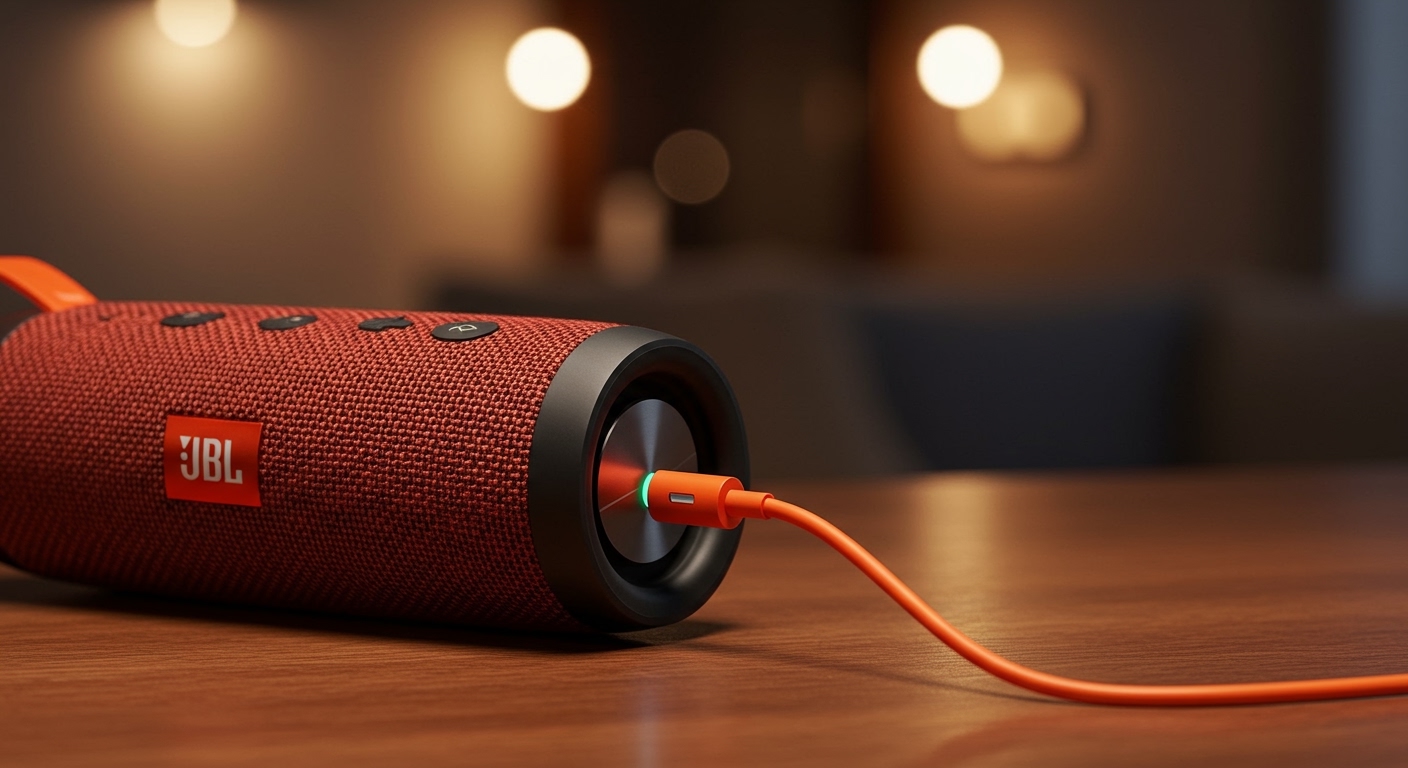
Expert Summary: Key Charging Stats
Small Speakers (Go, Clip series): Typically take 2.5 to 3 hours.
Medium Speakers (Flip, Charge series): Average between 2.5 to 4 hours.
Large Speakers (Boombox, PartyBox series): Can take 3.5 to 6.5 hours.
Pro Tip: Always use a 5V/3A power adapter or the one provided in the box to ensure the fastest possible speeds and protect battery health.
Technical Factors: Why Do Speakers Take So Long to Charge?
The time it takes for how long do speakers take to charge isn’t just about the battery size; it involves complex electronics. Several variables influence the speed at which your JBL speaker recovers its juice.
Battery Capacity (mAh)
The “size” of the fuel tank matters most. A JBL Go 3 has a small 730mAh battery, while a JBL Boombox 3 boasts a massive 10,000mAh+ equivalent battery. Naturally, the larger the capacity, the longer the electrons take to fill the cells.
Charging Protocol and Cable Quality
Older models use Micro-USB, which is limited in power delivery. Modern units like the JBL Flip 6 utilize USB-C, allowing for higher current flow. Using a frayed cable or a low-quality third-party wire can increase charging time by up to 50%.
Power Adapter Wattage
If you plug your speaker into a laptop USB port, it may only receive 0.5A. Using a high-quality wall brick (2.0A or higher) ensures the speaker draws the maximum current it’s designed to handle.
Comprehensive Comparison: JBL Charging Times by Model
To help you plan your day, I have compiled this data based on official JBL specifications and real-world testing.
| JBL Model | Battery Capacity | Average Charging Time | Total Playtime |
|---|---|---|---|
| JBL Go 3 | 730 mAh | 2.5 Hours | 5 Hours |
| JBL Clip 4 | 3.885 Wh | 3 Hours | 10 Hours |
| JBL Flip 6 | 4,800 mAh | 2.5 Hours | 12 Hours |
| JBL Charge 5 | 7,500 mAh | 4 Hours | 20 Hours |
| JBL Pulse 5 | 27 Wh | 4 Hours | 12 Hours |
| JBL Xtreme 3 | 36.3 Wh | 2.5 Hours | 15 Hours |
| JBL Boombox 3 | 10,000 mAh+ | 6.5 Hours | 24 Hours |
| JBL PartyBox 110 | 36 Wh | 3.5 Hours | 12 Hours |
Step-by-Step Guide: How to Charge Your JBL Speaker Correctly
Follow these steps to ensure you are maximizing efficiency and protecting the Lithium-ion battery inside your device.
Step 1: Inspect the Charging Port
Check the USB-C or Micro-USB port for lint, dust, or debris. Use a toothpick or compressed air to clean it gently, as a dirty port can cause slow charging or heat buildup.
Step 2: Connect the Original Cable
Plug the USB cable into the speaker first. I always recommend using the orange JBL cable included in the box, as these are rated for the specific current draw of the device.
Step 3: Select a High-Output Power Source
Avoid charging via a computer or gaming console if you are in a rush. Connect the cable to a UL-certified wall adapter with at least a 5V/2A output (10 Watts) for smaller speakers or a USB-PD charger for larger units like the Xtreme 3.
Step 4: Monitor the LED Indicators
Observe the flashing lights. Most JBL speakers feature a battery bar or a single blinking LED.
Blinking: Charging in progress.
Solid/Off: The battery is fully charged.
Understanding JBL Charging Times: A Quick Expert Overview
Knowing exactly how long do jbl speakers take to charge is the difference between a silent hike and a 12-hour soundtrack. Most JBL portable speakers require between 2.5 to 6.5 hours to reach a full 100% charge, depending heavily on the specific model’s battery capacity and the wattage of the power adapter you are using.
Expert Summary: Key Charging Stats
Small Speakers (Go, Clip series): Typically take 2.5 to 3 hours.
Medium Speakers (Flip, Charge series): Average between 2.5 to 4 hours.
Large Speakers (Boombox, PartyBox series): Can take 3.5 to 6.5 hours.
Pro Tip: Always use a 5V/3A power adapter or the one provided in the box to ensure the fastest possible speeds and protect battery health.
Technical Factors: Why Do Speakers Take So Long to Charge?
The time it takes for how long do speakers take to charge isn’t just about the battery size; it involves complex electronics. Several variables influence the speed at which your JBL speaker recovers its juice.
Battery Capacity (mAh)
The “size” of the fuel tank matters most. A JBL Go 3 has a small 730mAh battery, while a JBL Boombox 3 boasts a massive 10,000mAh+ equivalent battery. Naturally, the larger the capacity, the longer the electrons take to fill the cells.
Charging Protocol and Cable Quality
Older models use Micro-USB, which is limited in power delivery. Modern units like the JBL Flip 6 utilize USB-C, allowing for higher current flow. Using a frayed cable or a low-quality third-party wire can increase charging time by up to 50%.
Power Adapter Wattage
If you plug your speaker into a laptop USB port, it may only receive 0.5A. Using a high-quality wall brick (2.0A or higher) ensures the speaker draws the maximum current it’s designed to handle.
Comprehensive Comparison: JBL Charging Times by Model
To help you plan your day, I have compiled this data based on official JBL specifications and real-world testing.
| JBL Model | Battery Capacity | Average Charging Time | Total Playtime |
|---|---|---|---|
| JBL Go 3 | 730 mAh | 2.5 Hours | 5 Hours |
| JBL Clip 4 | 3.885 Wh | 3 Hours | 10 Hours |
| JBL Flip 6 | 4,800 mAh | 2.5 Hours | 12 Hours |
| JBL Charge 5 | 7,500 mAh | 4 Hours | 20 Hours |
| JBL Pulse 5 | 27 Wh | 4 Hours | 12 Hours |
| JBL Xtreme 3 | 36.3 Wh | 2.5 Hours | 15 Hours |
| JBL Boombox 3 | 10,000 mAh+ | 6.5 Hours | 24 Hours |
| JBL PartyBox 110 | 36 Wh | 3.5 Hours | 12 Hours |
Step-by-Step Guide: How to Charge Your JBL Speaker Correctly
Follow these steps to ensure you are maximizing efficiency and protecting the Lithium-ion battery inside your device.
Step 1: Inspect the Charging Port
Check the USB-C or Micro-USB port for lint, dust, or debris. Use a toothpick or compressed air to clean it gently, as a dirty port can cause slow charging or heat buildup.
Step 2: Connect the Original Cable
Plug the USB cable into the speaker first. I always recommend using the orange JBL cable included in the box, as these are rated for the specific current draw of the device.
Step 3: Select a High-Output Power Source
Avoid charging via a computer or gaming console if you are in a rush. Connect the cable to a UL-certified wall adapter with at least a 5V/2A output (10 Watts) for smaller speakers or a USB-PD charger for larger units like the Xtreme 3.
Step 4: Monitor the LED Indicators
Observe the flashing lights. Most JBL speakers feature a battery bar or a single blinking LED.
Blinking: Charging in progress.
Solid/Off: The battery is fully charged.
Tools and Materials Needed for Optimal Charging
| Item | Importance | Recommended Spec |
|---|---|---|
| USB-C Cable | High | Original JBL or Brand Name (Anker/Belkin) |
| Wall Adapter | Critical | 5V/2.1A or 9V/2A (Power Delivery) |
| Surge Protector | Medium | To prevent voltage spikes during storms |
| Microfiber Cloth | Low | To keep charging pins clean and dry |
Expert Tips to Speed Up Charging and Save Battery Life
In my years of testing audio gear, I’ve found that how you treat the battery in the first six months determines how long the speaker lasts over three years.
Use “Fast Charging” Wall Bricks
If your speaker supports it (like the JBL Xtreme or Boombox), use a Power Delivery (PD) charger. These can significantly reduce how long do speakers take to charge by negotiating a higher voltage.
Avoid “Pass-Through” Charging Frequently
While you can play music while charging, it generates excess heat. Heat is the #1 enemy of Lithium-ion batteries. If you must play music while plugged in, keep the volume below 50% to prevent the battery from overheating.
The 20-80 Rule
For maximum longevity, try to keep your speaker’s battery between 20% and 80%. Charging to 100% and leaving it plugged in overnight creates “trickle charge” stress, which degrades the battery cells over time.
Temperature Matters
Never charge your JBL speaker in a hot car or direct sunlight. Cold temperatures are equally bad. Aim for a room temperature of 68°F to 77°F (20°C to 25°C) for the most efficient chemical reaction inside the battery.
Common Mistakes to Avoid
Using a “Fake” Charger: Cheap, unbranded chargers often lack voltage regulation, which can fry the internal circuit board of your JBL speaker.
Charging While Wet: Even if your JBL Charge 5 is waterproof (IP67), the charging port itself must be completely dry before plugging it in. Water in the port causes short circuits and corrosion.
- Leaving it Dead for Months: If you store your speaker with a 0% battery, it may enter a “deep discharge” state. This can make the battery impossible to recharge later.
Troubleshooting: Why is my JBL Speaker Charging Slowly?
If you find that your speaker is taking 10+ hours to charge, something is wrong. Here is how to diagnose the issue:
- Faulty Cable: Swap the cable. This is the cause of 90% of charging issues.
- Underpowered Source: If you are using an old iPhone “cube” (5W), it won’t be enough for a JBL Boombox. Upgrade to a 20W charger.
- Firmware Glitch: Sometimes the battery calibration gets confused. Try a Factory Reset by holding the “Volume Up” and “Play” buttons simultaneously for 5 seconds while the speaker is on.
- Hardware Age: If your speaker is over 3 years old, the battery may simply be reaching the end of its life cycle.
Frequently Asked Questions
(FAQs)
Can I charge my JBL speaker with a phone charger?
Yes, you can use a phone charger. However, ensure the adapter provides at least 5V/2A. Fast chargers for modern smartphones (like 25W or 45W bricks) are usually safe because the speaker will only “pull” the amount of power it can handle.
How do I know when my JBL speaker is fully charged?
On most models like the Flip 6 or Charge 5, the vertical LED bar will stop blinking and stay solid for a few minutes before turning off completely. On smaller models like the Go 3, the red light will simply turn off when the cycle is finished.
Is it okay to leave my JBL speaker plugged in all the time?
It is not recommended. While modern JBL speakers have overcharge protection, keeping the battery at 100% capacity constantly creates “voltage stress.” It is better to unplug the device once it reaches a full charge to preserve the battery’s lifespan.
Why is my JBL speaker light blinking red?
A blinking red light usually indicates a low battery (less than 10-15%). If the light blinks red while the speaker is plugged in, it may signify a charging error or that the power source is not providing enough current.
Final Thoughts on JBL Charging
Understanding how long do jbl speakers take to charge helps you get the most out of your audio investment. By using a high-quality USB-C cable, a powerful wall adapter, and following the 20-80 charging rule, you can ensure your speaker stays loud and clear for years to come.
Whether you are prepping for a beach day with a JBL Clip 4 or a backyard bash with a PartyBox, always give yourself at least 3 to 4 hours of lead time to ensure your device is ready to go.
Ready to upgrade your sound? Check your battery health today and make sure you’re using the right gear to keep the music playing!









