

Do The Speakers in Bloxburg Work? The Definitive Answer
Struggling to get any sound out of that brand-new speaker you just placed in your Bloxburg mansion? You’re not alone. Many players buy speakers expecting them to work like a radio, only to be met with silence.
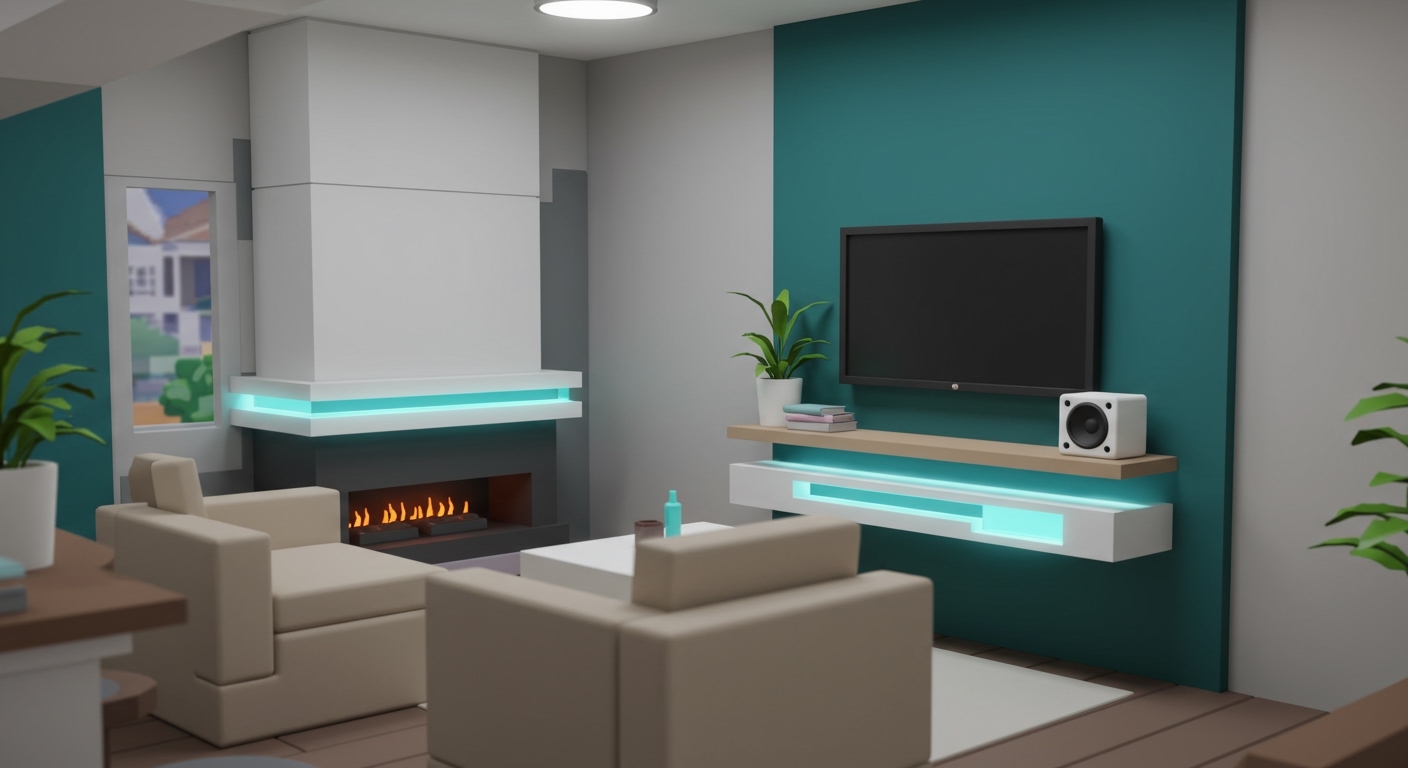
The short answer is: Yes, the speakers in Bloxburg absolutely work, but they require a specific item and a special code to play custom music. This guide will walk you through every step, from purchasing the right gear to finding music codes that actually work.
Key Takeaways: How to Use Bloxburg Speakers
- Game Pass Required: To play custom songs, you must own the “Stereo” Game Pass, which costs 400 Robux.
- Use Music IDs: Speakers don’t stream music. They play audio using Roblox Music IDs, which are unique numerical codes for songs on the Roblox platform.
- Find Valid Codes: The best place to find working Music IDs is the official Roblox Creator Marketplace.
- Simple Process: Once you have the game pass and a code, just click the speaker, enter the ID, and press play.
Understanding How Bloxburg Speakers Work
Before we dive into the steps, it’s important to understand the system. Unlike a real-world smart speaker, Bloxburg speakers don’t connect to the internet to stream services like Spotify. Instead, they access audio files that have been uploaded to the Roblox platform.
Each approved audio file is assigned a unique number, called a Music ID. By inputting this ID into your speaker, you are telling the game exactly which track to play. The key is owning the Stereo Game Pass, which unlocks the field where you can enter these custom IDs.
What You’ll Need: Required Items & Permissions
To get started, you’ll need a few things in-game. I’ve broken down the essentials in this table so you can quickly check if you’re ready.
| Item/Requirement | Type | Cost | Purpose |
|---|---|---|---|
| Any Speaker | In-Game Item | Varies ($) | The object that will play the music. |
| Stereo Game Pass | Game Pass | 400 Robux | Crucial. Unlocks the ability to play custom Music IDs. |
| Roblox Music ID | Code | Free | The numerical code for the song you want to play. |
| Build Permissions | Access | Free | You must be on your own plot or have permissions to interact with items. |
Without the Stereo Game Pass, your speakers will only be able to play a small, generic selection of default Bloxburg music. It is a one-time purchase that I highly recommend for anyone serious about customizing their builds.
How to Use Speakers in Bloxburg: A Step-by-Step Guide
Ready to bring your Bloxburg house to life with a custom soundtrack? Follow these steps precisely.
Step 1: Purchase and Place Your Speaker
First, you need a speaker. Bloxburg offers several options to fit any aesthetic.
- Enter Build Mode by clicking the house icon on the bottom right of your screen.
- Navigate to the Decorate tab and then select the Electronics category.
- Browse the available speakers. Popular options include:
- Select and Place your chosen speaker anywhere on your plot. From my experience, placing them in corners or central locations provides the best sound distribution for a room.
Step 2: Acquire the “Stereo” Game Pass
This is the most critical step and the one most people miss. You cannot play custom music without this game pass.
- Open the Shop by clicking the shopping cart icon on the bottom right.
- Locate the “Stereo” Game Pass. It’s usually listed with other permanent upgrades.
- Purchase it for 400 Robux. This is a one-time transaction. Once you buy it, it’s permanently unlocked on your account.
If you try to enter a Music ID without this pass, the input box simply won’t be available.
Step 3: Find a Valid Roblox Music ID
Now for the fun part: choosing your music. You need to find the numerical ID for the song you want.
- Best Source: Roblox Creator Marketplace: The most reliable method is to use Roblox’s own marketplace. Go to the Roblox website, navigate to the Creator Marketplace, and filter by “Audio.” You can search for genres, artists, or moods. The ID is the long number in the URL of the audio’s page.
- Community Websites: Websites dedicated to Bloxburg codes often have curated lists. However, be cautious as many of these codes may be outdated.
- Important Note: In 2022, Roblox implemented a major audio update that made many old Music IDs obsolete. Always try to find newer codes or get them directly from the Creator Marketplace to ensure they work.
Step 4: How to Play Music on Speakers in Bloxburg
With your speaker placed, game pass purchased, and Music ID copied, you’re ready to go.
- Exit Build Mode and return to Live Mode.
- Walk up to your speaker and click on it.
- A menu will appear. Because you own the Stereo Game Pass, you will see a field labeled “Enter Music ID.”
- Paste your Music ID into this box.
- Click the “Set” or “Play” button.
The music should begin playing immediately! The sound will be localized, meaning it gets louder as you get closer to the speaker.
Do The Speakers in Bloxburg Work? The Definitive Answer
Struggling to get any sound out of that brand-new speaker you just placed in your Bloxburg mansion? You’re not alone. Many players buy speakers expecting them to work like a radio, only to be met with silence.
The short answer is: Yes, the speakers in Bloxburg absolutely work, but they require a specific item and a special code to play custom music. This guide will walk you through every step, from purchasing the right gear to finding music codes that actually work.
Key Takeaways: How to Use Bloxburg Speakers
- Game Pass Required: To play custom songs, you must own the “Stereo” Game Pass, which costs 400 Robux.
- Use Music IDs: Speakers don’t stream music. They play audio using Roblox Music IDs, which are unique numerical codes for songs on the Roblox platform.
- Find Valid Codes: The best place to find working Music IDs is the official Roblox Creator Marketplace.
- Simple Process: Once you have the game pass and a code, just click the speaker, enter the ID, and press play.
Understanding How Bloxburg Speakers Work
Before we dive into the steps, it’s important to understand the system. Unlike a real-world smart speaker, Bloxburg speakers don’t connect to the internet to stream services like Spotify. Instead, they access audio files that have been uploaded to the Roblox platform.
Each approved audio file is assigned a unique number, called a Music ID. By inputting this ID into your speaker, you are telling the game exactly which track to play. The key is owning the Stereo Game Pass, which unlocks the field where you can enter these custom IDs.
What You’ll Need: Required Items & Permissions
To get started, you’ll need a few things in-game. I’ve broken down the essentials in this table so you can quickly check if you’re ready.
| Item/Requirement | Type | Cost | Purpose |
|---|---|---|---|
| Any Speaker | In-Game Item | Varies ($) | The object that will play the music. |
| Stereo Game Pass | Game Pass | 400 Robux | Crucial. Unlocks the ability to play custom Music IDs. |
| Roblox Music ID | Code | Free | The numerical code for the song you want to play. |
| Build Permissions | Access | Free | You must be on your own plot or have permissions to interact with items. |
Without the Stereo Game Pass, your speakers will only be able to play a small, generic selection of default Bloxburg music. It is a one-time purchase that I highly recommend for anyone serious about customizing their builds.
How to Use Speakers in Bloxburg: A Step-by-Step Guide
Ready to bring your Bloxburg house to life with a custom soundtrack? Follow these steps precisely.
Step 1: Purchase and Place Your Speaker
First, you need a speaker. Bloxburg offers several options to fit any aesthetic.
- Enter Build Mode by clicking the house icon on the bottom right of your screen.
- Navigate to the Decorate tab and then select the Electronics category.
- Browse the available speakers. Popular options include:
- Select and Place your chosen speaker anywhere on your plot. From my experience, placing them in corners or central locations provides the best sound distribution for a room.
Step 2: Acquire the “Stereo” Game Pass
This is the most critical step and the one most people miss. You cannot play custom music without this game pass.
- Open the Shop by clicking the shopping cart icon on the bottom right.
- Locate the “Stereo” Game Pass. It’s usually listed with other permanent upgrades.
- Purchase it for 400 Robux. This is a one-time transaction. Once you buy it, it’s permanently unlocked on your account.
If you try to enter a Music ID without this pass, the input box simply won’t be available.
Step 3: Find a Valid Roblox Music ID
Now for the fun part: choosing your music. You need to find the numerical ID for the song you want.
- Best Source: Roblox Creator Marketplace: The most reliable method is to use Roblox’s own marketplace. Go to the Roblox website, navigate to the Creator Marketplace, and filter by “Audio.” You can search for genres, artists, or moods. The ID is the long number in the URL of the audio’s page.
- Community Websites: Websites dedicated to Bloxburg codes often have curated lists. However, be cautious as many of these codes may be outdated.
- Important Note: In 2022, Roblox implemented a major audio update that made many old Music IDs obsolete. Always try to find newer codes or get them directly from the Creator Marketplace to ensure they work.
Step 4: How to Play Music on Speakers in Bloxburg
With your speaker placed, game pass purchased, and Music ID copied, you’re ready to go.
- Exit Build Mode and return to Live Mode.
- Walk up to your speaker and click on it.
- A menu will appear. Because you own the Stereo Game Pass, you will see a field labeled “Enter Music ID.”
- Paste your Music ID into this box.
- Click the “Set” or “Play” button.
The music should begin playing immediately! The sound will be localized, meaning it gets louder as you get closer to the speaker.
Pro Tips for the Best Bloxburg Audio Experience
After setting up hundreds of sound systems in my own builds, I’ve learned a few tricks to make the experience even better.
- Create a Playlist Doc: Keep a text file or a Google Doc with the names and Music IDs of your favorite songs. This saves you from having to search for them every time you play.
- Themed Music is Key: Match your music to your build’s theme. I use calm lo-fi IDs (like
184435499) for my cafes and high-energy pop songs for party rooms or clubs. It dramatically improves the role-playing immersion. - Control the Volume: If the music is too loud, you can adjust the master volume in your main Roblox settings or the in-game Bloxburg settings.
- Use DJ Booths for Parties: The DJ Booth item is fantastic for large gatherings. It acts as a massive speaker and a great centerpiece for a party area.
Troubleshooting: Why Your Bloxburg Speakers Aren’t Working
Running into issues? Here are the most common problems and how to fix them.
- Problem: I can’t enter a custom Music ID.
- **Problem









