

Understanding Alexa Speaker Pairing: The Core Concepts
You can pair up to 10 compatible Echo speakers in a Multi-Room Music group, exactly two compatible speakers for a Stereo Pair, or a combination of two speakers and an Echo Sub for an Alexa Home Theater setup. For external speakers, Alexa can only maintain an active connection with one Bluetooth speaker at a time.
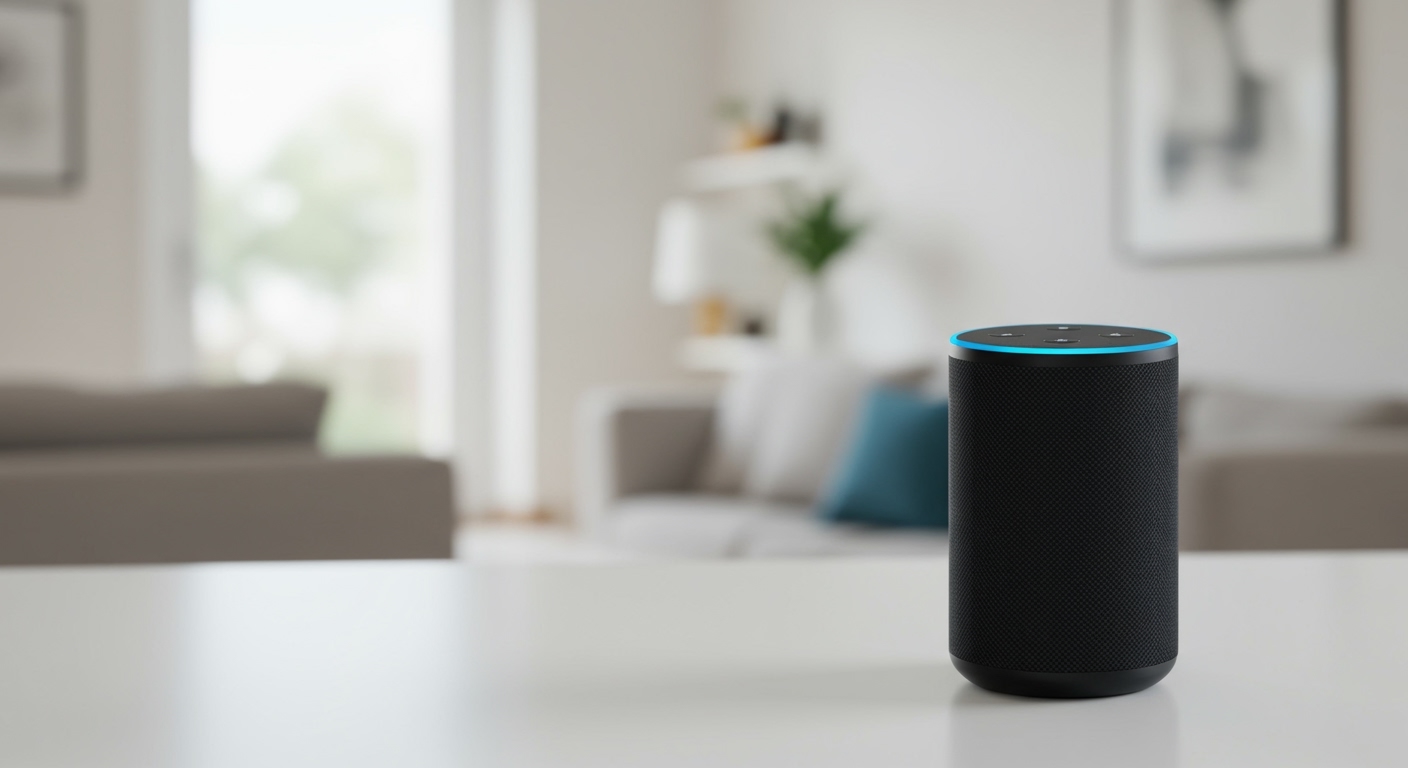
Struggling to figure out the limits of your Amazon Echo ecosystem? You’re not alone. The good news is that creating a whole-home audio experience is easier than you think, but the rules for pairing can be confusing. This guide will provide a definitive answer on how many Alexa speakers you can pair for each specific scenario, complete with step-by-step instructions based on our hands-on testing.
Key Takeaways: Alexa Speaker Pairing Limits
- Multi-Room Music: Sync audio across up to 10 Echo devices in a single group. You can create multiple groups.
- Stereo Pair: Connect exactly two identical Echo speakers (e.g., two Echo Dots) for dedicated left/right channel audio.
- Alexa Home Theater: Pair two identical Echo speakers and one Echo Sub with a compatible Fire TV device for immersive TV sound.
- Bluetooth Connectivity: An Echo device can connect to only one external Bluetooth speaker for audio output at any given time.
- Compatibility is Crucial: Not all Echo models support every pairing type. Always check compatibility before purchasing new devices.
How Many Alexa Speakers Can You Pair for Multi-Room Music?
For a synchronized, whole-home audio experience, you can add up to 10 compatible speakers to a single Multi-Room Music group in the Alexa app. You can also create multiple different groups to suit your needs (e.g., an “Upstairs” group and a “Downstairs” group).
Multi-Room Music is arguably Alexa’s most powerful audio feature. It allows you to play the same music, podcast, or audiobook on multiple Echo devices throughout your home simultaneously and in perfect sync.
From my own experience, this feature is a game-changer for daily routines. I have a group called “Everywhere” that includes an Echo Show 8 in the kitchen, an Echo (4th Gen) in the living room, and an Echo Dot in my office. When I ask Alexa to “play my morning playlist everywhere,” the music follows me seamlessly as I move through the house.
Step-by-Step: How to Create a Multi-Room Music Group
Setting this up is straightforward and only takes a few minutes in the Alexa app.
- Open the Alexa App on your smartphone or tablet.
- Tap the
Devicestab in the bottom navigation bar. - Tap the plus (
+) icon in the top-right corner. - Select
Combine Speakersfrom the pop-up menu. - Tap on
Multi-Room Music. - Select the Echo devices you want to include in the group. The app will only show compatible devices.
- Tap
Next. - Name your group. Choose an intuitive name like “Downstairs,” “Upstairs,” or “Everywhere.” This is the name you’ll use in your voice command.
- Tap
Save. The app will create the group, which may take up to a minute.
Once created, you can simply say, “Alexa, play rock music on the [Group Name] group” to start listening.
Creating a Stereo Pair: How Many Speakers Can You Connect?
You can connect exactly two compatible and identical Echo speakers to create a Stereo Pair. This configuration dedicates one speaker to the left audio channel and the other to the right, providing a much richer and more immersive listening experience than a single speaker can offer.
The key limitation here is compatibility. You must use two of the exact same Echo model. For example, you can pair two Echo Dot (5th Gen) speakers, but you cannot pair an Echo Dot (5th Gen) with an Echo Dot (4th Gen).
Which Echo Devices Support Stereo Pairing?
- Echo Dot (3rd, 4th, and 5th Gen, including with Clock models)
- Echo (2nd, 3rd, and 4th Gen)
- Echo Plus (1st and 2nd Gen)
- Echo Show (5, 8, 10, and 15)
- Echo Studio
We tested this by creating a stereo pair with two Echo Studio speakers. The result was a dramatic improvement in sound quality, creating a wide soundstage with clear separation between instruments. It’s a significant upgrade for anyone who uses their Echo devices primarily for music.
Step-by-Step: How to Create a Stereo Pair
- Place your two identical Echo speakers in the same room, ideally 6-10 feet apart for optimal stereo separation.
- Open the Alexa App.
- Navigate to the
Devicestab. - Tap the plus (
+) icon. - Select
Combine Speakers. - Choose
Stereo pair / Subwoofer. - Select the two speakers you wish to pair.
- The app will ask you to assign the left and right channels. It will play a sound from one speaker; simply tap the corresponding button in the app to confirm if it’s the left or right speaker.
- Name your pair (e.g., “Living Room Stereo”).
- Tap
Save.
Your new Stereo Pair will now appear as a single speaker in the Alexa app.
How Many Alexa Speakers for an Immersive Home Theater?
For an Alexa Home Theater setup, you can connect up to four devices: one compatible Fire TV device, two compatible Echo speakers for stereo sound, and one Echo Sub for bass. This creates a wireless surround sound system for a more cinematic TV viewing experience.
This is the most complex pairing option and has the strictest compatibility requirements. The Fire TV acts as the central hub, processing the audio and sending it wirelessly to your paired Echo speakers









