

Is Your Audio Sounding Weak? The Ultimate Guide to Speaker Polarity
Is your expensive home theater or stereo system sounding thin, hollow, or just plain wrong? You might be missing that deep, punchy bass and wide, immersive soundstage you were promised. Before you blame your equipment, the culprit could be a simple, invisible error: incorrect speaker polarity. When speakers are wired out-of-phase, they literally fight each other, canceling out sound waves and ruining your listening experience.
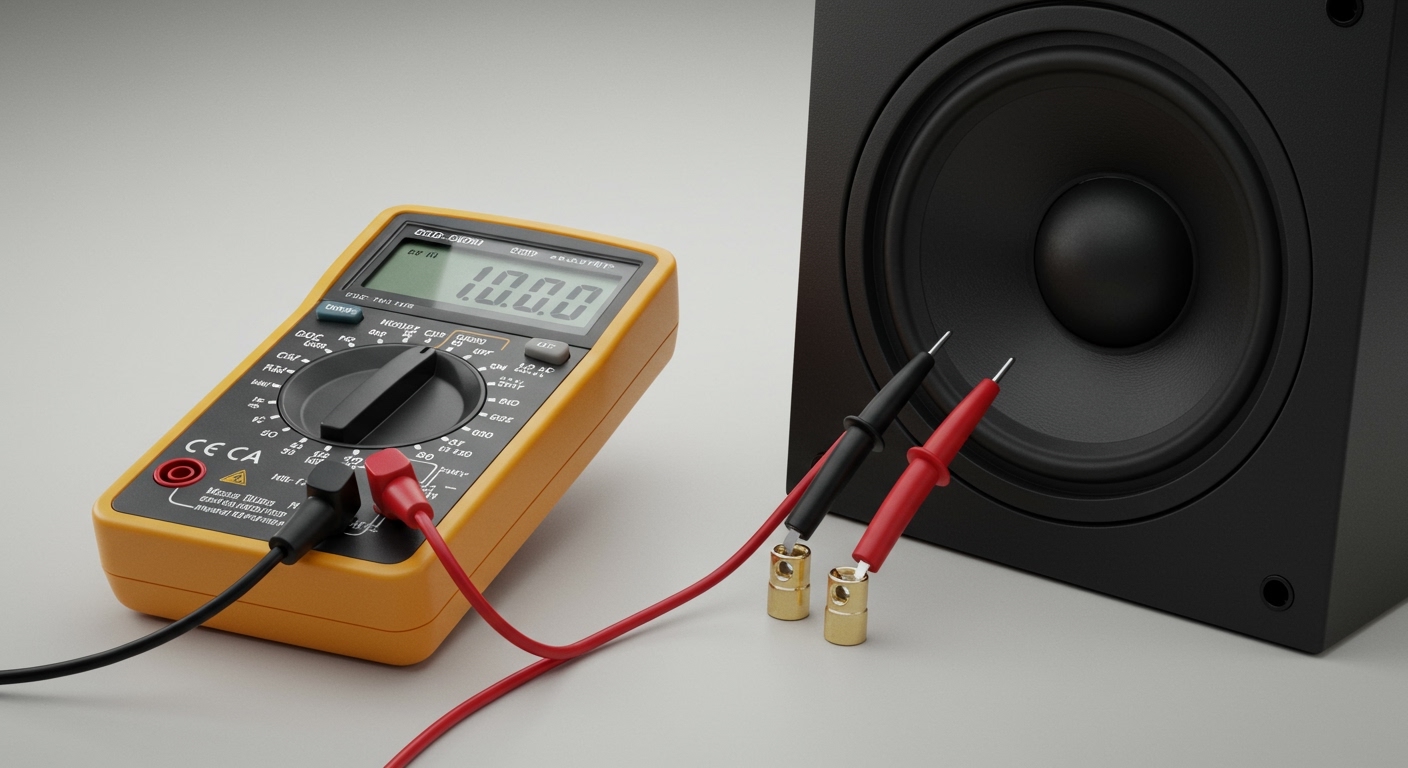
As an audio technician with over a decade of experience setting up everything from simple bookshelf stereos to complex home theaters, I’ve seen this issue countless times. The good news is that you don’t need to be an expert to fix it. This guide will give you the exact, step-by-step process for how to check polarity on speakers with a multimeter, a simple battery, and a few minutes of your time. Let’s get your system sounding the way it was meant to.
Key Takeaways: Checking Speaker Polarity
- What It Is: Speaker polarity ensures all speaker cones move in unison (in-phase), creating a cohesive sound. The positive (+) terminal on your amplifier should connect to the positive (+) on your speaker.
- Why It Matters: Incorrect polarity (out-of-phase) causes acoustic phase cancellation. This results in weak bass, a “hollow” midrange, and a confusing, poorly-defined stereo image.
- The Core Method: The “pop test” uses a low-voltage 1.5V battery (like an AA or AAA) to make the speaker cone move. If the cone pushes outward, the battery’s positive terminal is touching the speaker’s positive terminal.
- Multimeter’s Role: A multimeter set to DC Volts (V⎓) confirms the polarity without guesswork. A positive voltage reading confirms you’ve matched positive-to-positive, while a negative reading indicates a reversed connection.
- Critical Safety: NEVER use a 9V battery or any power source higher than 1.5V for this test. Doing so can permanently damage the delicate voice coil inside your speaker, especially on smaller drivers like tweeters.
Why Speaker Polarity is So Crucial for Your Audio System
To understand why this matters, let’s think about how a speaker works. It creates sound by pushing and pulling air with a cone-shaped diaphragm. For a stereo system, you have at least two speakers trying to reproduce the same soundscape.
- In-Phase (Correct Polarity): When both speakers are wired correctly, their cones move forward and backward at the exact same time for any given signal. They work together, reinforcing the sound waves. This creates a strong, centered phantom image for vocals and a deep, impactful bass response.
- Out-of-Phase (Incorrect Polarity): When one speaker is wired backward (e.g., amplifier positive to speaker negative), its cone moves in the opposite direction of the other. As one cone pushes air, the other pulls. This causes the sound waves to cancel each other out, a phenomenon called destructive interference.
The most noticeable effect of out-of-phase speakers is a dramatic loss of bass. Low-frequency sound waves are long and powerful, and when they cancel, the bottom end of your music or movies simply disappears. You’ll also notice a strange, disorienting effect on the stereo image, where sounds seem to come from weird places instead of a defined stage in front of you.
Assembling Your Tools: A Multimeter and a Battery
You don’t need a lab full of expensive equipment for this professional-level test. All you need are two common household items.
The Digital Multimeter (DMM)
Your multimeter is the star of the show. It gives you a definitive, data-driven answer. I personally use a Fluke 101 in my workshop, but any basic digital multimeter will work perfectly.
- Probes: You’ll have a red probe (for positive) and a black probe (for negative).
- Ports: The black probe always goes into the COM (Common/ground) port. The red probe goes into the port labeled VΩmA (for Volts, Ohms, and Milliamps).
- The Dial: We will be using the DC Voltage setting, often indicated by a V⎓ symbol (a V with a solid line and a dashed line above it).
The Power Source: A Simple 1.5V Battery
This is our safe, low-voltage signal generator.
- Recommended: Any standard 1.5V battery will work. This includes AA, AAA, C, or D cells.
- AVOID: I cannot stress this enough—DO NOT use a 9V battery. While some online guides suggest it for a more dramatic “pop,” the higher voltage can overheat and damage the delicate copper wire in the speaker’s voice coil, especially on smaller tweeters. Stick to 1.5V for a safe and effective test.
Step-by-Step: How to Check Speaker Polarity with a Multimeter
Ready to get started? Let’s walk through the process. I’ll be referencing a pair of bookshelf speakers with unmarked wires, a common scenario for DIY projects or when using older cables.
Step 1: Prepare Your Speaker and Workspace
First, safety and preparation are key.
- Disconnect the Speaker: Unplug the speaker completely from your amplifier or AV receiver. We need the speaker to be isolated.
- Expose the Wires: Ensure you have about half an inch of bare metal wire exposed at the end of your speaker cable. If the wires are connected to binding posts on the speaker, you can disconnect them and test the posts directly.
- Place the Speaker: Put the speaker on a stable surface where you can clearly see the largest cone (the woofer).
Step 2: Set Up Your Multimeter
Now, let’s get the multimeter ready for its reading.
- Insert Probes: Plug the black probe into the COM jack and the red probe into the VΩmA jack.
- Select DC Voltage: Turn the multimeter’s main dial to the DC Voltage (V⎓) setting. If your meter is not auto-ranging









