

Understanding Your Ceiling Speaker System: The Basics
Before we dive into connecting your phone, it’s crucial to understand what you’re working with. Your ceiling speakers are almost certainly passive speakers. This means they don’t have built-in power and need an external device to make them work.
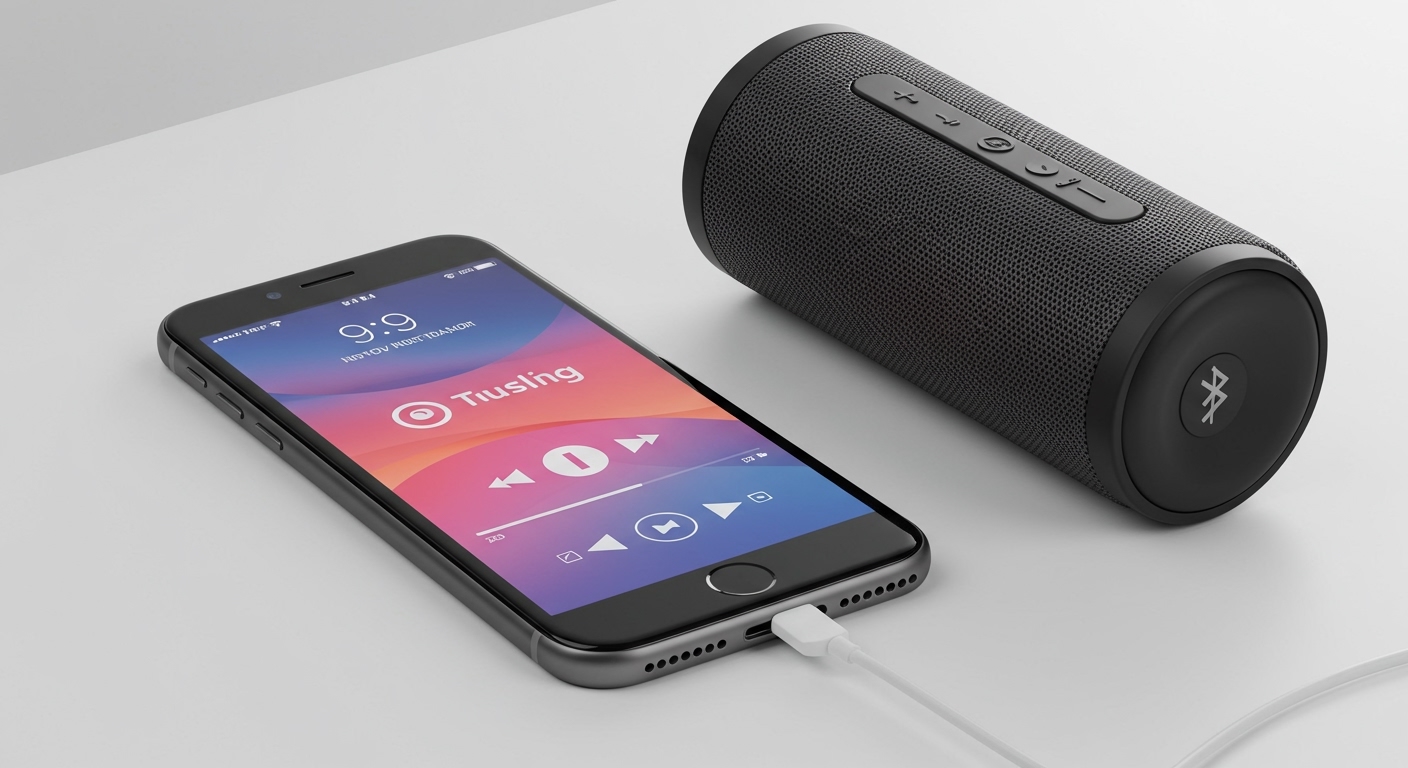
Think of it like this: your speakers are the car’s wheels, but you still need an engine to make them go. That engine is called an amplifier or a receiver. Its job is to take the low-power audio signal from your phone, boost it, and send that powerful signal to the speakers to create sound. You can’t just plug a speaker wire into your phone and expect it to work.
Passive vs. Active Speakers
- Passive Speakers: These are the most common type for in-ceiling and in-wall installations. They consist of just the speaker components (drivers, crossover) and require an external amplifier. All the power and signal processing happens outside the speaker.
- Active Speakers: These have an amplifier built directly into the speaker cabinet. Most portable Bluetooth speakers or computer speakers are active. They are less common for architectural installations due to the need for each speaker to have its own power outlet.
The Role of the Amplifier
The amplifier is the heart of your system. It’s the essential middleman that connects your phone to your ceiling speakers. When choosing one, you’ll see terms like watts per channel (WPC) and impedance (ohms).
- Watts per Channel: This is the power output. For most in-ceiling applications, an amplifier with 20 to 100 watts per channel is more than sufficient.
- Impedance: Measured in ohms (Ω), this is the electrical resistance of the speaker. Most ceiling speakers are 8 ohms. It’s important to match your amplifier’s output to your speaker’s impedance for safety and optimal performance.
How to Connect Ceiling Speakers to a Phone: The Wireless Methods
The best and most common way to connect your phone to ceiling speakers is wirelessly. It’s clean, convenient, and gives you the freedom to move around your space. We’ll cover the two primary methods I recommend to all my clients: Bluetooth and Wi-Fi.
Method 1: The Bluetooth Amplifier (Easiest & Most Popular)
This is the most straightforward and cost-effective solution. A Bluetooth amplifier is a compact device that receives a Bluetooth signal from your phone, amplifies it, and sends it to your speakers through standard speaker wire.
From my experience installing these systems, they are perfect for single-room setups like a kitchen, patio, or workshop where simplicity is key.
Pros:
- Affordable: You can find great options for under $100.
- Simple Setup: Pairing is as easy as connecting Bluetooth headphones.
- Universal Compatibility: Works with any app on your phone that produces sound (Spotify, YouTube, Podcasts, etc.).
Cons:
- Limited Range: Bluetooth typically has a range of about 30 feet (10 meters).
- Interruptions: Phone calls, notifications, and alerts will play through the speakers.
- One-to-One Connection: Only one phone can be connected at a time.
Step-by-Step Guide to Connecting with a Bluetooth Amplifier:
- Choose the Right Bluetooth Amplifier:
- Gather Your Equipment:
- Prepare the Speaker Wires:
- Connect Wires to the Amplifier:
- Power On and Pair Your Phone:
- Test Your System:
Method 2: The Wi-Fi Streaming Amplifier (The Premium Multi-Room Solution)
If you’re looking for higher audio quality, a more stable connection, and the ability to play music in multiple rooms at once, a Wi-Fi streaming amplifier is the ultimate solution. Instead of a direct Bluetooth connection, this device connects to your home’s Wi-Fi network.
You control the music through a dedicated app on your phone, which tells the amplifier what to stream directly from the internet or your local network. The Sonos Amp is the undisputed leader in this category, and it’s what I use in my own home for a seamless multi-room audio experience.
Pros:
- Superior Audio Quality: Wi-Fi can transmit lossless audio, offering better fidelity than standard Bluetooth.
- No Interruptions: Your music won’t be interrupted by phone calls or notifications









