

Understanding MusicCast Speaker Compatibility: The Core Rule
The most direct answer to what speakers are compatible with MusicCast is this: only Yamaha products that are specifically labeled as MusicCast-enabled will work natively within the ecosystem. MusicCast is a proprietary wireless multi-room audio system developed by Yamaha. This means you cannot connect a speaker from another brand like Sonos, Bose, or Sony directly into your MusicCast network and expect it to function as a seamless, controllable zone.
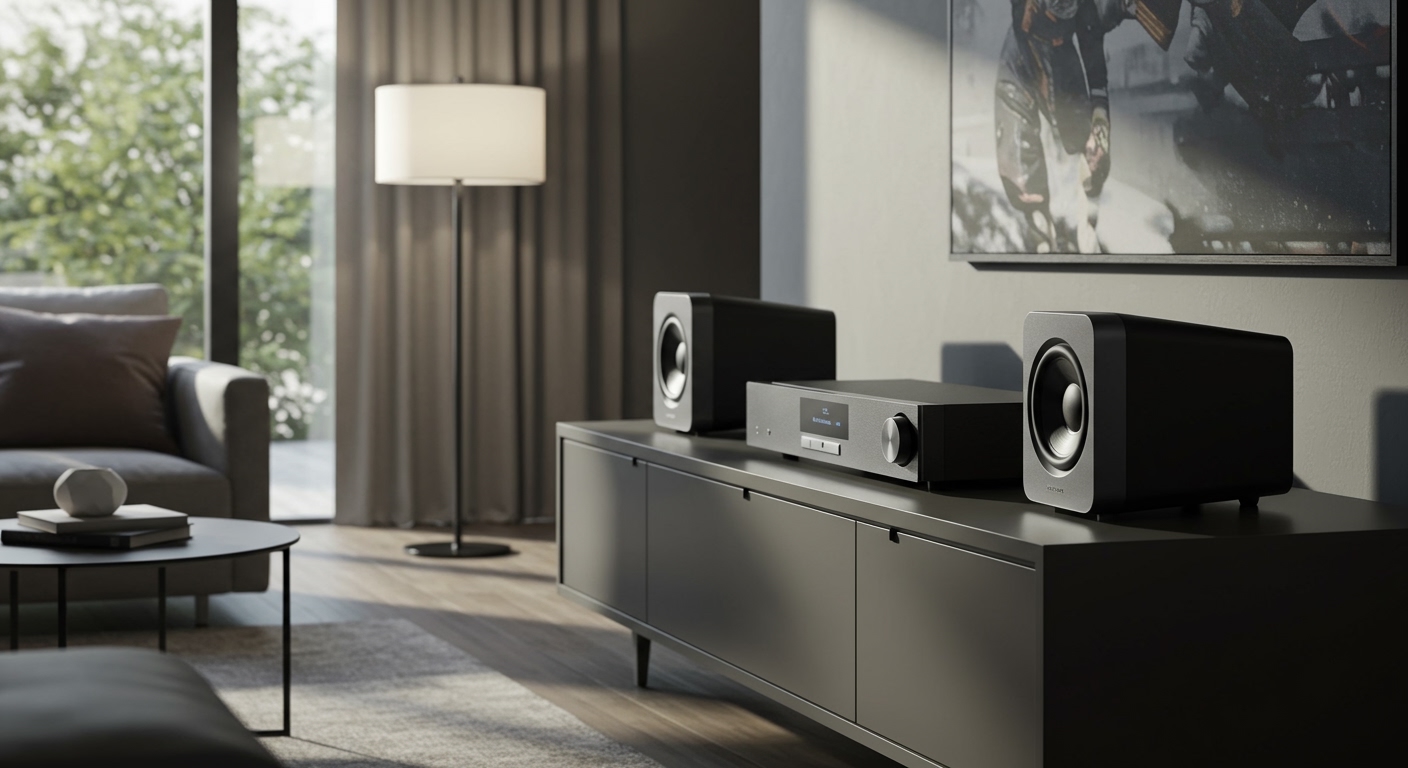
This might seem restrictive, but it’s by design. Yamaha controls the entire hardware and software stack to ensure high-fidelity audio streaming, perfect synchronization between rooms, and a stable user experience through their MusicCast Controller app. The good news is that Yamaha offers an incredibly wide range of compatible products, from small wireless speakers to high-end AV receivers, ensuring there’s a solution for almost any audio need.
Key Takeaways: MusicCast Compatibility at a Glance
- Yamaha-Exclusive: Only Yamaha devices featuring the official MusicCast logo are natively compatible.
- Wide Product Range: The ecosystem includes wireless speakers, soundbars, AV receivers, Hi-Fi components, and even turntables.
- App is Central: The entire system is controlled via the free MusicCast Controller app for iOS and Android.
- Check the Logo: The simplest way to verify compatibility is to look for the MusicCast symbol on the product packaging or the device itself.
What Speakers Are Compatible with MusicCast? A Detailed Breakdown
Yamaha has integrated its MusicCast technology across a vast portfolio of audio gear. When I first started building my system, I was impressed by the sheer variety of options available. This allows for incredible flexibility, whether you’re starting with a single speaker or planning a full home theater and multi-room setup.
Let’s break down the main categories of compatible devices.
Wireless Speakers: The Heart of Multi-Room Audio
These are the most common entry points into the MusicCast world. They are perfect for kitchens, bedrooms, offices, or for use as wireless surround speakers in a home theater setup.
- Yamaha MusicCast 50 (WX-051): This is the flagship wireless speaker. It’s a powerful stereo speaker in a single unit that can fill a medium to large room with sound. I use one in my open-plan living area, and its presence is impressive for its size.
- Yamaha MusicCast 20 (WX-021): A more compact mono speaker that is incredibly versatile. You can use one on its own, pair two together for a true wireless stereo setup, or use them as wireless rear surround speakers with a compatible MusicCast soundbar or AV receiver.
- Yamaha MusicCast WX-010 & WX-030: These are older, discontinued models, but they are still fully compatible with the latest MusicCast system. If you find them on the second-hand market, they can be a cost-effective way to expand your network.
Soundbars & Home Theater Systems
A MusicCast-enabled soundbar is often the central hub of a modern living room. It not only enhances your TV’s audio but also acts as a primary “zone” in your multi-room system.
- Yamaha MusicCast BAR 400 (YAS-408): A popular choice that includes a wireless subwoofer. It offers excellent virtual surround sound and can be expanded with two MusicCast 20 or MusicCast 50 speakers for a true 5.1 wireless surround experience.
- Higher-End Soundbars (e.g., ATS Series): Yamaha offers more advanced models with features like Dolby Atmos and DTS:X for a more immersive cinematic experience, all with MusicCast built-in.
AV Receivers: The Powerhouse Hub
For the ultimate in flexibility and power, a MusicCast AV receiver is the way to go. These devices act as the brain for a traditional wired home theater system while also serving as a powerful source for your wireless MusicCast network.
- Yamaha RX-V Series: This is the most popular line of receivers, offering a fantastic balance of features, power, and price. Models like the RX-V4A and RX-V6A are excellent choices for most home theaters.
- Yamaha AVENTAGE Series: This is Yamaha’s premium line of AV receivers, built with higher-quality components for discerning audiophiles. They offer superior sound processing and build quality.
The beauty of a MusicCast receiver is that you can power high-quality, passive wired speakers (from any brand) in your main room and still stream that same audio to wireless MusicCast 20 speakers in the kitchen.
Hi-Fi Components & Other Devices
This is where the MusicCast ecosystem truly shines, allowing you to integrate traditional audio gear.
- Yamaha MusicCast VINYL 500 Turntable: A Wi-Fi-enabled turntable that can stream your vinyl record collection to any MusicCast speaker in your home. This was a game-changer for me, letting me enjoy my records in any room without running wires.
- Powered Monitor Speakers: Models like the Yamaha NX-N500 are studio-quality powered speakers with MusicCast built-in, perfect for a high-fidelity desktop or bookshelf setup.
How to Verify if a Speaker Works with MusicCast
Before you buy, it’s crucial to confirm compatibility. Here are the three foolproof methods I use.
- Look for the Logo: The easiest way is to find the MusicCast logo. It’s a distinct symbol that Yamaha places prominently on the product itself, the packaging, and all marketing materials. If you don’t see that logo, it’s not natively compatible.
- Check the Official Product Page: Go to the official Yamaha audio website for your region. Navigate to the product page for the speaker or receiver you’re interested in. The specifications list will explicitly state “MusicCast” if it’s a feature.
- Consult the Compatibility List: Yamaha maintains lists of compatible products on its support pages. This is the most authoritative source for checking both new and older models.
Step-by-Step Guide: Adding a New MusicCast Speaker to Your System
Adding a new speaker to your network is straightforward. I’ve added over half a dozen devices to my system, and the process takes less than five minutes each time.
- Power On Your New Speaker: Plug your new MusicCast speaker or device into a power outlet and turn it on. A light, usually a Wi-Fi symbol, will start blinking to indicate it’s ready for setup.
- Download and Open the App: If you haven’t already, download the Yamaha MusicCast Controller app from the Apple App Store or Google Play Store.
- Start the Setup Process: Open the app and tap the “Setup” button on the opening screen. The app will confirm you’ve plugged in your new device.
- Press the “Connect” Button: The app will instruct you to press and hold the “Connect” button on your new speaker for a few seconds. The location varies by model, but it’s usually clearly marked.
- Connect to Your Wi-Fi: Your phone will temporarily connect directly to the speaker’s Wi-Fi signal. The app will then show you a list of available home Wi-Fi networks. Select your network and enter the password.
- Configure the Speaker: Once connected, the app will ask you to assign the speaker to a room (e.g., “Kitchen,” “Bedroom”) and you can give it a unique name. You can also upload a photo of the room for easy identification.
- You’re Done! The new speaker will now appear in your list of available rooms in the app. You can play music to it individually, or “link” it with other rooms to play the same audio everywhere, perfectly synchronized.
Can I Use Non-Yamaha Speakers with MusicCast? The Workaround
This is a very









