

Unlocking Immersive Audio: A Guide on Where to Place 7.1 Speakers
Tired of unboxing a brand-new 7.1 surround sound system only to be paralyzed by the web of wires and seven identical-looking speakers? You’re not alone. The difference between a jumbled mess of noise and a truly immersive cinematic experience often comes down to one critical factor: speaker placement. Getting it wrong can make your expensive gear sound flat and underwhelming.
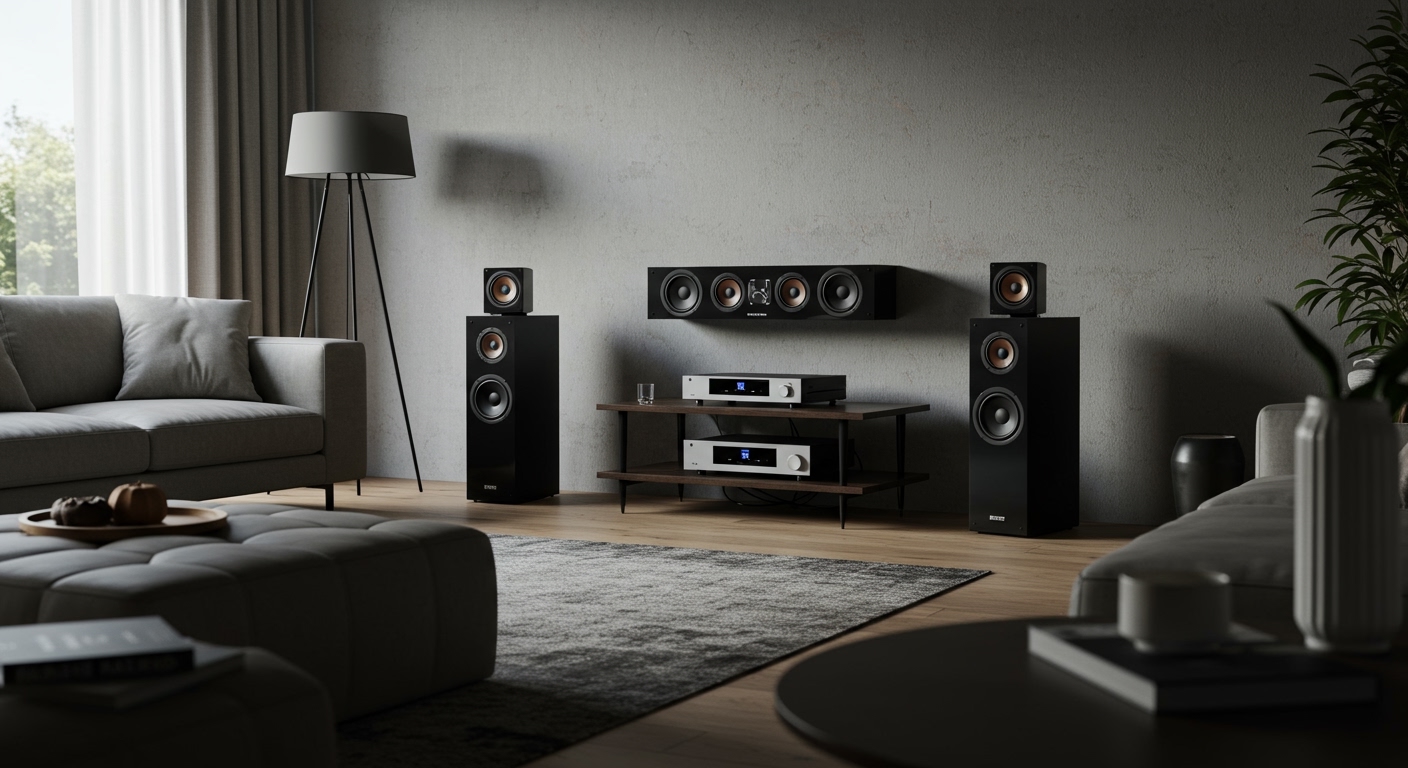
As an audio enthusiast and home theater installer for over a decade, I’ve seen firsthand how precise positioning can transform a room. This guide will walk you through the exact, step-by-step process of where to place 7.1 speakers based on industry standards from Dolby and DTS, ensuring you unlock the breathtaking, three-dimensional sound you paid for. We’ll move beyond theory and give you the practical steps to turn your living room into a genuine home cinema.
Key Takeaways: 7.1 Speaker Placement at a Glance
- Start with the Sweet Spot: Identify your primary listening position (MLP) first. All measurements and angles are relative to this single seat.
- Front Stage is Key: Your front three speakers (Left, Center, Right) should form a perfect arc, with the tweeters at ear-level when you’re seated.
- Surrounds Create Immersion: Side surround speakers go directly to your left and right (90-110°), while rear surrounds go behind you (135-150°).
- Height Matters: Surround speakers should be placed 1-2 feet above ear-level to create a sense of space and envelopment.
- Don’t Guess, Calibrate: Always use your AV receiver’s built-in room correction software (Audyssey, YPAO, etc.) after placing your speakers to fine-tune the system for your specific room acoustics.
Understanding the 7.1 Surround Sound Layout: The Seven Channels
Before we grab the tape measure, it’s crucial to understand what each speaker in a 7.1 system is designed to do. A 7.1 setup builds upon the standard 5.1 configuration by splitting the single rear surround channel into two distinct channels: Side Surrounds and Rear Surrounds. This creates a more seamless and convincing 360-degree sound field.
Here’s the full roster:
- Front Left & Right: These are the main speakers, responsible for the musical score, primary sound effects, and creating the stereo soundstage.
- Center Channel: This is the dialogue workhorse. Over 80% of a movie’s dialogue comes through this speaker, making its placement critical for clarity.
- Subwoofer (The “.1”): This handles the Low-Frequency Effects (LFE), delivering the deep rumble and impact from explosions and bass notes.
- Side Surround Left & Right: These speakers are crucial for ambient noise and effects that happen beside you, like a car whizzing past or rain falling. They bridge the gap between the front and back of the room.
- Rear Surround Left & Right: These add depth and dimension from behind, perfect for fly-over effects or sounds that are meant to be directly behind the listener.
Essential Tools and Preparation Before You Begin
Proper setup requires more than just guesswork. Investing a few minutes to gather these tools will save you hours of frustration and lead to a far better result.
Your Pre-Installation Checklist:
- Tape Measure: Absolutely essential for measuring distances from your listening position.
- Protractor or Smartphone Angle App: Crucial for getting the speaker angles right. Apps like “Angle Finder” work perfectly.
- Laser Level (Optional but Recommended): Helps ensure all your speakers are at the correct and consistent height.
- Speaker Wire: Make sure you have enough to reach each speaker location with a little slack.
- Wire Strippers: For preparing the speaker wire to connect to your speakers and receiver.
The Most Important First Step: Find Your “Sweet Spot”
Before you place a single speaker, you must define your Main Listening Position (MLP). This is the primary seat where you’ll be watching movies. Every single measurement, angle, and height adjustment we discuss will be relative to the position of your head in this one seat.
Step-by-Step Guide: Where to Place Speakers for 7.1 Surround Sound
Now, let’s get to the main event. We’ll position each speaker one by one, starting from the front of the room and working our way back. All angles are measured from a line drawn from the center of your screen through your MLP.
The Center Channel Speaker (The Dialogue Anchor)**
This is arguably the most important speaker for movie-watching. Its job is to anchor dialogue to the screen.
- Position: Place the center channel directly above or below your television or projector screen.
- Alignment: It should be perfectly centered with the screen.
- Height: Position it as close to ear-level as possible.
- Angle: Aim the speaker directly at your head in the MLP. If you have to place it below the screen, use a small angled wedge or doorstop to tilt it upwards. This prevents dialogue from sounding like it’s coming from your feet.
The Front Left and Right Speakers (The Main Stage)**
These speakers create the primary soundstage and work in tandem with the center channel.
- Position: Place them on either side of your screen. They should be the same distance from the screen and the same distance from your MLP, forming an equilateral triangle.
- Angle: According to Dolby, the front speakers should form a 22-30 degree angle to the left and right of the center channel, as viewed from the MLP.
- Height: The tweeters (the smallest drivers on the speaker) should be at ear-level when you are seated.
- Pro-Tip (Toeing-In): For a more focused sound, try angling, or “toeing-in,” the speakers so they point directly at your MLP. If you want a wider soundstage for multiple listeners, you can have them point straight ahead. Experiment to see what you prefer.
The Subwoofer (The LFE Powerhouse)**
Subwoofer placement is more of an art than a science because low-frequency sound waves interact with room dimensions in complex ways. The corner is often the worst place, as it can create boomy, inaccurate bass.
- Position: To find the best spot, we use a technique called the “subwoofer crawl.”
- Height: The subwoofer should always be placed on the floor.
The Side Surround Speakers (The Immersive Core)**
These are the first pair of surround speakers and are vital for creating a 360-degree sound bubble.
- Position: Place them directly to the left and right of your MLP.
- Angle: They should be positioned at a 90-110 degree angle relative to the center channel line. 90 degrees is directly to your side.
- Height: To create an atmospheric, non-directional sound field, place these speakers about 1-2 feet above your seated ear-level. This prevents you from being able to pinpoint the sound’s exact origin, which enhances immersion.
The Rear Surround Speakers (The Finishing Touch)**
These are the speakers that differentiate 7.1 from 5.1, adding crucial detail from behind you.
- Position: Place them behind your MLP.
- Angle: The ideal angle for these speakers is between 135-150 degrees from the center channel line.
- Height: Maintain the same height as your side surrounds: 1-2 feet above seated ear-level. Consistency in height between the side and rear surrounds helps create a smooth panning effect as sounds move around the room.
Summary Table: 7.1 Speaker Placement Angles and Heights
For quick reference, here is a table summarizing the ideal placement for a 7.1 system. All angles are relative to the main listening position.
| Speaker | Angle from Center | Height | Key Placement Notes |
|---|---|---|---|
| Center Channel | 0° | Ear-level (seated) | Directly above/below screen, aimed at listener. |
| Front Left/Right | 22-30° | Ear-level (seated) | Forms an equilateral triangle with the MLP. |
| Side Surround L/R | 90-110° | 1-2 ft above ear-level | Placed directly to the sides of the listener. |









