

Understanding Blu-ray Speaker Connections: The Missing Link
You’ve invested in a Blu-ray player for that stunning, high-definition picture, but the sound coming from your TV’s built-in speakers is flat and lifeless. It’s a common frustration that completely undermines the cinematic experience. The core of the problem is that you generally cannot connect speakers directly to a Blu-ray player because it lacks a built-in amplifier to power them. Instead, you must route the audio through an external device like an AV receiver, a soundbar, or even your TV itself.
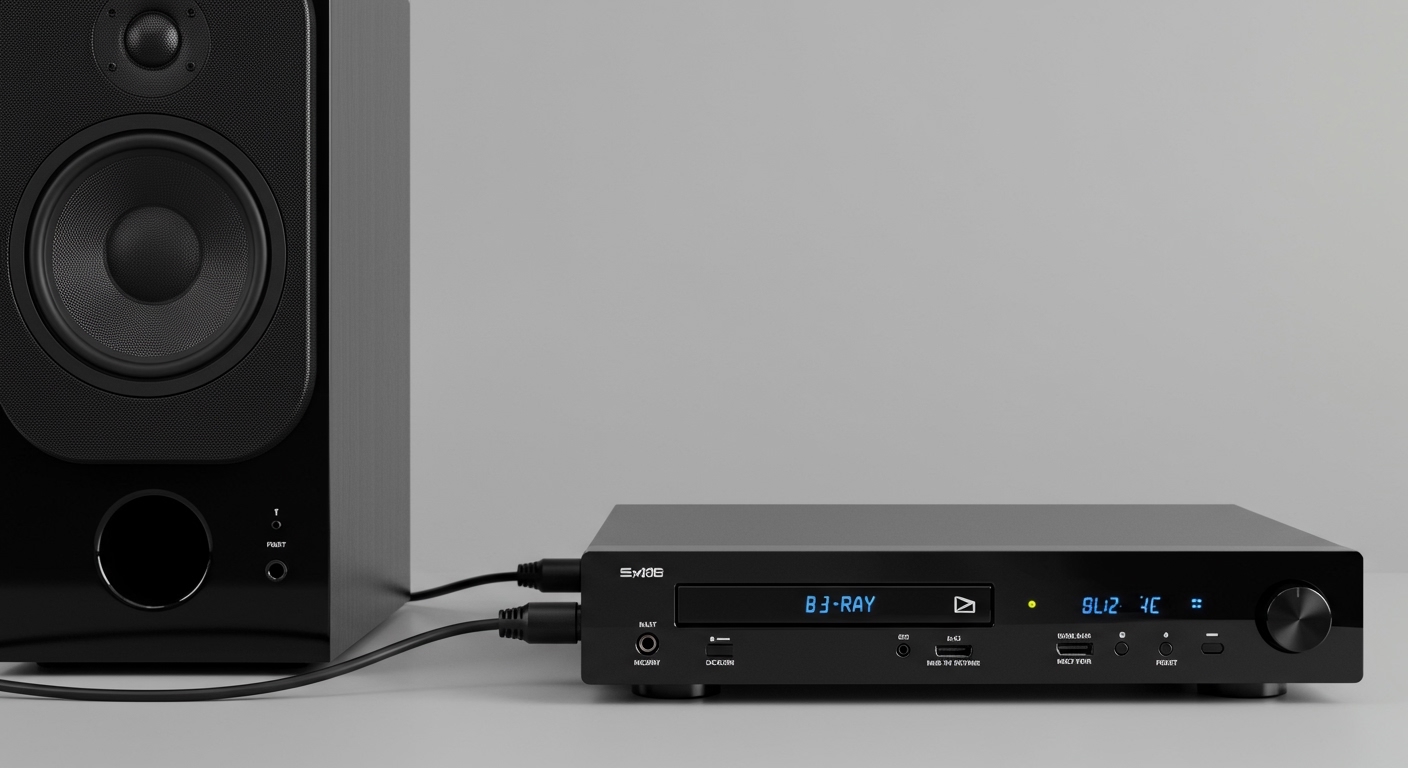
This guide will walk you through the most effective methods, from the gold-standard home theater setup to simpler, budget-friendly options. We’ll cover the exact steps, the gear you’ll need, and how to troubleshoot common issues. My goal is to help you unlock the rich, immersive sound that your Blu-ray collection deserves.
Key Takeaways: Connecting Speakers to a Blu-ray Player
- Direct Connection is Rare: Most Blu-ray players do not have speaker outputs or built-in amplifiers. You cannot connect passive (unpowered) speakers directly to them.
- AV Receiver is Best: The best method is to connect your Blu-ray player to an Audio/Video (AV) Receiver via HDMI, and then connect your speakers to the receiver. This supports high-resolution surround sound formats like Dolby TrueHD and DTS-HD Master Audio.
- Soundbars are a Great Alternative: For a simpler setup, connect your Blu-ray player to a soundbar’s HDMI input, and then the soundbar to the TV. This offers a significant audio upgrade over TV speakers.
- Use Your TV as a Hub: You can connect the Blu-ray player to your TV with HDMI, and then connect powered (active) speakers or a soundbar to your TV’s audio output (like Optical or HDMI ARC).
Can You Connect Speakers Directly to a Blu-ray Player?
The short answer is almost always no. This is the single most important concept to understand, and it’s where most confusion comes from. I’ve seen countless home theater setups struggle because of this misunderstanding.
A standard Blu-ray player’s job is to read the disc and send digital audio and video signals out through its HDMI port. It does not have a built-in amplifier, which is the component that provides the electrical power needed to drive conventional, passive speakers (the kind that connect with red and black speaker wire).
The Two Major Types of Speakers
To clarify, let’s break down the speakers you might be using:
- Passive Speakers: These are the most common type of speakers in a home theater system. They have no internal power source and rely entirely on an external amplifier (like an AV receiver) to produce sound. You cannot connect these directly to a Blu-ray player.
The rare exception to this rule is an all-in-one “Home Theater in a Box” (HTIB) system. In these packages, the Blu-ray player unit is specially designed with a built-in amplifier and proprietary speaker connections. If you have one of these systems, you should follow the manufacturer’s specific instructions.
The Essential Equipment for Your Blu-ray Speaker Connection
Before we dive into the step-by-step methods, let’s inventory the gear you’ll need. Having the right components and cables is crucial for a successful setup.
- Blu-ray Player: The source of your high-definition video and audio.
- Television (TV): Your video display. Look for one with HDMI ARC or eARC for the best results.
- Speakers: This could be a full surround sound set of passive speakers, a pair of powered bookshelf speakers, or a soundbar.
- AV Receiver or Soundbar: The “brain” of your audio system. This device will receive the audio signal from the Blu-ray player, amplify it, and send it to the speakers.
- Cables: You will need a combination of the following:
Method 1: The Gold Standard – How to Connect Speakers to a Blu-ray Player Using an AV Receiver
This is the definitive method for achieving the best possible audio performance and true surround sound. An AV receiver acts as the central hub for all your devices. In my own home theater, this is the setup I use because it provides the most flexibility and uncompromising quality for formats like Dolby Atmos.
Here is the step-by-step process.
Step 1: Position Your Equipment
Arrange your AV receiver, Blu-ray player, and TV near each other, ensuring there’s enough ventilation for the receiver, as it can get warm. Place your speakers in their intended positions (e.g., front left, right, center, and surrounds).
Step 2: Connect the Blu-ray Player to the AV Receiver
- Take one HDMI cable.
- Plug one end into the HDMI OUT port on the back of your Blu-ray player.
- Plug the other end into an available HDMI IN port on the back of your AV receiver. I recommend using one labeled “Blu-ray,” “DVD,” or “Media Player” if available.
This single cable sends both the video and the highest-quality digital audio (Dolby TrueHD, DTS-HD Master Audio) to your receiver.
Step 3: Connect the AV Receiver to the TV
- Take your second HDMI cable.
- Plug one end into the HDMI OUT (ARC/eARC) port on your AV receiver. The “ARC” label is critical.
- Plug the other end into the HDMI IN (ARC/eARC) port on your TV.
What is ARC/eARC? Audio Return Channel (ARC) allows the TV to send audio back to the receiver through the same HDMI cable. This is useful for hearing audio from your TV’s smart apps (like Netflix) or other connected devices through your main speakers. eARC (Enhanced ARC) is a newer version that supports higher-bandwidth audio formats.
Step 4: Connect Your Passive Speakers to the AV Receiver
This is where you’ll use your speaker wire.
- Cut lengths of speaker wire for each speaker, leaving a little slack.
- Strip about half an inch of insulation from the ends of each wire.
- On the back of the receiver, you’ll see speaker terminals (usually binding posts or spring clips) labeled Front L, Front R, Center, Surround L, etc.
- Connect the wire for each speaker to the corresponding terminal on the receiver, making sure to match the positive (red) and negative (black) terminals on both the speaker and the receiver. Getting this polarity wrong can result in thin, out-of-phase sound.
Step 5: Power On and Configure
- Plug in and turn on your TV, AV receiver, and Blu-ray player.
- Set your TV’s input to the HDMI port connected to your receiver.
- Set your AV receiver’s input to the HDMI port connected to your Blu-ray player.
- Most modern receivers have an on-screen setup guide and an auto-calibration feature (like Audyssey, YPAO, or Dirac Live) that uses an included microphone. I highly recommend running this process. It will automatically set speaker levels, distances, and equalization for the best sound in your specific room.
You should now have glorious surround sound from your Blu-ray discs!
Method 2: A Simpler Approach – Connecting Your Blu-ray Player to a Soundbar
If a full AV receiver setup seems too complex or expensive, a soundbar is an excellent alternative. It provides a massive audio upgrade in a much simpler package.
There are two primary ways to connect it.
Option A: Blu-ray Player Through the Soundbar (Best for Audio)
This method is ideal if your soundbar has at least one HDMI input and one HDMI output.
- Connect your Blu-ray player’s HDMI OUT to the Soundbar’s HDMI IN port.
- Connect the Soundbar’s HDMI OUT (ARC) to your TV’s HDMI IN (ARC) port.
- In your TV’s audio settings, ensure the output is set to HDMI ARC or “External Speaker.”
This setup allows the soundbar to decode the audio directly from the Blu-ray player, which often yields the best results for advanced audio formats.
Option B: Blu-ray Player to TV, TV to Soundbar (Most Common)
This is a very common setup, especially if your soundbar lacks an HDMI input.
- Connect your Blu-ray player’s HDMI OUT to any available HDMI IN on your TV.
- Connect your soundbar to your TV using a single cable. You have two main









