

Does Full Volume Damage Phone Speakers? The Expert Answer
Ever found a great song and instinctively cranked the volume to the max? We all have. But in the back of your mind, a nagging question appears: does full volume damage phone speakers? The short answer is yes, prolonged use at maximum volume can permanently damage your phone’s speakers.
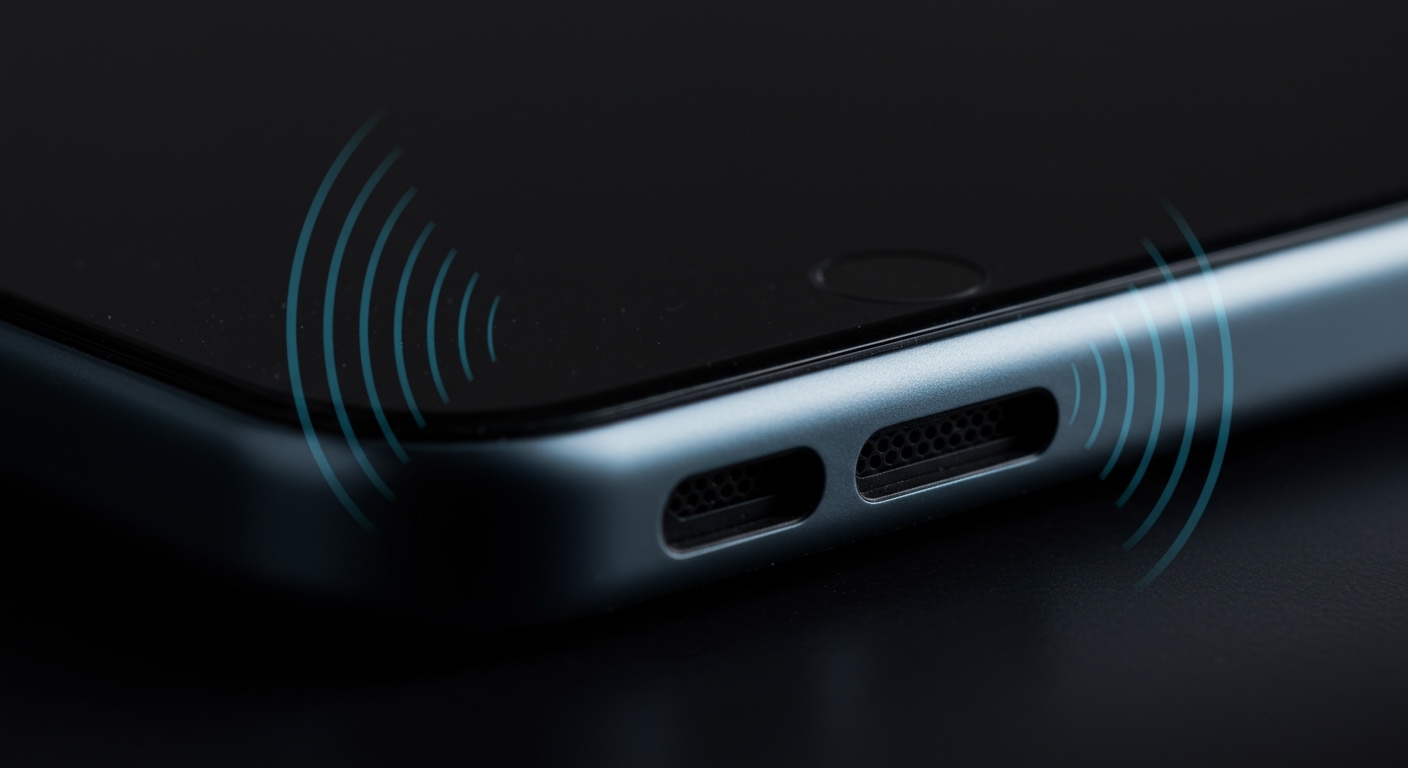
In my years as an audio technician, I’ve seen firsthand how pushing these tiny components too hard leads to irreversible harm. This guide will explain exactly how the damage occurs, how to spot the warning signs, and what you can do to protect your device while still enjoying your music.
Key Takeaways: Max Volume & Speaker Health
- Yes, It Can Cause Damage: Consistently playing audio at full volume, especially distorted or bass-heavy tracks, can lead to mechanical or thermal damage.
- Distortion is the Enemy: The primary culprit is audio clipping (a form of distortion). This sends a harsh, squared-off signal to the speaker, causing the components to overheat and move erratically.
- Signs of Damage: Look for buzzing, rattling, muffled sound, or a complete lack of audio. These symptoms often start subtly and worsen over time.
- Prevention is Key: The best strategy is to listen at a reasonable volume, typically 70-80% of the maximum, and avoid using bass-boosting apps that push the hardware beyond its design limits.
Understanding How Full Volume Damages Phone Speakers
To understand the risk, you first need to know how a phone speaker works. It’s a miniature marvel, using a voice coil, a magnet, and a diaphragm (or cone) to create sound waves. When you play audio, an electrical signal causes the voice coil to move, which in turn vibrates the diaphragm, producing the sound you hear.
When you ask, “can full volume damage speakers?” you’re really asking about two primary types of failure:
- Mechanical Damage: This happens when the diaphragm is forced to move beyond its intended range of motion. At max volume, especially with bass-heavy music, the cone can over-extend, leading to tears or a detached voice coil. The result is a rattling or “blown” sound.
- Thermal Damage: This is the most common issue I see. When you play distorted audio at high volumes, the amplifier sends a “clipped” signal. This flattened waveform forces the voice coil to work much harder and stop and start abruptly, generating excessive heat. This heat can literally melt the adhesive holding the voice coil together, causing it to deform and fail.
Think of it like revving a car’s engine into the redline constantly. While it might handle it for a short burst, doing it every day will inevitably lead to engine failure. Your phone’s speaker is no different.
Audio Clipping: The Silent Killer
The real villain isn’t just volume; it’s distortion. When you push your phone’s built-in amplifier past its limit, it can’t reproduce the audio waveform accurately. It “clips” the peaks of the sound waves, turning a smooth, round wave into a harsh, square one.
- Clean Signal (Safe): A rounded sine wave allows the speaker cone to move smoothly and efficiently.
- Clipped Signal (Dangerous): A squared-off wave forces the cone to slam back and forth violently. This generates immense heat in the voice coil and is the leading cause of thermal failure in speakers.
Most modern phones have built-in digital signal processing (DSP) to limit the worst of this clipping. However, low-quality audio files or aggressive equalizer settings can bypass these protections and send damaging signals directly to your speaker.
What Are the Signs of a Damaged Phone Speaker?
Speaker damage isn’t always a sudden, catastrophic failure. It often begins with subtle symptoms that get progressively worse. Here’s what to listen for.
Common Symptoms of Speaker Failure
- Crackling or Popping: This is often the first sign, especially at higher volumes. It indicates the voice coil may be rubbing against the magnet due to deformation.
- Constant Buzzing or Static: A persistent hum or static, even when no audio is playing or at low volumes, points to an electrical issue or a severely damaged component.
- Muffled or Distorted Sound: If your audio sounds “fuzzy,” unclear, or lacks its original crispness even at moderate volumes, the diaphragm or voice coil is likely damaged.
- Reduced Volume or No Sound: The most obvious sign. If your speaker is much quieter than it used to be or produces no sound at all, it has likely failed completely.
- Rattling at Specific Frequencies: You might notice a physical rattle inside the phone when certain bass notes hit. This can mean the speaker assembly has come loose or the diaphragm has torn.
Here’s a breakdown of the risk factors that increase the likelihood of damage.
| Risk Factor | Description | Damage Likelihood |
|---|---|---|
| Listening Habits | Consistently playing audio at 90-100% volume for extended periods. | High |
| Audio Quality | Playing low-bitrate, heavily compressed, or distorted audio files. | High |
| Bass Boosters | Using third-party apps or EQs to artificially inflate low frequencies. | Very High |
| Physical Debris | Metal filings or dust entering the speaker grille and interfering with components. | Medium |
| Water Damage | Moisture causing corrosion and short circuits in the speaker assembly. | High |
| Normal Use | Listening at 50-75% volume with high-quality audio sources. | Very Low |
How to Test Your Phone Speaker for Damage: A Step-by-Step Guide
If you suspect your speaker is on its way out, you can perform a simple diagnostic test. As a technician, this is the first thing I do to assess a device.
- Find a Quiet Environment: Go to a room with minimal background noise so you can hear subtle imperfections in the audio.
- Clean the Speaker Grille: Use a soft, dry brush (like a new toothbrush or an anti-static brush) to gently clean any dust or debris from the speaker ports. Sometimes, muffled sound is just a blockage.
- Choose a High-Quality Test Track: Do not use a compressed song from a streaming service. Search on YouTube for “speaker test audio” or “frequency sweep.” These tracks are designed to play clean tones across the entire frequency spectrum.
- Start at Low Volume: Begin playback at around 30% volume. Listen carefully for the clarity of the sound.
- Gradually Increase Volume: Slowly raise the volume in 10% increments. Pay close attention as you pass the 75% mark.
- Analyze the Results: If you hear distortion only at 90-100% volume, your speaker is likely okay but you’re hearing the phone’s amplifier reaching its limit. If you hear crackling or buzzing at 50-70% volume, you have early signs of speaker damage.
How to Prevent Speaker Damage and Enjoy Your Audio Safely
The good news is that preventing speaker damage is easy. You don’t have to stop listening to music on your phone; you just have to be smarter about it.
Best Practices for Speaker Longevity
- The 80% Rule: As a general rule of thumb, avoid listening above 80% of the maximum volume for prolonged periods. This is the sweet spot for loudness without pushing the hardware into the danger zone.
- Avoid Bass-Boosting Apps: While they promise deeper bass, these apps often achieve it by applying a distorted, clipped signal. This is one of the fastest ways to destroy a small phone speaker.
- Use High-Quality Audio Sources: Stream from reputable services (Spotify, Apple Music) on their highest quality setting, or use well-encoded local files. Poorly ripped MP3s are often full of distortion.
- Keep It Clean: Regularly clean your speaker grilles to prevent debris from getting inside and causing physical damage.
- Invest in Headphones or a Bluetooth Speaker: For serious listening sessions, your phone’s built-in speakers are not the right tool. A dedicated Bluetooth speaker or a good pair of headphones will provide much better sound quality and save your phone’s hardware from unnecessary wear and tear.
Frequently Asked Questions (FAQ)
Does max volume damage phone speakers immediately?
Not usually. A single instance of playing a clean, well-produced song at max volume is unlikely to cause immediate damage. The harm comes from cumulative stress—repeatedly playing loud, distorted audio over weeks and months, which gradually weakens and overheats the components.
Can max volume damage speakers on any device, like laptops or TVs?
Yes, the principle is the same for almost any speaker. Pushing any amplifier and speaker combination past its designed limits with a clipped signal will generate excess heat and cause mechanical stress, regardless of whether it’s in a phone, laptop, or home stereo system.
Will replacing a damaged phone speaker fix the problem?
Yes, in most cases, a professional repair technician can replace the speaker module. However, if your listening habits don’t change, you are likely to damage the new speaker as well. Prevention is always cheaper and more effective than repair.
Is it safe to use speaker cleaning apps that play high-frequency sounds?
These apps are primarily designed to dislodge water from the speaker cavity, not clean dust. While generally safe to use occasionally, playing these harsh, high-frequency tones repeatedly at full volume could contribute to speaker wear. A soft brush is a safer method for cleaning physical debris.









