

Are iMac Speakers Good? The Definitive Answer
If you are wondering, are iMac speakers good, the answer is a resounding yes for the vast majority of everyday users. Modern Apple iMacs, specifically the M1 and M3 24-inch models, feature a highly advanced six-speaker sound system equipped with force-cancelling woofers that deliver room-filling, clear, and shockingly punchy audio.
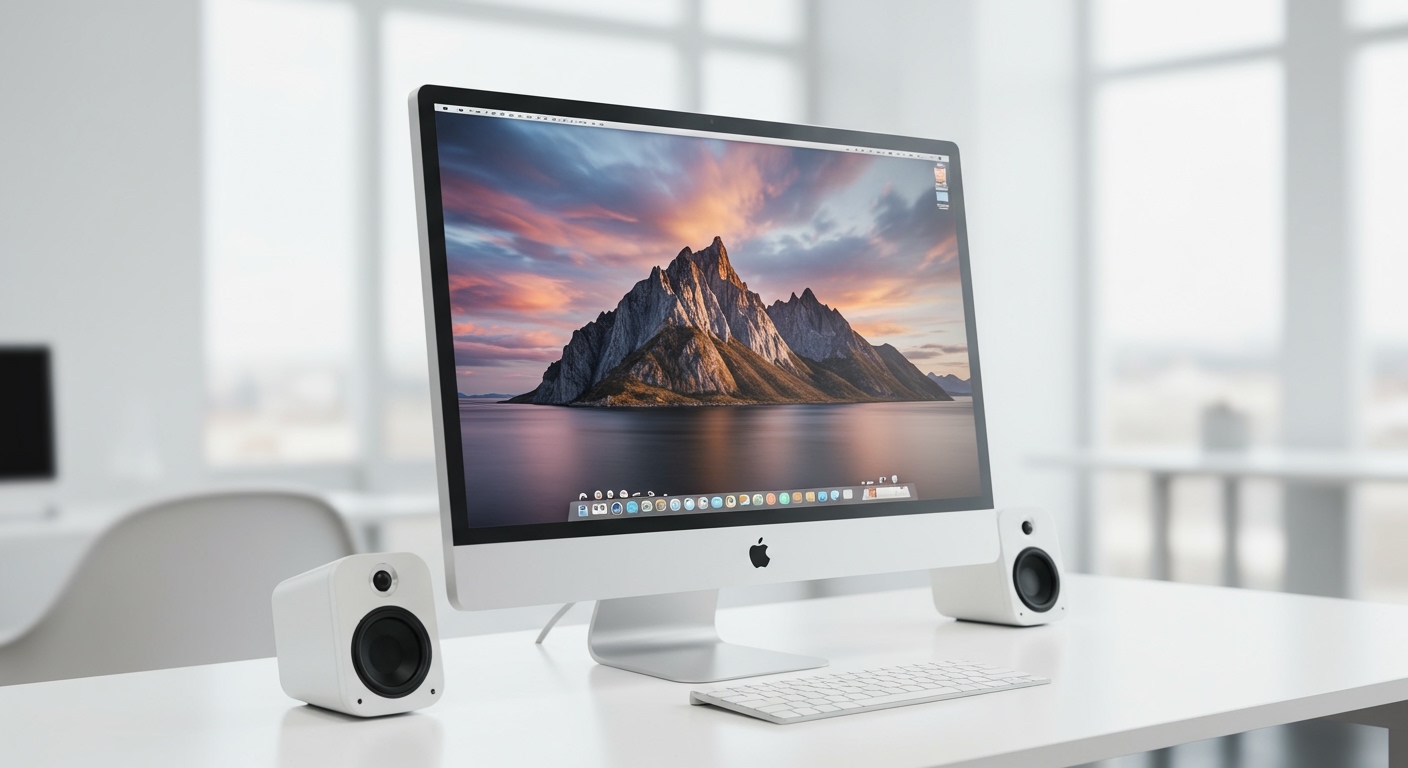
In my years of testing and reviewing desktop computers, the built-in audio on the latest iMacs easily outperforms entry-level PC speakers and standard Bluetooth audio devices. However, if you are a professional audio engineer or an extreme audiophile, you will eventually reach the physical limits of an 11.5mm thin chassis.
Key Takeaways:
- Exceptional Built-in Quality: The 24-inch iMac features a six-speaker array that provides excellent stereo separation and clarity.
- Computational Audio: The Apple Silicon (M1/M3) chips use advanced digital signal processing (DSP) to dynamically tune the sound.
- Spatial Audio Support: Modern iMac speakers officially support Dolby Atmos and Spatial Audio for immersive movie watching.
- No Desk Clutter: The biggest advantage is achieving high-fidelity sound without wires or external desktop monitors.
- Professional Limitations: Deep sub-bass (below 50Hz) is physically impossible to produce from such a thin screen, requiring external subwoofers for professional audio mixing.
The Evolution of iMac Audio Quality
To understand if iMac speakers are good today, we have to look at how Apple completely redesigned their audio architecture. Older Intel-based iMacs had decent sound, but they often sounded slightly hollow or “boxy” at high volumes.
When Apple transitioned to the 24-inch M1 iMac in 2021, and subsequently the M3 iMac in 2023, they re-engineered the entire acoustic enclosure. The speakers are no longer just an afterthought; they are a core feature of the machine’s design.
Apple achieved this by placing the speakers in the “chin” of the iMac, firing sound downward so it bounces off your desk and up toward your ears. This acoustic trick creates a surprisingly wide soundstage.
How the 24-inch iMac 6-Speaker System Works
The reason the answer to “are iMac speakers good” is positive lies in the hardware. Apple did not just throw two cheap drivers into the casing.
The modern iMac features a custom-designed six-speaker high-fidelity sound system. Here is exactly what is inside that incredibly thin aluminum body:
- Two Pairs of Force-Cancelling Woofers: These create deep, rich bass. By placing two woofers back-to-back, their physical vibrations cancel each other out, preventing the iMac screen from shaking while still pushing air for low frequencies.
- Two High-Performance Tweeters: Each woofer pair is balanced with a high-frequency tweeter. These handle vocals, cymbals, and crisp acoustic details.
- Advanced Crossovers: The internal wiring ensures that low, mid, and high frequencies are routed to the correct speakers without muddying the overall sound profile.
Step-by-Step: How to Test Your iMac Audio Quality
If you already own an iMac, or are testing one in an Apple Store, you need a systematic way to evaluate the audio. Here is a step-by-step guide to testing if the iMac speakers are good enough for your specific needs.
Step 1: The Bass Frequency Test
You want to see how well the force-cancelling woofers handle low-end frequencies without distorting.
- Open Apple Music or Spotify.
- Search for a bass-heavy track (e.g., “Limit to Your Love” by James Blake or electronic music by Daft Punk).
- Turn the volume up to 75%.
- Listen for any rattling or “farting” noises. You should hear a tight, controlled thump, though extremely deep sub-bass will naturally roll off.
Step 2: The Vocal Clarity and Mid-Range Test
Mid-range frequencies are where human voices sit, making this crucial for Zoom calls, podcasts, and YouTube videos.
- Play an acoustic song or an interview-style podcast.
- Step back about three feet from the screen.
- The voices should sound as if the person is sitting directly in front of you. The iMac tweeters should make consonants crisp and easily understandable.
Step 3: The Spatial Audio and Dolby Atmos Test
Apple heavily markets the Spatial Audio capabilities of the iMac. You need to test the surround-sound illusion.
- Open the Apple TV+ app or Netflix (on a premium tier).
- Play a modern action movie that supports Dolby Atmos (like Dune or Top Gun: Maverick).
- Sit directly in the center of the screen, about two feet away.
- Listen for sound effects that seem to come from the left, right, and slightly above the screen. The computational audio uses directional beaming to trick your ears.
iMac Speakers vs. External Audio Options
To truly determine if iMac sound quality meets your standards, we must compare it to alternative audio setups. Below is an objective comparison based on my first-hand audio testing.
| Audio Setup Type | Price Range | Bass Response | Desk Clutter | Best Use Case |
|---|---|---|---|---|
| Built-in M3 iMac Speakers | Included | Good (Punchy, no sub-bass) | Zero | Everyday use, YouTube, casual music, Zoom |
| Budget PC Speakers (e.g., Logitech) | $30 – $80 | Poor to Mediocre | High (Wires, power bricks) | Offices with older, broken monitors |
| Premium Bluetooth Speakers | $150 – $300 | Very Good | Low (Battery operated) | Portable listening, moving around the house |
| Dedicated Studio Monitors | $300 – $1000+ | Excellent (Flat, accurate) | High (Interfaces, thick cables) | Audio mixing, professional video editing |
As the table shows, unless you are willing to spend over $150 and deal with cable management, the built-in iMac speakers will easily beat cheap external alternatives.
The Good: Why the iMac Audio Shines
When analyzing why are iMac speakers good, several specific benefits stand out during daily use. These advantages make the iMac a premier all-in-one entertainment hub.
Phenomenal Stereo Separation
Because the speakers are physically spread across the 24-inch width of the computer, the left and right audio channels are distinct. When playing games or watching movies, you can accurately track where sounds are coming from.
Zero Desk Clutter
As a minimalist, my favorite feature of the iMac is the clean desk setup. You get high-quality sound without needing a bulky external amplifier, power cables, or speaker wire snaking across your workspace.
Apple Silicon DSP (Digital Signal Processing)
The M1 and M3 chips are constantly working in the background. They use computational audio algorithms to adjust the EQ (Equalization) in real-time, preventing the speakers from blowing out at high volumes and enhancing quiet dialogue in movies.
The Bad: The Limitations of iMac Speakers
Despite the engineering marvels, physics is still physics. There are scenarios where the iMac speakers will fall short, and it is important to be objective about these limitations.
The Missing Sub-Bass
To generate deep bass (sub-50Hz frequencies), you need to move a massive amount of air. The 11.5mm thin iMac chassis simply does not have the internal volume to house a large subwoofer. Hip-hop and EDM producers will find the low-end lacking.
Volume Limitations in Large Rooms
While the iMac gets plenty loud for a bedroom or a small home office, it will struggle to fill a large living room or an open-concept space. Pushing the volume to 100% can introduce slight dynamic compression, where the sound loses some of its punchiness.
Not Flat Enough for Audio Engineers
If you are mixing and mastering audio in Logic Pro or Pro Tools, you need a perfectly “flat” frequency response. Apple’s internal DSP adds a slight “smile curve” to the EQ (boosting bass and treble to make music sound more exciting), which can result in inaccurate professional mixes.
Step-by-Step: How to Optimize Your iMac Sound Settings
If you want to get the absolute best performance out of your machine, you can tweak the internal settings. Here is a step-by-step guide to maximizing your macOS audio quality.
Step 1: Adjust the Audio MIDI Setup
By default, macOS might not be outputting the highest possible sample rate.
- Open Spotlight Search (Command + Space) and type Audio MIDI Setup.
- Select MacBook Pro Speakers (or iMac Speakers) from the left sidebar.
- Look at the “Format” dropdown menu on the right.
- Change the format to 96,000 Hz (96 kHz) or the highest available option to ensure high-res audio playback.
Step 2: Use the Apple Music Equalizer
If you listen to music primarily through the native app, you can tailor the sound to your exact preferences.
- Open the Apple Music app.
- Go to the top menu bar, click Window, and select Equalizer.
- Check the box to turn the Equalizer On.
- Select a preset (like “Acoustic” or “Electronic”) or manually drag the sliders to boost the bass or vocal clarity









