

Are KRK Speakers Bluetooth? The Short Answer
To directly answer the question are KRK speakers Bluetooth: Most traditional professional models, like the popular KRK Rokit G4 and Classic series, do not have built-in Bluetooth connectivity. However, KRK’s newer portable lineup, specifically the KRK GoAux 3 and GoAux 4, feature native Bluetooth 5.0.
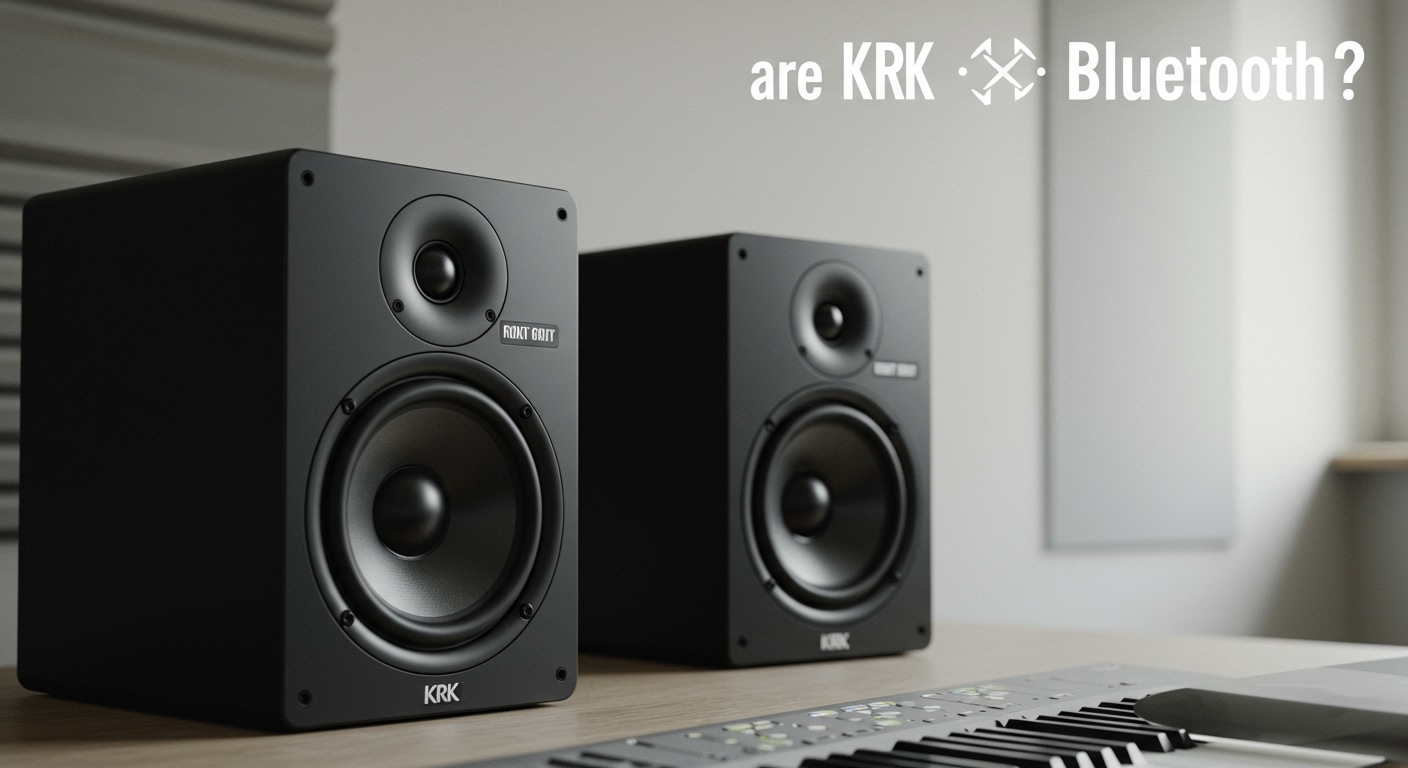
If you own standard, non-Bluetooth KRK monitors, you are not out of luck. You can easily make any KRK speaker Bluetooth-compatible by connecting an external Bluetooth audio receiver to the back of the monitors.
In my years of designing home studios, I have helped countless producers and casual listeners integrate wireless streaming into their professional studio setups. Below, we will explore exactly which models offer wireless features, why professional monitors usually skip them, and a step-by-step guide to upgrading your current speakers.
TL;DR: Key Takeaways for KRK and Bluetooth
- Native Bluetooth Models: Only the KRK GoAux 3 and KRK GoAux 4 portable monitors have built-in Bluetooth.
- Wired-Only Models: The KRK Rokit (G3, G4, G5), Classic, and V-Series strictly require wired connections.
- The Workaround: You can add Bluetooth to any KRK speaker using an external Bluetooth receiver with RCA, TRS, or XLR outputs.
- The Trade-off: Bluetooth audio introduces latency (delay) and audio compression, making it great for casual listening but terrible for live audio mixing or DJing.
Understanding the KRK Ecosystem: Which Models Have Bluetooth?
When figuring out are KRK speakers Bluetooth compatible straight out of the box, it helps to understand the brand’s current lineup. KRK Systems builds audio equipment primarily for music production, where wireless audio is often frowned upon.
However, as the line between professional producers and casual content creators blurs, KRK has adapted. Here is a breakdown of their primary speaker series and their connectivity options.
KRK Monitor Connectivity Comparison Table
| KRK Speaker Series | Native Bluetooth? | Primary Connection Types | Best Use Case |
|---|---|---|---|
| KRK GoAux Series | Yes (Bluetooth 5.0) | RCA, 1/4″ TRS, Aux, USB | Traveling, content creation, casual listening |
| KRK Rokit G4 / G5 | No | XLR / 1/4″ TRS Combo Jack | Home studios, music production, beatmaking |
| KRK Classic Series | No | RCA, 1/4″ TRS, XLR | Budget-friendly home mixing, DJ setups |
| KRK V-Series | No | XLR / 1/4″ TRS Combo Jack | Professional, high-end commercial studios |
Why Do Traditional KRK Studio Monitors Skip Bluetooth?
If you are wondering why a modern $200 consumer speaker has Bluetooth, but a $400 professional KRK Rokit 7 G4 does not, it comes down to audio fidelity and timing. Professional audio engineers require an uncolored, instant, and pristine audio signal.
Adding native Bluetooth to a professional studio monitor introduces variables that compromise the integrity of the mixing process. Let’s look at the specific technical reasons KRK intentionally leaves Bluetooth out of their flagship lines.
The Problem with Audio Latency
Bluetooth technology inherently introduces audio latency, which is a slight delay between the audio source and the speaker output. Standard Bluetooth connections typically suffer from a delay of 150 to 200 milliseconds.
If you are tracking vocals, playing a MIDI keyboard, or DJing live, a 200ms delay makes it impossible to stay in rhythm. For professional music creation, a wired connection via a USB Audio Interface guarantees near-zero latency.
Audio Data Compression
To send audio wirelessly through the air, Bluetooth must compress the digital audio file. Standard codecs like SBC or AAC strip away high-frequency data and dynamic range to shrink the file size.
KRK monitors are famous for their Kevlar aramid fiber tweeters and woofers, designed to reveal microscopic flaws in a mix. Feeding a compressed Bluetooth signal into high-end studio monitors defeats the purpose of owning critical listening speakers.
Unbalanced vs. Balanced Connections
Professional studio monitors rely on balanced audio cables (like XLR or 1/4″ TRS) to reject electrical interference and ground loop humming. Bluetooth receivers generally output an unbalanced signal, often through an RCA or 3.5mm Aux connection.
Running an unbalanced signal directly into professional monitors can introduce unwanted buzzing. This is especially true if your cables are routed near power strips or computer monitors.
Meet the Exception: The KRK GoAux Portable Monitors
If you absolutely must have native wireless capabilities, the KRK GoAux series is the answer to the question: are KRK speakers Bluetooth capable? Released to cater to nomadic producers, video editors, and content creators, the GoAux line bridges the gap between pro audio and consumer convenience.
Features of the KRK GoAux 3 and GoAux 4
Both models in the GoAux series come with Bluetooth 5.0 built directly









