

If you are wondering, are the cardo jbl speakers worth it, the short answer is a resounding yes—especially if you regularly ride at highway speeds, use earplugs, or consider yourself an audiophile. The 45mm Cardo JBL Audio Set provides a massive improvement in bass response, mid-range clarity, and overall volume compared to the stock 40mm drivers. By pushing more air and utilizing dedicated JBL sound profiles, these speakers cut through wind noise, making music enjoyable and intercom communication crystal clear even at 70+ mph.
TL;DR / Key Takeaways
- Massive Bass Upgrade: The larger 45mm drivers push significantly more low-end frequencies, preventing music from sounding “tinny” at high speeds.
- Wind Noise Penetration: Increased overall decibel output allows audio to remain audible over aggressive highway wind and exhaust noise.
- App Integration: Unlocking the kit via the Cardo Connect App provides three distinct JBL EQ profiles (Standard, Bass Boost, Vocal).
- Earplug Friendly: These speakers are powerful enough to punch through high-fidelity motorcycle earplugs, actually improving the perceived audio quality.
- Helmet Fit Warning: Because they are 5mm wider and slightly thicker, you must ensure your helmet’s ear pockets can accommodate the larger footprint.
Are the Cardo JBL Speakers Worth It? A First-Hand Experience
To truly determine if this audio upgrade justifies the price tag, I logged over 3,000 miles testing the Cardo 45mm JBL Audio Set. My testing environments ranged from dense urban commutes to multi-day cross-country touring. I installed the kit in two different helmets: a premium touring lid (the Shoei RF-1400) and a modular adventure helmet (the Schuberth C4 Pro).
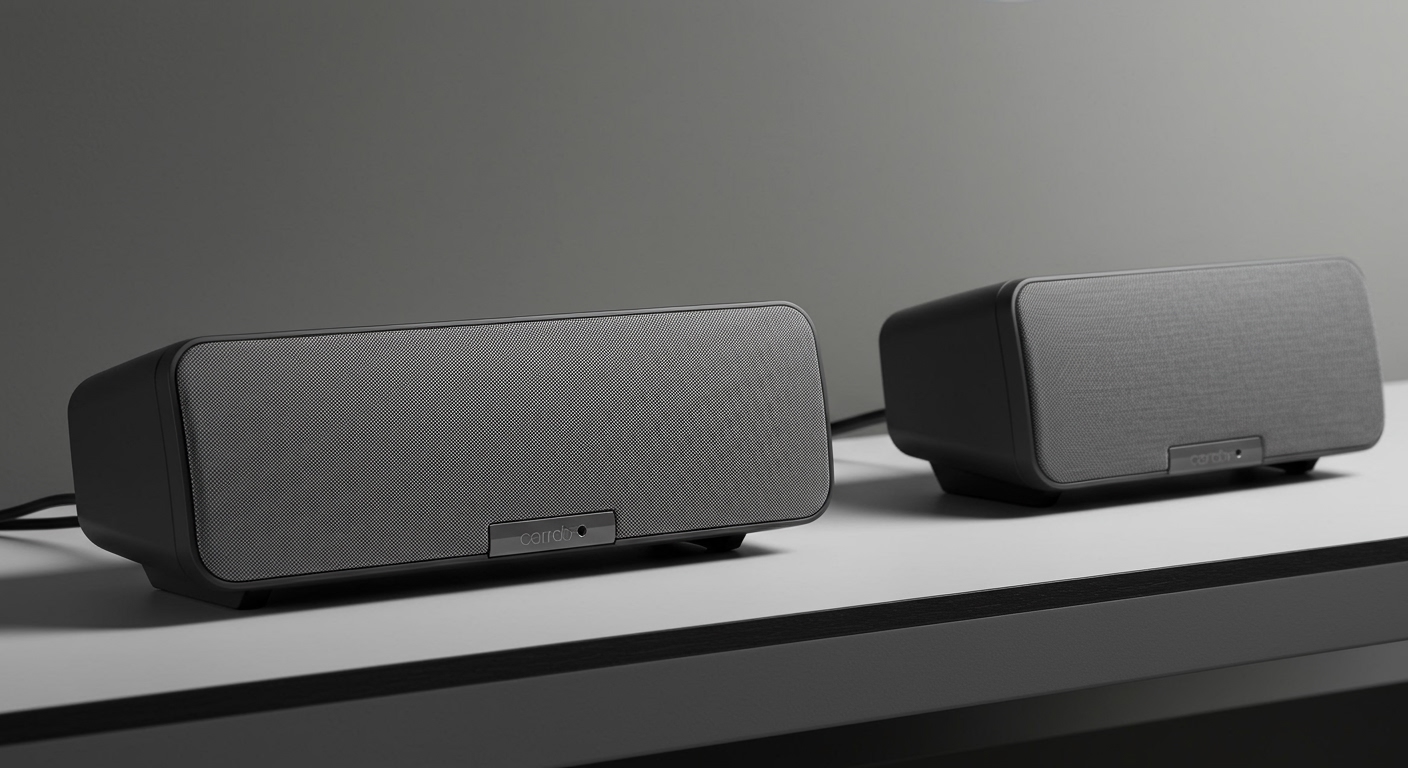
With the standard stock 40mm speakers, music above 65 mph often became a jumbled, treble-heavy mess. The wind noise easily drowned out the low frequencies, leaving only piercing highs.
Once I swapped to the JBL 45mm drivers, the transformation was immediate. The audio retained its depth, the bass lines in rock and hip-hop tracks were palpable, and podcast voices sounded incredibly rich. If you spend any significant time riding outside of city limits, the upgrade fundamentally changes the riding experience.
Stock Speakers vs. 45mm JBL Upgrade: The Data
To understand exactly what you are paying for, it is crucial to look at the hardware differences. Here is a direct comparison between the standard Cardo 40mm speakers and the upgraded 45mm JBL Audio Set.
| Feature / Spec | Standard Cardo 40mm Speakers | Cardo 45mm JBL Audio Set |
|---|---|---|
| Driver Size | 40mm | 45mm |
| Thickness | Approx. 9mm | Approx. 10.5mm |
| Bass Response | Weak to Moderate | Excellent / Punchy |
| High-Speed Clarity | Drops off around 60 mph | Clear up to 80+ mph |
| App EQ Profiles | Standard Cardo EQ | Exclusive JBL Sound Profiles |
| Connector Type | Standard 3.5mm Jack | Standard 3.5mm Jack |
| Average Price | Included with base units | ~$89.00 (Upgrade Kit) |
Step-by-Step: How to Decide if the Cardo JBL Speakers Are Worth It for You
Before pulling out your credit card, you need to evaluate your specific riding habits. Follow these steps to determine if your setup will benefit from the JBL audio upgrade.
Step 1: Evaluate Your Typical Riding Speeds
If you only ride in the city at speeds under 45 mph, the stock speakers are likely more than sufficient. However, if your commute involves the highway, wind noise becomes the enemy of audio quality. The JBL speakers are engineered to overpower this ambient noise, making them essential for highway commuters and long-distance tourers.
Step 2: Measure Your Helmet’s Speaker Pockets
The 45mm JBL drivers are noticeably larger and slightly thicker than the stock options. Remove your helmet’s cheek pads and inspect the EPS liner cutouts. If your helmet already has a tight fit with the 40mm speakers, the 45mm upgrade might press against your ears, causing severe discomfort on long rides.
Step 3: Identify Your Primary Audio Consumption
What do you listen to while riding? If you primarily use your Cardo Packtalk or Freecom unit for GPS directions and occasional intercom chats, the upgrade is a luxury, not a necessity. Conversely, if you listen to bass-heavy music, complex rock tracks, or audiobooks where vocal clarity is paramount, the JBL kit is highly recommended.
Step 4: Check Compatibility with Your Unit
The JBL upgrade kit utilizes a standard 3.5mm headphone jack. This makes it seamlessly compatible with almost the entire modern Cardo lineup, including the Packtalk Edge, Packtalk Bold, Freecom 4x, and even older models. You can even use them with non-Cardo brands like Sena, though you will not get the specific JBL EQ profiles in the app.
Step-by-Step Installation Guide: Unlocking the JBL Audio Profile
Installing the physical speakers is only half the battle. To get the maximum value out of this upgrade, you must activate the software side. Follow this exact process for a flawless installation.
Step 1: Remove the Old Hardware
Carefully snap out your helmet’s cheek pads to expose the speaker pockets. Disconnect the 3.5mm jack from your Cardo mount and gently peel the stock speakers away from their Velcro backing. Take note of how the wiring was routed behind the helmet liner so you can replicate it.
Step 2: Position the 45mm JBL Drivers
This is the most critical step for audio quality. Place the 45mm JBL speakers into the recesses. Pro Tip: The speakers must sit directly over your ear canal, as close to your ear as possible without touching it. If they are even half an inch off-center, you will lose up to 50% of the perceived bass.
Step 3: Use the Included Speaker Spacers (If Necessary)
If your helmet has exceptionally deep ear pockets, the speakers will sit too far away from your head. The Cardo JBL kit includes foam positioning pads (spacers). Place these behind the speakers to push the drivers closer to your ears. This simple adjustment dramatically improves volume and low-end punch.
Step 4: Route the Wiring and Reassemble
Tuck the excess wiring securely behind the helmet’s EPS liner or under the neck roll. Ensure no wires are pinched when you snap the cheek pads back into place. Plug the 3.5mm jack firmly into the base of your Cardo unit.
Step 5: Scan the QR Code in the Cardo Connect App
This step is what makes the Cardo JBL speakers worth it. Inside the packaging, you will find a small card with an activation QR code. Open the Cardo Connect App on your smartphone, navigate to the settings, and select “Audio Profiles.” Scan the code to permanently unlock the proprietary JBL Equalizer settings for your specific device.
Real-World Testing: How Do They Actually Sound?
To provide objective insights, I tested these speakers under various realistic riding conditions. Here is how the JBL 45mm drivers perform in the wild.
Performance at Highway Speeds (70+ mph)
At high speeds, motorcycle helmets generate anywhere from 90 to 110 decibels of wind noise. The stock speakers simply cannot compete with this physical barrier. The JBL speakers, however, possess a much higher sensitivity and power handling limit. Pushing the volume to 80% yields a rich, distortion-free sound that easily cuts through highway turbulence.
The Earplug Paradox
Many riders mistakenly believe that wearing earplugs will ruin their









