

If you are wondering are wireless speakers good for home theater, the definitive answer is yes—provided you use Wi-Fi or WiSA technology instead of Bluetooth. Modern wireless home theater systems now deliver high-fidelity, uncompressed Dolby Atmos surround sound without the hassle of running speaker wire under your rugs. However, it is crucial to understand that “wireless” means they do not connect to an AV Receiver; they still require a physical power cord plugged into a wall outlet.
TL;DR / Key Takeaways
- Wi-Fi and WiSA are essential: Never use Bluetooth for home theater due to audio lag and compressed sound quality.
- True surround sound is possible: Systems from Sonos, Bose, and Sony offer phenomenal Dolby Atmos and spatial audio via wireless connections.
- They still need power: Wireless speakers require wall outlets for power, so plan your room layout accordingly.
- Ecosystem lock-in: Once you choose a brand for your wireless home theater, you generally cannot mix and match speakers from other brands.
- Latency is a thing of the past: High-end wireless protocols now offer sub-5-millisecond latency, making audio and video perfectly synced.
Are Wireless Speakers Good for Home Theater Setups Today?
Over the past decade, audio technology has evolved drastically. If you asked me five years ago if wireless setups could replace traditional wired systems, I would have hesitated. Today, my perspective has completely shifted.
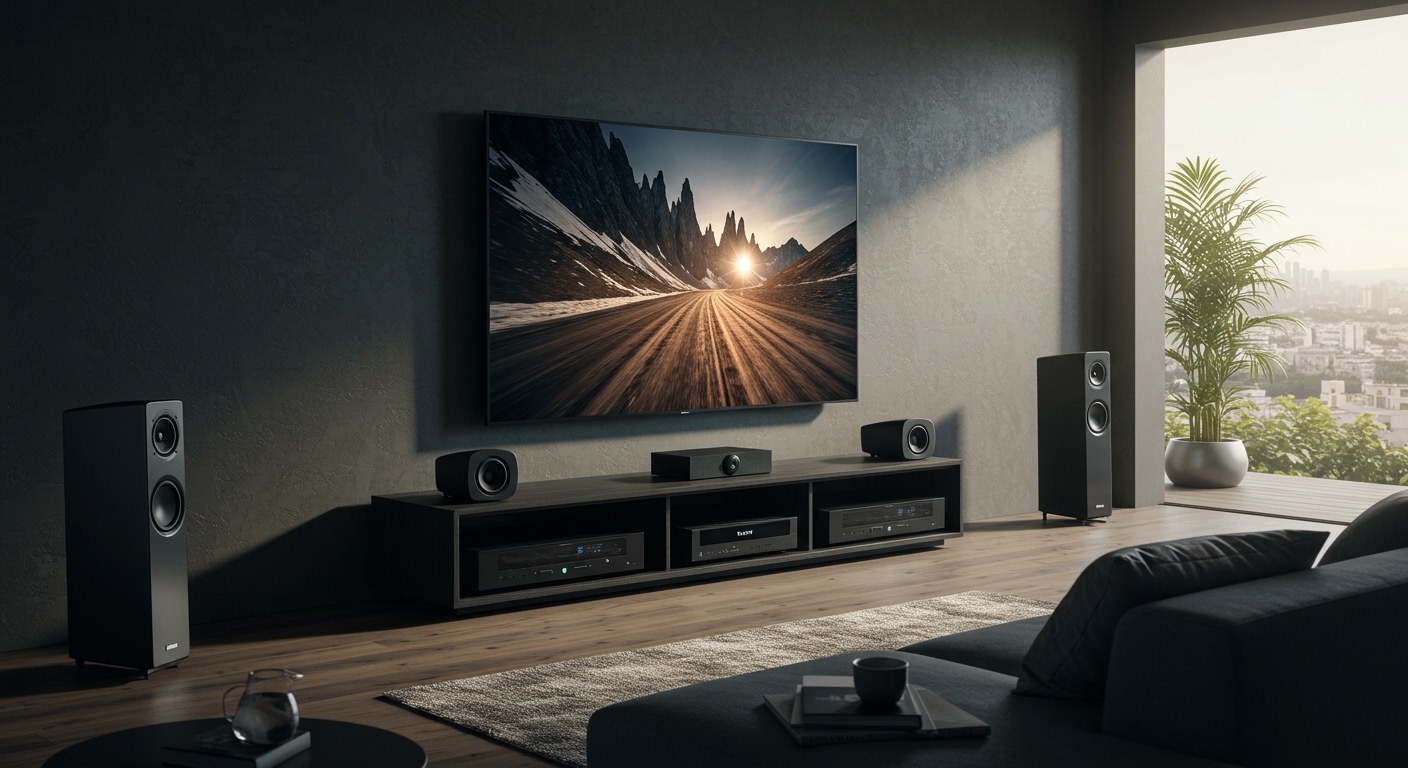
When testing premium wireless setups, I have found that they rival mid-range wired systems in both clarity and volume. The primary advantage is convenience and aesthetic appeal. You no longer need to drill holes in your drywall or route thick 14-gauge speaker wire across your living room ceiling.
However, whether they are “good” depends entirely on the technology powering them. Home theater audio requires immense bandwidth to transmit multiple channels of sound simultaneously. It also requires zero latency so explosions on screen match the rumble in your subwoofer. This is why understanding the different types of wireless connections is vital.
The 3 Types of Wireless Audio Technologies
To build a reliable setup, you must understand how these speakers communicate. Not all wireless connections are created equal.
Bluetooth (Avoid for Home Theater)
Bluetooth is fantastic for portable speakers, but it is terrible for movies. It simply lacks the bandwidth to carry uncompressed, multi-channel audio like Dolby TrueHD.
Furthermore, Bluetooth suffers from noticeable latency. This results in “lip-sync” issues, where an actor speaks but you hear the sound a fraction of a second later. Never build a home theater around Bluetooth.
Wi-Fi Ecosystems (The Standard Choice)
Most premium wireless home theater setups run on your home’s Wi-Fi network or create their own closed wireless mesh network. Brands like Sonos, Bose, and Denon HEOS use this method.
Wi-Fi offers high bandwidth, allowing for flawless transmission of Dolby Digital and Dolby Atmos signals. These systems are incredibly user-friendly and usually controlled via a smartphone app.
WiSA Technology (The Audiophile Choice)
WiSA (Wireless Speaker and Audio Association) is a dedicated wireless standard built specifically for home theaters. It does not rely on your home router, meaning it will not slow down if someone else is streaming a 4K movie in the next room.
WiSA can transmit 24-bit audio across up to eight channels with a latency of just 5.2 milliseconds. If you want the absolute highest fidelity without running speaker wire, WiSA-certified speakers (like those from Platin Audio or Klipsch) are the gold standard.
Step-by-Step: How to Set Up a Wireless Home Theater
If you have decided that wireless is the right path, you need a plan. Building a wireless setup is less physically demanding than a wired one, but it requires careful digital configuration. Here is my step-by-step guide to doing it right.
Step 1: Choose Your Core Ecosystem
Because wireless speakers communicate via proprietary software, you cannot mix a Sony soundbar with Sonos rear speakers. You must commit to a single ecosystem.
If you value ease of use and multi-room audio, Sonos is highly recommended. If you want a more traditional receiver-led setup without the wires, look into an AV Receiver that supports HEOS or MusicCast. Research the available subwoofers and rear speakers within that brand’s lineup before buying your first piece.
Step 2: Start With the Hub or Soundbar
Your system needs a “brain” to process the audio from your TV and distribute it wirelessly. In most modern setups, a premium soundbar acts as this central hub.
Connect your soundbar directly to your TV’s HDMI eARC port. The eARC (Enhanced Audio Return Channel) connection is non-negotiable, as it is the only way your TV can send uncompressed Dolby Atmos audio down to the soundbar.
Step 3: Add Your Wireless Subwoofer
A home theater without a subwoofer lacks the physical impact required for action movies and deep musical scores. Thankfully, wireless subwoofers are incredibly easy to integrate.
Place the subwoofer near a wall outlet, ideally in a corner of the room to amplify the bass frequencies. Open your ecosystem’s smartphone app and press the “add device” button to pair the subwoofer to your central soundbar.
Step 4: Position Your Wireless Rear Surround Speakers
This is where the magic happens. To get true surround sound, you need dedicated rear channels.
Place your wireless rear speakers slightly behind and slightly above ear level relative to your main seating position. Ensure each speaker has access to a dedicated power outlet. Once plugged in, use your app to pair them as “Left Surround” and “Right Surround.”
Step 5: Perform Digital Room Calibration
This is the most critical, yet frequently skipped, step. Every room has unique acoustics based on furniture, rug placement, and window size.
Use your system’s built-in calibration tool to optimize the audio. For example, Sonos uses Trueplay, which requires you to walk around your room waving your iPhone while the speakers emit test tones. The software measures how sound bounces off your walls and adjusts the equalizer to ensure perfect audio staging.
Pros and Cons of Wireless Home Theater Systems
Are wireless speakers good for home theater setups in every scenario? Not necessarily. Here is an objective breakdown of the advantages and drawbacks.
| Feature/Metric | Wireless Home Theater | Traditional Wired Home Theater |
|---|---|---|
| Installation | Extremely easy, plug-and-play setup. | Difficult, requires wire routing/fishing. |
| Aesthetics | Clean look, no visible speaker wires. | Wires must be hidden via conduit or walls. |
| Upgradability | Limited. Must stay within the same brand. | Infinite. Mix and match any speaker/receiver. |
| Power Needs | Every single speaker needs a wall outlet. | Only the central AV Receiver needs an outlet. |
| Audio Fidelity | Excellent, supports highly compressed Atmos. | Unmatched, supports fully uncompressed audio. |
| Price | Generally more expensive per speaker. | Wide range of budgets, often cheaper. |
Why “Wireless” Still Involves Wires
One of the biggest misconceptions I encounter when helping clients build home theaters is the definition of “wireless.” It is essential to manage your expectations.
Wireless speakers transmit audio data through the air, eliminating the need for long speaker wires connecting back to the TV. However, physics dictates that amplifiers require electricity to push sound waves. Because batteries cannot sustain the high wattage required for home theater audio, every wireless speaker requires a power cord.
If your couch is floating in the middle of the living room without floor outlets nearby, placing “wireless” rear speakers on stands might result in power cords running across your walking path. Always map out your wall outlets before purchasing a system.
Top Wireless Home Theater Ecosystems to Consider
Based on extensive testing, certain brands have mastered the art of the wireless home theater. If you are ready to buy, start your research with these top performers.
The Sonos Ecosystem
Sonos remains the undisputed king of consumer-friendly wireless audio. A setup featuring the Sonos Arc soundbar, a Sonos Sub, and two Era 300 rear speakers delivers a mind-blowing Dolby Atmos experience.
The Era 300 speakers feature up-firing drivers that bounce sound off your ceiling, creating a highly realistic 3D audio bubble. The software is flawlessly stable, and drop-outs are incredibly rare.
The Sony HT-A9 System
Sony took a completely different approach with their HT-A9 system. Instead of a central soundbar, it uses a small control box and four identical wireless cylindrical speakers.
Using Sony’s 360 Spatial Sound Mapping, the system creates up to 12 “phantom” speakers in your room. It tricks your brain into hearing sound from places where no physical speaker exists. It is one of the most immersive wireless setups available today.
Nakamichi Dragon (The Hybrid Approach)
If you want the absolute pinnacle of wireless surround sound and have a large budget, the Nakamichi Dragon is a beast. It is an 11.4.6 channel system.
While the main soundbar is massive, the dual subwoofers and surround speakers connect wirelessly to the main unit. It is designed for extreme volume and theater-level impact, proving that wireless tech can satisfy hardcore audiophiles.
Common Pitfalls When Using Wireless Speakers for Home Theater
While modern systems are incredibly robust, there are a few technical hurdles you must navigate to ensure a flawless experience.
Wi-Fi Network Congestion
If you choose a Wi-Fi-based system, your home network must be strong. If your router is old or heavily congested by multiple smart home devices, your speakers might experience audio dropouts.
I highly recommend investing in a modern Wi-Fi 6 Mesh Router system. Keeping your audio devices on a strong, stable 5GHz network band will prevent frustrating audio stuttering during your favorite movies.
Ignoring the Ceiling Height
If you are investing in a wireless Dolby Atmos system, be aware of your ceiling architecture. Atmos relies on upward-firing speakers bouncing sound off the ceiling and down to your ears.
If you have vaulted ceilings, exposed beams, or acoustic dampening tiles, the Atmos effect will be severely compromised. In these rooms, a traditional wired system with physical ceiling-mounted speakers might be your only route to true 3D sound.
Overlooking the eARC Connection
Buying an expensive wireless surround system is useless if your TV cannot send high-quality audio to it. Check the back of your television.
If your TV only has standard ARC (Audio Return Channel) or an Optical cable output, it cannot transmit lossless Dolby Atmos. You need a modern TV with an HDMI eARC port to unlock the full potential of your wireless speakers.
Wired vs. Wireless Speakers for Home Theater: The Final Verdict
Are wireless speakers good for home theater? Absolutely. For 95% of consumers, a premium wireless setup from a brand like Sonos, Sony, or a **WiSA-certified









