

The Short Answer: Can a TV Power External Speakers Directly?
So, can a tv power external speakers directly without extra equipment? The immediate answer is almost always no. Most modern flat-screen TVs lack the built-in amplification required to provide electrical power to standard, passive external speakers.
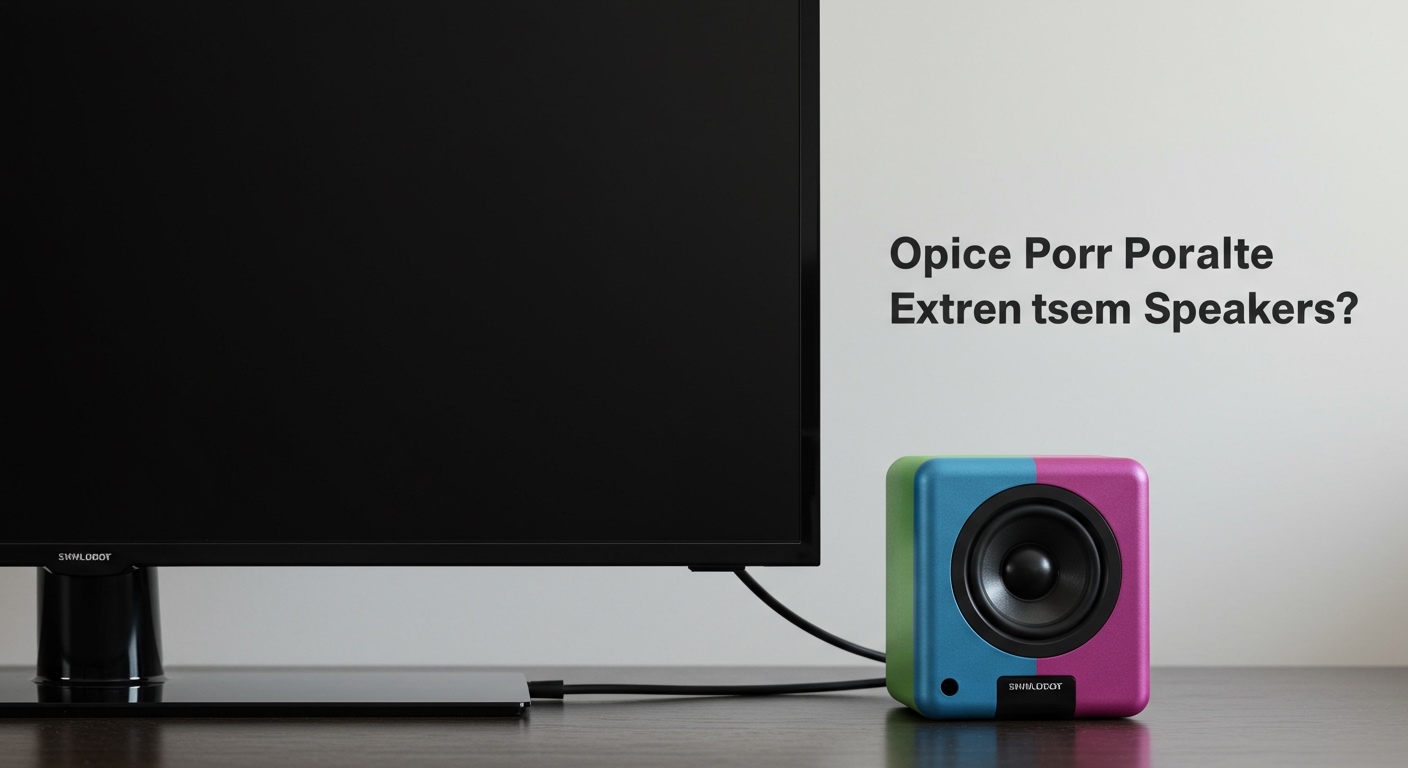
To upgrade your audio, you must use either an external amplifier, an Audio/Video Receiver (AVR), or purchase active (powered) speakers that plug directly into a wall outlet. In my years of testing and configuring home theater setups, I have found that bypassing your TV’s weak internal audio is the single best upgrade you can make. This guide will walk you through exactly what equipment you need and how to connect it for optimal sound.
TL;DR / Key Takeaways
- Modern TVs lack amplifiers: Your TV only outputs low-voltage audio signals, not the high-wattage power needed to drive speaker cones.
- Passive vs. Active: Passive speakers require an external receiver/amplifier. Active speakers have built-in amplifiers and plug into wall power.
- Best connection method: Using HDMI eARC or HDMI ARC is the optimal way to send high-quality audio from your TV to your speaker system.
- Vintage exceptions: Only a few rare, older CRT TVs had raw speaker wire terminals on the back.
Understanding Why Modern TVs Cannot Power External Speakers
When clients ask me, “can a tv power external speakers,” the confusion usually stems from how audio equipment used to be built. Decades ago, massive console TVs had internal amplifiers robust enough to drive large speakers. Today, manufacturers prioritize ultra-thin bezels and lightweight designs.
Because modern OLED and LED TVs are incredibly thin, there is simply no physical space for heavy, heat-generating amplifier components. Most flat-screen TVs feature internal amplifiers that output a mere 10 to 20 watts of total power. This is barely enough to power the tiny, downward-firing speakers built into the chassis.
Standard bookshelf or floor-standing speakers typically require anywhere from 50 to 150 watts per channel to produce clear, dynamic sound. If you tried to wire these directly to a TV’s headphone jack (even if you spliced the wires), you would get faint, distorted audio—or no sound at all.
Active vs. Passive Speakers: The Crucial Difference
To fully understand how to build your audio setup, you must know the difference between the two main types of speakers on the market. This dictates whether your TV can interface with them directly.
| Speaker Type | Built-in Amplifier? | Requires Wall Power? | How It Connects to Your TV | Best Use Case |
|---|---|---|---|---|
| Passive Speakers | No | No (powered by amp) | Connects via speaker wire to an AV Receiver/Amp. | True surround sound home theaters. |
| Active Speakers | Yes | Yes | Connects directly to TV via Optical, HDMI, or RCA. | Desktop setups, simple living room audio. |
| Soundbars | Yes | Yes | Connects directly to TV via HDMI ARC or Optical. | Quick, space-saving audio upgrades. |
Step-by-Step Guide: How to Power Passive Speakers for Your TV
If you want the best possible audio quality, you will be using passive speakers. Since we established that when asking “can a tv power external speakers,” the answer for passive models is no, you must introduce a “middleman.” This middleman is an AV Receiver or a stereo amplifier.
Here is my proven, step-by-step process for getting this setup running flawlessly.
Step 1: Choose the Right Amplifier or AV Receiver
You need a device that can take the low-voltage audio signal from your TV and boost it. An AV Receiver (AVR) is ideal because it handles both audio and video switching. Ensure the receiver supports modern formats like Dolby Atmos and has HDMI ARC/eARC capabilities.
Step 2: Connect the TV to the Receiver
The best way to send audio from your TV to the receiver is via HDMI ARC (Audio Return Channel).
- Locate the HDMI port on your TV labeled ARC or eARC.
- Plug a high-speed HDMI cable into this port.
- Plug the other end into the matching HDMI ARC/Out port on your receiver.
Step 3: Wire the Passive Speakers to the Receiver
Now, you need to connect the speakers to the receiver’s power output.
- Use high-quality 16-gauge (AWG) oxygen-free copper speaker wire.
- Strip about half an inch of insulation from the ends of the wire.
- Connect the positive (red) terminal on the receiver to the positive terminal on the speaker.
- Repeat for the negative (black) terminals. Ensure there are no stray copper strands touching, as this can cause a short circuit.
Step 4: Configure TV Audio Settings
Finally, tell your TV to stop using its internal speakers and send the signal to the receiver.
- Navigate to your TV’s Settings menu.
- Go to Sound or Audio Output.
- Change the output from “TV Speakers” to HDMI ARC, Audio System, or External Speakers.
- Enable CEC (Consumer Electronics Control) so your TV remote can control the receiver’s volume.
Step-by-Step Guide: Connecting Active Speakers to a TV
If you prefer a simpler, “plug-and-play” solution, active speakers (or a soundbar) are the way to go. Because these speakers have their own internal amplifiers, they draw power from a standard electrical outlet.
While the TV still isn’t technically “powering” them, it is providing the audio signal directly.
Step 1: Position and Power the Speakers
Place your active speakers on either side of the TV. Plug the primary speaker (usually the right channel, which houses the amplifier) into a surge protector or wall outlet. Connect the provided umbilical wire from the primary speaker to the secondary speaker.
Step 2: Choose Your Audio Connection
Depending on the ports available on your TV and active speakers, choose the highest quality connection available:
- Option A (Best): HDMI ARC. If your active speakers have an HDMI port, use this. It supports the highest bandwidth and allows volume control via the TV remote.
- Option B (Great): Optical (TOSLINK) Cable. This uses a laser to transmit digital audio. It is immune to electrical interference but does not support remote volume control natively.
- Option C (Good): RCA or 3.5mm Aux. This is an analog connection. It works fine for stereo sound but is susceptible to a humming noise if there is ground loop interference.
Step 3: Connect the Cables
Plug your chosen cable into the “Audio Out” port on the TV. Connect the other end to the “Audio In” port on your active speakers. If using an optical cable, remember to remove the tiny plastic protective caps before inserting it.
Step 4: Adjust TV Audio Output
Just like with a receiver, you must route the audio correctly.
- Open your TV’s Sound Settings.
- Select Optical Out or Audio Out/Variable.
- If using an optical connection, you may need to change the digital output format to PCM (Pulse Code Modulation) if your speakers do not support Dolby Digital decoding.
Decoding TV Audio Outputs: What Are Your Best Options?
When determining how a TV can power external speakers—or at least send a signal to them—understanding your TV’s output ports is critical. In my experience, choosing the wrong output is the number one reason people experience poor sound quality or audio lag.
| Output Connection | Signal Type | Max Channels Supported | Pros | Cons |
|---|---|---|---|---|
| HDMI eARC | Digital | 7.1.4 (Dolby Atmos) | Uncompressed audio, remote sync (CEC). | Requires modern TV and receiver. |
| Optical (TOSLINK) | Digital | 5.1 Surround | Clean signal, immune to electrical noise. | Cannot send uncompressed Atmos; no CEC. |
| 3.5mm Headphone | Analog | 2.0 Stereo | Universally compatible, very simple. | Lower audio quality, prone to static. |
| RCA (Red/White) | Analog | 2.0 Stereo | Great for older, vintage stereo receivers. | Fading out on modern TVs, stereo only. |
| Bluetooth | Wireless | 2.0 Stereo | No cables required. | Noticeable audio lag (lip-sync issues). |
Can a TV Power External Speakers via USB?
Another common variation of the question “can a tv power external speakers” involves the USB ports found on the back of modern displays. Users often wonder if they can plug USB-powered PC speakers directly into the TV.
Technically, yes, the TV can provide electrical power via USB. However, there are significant limitations.
Most TV USB ports are designed strictly for reading flash drives or powering low-draw devices like streaming sticks (e.g., Roku or Chromecast). These ports typically output a maximum of 5 volts and 0.5 to 1 amp. This is enough to power tiny desktop speakers, but the volume will be incredibly low, and the bass response will be non-existent. Furthermore, you will still need to connect the









