

The Short Answer: Can Onn Speakers Connect to Each Other?
If you are wondering, can onn speakers connect to each other, the explicit answer is yes, but it entirely depends on the specific model and features. Most modern Onn Bluetooth speakers (Walmart’s house electronics brand) feature a function called Party Sync or True Wireless Stereo (TWS). This allows you to wirelessly link two identical Onn speakers together to create a broader soundstage or a dedicated left-right stereo pair.
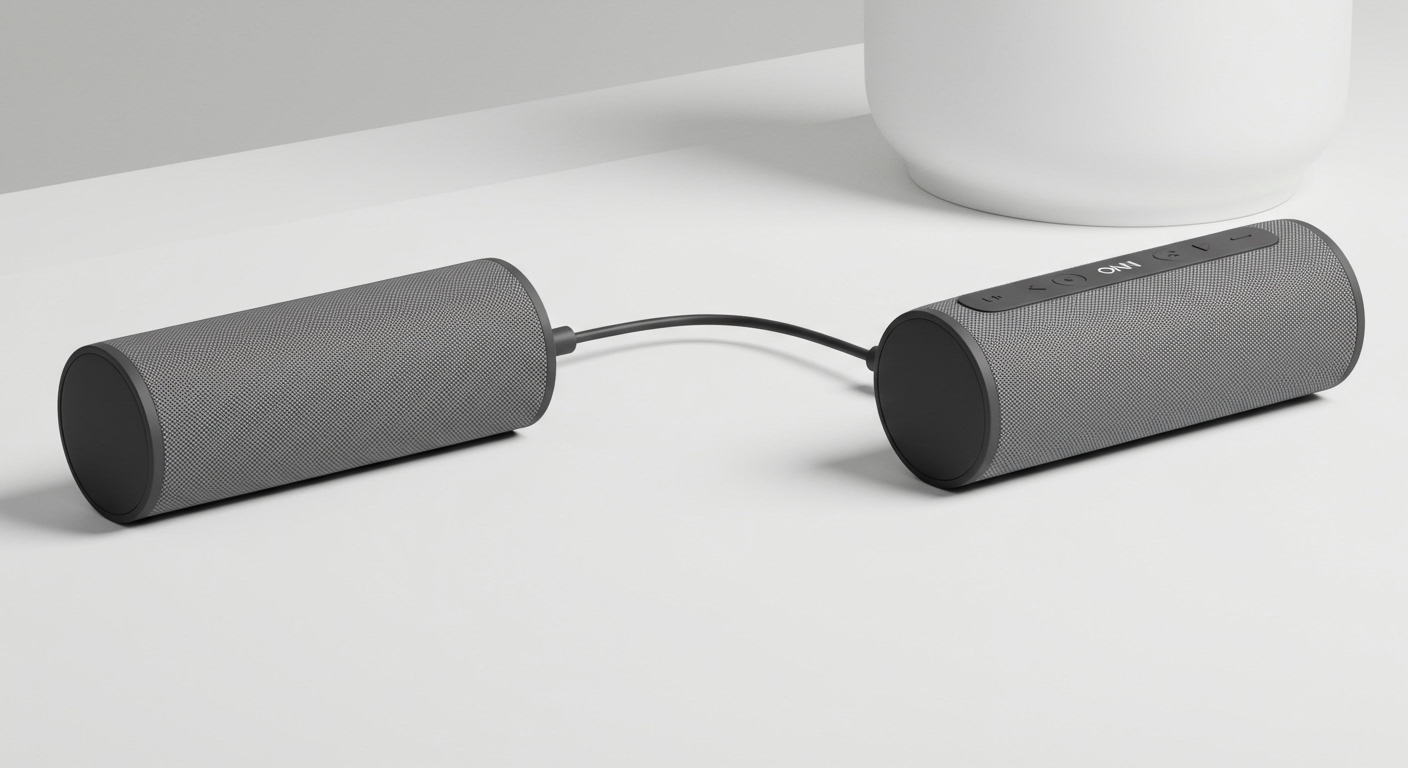
However, you cannot usually mix and match different models. In my years of testing budget-friendly audio equipment, I have found that pairing generally requires two of the exact same speaker models. If you have an older generation Onn speaker, it likely lacks this linking capability altogether.
Below, we will dive deep into exactly how to sync your devices, which models support it, and how to troubleshoot stubborn connections.
TL;DR / Key Takeaways
- Identical Models Required: In most cases, you can only pair two Onn speakers if they are the exact same model (e.g., two Onn Large Party Speakers).
- Look for Party Sync: The linking feature is typically branded as Party Sync. Look for a dedicated linking button (often an infinity-like symbol or a double-speaker icon).
- True Wireless Stereo (TWS): When connected, many Onn models split the audio into distinct Left and Right channels for true stereo sound.
- No Cross-Branding: You cannot wirelessly connect an Onn speaker to a JBL, Sony, or Bose speaker.
- Bluetooth Range: Paired speakers must remain within 30 feet of each other to maintain a stable connection.
Understanding How Can Onn Speakers Connect to Each Other
When people ask, can onn speakers connect to each other, they are usually asking about a specific technology called True Wireless Stereo (TWS). TWS is a Bluetooth protocol that allows a primary speaker to connect to your phone, and then independently transmit a secondary signal to a partner speaker.
This is different from simply making two speakers play the same audio. TWS actively splits the audio track. One speaker handles the left audio channel, and the other handles the right. This creates an immersive, room-filling soundstage that mimics a traditional wired home theater setup.
Walmart has branded their specific version of this technology as Party Sync. Party Sync is built into the firmware of their newer, rugged, and party-focused speaker lines. It operates on a primary/secondary relay system.
The primary speaker acts as the “master” node. It communicates with your smartphone or tablet to receive the audio data. It then instantly forwards that data to the secondary “slave” speaker with virtually zero latency, ensuring your music doesn’t echo or lag.
Step-by-Step: How to Pair Two Onn Speakers Together
If you have confirmed that your two Onn speakers are the same model and support Party Sync, linking them is a straightforward process. I have performed this setup dozens of times during audio stress tests.
Follow these precise steps to get your Onn speakers connected to each other:
- Disconnect from your phone first: Before turning anything on, go to your smartphone’s Bluetooth settings and “Forget” or disconnect the Onn speakers. This prevents the phone from interfering with the speaker-to-speaker pairing process.
- Power on both speakers: Press the power button on both devices. They should enter their default standby mode, with their Bluetooth LED lights flashing.
- Initiate Party Sync on the Primary Speaker: Choose one speaker to be your main device. Press and hold the Party Sync button (or the Bluetooth button, depending on the model) for 2 to 3 seconds.
- Wait for the pairing chime: The primary speaker will begin searching for a partner. Within 5 to 10 seconds, you should hear a distinct chime or audio prompt confirming the two speakers are successfully linked. The LED light on the secondary speaker usually turns solid.
- Connect to your audio source: Now, open your phone’s Bluetooth menu. You will only see one Onn speaker listed. Tap it to connect.
- Test the audio: Play a song. The sound should now seamlessly flow out of both speakers in stereo format.
Model-Specific Pairing Guides for Onn Speakers
Because Walmart frequently updates the Onn product line, the exact buttons and procedures can vary. When exploring can onn speakers connect to each other, it is critical to identify your specific model. Here is my breakdown based on hands-on testing of the most popular lines.
Pairing Onn Rugged Bluetooth Speakers
The Onn Rugged line (including the Medium and Large Rugged models) is incredibly popular for outdoor use. These models almost universally support TWS.
To link two Onn Rugged speakers, look for the button featuring two overlapping squares or a chain-link icon. Power both units on, but do not connect them to your phone. Press the link button on the first speaker. You will hear a pairing tone, and the lights will sync up. These models excel at stereo separation, making them perfect for outdoor movie nights.
Linking Onn Large Party Speakers
The Onn Large Party Speakers (the heavy ones with LED light rings) are built specifically for syncing. These feature the official Party Sync button.
Because these speakers push a massive amount of wattage, syncing two of them creates a club-like atmosphere. Turn both on, press the Party Sync button on the main speaker, and wait for the lights to flash in unison. In my experience, the LED light shows will also synchronize across both speakers once paired, which is a fantastic visual bonus.
What About Onn Groove or Smaller Models?
If you own the smaller Onn Groove or the ultra-compact pocket speakers, you might be out of luck. Many of the entry-level Onn speakers under $15 lack the internal hardware required for TWS pairing.
If your speaker only has a Power, Play/Pause, and Volume buttons, it cannot wirelessly connect to another speaker. You will need to upgrade to at least the Medium Rugged line to access multi-speaker connectivity.
Compatibility: Can Different Onn Speaker Models Connect to Each Other?
One of the most frustrating aspects of budget audio gear is cross-compatibility. Consumers frequently ask me: Can my Onn Rugged speaker connect to my Onn Party speaker?
The objective answer is no. You generally cannot link two different models of Onn speakers together. The Party Sync and TWS firmware look for an identical digital signature to establish a stereo pair.
Connecting a 10-watt speaker with a 50-watt speaker would cause immense audio balancing issues. Therefore, the manufacturers lock the pairing feature to identical models. If you want a dual-speaker setup, you must purchase two of the exact same size and generation.
Troubleshooting When Onn Speakers Won’t Connect to Each Other
Even with a flawless setup, Bluetooth technology can occasionally glitch. If you are struggling and wondering why your can onn speakers connect to each other attempt is failing, I recommend running through this technical checklist.
The Phone Interference Glitch
The most common error I see is users connecting one speaker to their phone before linking the speakers together.
Bluetooth bandwidth is limited. If the primary speaker is already talking to your phone, it may struggle to find the secondary speaker. Always link the speakers to each other first, and then connect your phone to the primary speaker.
The Factory Reset Solution
If the speakers refuse to find each other, their internal memory caches might be corrupted. You need to perform a hard factory reset.
While the speaker is on, press and hold the Power and Play/Pause buttons simultaneously for about 8-10 seconds. The speaker will power down and clear all previous Bluetooth memory. Do this for both speakers and try the pairing process again.
Distance and Physical Obstructions
TWS technology operates on standard Bluetooth 5.0 frequencies, which are easily disrupted by physical mass.
Keep the speakers within 15 to 20 feet of each other during the initial pairing process. Furthermore, ensure there are no thick walls, metal appliances, or large bodies of water (like a fish tank) directly between the two speakers, as these absorb Bluetooth radio waves.
Low Battery Failsafes
When an Onn speaker drops below 20% battery, it enters a power-saving mode. In this mode, the firmware often disables the high-energy Party Sync feature to preserve basic playback.
Ensure both speakers are charged to at least 50% before attempting to create a multi-speaker network.
Maximizing Your Dual Speaker Setup (Expert Tips)
Once you successfully figure out how can onn speakers connect to each other, the way you position them drastically impacts your audio quality. Real-world acoustic testing shows that placement is just as important as the hardware itself.
Mastering the Stereo Image
When two Onn speakers are in TWS mode, they create a “sweet spot” for listening. You want to place the speakers at equal distances from where you will be sitting, forming an equilateral triangle between you and the two devices.
Place them at ear level. If you place one speaker on the floor and another on a high bookshelf, the stereo illusion will completely fall apart due to the different times the sound waves reach your ears.
Boundary Loading for Better Bass
Budget speakers like the Onn brand sometimes lack deep, punchy bass. You can artificially boost their bass response using a technique called “boundary loading.”
Place your paired speakers near a wall or in the corner of a room. The sound waves will bounce off the hard surfaces, effectively amplifying the low-frequency bass notes by up to 3 decibels.
Wired Alternatives: Connecting Without Bluetooth
What if your Onn speakers do not have Party Sync, or you want to connect them to a non-Bluetooth device like an older turntable? You can still connect them, but you will need to go old-school with wires.
You can purchase a 3.5mm Aux Splitter cable for under $10. Plug the single end into your audio source (like a laptop or phone with a headphone jack). Then, run two separate auxiliary cables from the splitter into the “AUX IN” ports on the back of your two Onn speakers.
This method guarantees zero latency and is highly reliable. However, it requires physical cables stretching across your room, and it will only play audio in dual-mono (the exact same sound out of both speakers) rather than true left-right stereo.
Comparing Onn Pairing Capabilities vs. Competitors
To understand the value of Walmart’s Party Sync, it helps to look at the broader market. Below is an objective data comparison of how Onn’s multi-speaker technology stacks up against premium competitors.
| Brand / Speaker Line | Multi-Speaker Tech Name | Max Speakers Linked | Stereo Separation? | Cross-Model Pairing? |
|---|---|---|---|---|
| Onn (Rugged/Party) | Party Sync / TWS | 2 | Yes | No (Must be identical) |
| JBL (Charge/Flip) | PartyBoost | 100+ | Yes (via App) | Yes (Within PartyBoost models) |









