

The Truth About Fixing Premium Audio: Can Sonos Speakers Be Repaired?
Yes, can sonos speakers be repaired, but the path you take depends entirely on your warranty status and the specific hardware failure. If you are experiencing power loss, connectivity drops, or blown acoustic drivers, you generally have three options: an official Sonos RMA (Return Merchandise Authorization), a third-party electronics repair shop, or a careful DIY fix.
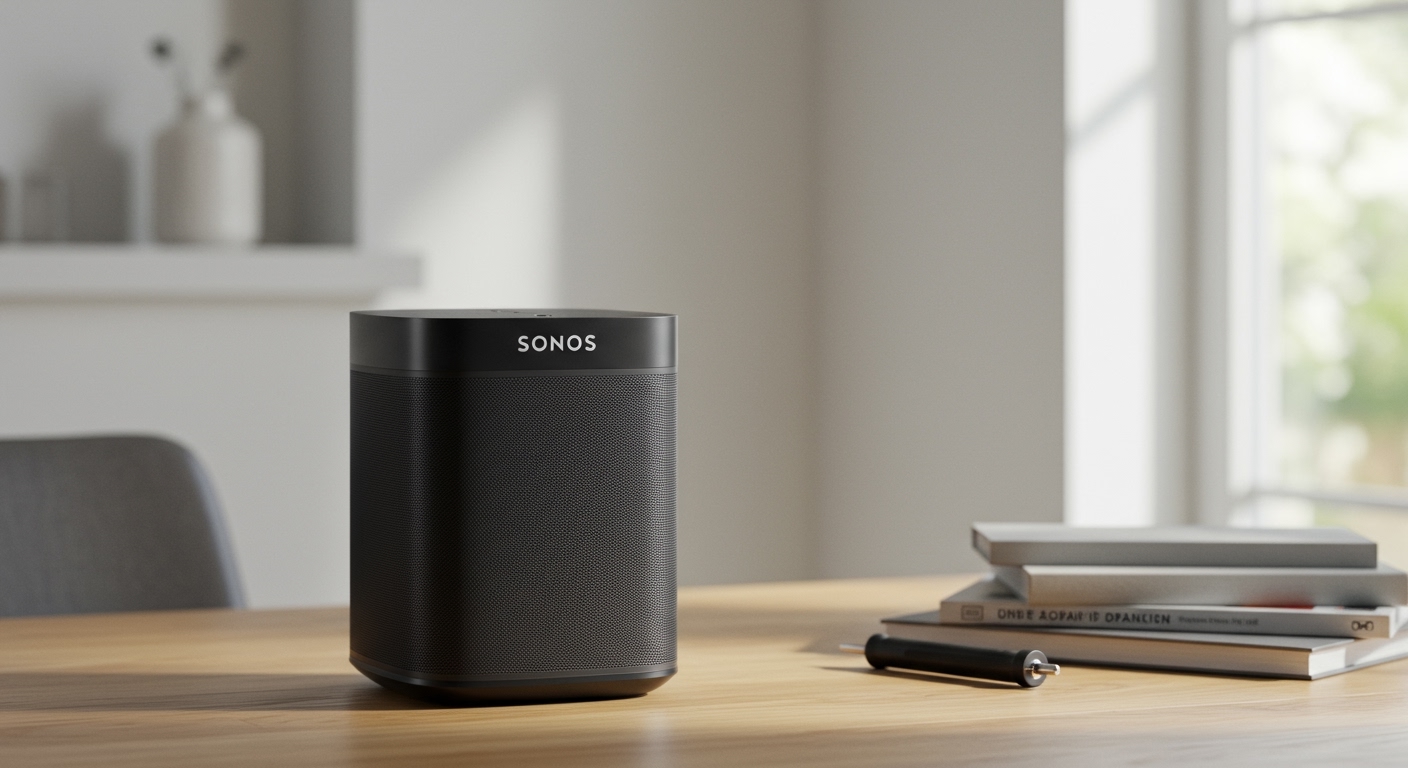
As an audio technician who has taken apart everything from a vintage Sonos Play:5 to the modern Sonos Arc, I can tell you that these devices are sophisticated computers disguised as speakers. They are not explicitly designed for easy consumer repair, but fixing them is absolutely possible if you know exactly what to look for.
TL;DR / Key Takeaways
- Direct Answer: Yes, can sonos speakers be repaired, but Sonos primarily offers full-unit replacements for in-warranty devices rather than component-level repairs.
- DIY Repairability: Difficult but possible. You will need specialized tools like Torx screwdrivers and plastic spudgers.
- Most Common Fixes: Wi-Fi module replacements, power supply board swaps, and battery replacements (specifically for the Sonos Move).
- The Warranty Trap: Opening your speaker’s casing will instantly void your official 1-year Sonos warranty. Always check your status first.
- The Upgrade Alternative: If a repair is impossible, the Sonos Upgrade Program offers up to a 30% discount on a new device when you recycle your broken one.
Understanding Your Sonos Warranty Before You Fix Anything
Before you even think about grabbing a screwdriver, you must check your warranty status. Sonos provides a standard one-year warranty on all new hardware purchases, which covers manufacturer defects and internal failures.
If your speaker fails within this window, do not attempt a DIY repair. Opening the sealed acoustic chamber will break the factory seal and void your buyer protection. Instead, contact Sonos Support directly. They will run remote diagnostics on your device via the Sonos S2 app.
If they determine the hardware has failed, they will issue an RMA. You will ship the broken unit back, and they will send you a certified refurbished replacement. If you purchased your speaker with a premium credit card, check your benefits; many cards automatically extend manufacturer warranties by an additional year.
Most Common Sonos Speaker Issues (And Can They Be Fixed?)
In my years of troubleshooting multi-room audio setups, I have seen every possible failure point. Because these are “smart” speakers, they suffer from both traditional audio problems (like blown woofers) and modern computer problems (like fried logic boards).
Below is a breakdown of the most common issues to help you determine if your can sonos speakers be repaired query ends in a quick fix or a complete replacement.
| Hardware Issue | Symptoms | DIY Fixable? | Official Repair Path | Estimated Third-Party Cost |
|---|---|---|---|---|
| Dead Power Supply | No LED lights, completely unresponsive | Yes (Requires swapping power board) | Full unit replacement (if in warranty) | $75 – $150 |
| Blown Driver / Tweeter | Crackling, distortion at high volumes | Yes (Requires donor parts) | Full unit replacement | $50 – $100 |
| Failing Wi-Fi Card | Constant dropouts, unable to join network | Yes (Plug-and-play module on older units) | Full unit replacement | $40 – $80 |
| Dead Battery (Move/Roam) | Won’t hold charge, dies instantly | Yes (Sonos Move battery is officially replaceable) | Battery Kit / Unit Replacement | $40 – $79 |
| Motherboard Failure | Flashing red/white LED of death | No (Requires micro-soldering) | Full unit replacement | Not Recommended |
Software vs. Hardware Failures: Diagnosing the Problem
Before assuming your speaker requires physical surgery, you must rule out software glitches. Sonos devices rely heavily on network stability and continuous firmware updates. What looks like a broken speaker is often just a router conflict.
The Connectivity Illusion
If your speaker cuts out during playback or disappears from the Sonos App, it is rarely a broken internal Wi-Fi antenna. More often, it is wireless interference. Mesh Wi-Fi systems (like Eero or Google Nest) frequently try to force Sonos speakers onto incompatible network bands.
The Factory Reset Solution
A factory reset is the ultimate software diagnostic tool. If a reset resolves your issue, your hardware is perfectly fine. If the speaker refuses to complete the reset process or flashes a solid red status light, you are dealing with a verifiable hardware failure.
To perform a factory reset: Unplug the power cord, press and hold the Join button (or Play/Pause on older models) while plugging it back in, and wait for the light to flash amber and white.
Step-by-Step Guide: How Can Sonos Speakers Be Repaired at Home?
If your speaker is out of warranty and you have confirmed a physical hardware failure, you can attempt a DIY repair. Be warned: Sonos uses strong adhesives, hidden screws, and tight plastic clips. You must proceed with caution to avoid damaging the acoustic seal, which will ruin the sound profile.
Step 1: Gather the Necessary Tools
You cannot fix premium electronics with a standard kitchen toolbox. You will need a specialized kit. I highly recommend picking up an iFixit Pro Tech Toolkit.
At a minimum, you must have:
- T8 and T10 Torx screwdrivers (Sonos rarely uses Phillips head screws).
- Plastic guitar picks and spudgers to pry apart the casing without scratching it.
- A digital multimeter to test the power supply board for voltage.
- A heat gun or hair dryer (crucial for melting the adhesive on the bottom rubber footpads where screws are hidden).
Step 2: Accessing the Internals
Most Sonos speakers hide their entry points underneath the rubber base or behind the front grille. For example, on a Sonos Play:1, you must remove the bottom rubber pad to expose the hidden Torx screws.
Once the screws are removed, use a plastic spudger to gently pry the bottom cap off. Never use a metal flathead screwdriver; you will permanently gouge the plastic housing. Take your time, as there are usually delicate ribbon cables connecting the top button panel to the main logic board.
Step 3: Diagnosing the Power Supply Board
Power failures are the number one reason people ask, can sonos speakers be repaired. Smart speakers are constantly plugged in and drawing standby power, making their internal power supplies highly susceptible to power surges.
Once inside the speaker, locate the power supply board (usually the board where the AC power cord connects). Use your multimeter to check the output pins leading to the main logic board. If you are not getting the correct DC voltage (often 14V to 24V depending on the model), the power board is fried. You can often find replacement boards pulled from donor speakers on eBay for around $40.
Step 4: Replacing a Blown Speaker Driver
If your speaker powers on but sounds terribly distorted, you have a blown acoustic driver. Sonos uses custom-designed mid-woofers and tweeters powered by highly efficient Class-D amplifiers.
To fix this, you must extract the entire driver assembly. Disconnect the speaker wires (they are usually secured with spade connectors; gently pull them off with pliers). Unscrew the mounting bracket and pull the damaged driver out. You cannot buy brand new OEM drivers from Sonos, so you must source a functioning pulled part from a secondary market. Drop the new driver in, ensure the airtight gasket is seated properly, and reconnect the wires.
Step 5: Reassembly and Sealing
Reassembling a Sonos speaker is not just about putting the screws back; it is about restoring the acoustic seal. Sonos engineers tune their speakers to specific internal air volumes.
If you leave a gap in the casing, the speaker will rattle and lose all its bass response. Ensure all internal foam gaskets are in place. Tighten the Torx screws firmly, but do not over-torque them, as you will strip the plastic threading. Once reassembled, plug it in and run a Trueplay tuning sequence via your iPhone to recalibrate the audio.
Repairing Portable Models: Sonos Move and Sonos Roam
Portable smart speakers introduce a completely new failure point: lithium-ion batteries. Batteries chemically degrade over time, leading to devices that won’t hold a charge or randomly shut down at 30% capacity.
The Sonos Move: A Repairability Win
The Sonos Move is a rare example of excellent repairability. Sonos officially sells a Move Battery Replacement Kit.
Replacing it takes less than five minutes. You simply peel off the bottom rubber strip, use the included tool to remove two screws, pull out the old battery pack, and slide the new one in. This is a highly accessible, user-friendly repair that significantly extends the lifespan of a premium $400 speaker.
The Sonos Roam: A Repairability Nightmare
Conversely, the Sonos Roam is notoriously difficult to repair. It is sealed tightly with heavy adhesives to achieve its IP67 waterproof rating.
If the battery in your Roam dies, getting inside requires a heat gun and excessive prying, which completely destroys the waterproof seal. In most cases, a dead Roam is better off being recycled through the Sonos Trade-Up program rather than attempting









