

Can You Blow Sonos Speakers? The Direct Answer
Yes, can you blow Sonos speakers? The short answer is yes, but it is exceptionally difficult compared to traditional analog audio systems. Sonos builds its smart speakers with advanced Digital Signal Processing (DSP), which acts as a digital safeguard to prevent the internal amplifier from destroying the drivers.
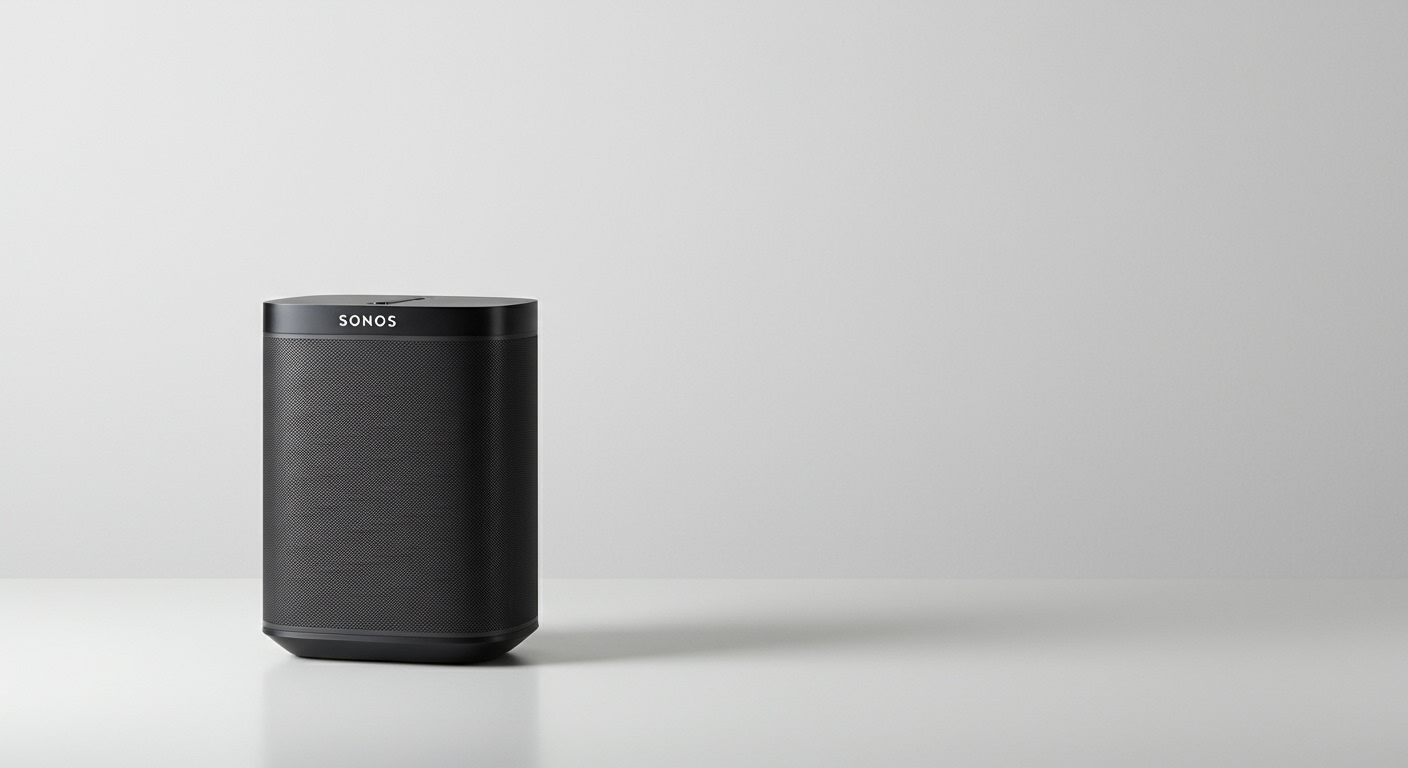
However, no speaker is entirely invincible. You can still damage or “blow” a Sonos speaker through prolonged exposure to extreme volumes, sudden electrical power surges, or by feeding the system severely distorted audio signals. Understanding how these failures happen is the key to protecting your premium audio investment.
Key Takeaways / TL;DR
- DSP Protection: Built-in DSP limiters automatically throttle volume and bass to prevent mechanical damage.
- Thermal vs. Mechanical Failure: Speakers usually blow from either overheating (thermal) or moving too far out of their physical enclosure (mechanical).
- The “Clipping” Danger: Playing low-quality, distorted audio files at maximum volume is the fastest way to fry a voice coil.
- Sonos Amp Risk: If you use a Sonos Amp to power third-party passive speakers, blowing them is much easier if their power rating doesn’t match the Amp’s 125W output.
- Easy Prevention: Use the Volume Limit feature in the Sonos App and always plug your speakers into a high-quality surge protector.
Understanding the Anatomy of a Blown Speaker
To truly answer whether can you blow Sonos speakers, we first need to understand what “blowing” a speaker actually means. In audio engineering, blowing a speaker refers to catastrophic failure in the physical components of the driver.
Most consumers assume a speaker blows simply because it was “too loud.” In reality, the damage usually falls into two specific scientific categories: thermal failure and mechanical failure.
Mechanical Failure (Over-Excursion)
Inside your Sonos Five or Sonos Sub, there is a cone that pushes air to create sound. The distance this cone travels is called excursion. When you push too much low-frequency bass through a speaker at high volumes, the cone can travel further than its physical suspension allows.
When this happens, the internal components literally tear themselves apart. You will usually hear a harsh, physical popping or slapping sound right before the speaker dies. Sonos DSP is highly effective at preventing this by automatically reducing deep bass frequencies as you turn the volume up to 100%.
Thermal Failure (Fried Voice Coils)
Thermal failure is the most common way modern smart speakers die. Behind the speaker cone sits a voice coil—a tightly wound wire surrounding a magnet. As electricity passes through this coil, it generates heat.
If you play highly compressed, distorted music (known as clipping) at maximum volume for several hours, the voice coil cannot dissipate the heat fast enough. The protective glue melts, the wire snaps, and the speaker goes permanently silent or produces a horrible scratching noise.
How Sonos Digital Signal Processing (DSP) Protects Your System
The primary reason it is so hard to blow a Sonos speaker is the built-in “brain” of the device. Unlike passive speakers from the 1990s that blindly accepted any electrical current sent to them, Sonos utilizes intelligent, active amplifiers.
Every speaker in the lineup, from the portable Sonos Roam to the flagship Sonos Arc, features sophisticated DSP limiters. Think of the DSP as an invisible bouncer monitoring the audio signal 1,000 times per second.
If the DSP detects that an audio transient (like a loud drum kick) is going to force the speaker cone past its mechanical limit, it applies immediate dynamic compression. It mathematically squashes the peak of the audio wave before the amplifier can send the dangerous voltage to the voice coil. This is why Sonos speakers often sound less bass-heavy at 95% volume than they do at 60% volume.
The Biggest Vulnerability: The Sonos Amp and Passive Speakers
While standalone units like the Sonos Era 300 are heavily protected, there is one massive exception in the ecosystem. People frequently ask us, can you blow Sonos speakers when using third-party equipment? The answer is a resounding yes if you are using the Sonos Amp or the older Sonos Connect:Amp.
The Sonos Amp is designed to power traditional, passive speakers (like in-ceiling architectural speakers or outdoor patio speakers). It delivers a massive 125 Watts per channel at 8 Ohms.
Impedance Mismatches
If you connect cheap, low-wattage bookshelf speakers to the Sonos Amp, the intelligent DSP cannot fully protect them. Because the Amp does not know the specific mechanical limits of a random third-party speaker, it will happily send all 125 Watts to a speaker only rated for 50 Watts.
Amp Clipping
Conversely, if you connect massive, power-hungry tower speakers that require 300 Watts, you might drive the Sonos Amp into a state of clipping. The amplifier runs out of power, cleanly shears off the top of the audio waveforms, and sends pure, speaker-destroying direct current (DC) heat into the passive speaker’s tweeters.
Table: Common Causes of Speaker Failure and Sonos Protection Levels
To make this easily digestible, here is a breakdown of common speaker threats and how your Sonos system handles them.
| Threat / Cause | Mechanism of Damage | Sonos Protection Level | How to Prevent It |
|---|---|---|---|
| Extreme Volume Limit | Mechanical over-excursion of the cone. | High: DSP actively limits bass output at high volumes. | Do not play at 100% volume for more than 2-3 hours. |
| Clipped/Distorted Audio | Voice coil overheats and melts. | Medium: DSP helps, but terrible source audio still generates excess heat. | Stream high-res audio (Lossless/FLAC) via Wi-Fi, not Bluetooth. |
| Power Surges/Lightning | Instantly fries the internal amplifier and power supply. | Low: Software cannot stop a massive electrical spike. | Plug all Sonos speakers into a surge protector (min. 1000 Joules). |
| Sonos Amp Mismatch | Overpowering passive speakers with 125W of power. | None: The Amp cannot detect the limits of third-party speakers. | Match speaker RMS wattage ratings to the Sonos Amp specs. |
Step-by-Step Guide: How to Prevent Blowing Your Sonos Speakers
In my years of designing and troubleshooting smart home audio networks, I’ve found that preventing speaker damage takes less than five minutes of configuration. Follow these exact steps to ensure your system never fails.
Step 1: Implement the Sonos Volume Limit Feature
The absolute best way to protect your equipment—especially if you host parties or have children—is to hard-cap the maximum volume. The Sonos App allows you to restrict the amplifier’s maximum output.
- Open the Sonos App on your smartphone.
- Navigate to the Settings gear icon in the bottom right corner.
- Select System and tap on the specific room/speaker you want to protect.
- Scroll down to Volume Limit and slide the bar down to 80% or 85%.
Step 2: Calibrate with Trueplay Tuning
Poor room acoustics can make your speakers work harder than necessary. If your Sonos Sub is placed in a dead zone, you might be tempted to crank the bass EQ to the maximum, which drastically increases the thermal load on the amplifier.
Trueplay uses your iPhone’s microphone to measure how sound reflects off your walls. It automatically cuts harsh, boomy frequencies and boosts lacking ones. By optimizing the EQ curve, Trueplay ensures the amplifier is running efficiently, reducing the risk of distortion and thermal buildup.
Step 3: Stop Maxing Out the Custom EQ
The Sonos App provides a basic equalizer for Bass, Treble, and Loudness. A common mistake users make is dragging the Bass slider all the









