

Can You Play Audio Technica Without Speakers? The Direct Answer
Yes, you can absolutely play an Audio-Technica turntable without traditional external speakers. To do this, you can pair a Bluetooth-enabled model (like the AT-LP60XBT) directly to wireless headphones, connect a USB model to your computer, or route a standard turntable through a standalone headphone amplifier.
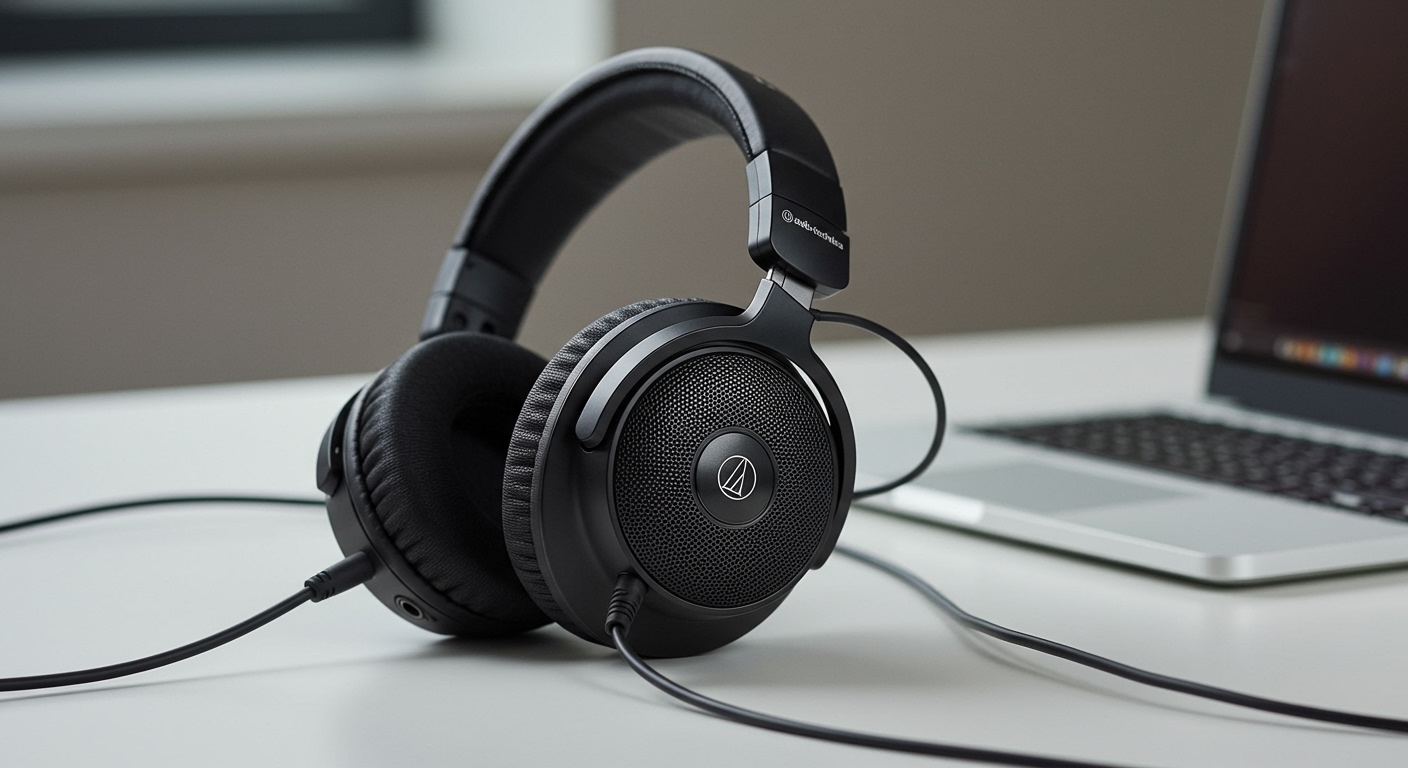
Many vinyl beginners struggle with space constraints or live in shared apartments where blasting music isn’t an option. Listening to records through headphones offers an intimate, highly detailed analog audio experience without disturbing your neighbors. However, because most record players output a very low-level signal, you cannot simply plug standard headphones directly into the back of the turntable.
Below, we will break down exactly how can you play audio technica without speakers using three distinct, proven methods based on the specific equipment you own.
TL;DR: Key Takeaways for Speakerless Vinyl Listening
- Bluetooth is the easiest route: If you own an Audio-Technica AT-LP60XBT or AT-LP120XBT-USB, you can pair them directly with wireless headphones or earbuds.
- Wired headphones require an amp: Standard wired headphones cannot plug directly into RCA cables; you need a headphone amplifier to boost the signal.
- Check your preamp switch: Ensure the switch on the back of your turntable is set to “LINE” (not “PHONO”) when connecting to a headphone amp or computer.
- USB models work with computers: Turntables like the AT-LP120XUSB can plug straight into your Mac or PC to play audio through your computer’s headphone jack.
Understanding the Phono Preamp: Why Direct Connections Fail
Before diving into the setup methods, it is crucial to understand why you can’t just plug headphones directly into your record player. When I first started testing audio equipment, the most common mistake I saw beginners make was buying an RCA-to-3.5mm adapter and plugging headphones straight into the back of their Audio-Technica AT-LP60X.
When you do this, the sound is incredibly quiet, tinny, and completely lacks bass. This happens because a turntable stylus produces a highly specific, very weak signal known as a Phono Level signal. Before this signal can be played through speakers or headphones, it must be amplified and equalized (via the RIAA equalization curve) into a standard Line Level signal.
The “PHONO” vs. “LINE” Switch
Most modern Audio-Technica turntables come with a built-in phono preamp. If you look at the back of your record player, you will see a small switch labeled PHONO / LINE.
- PHONO: Bypasses the internal preamp. Use this only if you are connecting to an external stereo receiver that has a dedicated “Phono” input.
- LINE: Engages the internal preamp. You must use this setting if you want to play your Audio Technica without speakers using a headphone amp or a computer.
If you attempt to power headphones using a Line Level signal alone, the volume will still be far too low. Headphones require a final stage of amplification to physically push the drivers inside the earcups.
Method 1: Can You Play Audio Technica Without Speakers Using Bluetooth?
If you want the most seamless, wire-free experience, using Bluetooth is the ideal solution. Audio-Technica produces several wildly popular Bluetooth turntables, specifically the AT-LP60XBT and the AT-LP120XBT-USB.
Using these models, you can easily connect directly to your favorite wireless headphones, such as the Sony WH-1000XM4 or Apple AirPods Max. This method completely bypasses the need for an external amplifier, receiver, or speakers.
Step-by-Step Bluetooth Pairing Guide
Pairing a turntable to headphones is slightly different than pairing to a smartphone, as neither device has a screen to select the connection. Follow these exact steps for a flawless connection:
- Prepare your headphones: Turn on your Bluetooth headphones and put them into Pairing Mode. (Usually done by holding the power button until the LED light flashes rapidly).
- Activate turntable pairing: Press and hold the Bluetooth button on your Audio-Technica turntable (usually located on the front left or top deck) for about two seconds.
- Wait for the connection: The LED indicator on the turntable will flash rapidly (red and blue) while searching. Once paired, the light will turn solid blue.
- Adjust the volume: Because the turntable does not have a volume knob, you must use the physical volume controls built into your Bluetooth headphones to adjust the audio levels.
Expert Tip: If your turntable fails to pair, ensure that your smartphone’s Bluetooth is temporarily disabled. Headphones will often automatically connect to your phone instead of the record player if both are in range.
Method 2: Using Wired Headphones via a Headphone Amplifier
For audiophiles seeking the purest, uncompressed analog sound, wired headphones are the gold standard. However, to answer the question of how can you play audio technica without speakers using wired cans, you will need a dedicated piece of hardware called a Headphone Amplifier.
A headphone amplifier takes the Line Level signal coming from your turntable’s built-in preamp and boosts it to a level that can drive your headphones. I personally use the Schiit Magni for this setup, as it offers incredible clarity for a highly accessible price point.
What You Need for a Wired Setup
To complete this setup, you need the turntable, a headphone amplifier, an RCA to RCA cable (usually included with the turntable), and your wired headphones.
Step-by-Step Wired Headphone Setup
- Set the preamp: Switch the toggle on the back of your Audio-Technica to the “LINE” position.
- Connect the cables: Plug the red and white RCA cables into the output of your turntable, and plug the other ends into the RCA inputs on the back of your headphone amplifier.
- Power the amplifier: Plug the headphone amp into a wall outlet and turn the volume knob all the way down to zero to protect your hearing.
- Connect headphones: Plug your wired headphones into the 1/4-inch or 3.5mm jack on the front of the amplifier.
- Play and adjust: Drop the needle on your record and slowly turn up the volume knob on the amplifier until you reach a comfortable listening level.
This setup delivers incredible stereo imaging and allows you to hear the warm crackle of your vinyl with zero digital compression.
Method 3: Routing Through a Computer or Laptop (USB Models)
If you own an Audio-Technica AT-LP120XUSB or an AT-LP60XUSB, you have a built-in digital-to-analog converter (DAC) that allows you to connect the turntable directly to a computer. This is a brilliant workaround if you want to listen to records using the headphones already plugged into your Mac or PC.
This method also allows you to digitize your vinyl collection using software like Audacity, but it functions perfectly as a real-time listening station.
Step-by-Step USB Computer Setup
- Connect the USB cable: Plug the included USB-A to USB-B cable into the back of the turntable, and plug the other end directly into your computer.
- Select the audio input (Windows): Go to Settings > System > Sound. Under the “Input” section, select USB Audio CODEC (this is your Audio-Technica).
- Select the audio input (Mac): Open System Settings > Sound > Input, and select USB Audio CODEC.
- Enable direct monitoring: By default, computers mute microphone inputs. You will need to enable “Listen to this device” in Windows Sound Control Panel, or use software like Audacity or GarageBand on Mac with “Software Playthrough” enabled.
- Plug in headphones: Connect your headphones to your computer’s 3.5mm jack or Bluetooth connection, and control the volume using your computer’s master volume slider.
This method requires a bit of software tinkering, but it completely eliminates the need to buy any extra hardware or amplifiers.
Essential Gear Needed to Play Audio Technica Without Speakers
Depending on which route you choose, your required gear list will change. Here is a quick breakdown of the hardware you need based on your preferred listening method.
| Listening Method | Required Turntable Model | Additional Hardware Needed | Estimated Extra Cost | Sound Quality |
|---|---|---|---|---|
| Bluetooth Wireless | AT-LP60XBT, AT-LP120XBT-USB | Bluetooth Headphones/Earbuds | $0 (if you own headphones) | Good (Digital Compression) |
| Wired Audiophile | Any Audio-Technica Model | Headphone Amplifier, RCA Cables | $50 – $150+ | Excellent (Pure Analog) |
| Computer USB | AT-LP60XUSB, AT-LP120XUSB | Computer, USB Cable, Headphones | $0 (Uses existing gear) | Very Good (Digital Conversion) |
Note on Headphone Amps: If you are shopping for a headphone amplifier, look for entry-level models from highly respected audio brands. The Schiit Magni, JDS Labs Atom Amp, and Fiio E10K are phenomenal starting points that pair perfectly with Audio-Technica cartridges.
Pros and Cons of Listening to Vinyl Without Speakers
Choosing to ditch traditional bookshelf or floor-standing speakers comes with its own set of unique advantages and drawbacks. If you are still wondering, **can you play audio technica without speakers









