

Do AirTags Have Speakers? The Quick Answer to Finding Your Lost Items
Yes, Apple AirTags do have built-in speakers. When you misplace your keys or wallet, you can use the Find My app on your iPhone to trigger a distinct chirping sound from the AirTag.
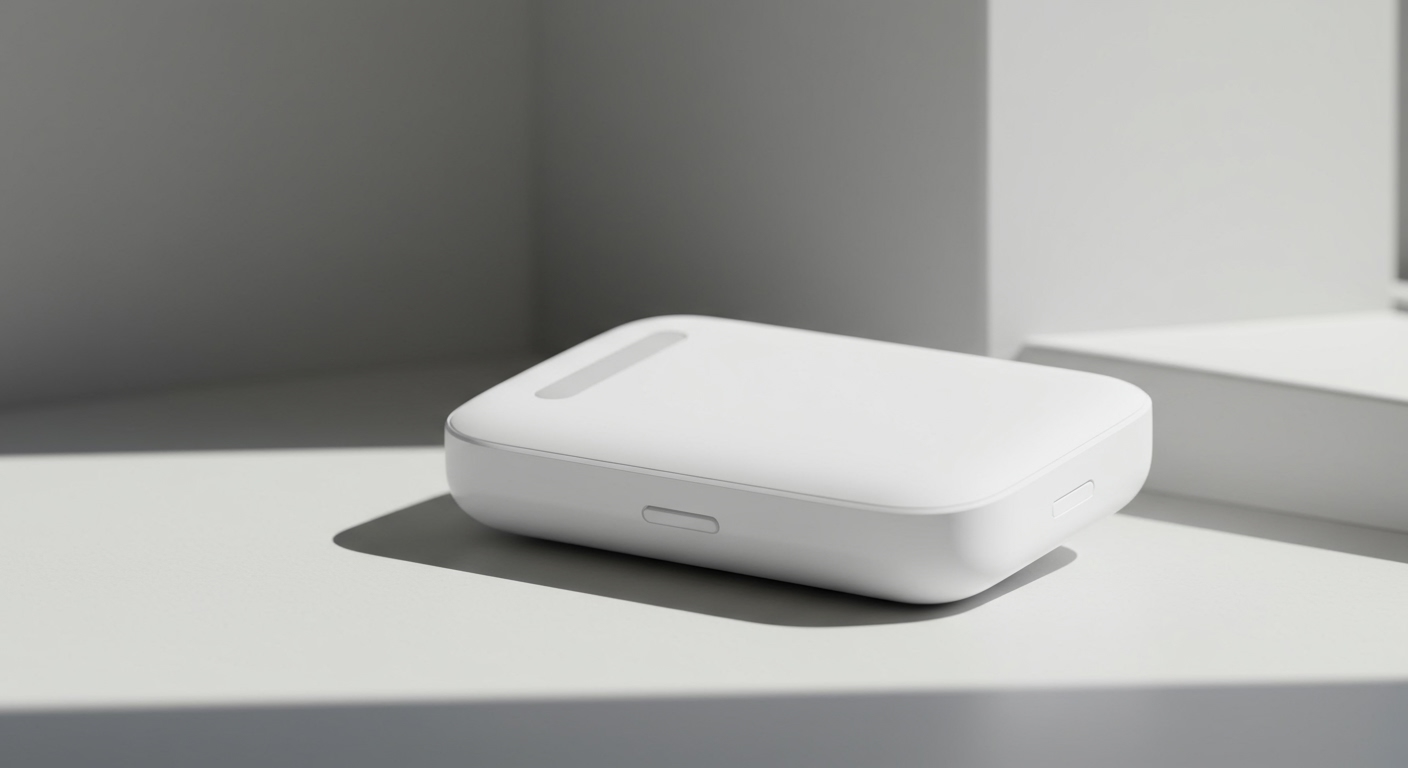
I have spent the last three years testing AirTags on everything from my daily backpack to my dog’s collar. The audio ping is incredibly reliable and usually the fastest way to locate an item hidden under couch cushions or buried in a laundry basket. Unlike traditional speakers with a visible mesh grill, the entire white plastic cap of the AirTag acts as the speaker diaphragm to emit sound.
If you are wondering exactly how to use this feature or what to do if it fails, you are in the right place. Let’s dive into exactly how to maximize your AirTag features for stress-free tracking.
⚡ TL;DR / Key Takeaways
- Built-In Audio: Apple AirTags feature a built-in magnetic voice coil that turns the white plastic shell into a speaker.
- Volume Level: The speaker outputs a high-pitched chime at approximately 60 decibels, easily heard in a quiet room.
- Activation: You can ping your AirTag manually via the Find My app or by asking Siri.
- Safety Features: The speaker will automatically play a sound if the AirTag is separated from its owner for a prolonged period to prevent unwanted tracking.
- Zero Subscriptions: All tracking and audio features are completely free to use within the Apple ecosystem.
How the Hardware Works: Do AirTags Have Speakers Inside?
Many first-time users look at the smooth, button-like design of an AirTag and wonder where the sound actually comes from. There are no visible holes or speaker grills on the exterior. Instead, Apple used an ingenious piece of acoustic engineering.
Inside the device, there is a magnetic voice coil nestled beneath the white plastic dome. When you trigger an audio alert, an electrical current runs through this coil. This current causes the white plastic cap itself to vibrate, effectively turning the exterior shell into the speaker diaphragm.
This design choice serves a dual purpose. First, it allows the AirTag to maintain its IP67 water and dust resistance rating, meaning it can survive being submerged in water up to one meter deep for 30 minutes. Second, it keeps the device incredibly compact while still delivering a surprisingly loud, directional chime.
Step-by-Step Guide: How to Make Your AirTag Speaker Play a Sound
Triggering your AirTag to play a sound is the most straightforward way to locate a missing item nearby. Here is exactly how I do it when I inevitably lose my keys right before leaving the house.
Step 1: Open the Find My App
Unlock your iPhone or iPad and open the Find My app. This application is pre-installed on all modern Apple devices. Ensure your device’s Bluetooth is turned on.
Step 2: Navigate to the Items Tab
At the bottom of the screen, tap on the “Items” tab. This section displays all your registered AirTags and third-party compatible trackers.
Step 3: Select Your Missing Item
Scroll through your list and tap on the specific item you are looking for, such as “House Keys” or “Gym Bag.” A menu will slide up from the bottom of your screen.
Step 4: Tap ‘Play Sound’
Look for the button featuring a speaker icon labeled “Play Sound.” Once you tap this, your AirTag will connect via Bluetooth and begin emitting a series of high-pitched chirps.
Step 5: Follow the Audio
Listen closely for the sound. The chime will play for roughly 10 seconds. If you have not found the item by the time the sound stops, simply press “Play Sound” again until you locate it.
The Siri Shortcut Method
You do not always have to use your screen. I often rely on voice commands when my hands are full. Simply say, “Hey Siri, find my keys,” and Siri will automatically trigger the speaker on the corresponding AirTag.
Troubleshooting: Why Do AirTags Have Speakers That Stop Working?
Occasionally, you might tap the “Play Sound” button and hear absolute silence. In my experience troubleshooting these devices, a silent AirTag is usually caused by a few common culprits.
- Low Battery: The AirTag runs on a standard CR2032 coin cell battery that lasts about one year. If the battery is critically low, the device may conserve power by disabling the speaker. Replace the battery by pressing and twisting the silver stainless steel back.
- Bluetooth Range Issues: Your iPhone must be within Bluetooth range (typically 30 to 50 feet) to trigger the sound. If you are out of range, the app will show “Sound Pending” until you move closer.
- Physical Obstructions: Because the white plastic dome is the speaker, tightly wrapping your AirTag in thick leather or silicone cases can severely muffle the sound. Ensure the white cap has room to vibrate.
- Dirt and Grime: If you use your tracker on an outdoor pet or rugged luggage, dirt can get trapped between the plastic dome and the metal back. Give it a gentle wipe down with a microfiber cloth.
Do AirTags Have Speakers for Anti-Stalking Security?
One of the most critical reasons Apple included a speaker in this device is for personal safety. The speaker is the backbone of the AirTag’s anti-stalking features.
If an unknown AirTag is separated from its owner and travels with you, the tracker will automatically start beeping after a random interval (usually between 8 and 24 hours). This auditory warning ensures that even if you do not have an iPhone to receive a digital “Item Detected Near You” alert, you will still hear the unwanted tracker.
Because of this crucial safety feature, Apple strongly discourages users from trying to modify their devices. Some third-party sellers online offer “muted” trackers with the internal voice coil removed. Using or creating these modified devices removes the vital safety mechanisms designed to protect public privacy.
Advanced AirTag Features: Beyond the Audio Ping
While the built-in speaker is fantastic, it is just one piece of the puzzle. To get the most out of your purchase, you need to understand how the speaker interacts with the other core AirTag features.
Precision Finding (The U1 Chip)
If you own an iPhone 11 or newer, you have access to Precision Finding. This feature uses Ultra Wideband technology via the Apple U1 chip to give you directional arrows and exact distance measurements on your screen.
When I drop my keys in deep couch cushions, the speaker sound often gets muffled. By using Precision Finding alongside the “Play Sound” feature, my screen guides me directly to the exact inch where the keys are hiding, vibrating my phone as I get closer.
The Find My Network
If your item is completely out of hearing range, the speaker will not help you initially. This is where the Find My network shines. Your AirTag sends out a secure Bluetooth signal that can be picked up by hundreds of millions of Apple devices worldwide.
When a stranger’s iPhone walks past your lost bag, their phone silently pings the location to your iCloud account. Once you travel to that new location on your map, you can then trigger the speaker to pinpoint the bag’s exact hiding spot.
Separation Alerts (Left Behind)
You can set up your Find My app to notify you the moment you leave an item behind. If you leave a coffee shop without your backpack, your phone will alert you before you get too far away. This proactive feature saves you from having to use the speaker or tracking map later on.
Lost Mode and NFC Scanning
If you cannot locate your item using the speaker or the map, you can put it into Lost Mode. This locks the AirTag to your Apple ID. If someone finds it, they can tap the white dome with any NFC-capable smartphone (including Androids). This will open a webpage displaying your contact number so they can return your item.
Comparing Audio Alerts: AirTag vs. Other Bluetooth Trackers
If auditory tracking









