

Do MP3 Players Have Speakers? The Direct Answer
If you are asking, do mp3 players have speakers, the direct answer is: most dedicated MP3 players do not have built-in speakers. They are engineered to deliver high-fidelity audio directly to headphones or external systems via a 3.5mm headphone jack or wireless Bluetooth connection.
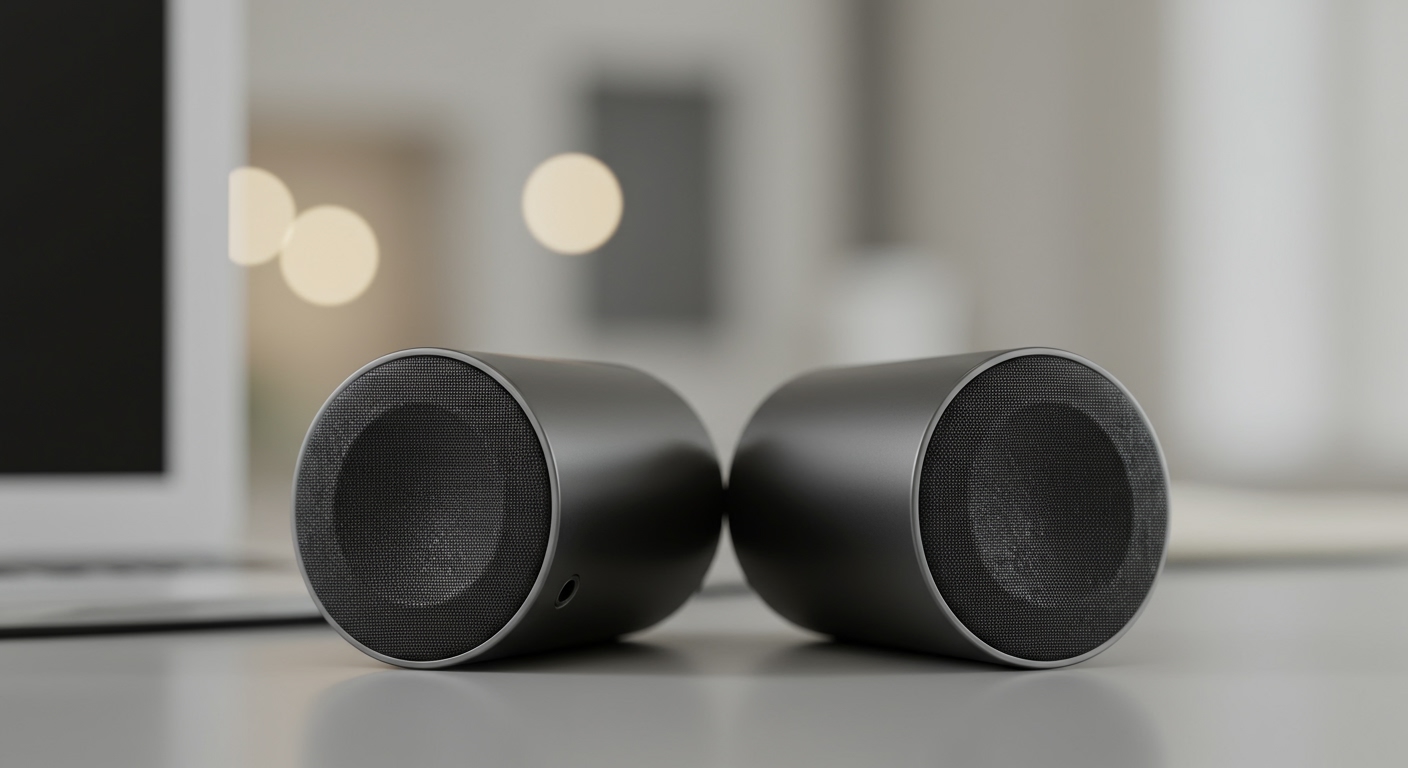
While a few novelty models and older devices (like certain generations of the Apple iPod Touch) feature tiny internal speakers, these are rare exceptions. The physical constraints of pocket-sized devices make it impossible to fit a speaker driver large enough to produce quality sound.
However, you are never limited to just headphones. We frequently test older digital audio players and modern high-res devices, and connecting them to external speakers is incredibly simple. Whether you want to use a portable boombox or a high-end home theater, your music can easily be shared out loud.
Below, we will walk you through exactly how to bridge the gap between your pocket-sized music library and your room-filling sound systems.
TL;DR / KEY TAKEAWAYS
- No Internal Speakers: The vast majority of MP3 players require headphones or external speakers to hear your music.
- External Compatibility: You absolutely can mp3 player play on speakers using an auxiliary cable, USB output, or Bluetooth.
- Home Theater Integration: Yes, can mp3 players play through your home speakers by utilizing simple RCA adapters or soundbar line-in ports.
- Audio Quality Rule: Always set your MP3 player’s volume to about 80% when connected to an external speaker to prevent audio distortion.
- Bluetooth Matters: Modern digital audio players (DAPs) support high-resolution Bluetooth codecs (like LDAC and aptX), making wireless speaker connections sound better than ever.
Do MP3 Players Have Speakers: Why Manufacturers Leave Them Out
You might wonder why smartphones have built-in speakers, but dedicated music players usually skip them. In our years of tearing down and testing personal audio devices, the reasons always come down to physics and purpose.
First, a speaker requires physical space to move air and create sound waves. MP3 players prioritize ultra-compact designs and massive internal batteries. Adding a speaker driver would force manufacturers to increase the device’s bulk or sacrifice battery life.
Second, the built-in speakers on tiny devices simply sound terrible. They lack bass response and distort at higher volumes. Audiophile brands like Sony Walkman, Astell&Kern, and Fiio cater to listeners who demand pristine audio quality. Including a cheap, tinny speaker goes against the primary purpose of a high-fidelity music player.
Finally, power consumption is a major factor. Powering an external speaker driver drains a battery up to ten times faster than powering a pair of sensitive In-Ear Monitors (IEMs). By omitting the speaker, your MP3 player can boast 30 to 50 hours of continuous playback.
How to Check If Your MP3 Player Has a Speaker
Before buying external gear, you should verify what your current device can do. While rare, there are a few budget-friendly MP3 players on platforms like Amazon that include rudimentary internal speakers.
Look at the physical casing of your device. If it has a built-in speaker, you will see a small cluster of perforations or a tiny mesh grill, usually located on the back or bottom edge.
Next, dive into the system settings. Navigate to the audio or output menu. If your device has a built-in speaker, there will usually be a toggle switch to turn the internal speaker on or off.
If you see a solid, unibody design with only a headphone jack and a charging port, your device does not have an internal speaker. In this case, you will need to rely on external hardware to share your music aloud.
Can MP3 Player Play On Speakers? (Portable Solutions)
One of the most common questions we hear is: can mp3 player play on speakers that I take to the beach or use in the park? The answer is a resounding yes.
Portable Bluetooth speakers and traditional wired boomboxes are the perfect companions for an MP3 player. Because MP3 players output an analog audio signal, they are universally compatible with almost any active speaker on the market.
You generally have two options for connecting your device to a portable speaker: a wired analog connection or a wireless Bluetooth connection. Each method has its own distinct advantages depending on your specific MP3 player model.
Let’s break down exactly how to execute both methods for the best possible sound quality.
Method 1: Connecting via a 3.5mm Auxiliary Cable
This is the most reliable, foolproof way to play your MP3 player through a portable speaker. It guarantees zero audio latency and zero signal compression.
Step 1: Locate the Ports
Find the 3.5mm headphone jack on your MP3 player. Then, look for a port labeled “AUX IN” or “Line In” on your portable speaker.
Step 2: Connect the Cable
Plug one end of a high-quality 3.5mm-to-3.5mm auxiliary cable into your MP3 player. Plug the other end directly into the speaker’s auxiliary input.
Step 3: Adjust the Volume Safely
Turn the volume on your portable speaker all the way down. Then, set the volume on your MP3 player to roughly 80%. Finally, slowly raise the volume on your portable speaker until it reaches your desired listening level.
Method 2: Connecting via Wireless Bluetooth
If you own a modern digital audio player with Bluetooth capabilities, you can ditch the cables entirely. This method is perfect for outdoor gatherings or working out.
Step 1: Enter Pairing Mode
Turn on your portable Bluetooth speaker and press the **









