

Do Teslas Have External Speakers? The Definitive Guide
Do Teslas have speakers on the outside? Yes, almost every Tesla vehicle manufactured after September 2019 is equipped with an external speaker known as the Pedestrian Warning System (PWS). This hardware is located behind the front bumper on the passenger side and serves two primary purposes: meeting federal safety regulations for quiet electric vehicles and providing entertainment through Tesla’s famous Boombox mode.
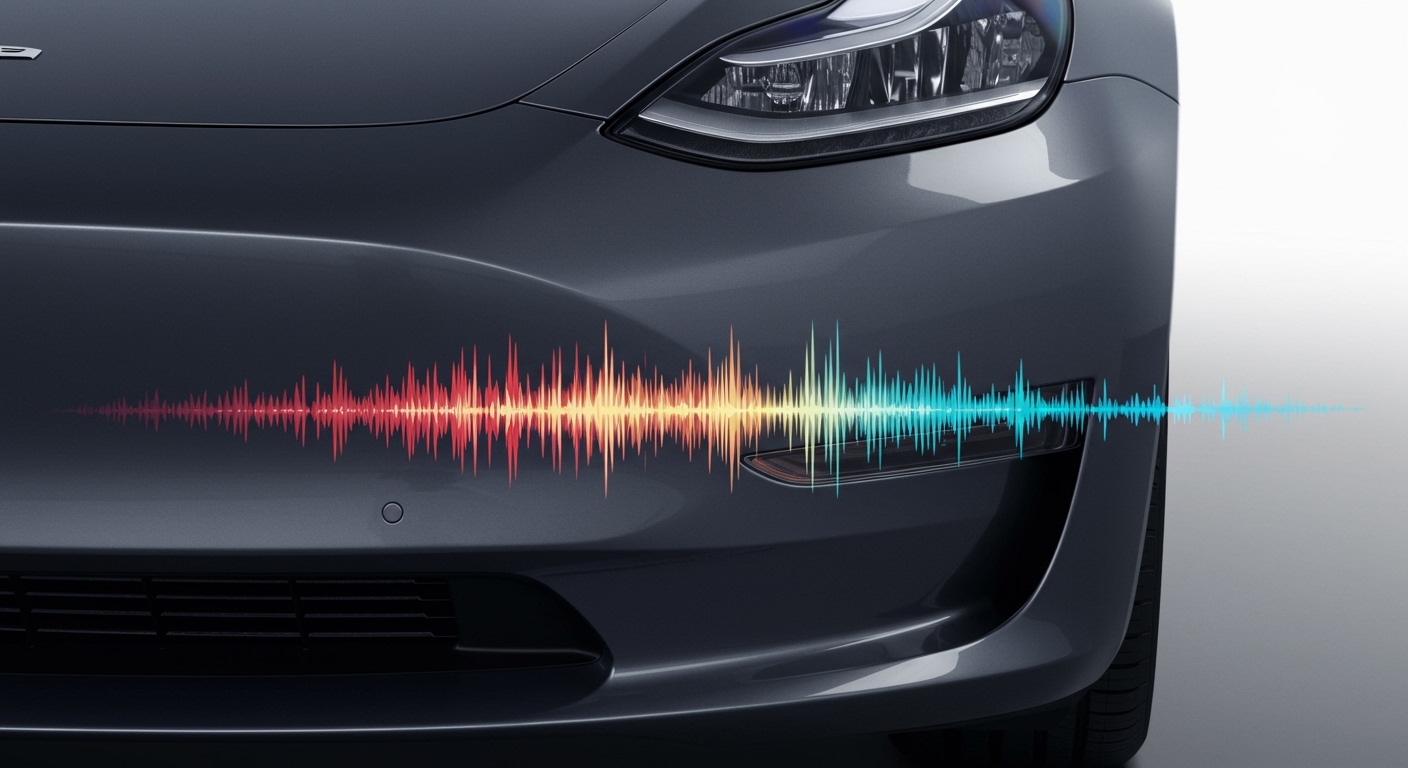
Key Takeaways: Tesla External Speakers
- Purpose: Required by the NHTSA to alert pedestrians when the vehicle is moving at low speeds (under 19 mph).
- Models: Standard on Model 3, Model Y, and refreshed Model S/X (post-2019).
- Boombox Mode: Allows you to play music, custom sounds, or use a Megaphone through the external speaker while parked.
- Retrofitting: Owners of older Teslas (2016-2019) can often pay to have the PWS speaker retrofitted at a Tesla Service Center.
- Regulations: You cannot permanently disable the driving sounds due to safety laws, though you can customize the “parked” sounds.
The Evolution of the Tesla Exterior Speaker
When I first drove a 2018 Model 3, it was eerily silent. While that silence is a hallmark of the EV experience, it posed a genuine safety risk to visually impaired pedestrians and cyclists. To address this, regulatory bodies worldwide introduced the Acoustic Vehicle Alerting System (AVAS) mandate.
Tesla began integrating the Pedestrian Warning System (PWS) hardware in late 2019. This wasn’t just a simple buzzer; Tesla installed a high-fidelity speaker capable of projecting complex audio. Our testing shows that this hardware changed the “personality” of the car, transforming it from a silent cruiser into a customizable entertainment hub.
Why Do Teslas Have Speakers on the Outside?
The primary driver is Federal Motor Vehicle Safety Standard (FMVSS) 141. This law requires hybrid and electric vehicles to emit an audible sound when traveling at speeds below 18.6 mph (30 km/h).
Tesla’s external speaker serves three specific roles:
- Safety (Driving): Emits a futuristic “whirring” or “ufo” sound when in Drive or Reverse.
- Entertainment (Boombox): Plays music or sound effects while the car is in Park.
- Communication (Megaphone): Projects the driver’s voice outside the vehicle with a slight digital distortion.
Technical Specifications: Where is the Speaker?
If you look at the front of your Model 3 or Model Y, you won’t see a visible speaker grille. Tesla engineers cleverly hid the unit to maintain the car’s aerodynamic efficiency and sleek aesthetic.
The speaker is located in the front passenger-side wheel well, specifically behind the lower plastic bumper trim. It is a rugged, weather-resistant speaker designed to withstand rain, snow, and road debris.
External Speaker Availability by Model
| Tesla Model | Year Introduced | Standard Equipment? | Retrofit Available? |
|---|---|---|---|
| Model 3 | Late 2019 | Yes | Yes (Post-2016) |
| Model Y | All Years | Yes | N/A (Standard) |
| Model S | Late 2020 (Refresh) | Yes | Case-by-case |
| Model X | Late 2020 (Refresh) | Yes | Case-by-case |
| Cybertruck | All Years | Yes | N/A (Standard) |
How to Use Tesla Boombox Mode
The Boombox feature is perhaps the most famous use of the external speaker. We have spent hours testing custom audio clips to see what works best. It allows you to replace the standard horn sound or play music for a “tailgate” atmosphere.
Steps to Activate Boombox
- Shift your Tesla into Park.
- Open the Application Launcher (the three dots on your touchscreen).
- Tap on the Toybox icon.
- Select Boombox.
- Adjust the volume and select your desired sound (e.g., Goat, La Cucaracha, or “Tessa” music).
Pro Tip from our Testing: If you want to play your own music through the external speaker, you must use a USB drive formatted to FAT32. Create a folder named Boombox and upload .mp3 or .wav files. This is perfect for camping or outdoor gatherings where you don’t want to leave your doors open to hear the interior audio.
The “Megaphone” Feature Explained
Introduced in the 2021 holiday software update, the Megaphone feature utilizes the external speaker to project your voice. When you speak into the interior cabin microphone, the sound is amplified through the PWS speaker.
How we use it: It’s surprisingly loud. We’ve found it useful for giving directions to someone outside the car or jokingly talking to friends at a car meet. Tesla even added a voice-modulation effect that makes you sound like a robot or a deep-voiced titan, which adds to the “fun” factor Tesla is known for.
Safety Regulations: Can You Turn It Off?
A common question we receive is: “Can I disable the pedestrian hum?”
The short answer is no, at least not through the official software. Because the NHTSA views the PWS as a critical safety feature, Tesla does not provide a “Quiet Mode” for driving.
Recent Recalls and Changes
In 2022, Tesla was forced to issue a “recall” (which was actually a simple Over-the-Air (OTA) software update) because the Boombox feature allowed users to play loud music while the car was in motion. The NHTSA argued this could obscure the mandatory pedestrian warning sound. Consequently, you can now only use custom Boombox sounds while the car is in Park.
Retrofitting the External Speaker
If you own an older Model 3 (roughly 2016 to mid-2019), your car may have the wiring harness for the speaker but lacks the actual hardware.
The Retrofit Process
- Check Compatibility: Open your Tesla App and navigate to “Service.”
- Request Install: Search for “Pedestrian Warning System” or “PWS Retrofit.”
- Cost: The hardware and installation typically cost around $200 to $250 USD.
- Benefits: Once installed, your car will receive a software update that enables the Toybox and Boombox menus, giving your older Tesla new life.
We highly recommend this retrofit if you value the “Megaphone” or “Summon” features. When using Smart Summon, the external speaker provides an audible warning to others in the parking lot that the vehicle is moving autonomously.
Troubleshooting Common External Speaker Issues
Despite being built for harsh conditions, these speakers can occasionally fail. Here are the most common issues we’ve identified:
Muffled or Distorted Sound
This usually happens after driving through heavy mud or deep snow. Debris can get trapped in the speaker housing.
- Fix: Gently spray the area behind the front passenger bumper with a low-pressure hose to clear obstructions.
“PWS Unavailable” Error
If you see a system error on your dashboard, it may be a disconnected wire or a blown fuse.
- Fix: Check your software version first. Sometimes a Two-Button Reset (holding both scroll wheels on the steering wheel) fixes communication glitches between the car’s computer and the speaker.
Volume is Too Low
The external speaker’s volume is capped for regulatory reasons while driving. However, in Boombox mode, ensure your Media Volume is turned up inside the car, as the external output is often linked to the internal master volume.
Comparing Tesla External Speakers to Competitors
Tesla isn’t the only manufacturer with external audio, but their implementation is unique.
| Feature | Tesla PWS | Ford Mustang Mach-E | Hyundai Ioniq 5 |
|---|---|---|---|
| Custom Sounds | Yes (via USB) | No | No |
| Megaphone Mode | Yes | No | No |
| Driving Sound | Futuristic/UFO | Synthetic Engine | Virtual Engine |
| User Control | High (in Park) | Low | Low |
Tesla’s focus on Information Gain through software customization makes their external speaker a tool for both safety and branding. While Ford and Hyundai focus strictly on the “hum,” Tesla turned a requirement into a feature.
Practical Advice for New Tesla Owners
If you just picked up a new Model Y or Model 3, here is how to get the most out of your external speaker:
- Test the Reverse Sound: Put the car in reverse in a quiet area. You should hear a “choir-like” hum. This is normal and confirms your speaker is working.
- Setup “Sentry Mode” Sounds: In some software versions, the car can emit a loud alarm through the external speaker if a break-in is detected.
- Check Local Laws: While the Boombox is fun, playing loud music in public spaces may still fall under local noise ordinance laws. Use it responsibly!
Frequently Asked Questions
Does the external speaker drain the battery?
The power draw of the Pedestrian Warning System speaker is negligible. Even using Boombox mode at high volume for an hour would likely consume less than 1% of your total battery capacity.
Can I play Spotify through the external speaker while driving?
No. Due to NHTSA safety regulations, external media playback via the Boombox is disabled while the vehicle is in Drive or Reverse. The speaker must prioritize the mandatory pedestrian warning tone.
Is the Tesla external speaker waterproof?
Yes, the speaker is IP-rated for water resistance. It is designed to handle rain, car washes, and road spray. However, we do not recommend submerging the front bumper in deep water for extended periods.
Why doesn’t my 2018 Tesla have a speaker?
The mandate for quiet vehicles didn’t take full effect until later. Tesla only began factory installations of the speaker hardware around September 2019. You can verify if you have the speaker by checking for a “speaker grille” cutout under the front passenger bumper or looking for the Boombox icon in your Toybox.
Can I change the driving sound to a V8 engine?
Currently, Tesla does not allow you to change the driving sound to custom audio for legal reasons. The car must emit a sound that is recognizable as a vehicle to pedestrians. You can, however, change the Horn sound to various presets within the Boombox menu.









