

Do You Need Speakers to Record Music? The Short Answer
No, you do not strictly need speakers to record music; you can successfully track, edit, and even mix entire songs using a high-quality pair of studio headphones. While studio monitors (specialized speakers) provide a more accurate representation of how sound moves in a room, many modern producers start with a “mobile” or “silent” setup to save money and avoid bothering neighbors.
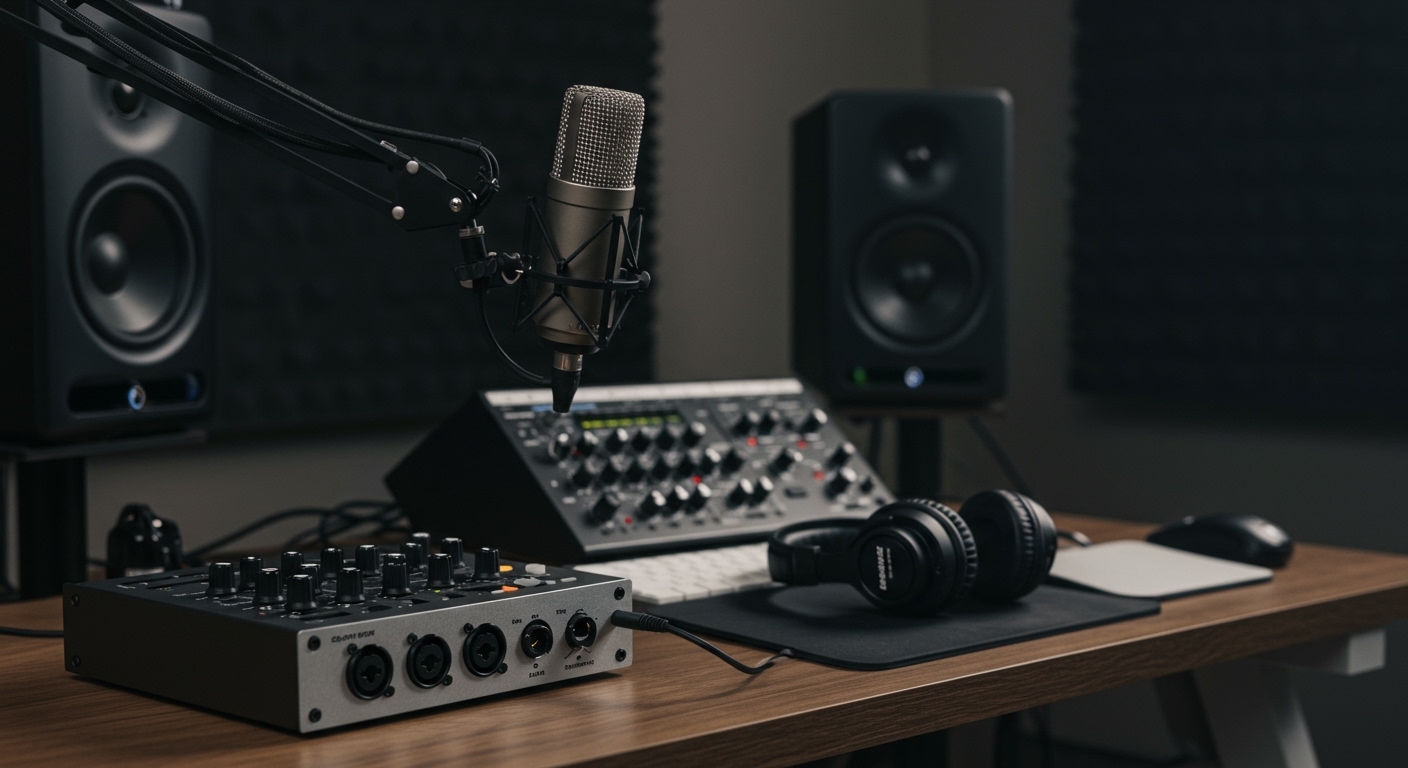
However, while you can record without them, relying solely on headphones can lead to ear fatigue and potential issues with stereo imaging. If your goal is to release professional-grade tracks, you will eventually want to invest in speakers to “check” how your music translates to different listening environments. In my experience building home studios on a budget, starting with closed-back headphones is the smartest move for beginners.
Key Takeaways: Recording with vs. Without Speakers
- Portability: A headphone-only setup allows you to record anywhere, from coffee shops to tour buses.
- Cost Efficiency: Good studio monitors require acoustic room treatment to sound accurate, which can double your initial investment.
- Tracking Necessity: You actually cannot use speakers while recording vocals or acoustic instruments via a microphone, as the sound will “bleed” into the mic and cause feedback.
- Mixing Accuracy: Speakers provide a natural “crossfeed” where both ears hear both speakers, which is essential for precise panning and depth.
- Ear Health: Long sessions on headphones can lead to temporary hearing shifts; speakers allow for a more “open” and less taxing listening experience.
Understanding the Difference: Recording vs. Mixing
To answer the question of whether you need speakers to record music, we must distinguish between the two main phases of production.
The Recording (Tracking) Phase
During the recording phase, speakers are often a liability. If you are recording vocals, an acoustic guitar, or any live instrument through a condenser microphone, you must use closed-back headphones.
If you played the backing track through speakers while singing, the microphone would pick up that background noise. This creates a “muddy” recording that is nearly impossible to clean up later. I’ve seen many beginners ruin a great vocal take because their studio monitors were turned up too loud in the background.
The Mixing and Mastering Phase
This is where the debate truly begins. Mixing is the process of balancing levels, applying EQ, and adding effects.
Studio monitors are designed to have a “flat frequency response,” meaning they don’t boost the bass or treble. They tell you the “ugly truth” about your mix. While you can mix on headphones, speakers allow you to feel the sub-bass in your chest and understand how the sound interacts with a physical room.
Headphones vs. Studio Monitors: Comparison Table
| Feature | Studio Headphones | Studio Monitors (Speakers) |
|---|---|---|
| Initial Cost | Low ($100 – $300) | Mid to High ($300 – $2,000+) |
| Room Treatment | Not Required | Crucial for accuracy |
| Portability | Excellent | Poor |
| Stereo Image | Wide/Separated | Natural/Blended |
| Detail Recovery | High (Good for clicks/pops) | Moderate (Good for overall balance) |
| Ear Fatigue | Occurs quickly | Occurs slowly |
| Recording Vocals | Essential | Not recommended (Feedback risk) |
Why You Might Skip Speakers Initially
In my first year of production, I strictly used the Sony MDR-7506 headphones. Here is why skipping speakers might actually be the better choice for your current situation:
Bad Room Acoustics**
If you are recording in a bedroom with bare walls and hardwood floors, expensive speakers like the Yamaha HS5 will actually lie to you. The sound will bounce off the walls, creating “standing waves” and “bass buildup.”
In an untreated room, you might hear too much bass and turn it down in your mix, only to find the song has no low-end when played in a car. Headphones bypass your room’s bad acoustics entirely.
Budget Constraints**
A decent pair of entry-level speakers costs around $300, but you also need TRS cables, isolation pads, and at least $200 in acoustic foam or bass traps.
You can buy a world-class pair of Beyerdynamic DT 990 Pro headphones for under $160 and get to work immediately. For most home creators, that $300 difference is better spent on a higher-quality Audio Interface or a better Microphone.
Noise Complaints**
Music production involves listening to the same four-bar loop for three hours straight. If you live in an apartment, your neighbors will not appreciate your 808 sub-bass at 2:00 AM. Recording music without speakers is the only way to maintain a “silent studio” workflow.
Essential Equipment for a “No-Speaker” Recording Setup
If you decide that you don’t need speakers to record music right now, you need to ensure your headphone setup is professional. Standard “consumer” headphones like Beats or AirPods are unsuitable because they artificially boost bass and treble.
The Audio Interface
You need a device to convert your instrument’s analog signal into a digital one. The Focusrite Scarlett 2i2 or the PreSonus AudioBox are industry standards. Ensure the interface has a powerful enough headphone amp to drive high-impedance “studio” cans.
Closed-Back vs. Open-Back Headphones
- Closed-Back (Recording): Use these when you are in front of the mic. Models like the Audio-Technica ATH-M50x prevent sound from leaking out.
- Open-Back (Mixing): Use these for balancing your song. The Sennheiser HD600 series allows air to pass through the earcups, creating a wider, more “speaker-like” soundstage.
Calibration Software
If you are worried about the accuracy of your headphones, I highly recommend using Sonarworks SoundID Reference. This software applies an EQ curve to your headphones to make them perfectly “flat,” simulating the accuracy of high-end studio monitors.
When Do You Actually Need Speakers?
While you can start without them, there is a “ceiling” to headphone-only production. You should consider adding speakers to your music recording setup when:
- You start mixing for clients: Professional engineers need to hear how the phantom center (the vocals) sits in a physical space.
- You struggle with “Translation”: If your songs sound great in your headphones but terrible in your car or on a smartphone, you need speakers to identify the phase issues.
- Physical Comfort: After 4 hours of wearing headphones, the physical pressure on your ears can become painful. Speakers allow you to work longer sessions.
- Collaboration: If you have a singer or another producer in the room, you can’t both huddle around one pair of headphones. You need monitors so everyone can hear the playback.
The Expert Workflow: The “Hybrid” Approach
We have found that the most effective way to produce music today is a hybrid approach. Use headphones for the “heavy lifting” and speakers for the “final polish.”
- Tracking: Use closed-back headphones to record all vocals and instruments.
- Arrangement/Editing: Use headphones to find tiny timing errors or background clicks.
- Initial Mix: Use open-back headphones to set your basic levels and EQ.
- Final Mix/Master: Turn on your studio monitors to check the “vibe,” the low-end impact, and the stereo width.
- The Car Test: Regardless of your gear, always export your song and listen to it in a car. The car is the ultimate “real world” speaker test.
Common Pitfalls of Recording Without Speakers
If you choose to skip the speakers, be aware of these three common mistakes:
- Setting the Volume Too High: Because the drivers are right against your eardrums, it is easy to listen at dangerous levels. Keep your interface volume at 50% or lower.
- Ignoring Mono Compatibility: Headphones make everything sound “wide.” Periodically switch your master track to Mono to ensure your instruments don’t disappear when played on a single Bluetooth speaker.
- Panning Too Aggressively: In headphones, a sound panned 100% left stays in the left ear. On speakers, your right ear still hears a bit of that sound. This can lead to “hollow” sounding mixes if you aren’t careful.
Frequently Asked Questions
Can I use computer speakers to record music?
You should avoid using standard computer speakers or “Logitech” style systems. These speakers are designed to make music sound “prettier” by adding artificial bass. They hide flaws in your recording, which will lead to a poor-quality final product. If you can’t afford studio monitors, stick to studio headphones.
Are monitors better than headphones for mastering?
Generally, yes. Mastering requires a deep understanding of how the frequency spectrum fills a room. Studio monitors (especially those with a dedicated subwoofer) are the gold standard for mastering. However, top-tier mastering engineers often use both to ensure the song sounds good on all playback systems.
Do I need an amp for studio headphones?
It depends on the impedance (measured in Ohms). If your headphones are 250 Ohms or higher (like the DT 880 Pros), a standard laptop jack won’t be loud enough. You will need an audio interface or a dedicated headphone amplifier to get the full frequency range.
What are the best budget studio monitors for beginners?
If you are ready to transition to speakers, the PreSonus Eris 3.5 or 5.0 are excellent entry-level choices. For those with a slightly higher budget, the KRK Rokit 5 G4 is a staple in home studios worldwide due to its built-in DSP room tuning.









