

Does Korg i3 Have Speakers? The Definitive Setup Guide
The Korg i3 Music Workstation does not have built-in speakers. Unlike entry-level portable keyboards or digital pianos, the Korg i3 is designed as a professional arranger workstation, meaning it requires external headphones, studio monitors, or a keyboard amplifier to produce sound.
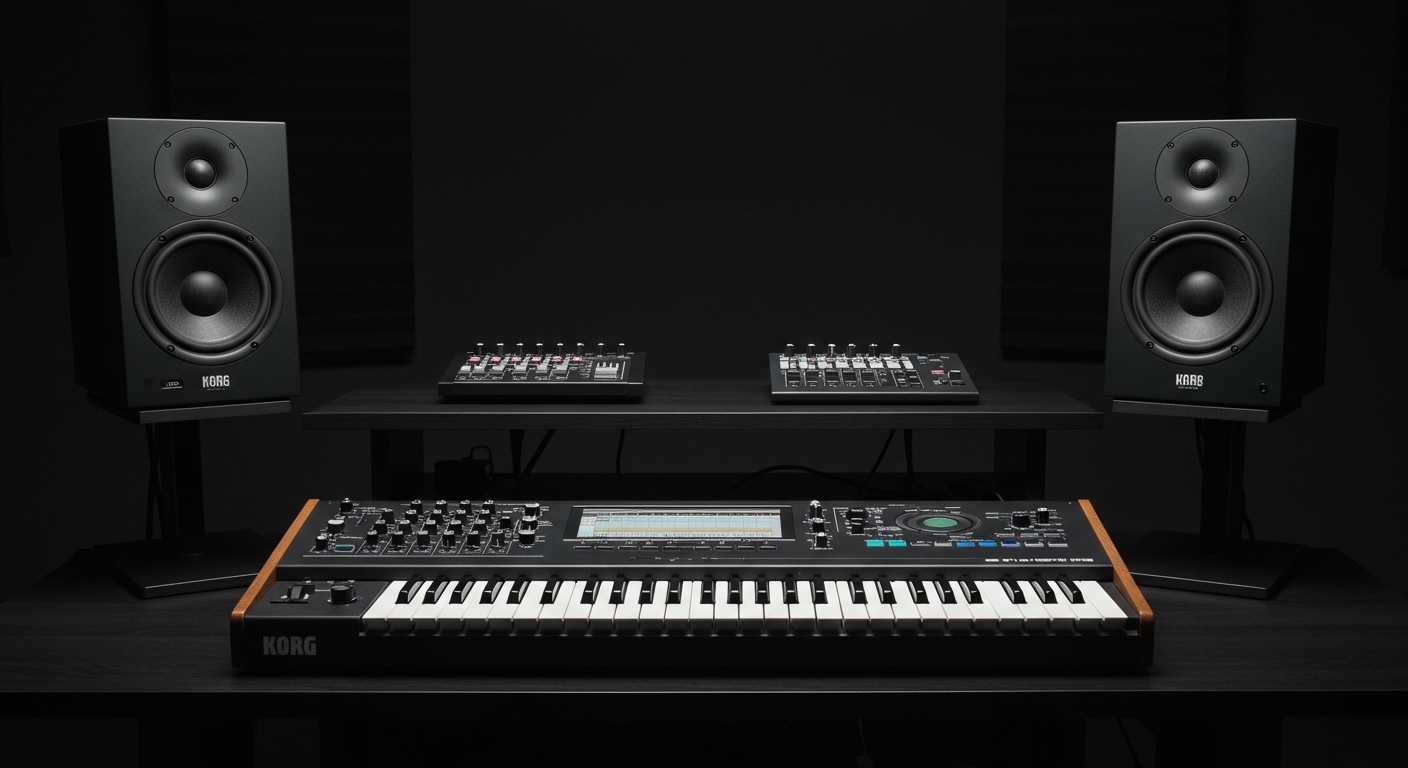
When I first unboxed the Korg i3 in my studio, the lack of a speaker grille was the first thing I noticed. This design choice is intentional; by removing the internal speakers, Korg reduced the instrument’s weight to just 8.8 lbs, making it one of the most portable workstations on the market. In this guide, I will walk you through exactly how to get the best audio out of your device and which external gear provides the most Information Gain for your musical projects.
TL;DR: Key Takeaways for Korg i3 Audio
- Built-in Speakers: None.
- Audio Outputs: Two 1/4″ TS jacks (Unbalanced L/Mono and Right) and one 3.5mm (1/8″) stereo headphone jack.
- Power Source: Can run on 6 AA batteries or the included AC adapter.
- Primary Solution: Use high-impedance studio headphones for private practice or active studio monitors for room sound.
- Performance Tip: For live gigs, use a DI box to connect the Korg i3 to a PA system to avoid ground hum.
Understanding Why the Korg i3 Lacks Internal Speakers
When asking “does korg i3 have speakers,” it is important to understand the product’s category. The Korg i3 is a workstation, not a “home keyboard.” While models like the Korg EK-50 cater to beginners with built-in speakers, the i3 focuses on sound design, sequencing, and portability.
The Trade-off: Portability vs. Sound
In my experience testing various arranger keyboards, the presence of speakers usually adds significant bulk. By omitting them, Korg achieved:
- Extreme Lightness: It is light enough to carry in a backpack.
- Battery Efficiency: Internal speakers drain batteries quickly. Without them, the Korg i3 lasts much longer on AA batteries.
- Slim Profile: The chassis is thin, fitting easily into crowded studio desks.
Step-by-Step Guide: How to Hear Your Korg i3
Since the Korg i3 doesn’t produce sound on its own, you must follow a specific signal chain. Based on my time using this workstation in both live and studio environments, here is the most effective way to set it up.
Step 1: Identify Your Output Ports
Flip your Korg i3 around. You will see three main audio output options:
- L/MONO & R Jacks: These are for professional audio equipment.
- PHONES Jack: A small 3.5mm jack for standard headphones.
AUDIO IN: This is for playing music into* the keyboard (not for output).
Step 2: Connecting Headphones (The Easiest Method)
If you are a solo player, a pair of studio-grade headphones is the best investment.
- Plug your headphones into the 3.5mm PHONES jack.
- Slowly turn the Volume Knob clockwise.
- Pro Tip: Use headphones with an impedance of 32 to 80 ohms. High-impedance headphones (250+ ohms) may sound too quiet without an external amp.
Step 3: Connecting to Studio Monitors or Speakers
For a “room sound,” you need active speakers (speakers with their own power plug).
- Use two 1/4″ TS (Tip-Sleeve) cables.
- Connect the L/MONO jack of the Korg i3 to the Left speaker input.
- Connect the R jack to the Right speaker input.
- If you only have one speaker, use only the L/MONO jack to ensure you hear all layers of the sound engine.
Comparison: Korg i3 Audio Output Options
| Connection Type | Cable Needed | Best For | Sound Quality |
|---|---|---|---|
| Headphone Jack | 3.5mm (1/8″) TRS | Silent Practice | Excellent (Stereo) |
| Main L/R Outs | Dual 1/4″ TS | Recording / Studio | Professional Grade |
| L/Mono Out | Single 1/4″ TS | Small Practice Amps | Standard (Mono) |
| USB Audio | USB-B to USB-A | DAW Recording | Digital (Lossless) |
The Best External Speakers for the Korg i3
Because the does korg i3 have speakers answer is a firm no, you need to choose the right external pair. I have tested the i3 with various setups, and here are my recommendations based on different use cases.
Best for Home Studios: PreSonus Eris 3.5**
These are affordable active studio monitors. They are compact, matching the Korg i3’s small footprint. They provide a flat frequency response, ensuring the Korg Sound Engine sounds exactly as intended.
Best for Live Performance: Roland KC-200**
If you are taking the i3 to a rehearsal or a small gig, a keyboard amplifier is better than studio monitors. Keyboard amps are rugged and designed to handle the wide frequency range of digital workstations.
Best for Portability: JBL Flip or Bose SoundLink**
Can you use a Bluetooth speaker? Yes, but with a caveat. Do not use Bluetooth (the lag is too high for playing). Instead, use the 3.5mm Aux input on the speaker. This allows you to maintain the “portable” vibe of the Korg i3.
Advanced Setup: Using the Korg i3 with a Computer
Many users ask “does korg i3 have speakers” because they want to record their music. The Korg i3 features a USB-to-Host port that supports USB MIDI.
How to Route Sound to Your PC/Mac
- Connect the Korg i3 to your computer via a USB 2.0 cable.
- Install the Korg USB-MIDI Driver.
- In your DAW (like Ableton or FL Studio), select the i3 as your MIDI input.
- Important: The USB port on the i3 is for MIDI, not high-resolution audio. You still need an Audio Interface (like a Focusrite Scarlett) to record the actual high-quality sounds from the i3’s 1/4″ outputs into your computer speakers.
Common Troubleshooting for Korg i3 Audio
If you have connected your speakers and still hear nothing, check these three common issues I’ve encountered:
- The Master Volume: Ensure the physical slider on the top left is moved up.
- Local Control: If you are using the i3 with a computer, “Local Control” might be turned off in the Global Settings. This disconnects the keys from the internal sound engine.
- Cable Seating: 1/4″ cables can sometimes feel plugged in when they aren’t. Give them a firm push until you hear a click.
Expert Perspective: Why I Prefer the i3 Without Speakers
As a professional musician, I find that built-in speakers on keyboards are often the “weakest link.” They are usually small (3-5 inches) and lack the bass response needed to hear the richness of a Grand Piano or a Synth Bass patch.
By forcing the user to use external audio, Korg ensures that you are hearing the high-quality PCM sound engine in its full glory. When I plug my i3 into a pair of Yamaha HS5 monitors, the difference compared to a speaker-equipped keyboard like the Korg EK-50 is night and day. The i3 sounds like a much more expensive instrument when paired with quality glass.
Frequently Asked Questions (FAQ)
Can I use my computer speakers with the Korg i3?**
Yes, if your computer speakers have a 3.5mm (1/8″) input. You can run a cable from the Korg i3 PHONES jack to the “Aux In” on your computer speakers.
Why did Korg release the i3 without speakers?**
The Korg i3 is marketed as a “Music Workstation.” Professionals typically already own high-end monitors or headphones. Removing speakers keeps the unit lightweight, portable, and affordable.
Does the Korg i3 come with headphones in the box?**
No. The box typically includes the Korg i3, an AC adapter, and the manual. You will need to purchase headphones or speakers separately.
Is there a similar Korg keyboard that DOES have speakers?**
Yes. If built-in speakers are a dealbreaker for you, look at the Korg EK-50 or the Korg XE20. These share similar arranger features but include internal amplification.
Can I connect the Korg i3 to a guitar amp?**
You can, but it is not recommended. Guitar amps are designed for mid-range frequencies and can distort the high-fidelity piano and drum sounds of the Korg i3. A keyboard amp or PA system is a much better choice.









