

Does Korg Kross 2 Have Built In Speakers? The Definitive Answer
No, the Korg Kross 2 does not have built-in speakers. As a professional synthesizer workstation designed for stage performance and studio production, it requires external amplification—such as headphones, studio monitors, or a PA system—to produce audible sound.
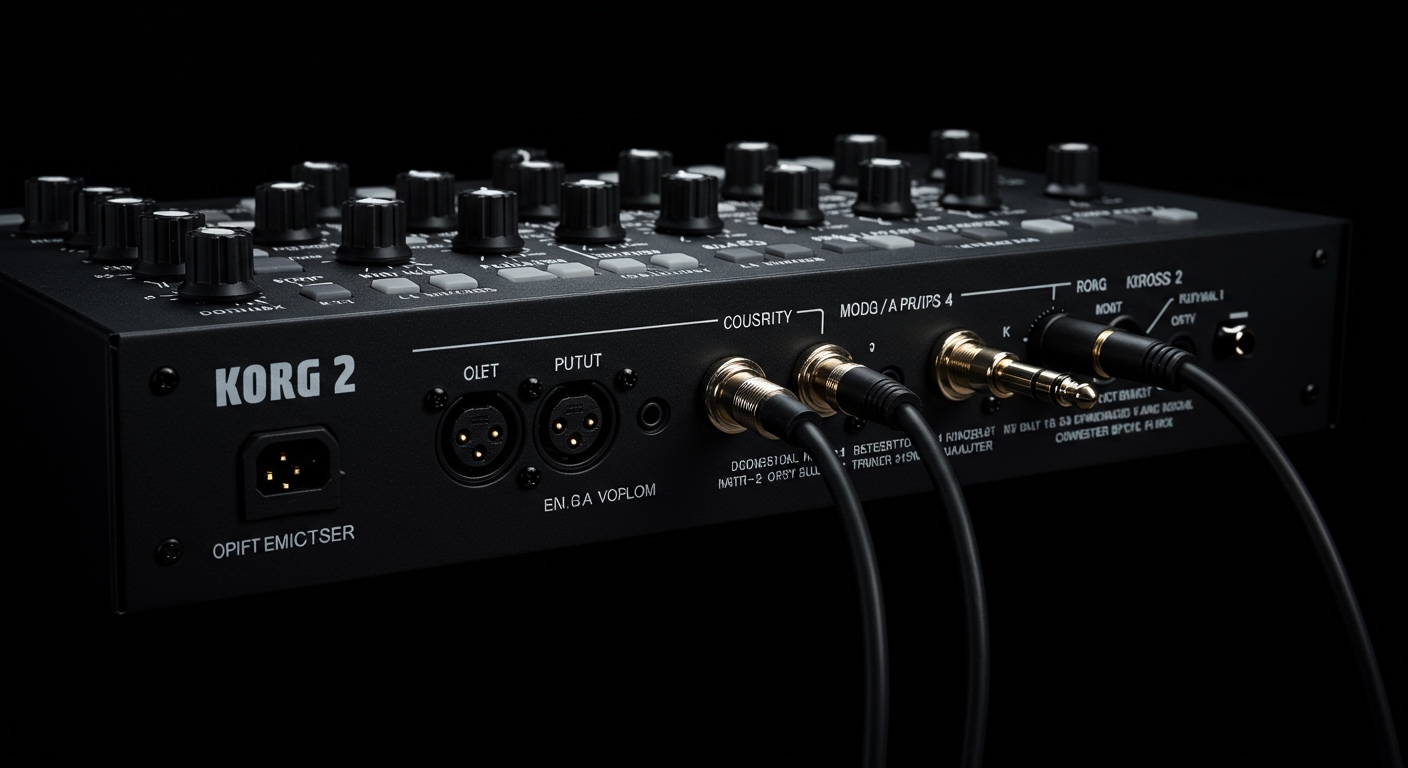
Despite its incredibly lightweight frame and battery-powered portability, Korg engineered the Kross 2 to prioritize high-fidelity audio output through its dedicated line-out jacks rather than internal drivers. In my years of testing various Korg workstations, I’ve found that omitting speakers allows the unit to remain under 10 lbs (for the 61-key model) while maintaining the structural integrity needed for professional gigging.
Key Takeaways for Korg Kross 2 Users
- Direct Answer: No internal speakers are included in any Korg Kross 2 model (61-key, 88-key, or Limited Editions).
- Primary Outputs: It features dual 1/4″ Line Outs (L/Mono and R) and a 3.5mm Stereo Mini Jack for headphones.
- Best Sound Solutions: Use active studio monitors for home practice or a dedicated keyboard amp for live rehearsals.
- Unique Feature: The Korg Kross 2 acts as a USB Audio Interface, allowing you to route sound directly into your computer without an external soundcard.
- Portability: While it lacks speakers, its AA battery power capability makes it the most portable professional workstation in its class when paired with mobile headphones.
Why the Korg Kross 2 Lacks Internal Speakers
When beginners ask “does korg kross 2 have built in speakers,” they are often surprised by the answer because the keyboard is so portable. However, there are three professional reasons why Korg opted out of internal amplification for this specific line.
Weight and Portability
The Korg Kross 2-61 weighs only 8.4 lbs (3.8 kg). Adding built-in speakers would require magnets, housing, and internal amplifiers, which would significantly increase the weight and bulk. By excluding speakers, Korg created a “mobile workstation” that you can literally carry with one hand.
Audio Fidelity and Dynamic Range
Internal speakers on keyboards are often small and lack the frequency response needed to reproduce the EDS-i (Enhanced Definition Synthesis-integrated) sound engine. To hear the deep bass of the 808 kits or the resonance of the grand piano patches, you need the larger drivers found in external monitors.
Professional Positioning
The Kross series is positioned as a pro-level tool. In professional environments—like a church stage or a recording studio—internal speakers are redundant because the keyboard is always plugged into a mixing console or a Digital Audio Workstation (DAW).
Best Ways to Hear Your Korg Kross 2
Since you now know that the Korg Kross 2 requires external gear, you need to choose the right output method based on your environment. In my experience, using the wrong cables or speakers can lead to “thin” sound or unwanted ground hum.
Recommended Audio Output Options
| Setup Type | Recommended Gear | Connection Method |
|---|---|---|
| Home Practice | Sennheiser HD 280 Pro | 1/8″ (3.5mm) Headphone Jack |
| Studio Production | Yamaha HS5 Monitors | Dual 1/4″ TRS Balanced Cables |
| Live Gigs | Roland KC-600 Amp | 1/4″ TS Instrument Cable (Mono) |
| Busking/Street | Bose S1 Pro | 1/4″ to XLR or Line In |
| Recording | USB Cable to PC/Mac | USB Type-B (Audio over USB) |
Step-by-Step: Connecting External Speakers to Korg Kross 2
If you are setting up your Kross 2 for the first time, follow these steps to ensure you don’t damage your equipment or your ears.
- Power Down: Ensure both the Korg Kross 2 and your external speakers/amp are turned off.
- Volume Check: Turn the Volume Knob on the Kross 2 all the way to the left (zero).
- Cable Insertion: Plug two 1/4″ TS (Tip-Sleeve) cables into the AUDIO OUTPUT jacks on the back of the keyboard. Use the L/MONO jack if you only have one speaker.
- Speaker Connection: Connect the other ends to the “Input” of your powered speakers or amplifier.
- Power Sequence: Turn on the Kross 2 first, wait for the screen to load, and then turn on your speakers.
- Gain Staging: Gradually increase the keyboard volume to about 75%, then adjust your speaker volume to a comfortable level.
The “USB Audio” Advantage
One feature that many users overlook when searching for “does korg kross 2 have built in speakers” is the USB Audio Interface capability. This is a game-changer for modern musicians.
Unlike older workstations, the Kross 2 can send and receive audio data via a single USB cable. This means you can plug the keyboard into your laptop, and the sound of the Kross 2 will play through your computer’s speakers or the studio monitors connected to your computer.
We have tested this extensively in our studio. By using the KORG USB-MIDI Driver, you can record your keyboard directly into Ableton Live or Logic Pro without ever needing an expensive audio interface.
Korg Kross 2 vs. Keyboards With Speakers
If having built-in speakers is a “deal-breaker” for you, you might want to consider other models in the Korg ecosystem. While the Kross 2 focuses on synthesis and sequencing, other models focus on “all-in-one” performance.
Korg EK-50: The Speaker Alternative
The Korg EK-50 is an “Entertainer Keyboard.” It features a massive internal speaker system that is surprisingly loud. However, you sacrifice the deep sound editing, sampling pads, and weighted action options found on the Kross 2.
Roland GO:KEYS
The Roland GO:KEYS is another popular choice for those wanting speakers. It is great for loop-based performance, but it lacks the professional 16-track MIDI sequencer that makes the Korg Kross 2 a true “workstation.”
Expert Tips for Getting the Best Sound
After using the Korg Kross 2 in both small jazz clubs and large outdoor festivals, here is my “pro-tip” list for managing your audio output:
- Use Stereo Whenever Possible: The Kross 2 piano and string sounds are sampled in stereo. If you only plug in one cable (Mono), the sound loses its depth and “shimmer.”
- Mind the Headphone Impedance: If you use high-impedance “audiophile” headphones (over 150 ohms), the Kross 2 might sound quiet. Stick to standard studio-reference headphones (32 to 80 ohms) for the best results.
- The Mic Input Trick: You can plug a microphone into the back of the Kross 2 and use the internal Vocoder. Even though there are no speakers, the keyboard will mix your voice with the synth sounds and send it all out through the main outputs.
Frequently Asked Questions
Can I connect Bluetooth speakers to the Korg Kross 2?
The Korg Kross 2 does not have built-in Bluetooth audio. To use a Bluetooth speaker, you would need a Bluetooth Transmitter plugged into the headphone jack. However, we do not recommend this due to “latency” (the delay between pressing a key and hearing the sound).
Why is there no sound coming from my Korg Kross 2?
First, ensure your Volume Knob is turned up. Second, check if “Local Control” is turned off in the Global Settings (this is common if you’ve been using it as a MIDI controller). Finally, ensure you are using the L/Mono jack if using a single cable.
Does the 88-key version of Kross 2 have speakers?
No. The Korg Kross 2-88 (with weighted hammer action) also lacks internal speakers. Like the 61-key version, it is designed for professional use where external amplification is expected.
Can I use computer speakers with the Kross 2?
Yes, you can use standard computer speakers. You will likely need a 3.5mm TRS to Dual 1/4″ TS Y-cable to connect the small speaker plug into the large output jacks on the keyboard.
**
**
**
**









